Custom Alerts MT4
- Utilities
- Version: 2.30
- Updated: 18 February 2026
- Activations: 10

Custom Alerts: Monitor Multiple Markets and Never Miss a Key Setup
Overview
Custom Alerts is a dynamic solution for traders who want a consolidated way to track potential setups across multiple instruments. By integrating data from our flagship tools—such as FX Power, FX Volume, FX Dynamic, FX Levels, and IX Power—Custom Alerts automatically notifies you of crucial market developments without juggling multiple charts or missing prime opportunities. With support for all asset classes your broker offers, you can now configure alerts without typing any symbol names — just select the asset class in the settings and you’re ready to go.
1. Why Custom Alerts Is Extremely Beneficial for Traders
All-in-One Market Monitoring
• Custom Alerts gathers and consolidates signals from Forex, Metals, Crypto, Indices, and even Shares (if supported by your broker).
• Eliminate the hassle of switching between charts — receive clear, centralized notifications instead.Tailored Alerts for Your Strategy
• Configure alerts with precision. Whether you’re tracking volume spikes, strength thresholds, or extreme price movements, Custom Alerts ensures you never miss a critical signal.
• Integrate seamlessly with Stein Investments tools for deeper analysis and smarter trade setups.Time-Saving and Efficient
• No need to babysit charts. Let Custom Alerts do the scanning for you — even while you're away from the screen.
2. How to Get Started with Custom Alerts
Install and Activate
• Open your MetaTrader platform and load Custom Alerts onto any chart.
• We recommend running the tool on a separate chart or terminal (such as a VPS) to monitor continuously.
• The indicator automatically reads data from Stein Investments tools, so ensure required components are activated for full functionality.Define Your Instruments
• Choose which asset classes to monitor — from currencies and gold to indices and crypto — without typing a single symbol.
3. How Custom Alerts Works
Smart Data Integration
• Reads signals from FX Power, FX Volume, FX Dynamic, FX Levels, and IX Power — whichever tools you’ve licensed and enabled.
• Consolidates this information into clear alerts across all selected asset classes.Real-Time Alert Engine
• Scans all assets in real-time and sends alerts via popup, sound, or email as soon as conditions are met.
4. Use Cases
Multi-Market Setup Detection
• Monitor all markets from one chart.
• Great for traders tracking multiple instruments like EURUSD, Gold, DAX, or BTC.Strategy-Based Alerts
• Customize your logic: follow strength trends, volume dynamics, or combined signals.Stay Informed, Stay Ahead
• Get alerts while away from the terminal — never miss an opportunity again.
5. Modular Setup – Use Only What You Need
Custom Alerts requires additional data sources (FX Power, FX Volume, FX Dynamic, FX Levels, IX Power). But you only need licenses for the indicators relevant to your selected alert filters.
• For example, if you only want to monitor volume or price volatility, just enable FX Volume or FX Dynamic accordingly.
• This flexible licensing model keeps it affordable and adaptable to your strategy.
Prefer Zero Setup?
Check out the Custom Alerts AIO version — an all-in-one solution with all required indicators internally embedded.
• Optimized for alert generation only (no chart graphics), it works right out of the box.
• No additional licenses required — just install and start monitoring across all asset classes.
6. Resources & Support
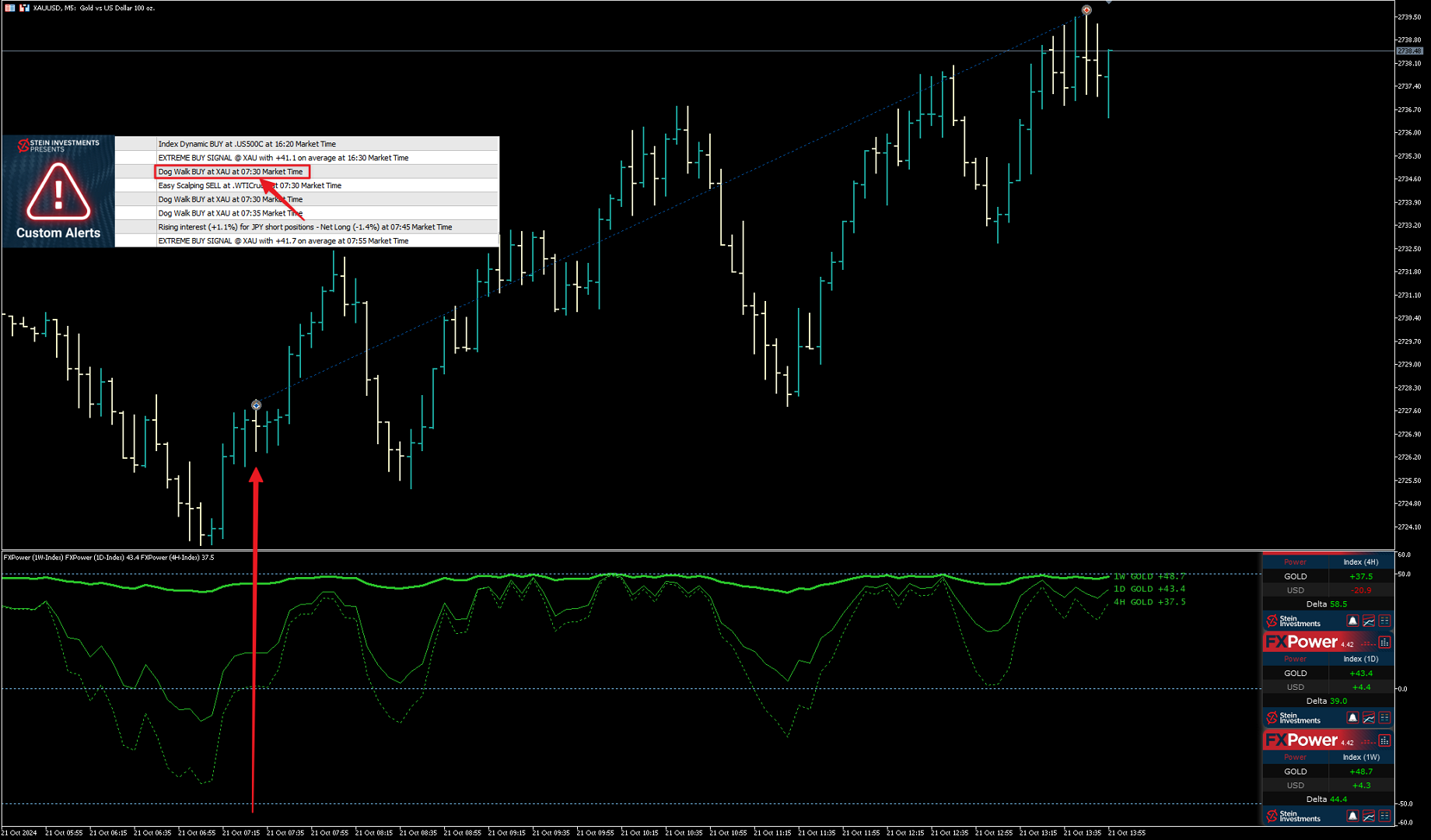
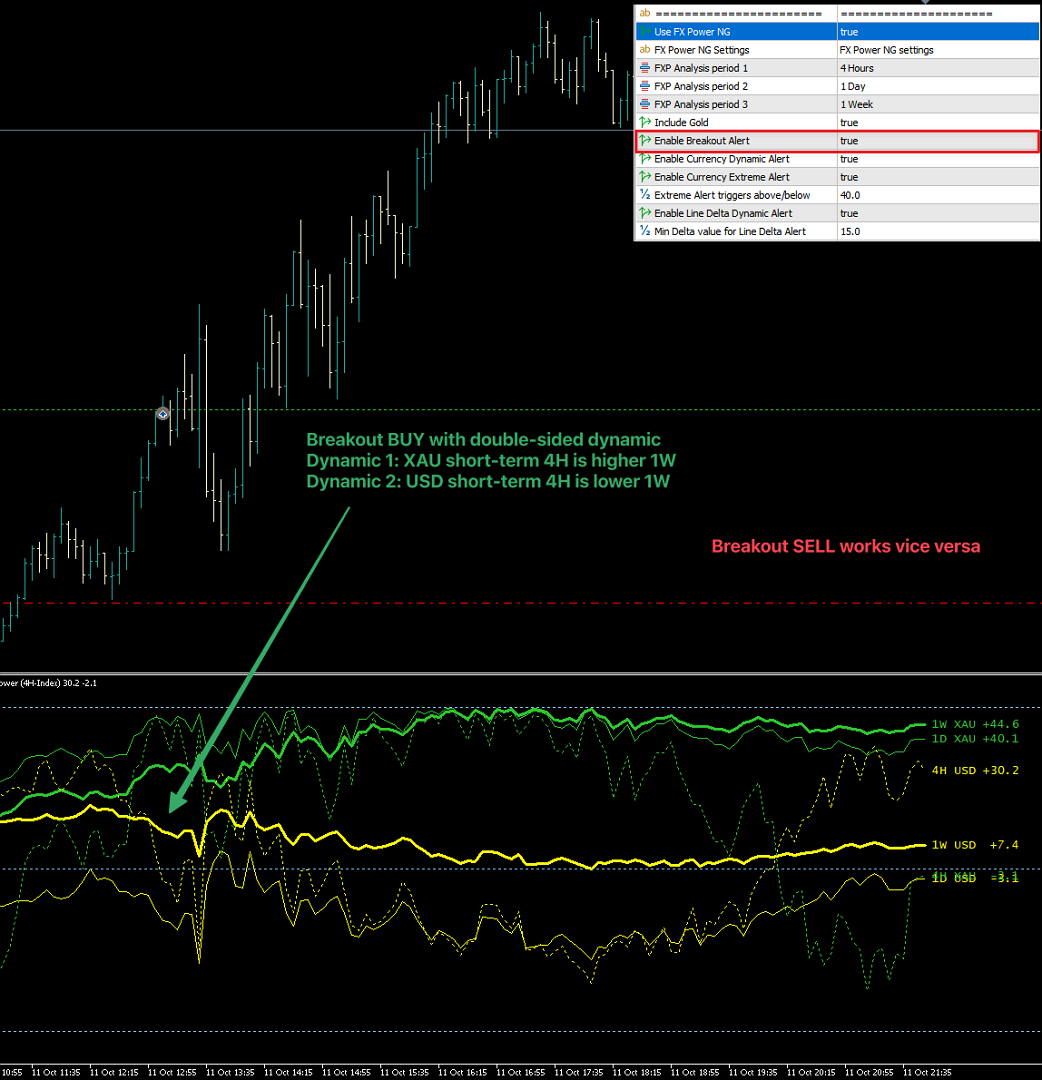
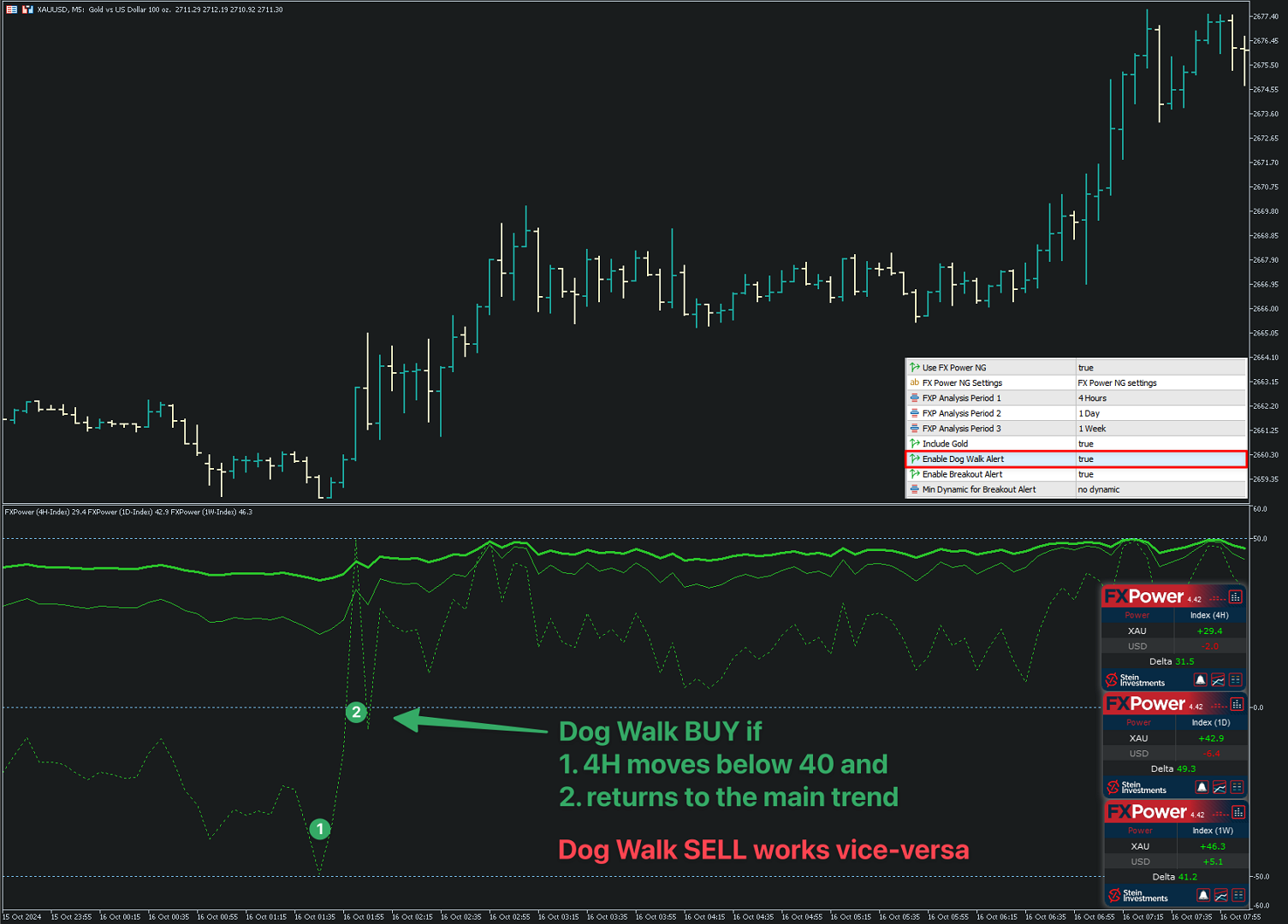
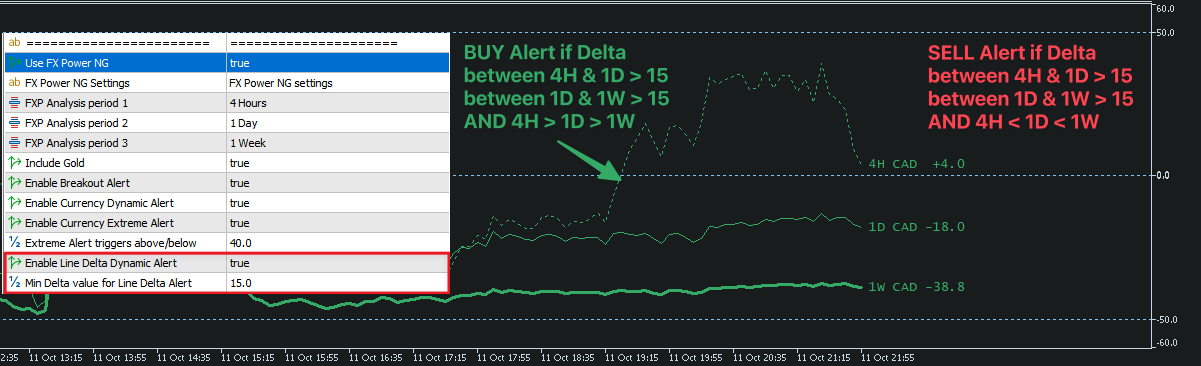
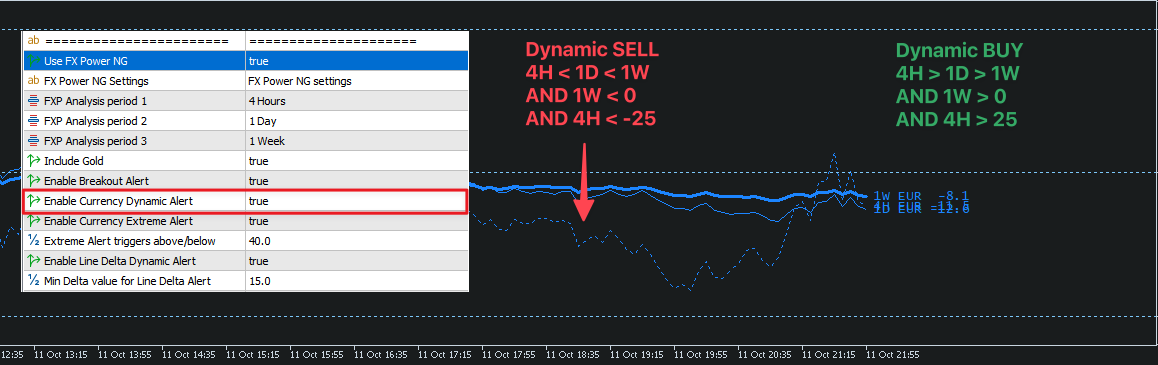
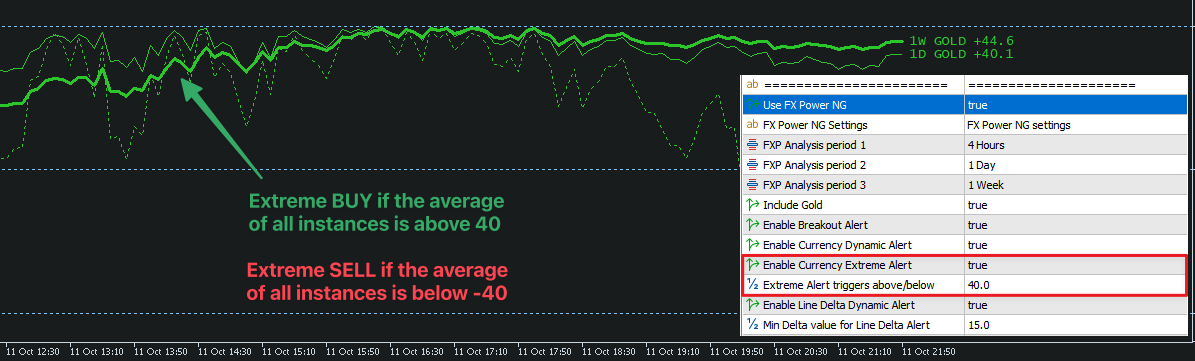
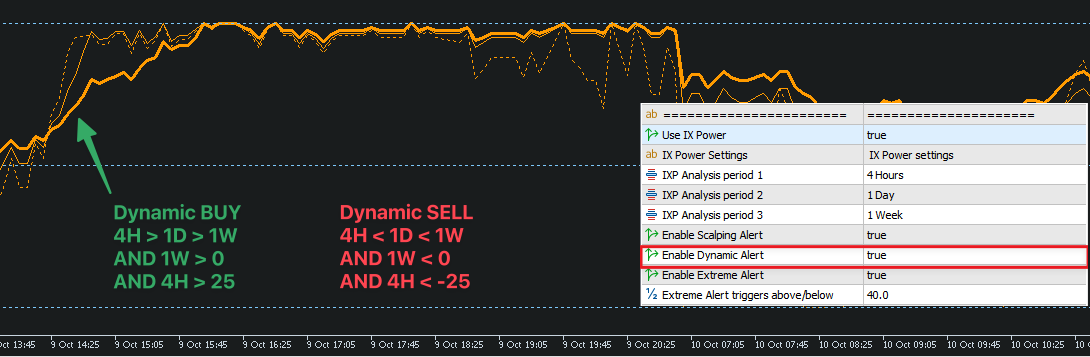
FAQ: All available alert types and configuration options are explained in detail with screenshots in the Custom Alerts FAQ.
Community: Join our trader chat group to exchange strategies and get help.
Support: Need assistance? Our team is here to help with installation, setup, and optimization.
Ready to take your market monitoring to the next level?
Install Custom Alerts today and experience seamless, real-time insight across all markets — all from one chart, fully tailored to your strategy.
Best regards,
Daniel & Alain







































































I purchased this indicator on October 16th last year, filled with anticipation for the potential it seemed to hold. After testing it for a few days, I found myself overwhelmed by the sheer volume of signals it produced—far too many to manage effectively. Consequently, I chose to exclude this indicator from my trading strategy. At the time, I was already satisfied with Daniel’s indicators, which were working well for me, so the purchase initially felt like a misstep, leaving me with a tinge of regret. However, consistent and timely updates transformed this tool, compelling me to reevaluate its capabilities. Today, I can’t imagine trading without it. Both the author of the indicator and traders within the Stein Investments Private group played a significant role in refining it into the robust tool it is now. The author stands out for his exceptional work ethic, actively considering and implementing user suggestions after assessing their viability and potential benefit for a diverse audience. This indicator now complements my trading philosophy perfectly. It delivers highly relevant signals in an optimal quantity and quality, tailored to the parameters I’ve defined. To maximize its potential, I recommend purchasing the foundational tools used to generate its signals. These tools facilitate the visual validation of each signal, simplifying the analysis process. Additionally, understanding the intricacies of these tools is crucial, and the author provides diverse information and strategies to help users unlock their full value.