NT Trade Manager Panel MT4
- Utilities
- Version: 1.0
- Activations: 10

A professional panel for manual trading that keeps the whole trade cycle in one window on the chart, from a precise entry to protecting your account. Size every position strictly to a defined risk, build the trade with lines directly on the chart using the RR Tool, and place market and pending orders, grids and OCO. The panel takes position management off your hands: partial closing across up to five levels, six types of trailing stop, breakeven and Virtual SL/TP. Daily, weekly and monthly limits guard your deposit and trigger automatically when they are breached.
Guides and free Live demo
The free Live demo version is available here (Free Live Demo).
User guides for the product are here (User Manual).
NT Trade Manager brings a trader's entire workflow into one compact panel on the chart, with no switching between terminal windows and no manual math before each entry. It is built for people who trade by hand and on purpose: discretionary traders, scalpers and swing traders on any instrument, whether currencies, metals, indices, commodities or crypto. You make the decisions, and the panel takes over the routine of execution, risk discipline and position management. Nothing happens without your command: this is a working tool, not an autopilot and not a signals service.
What it does
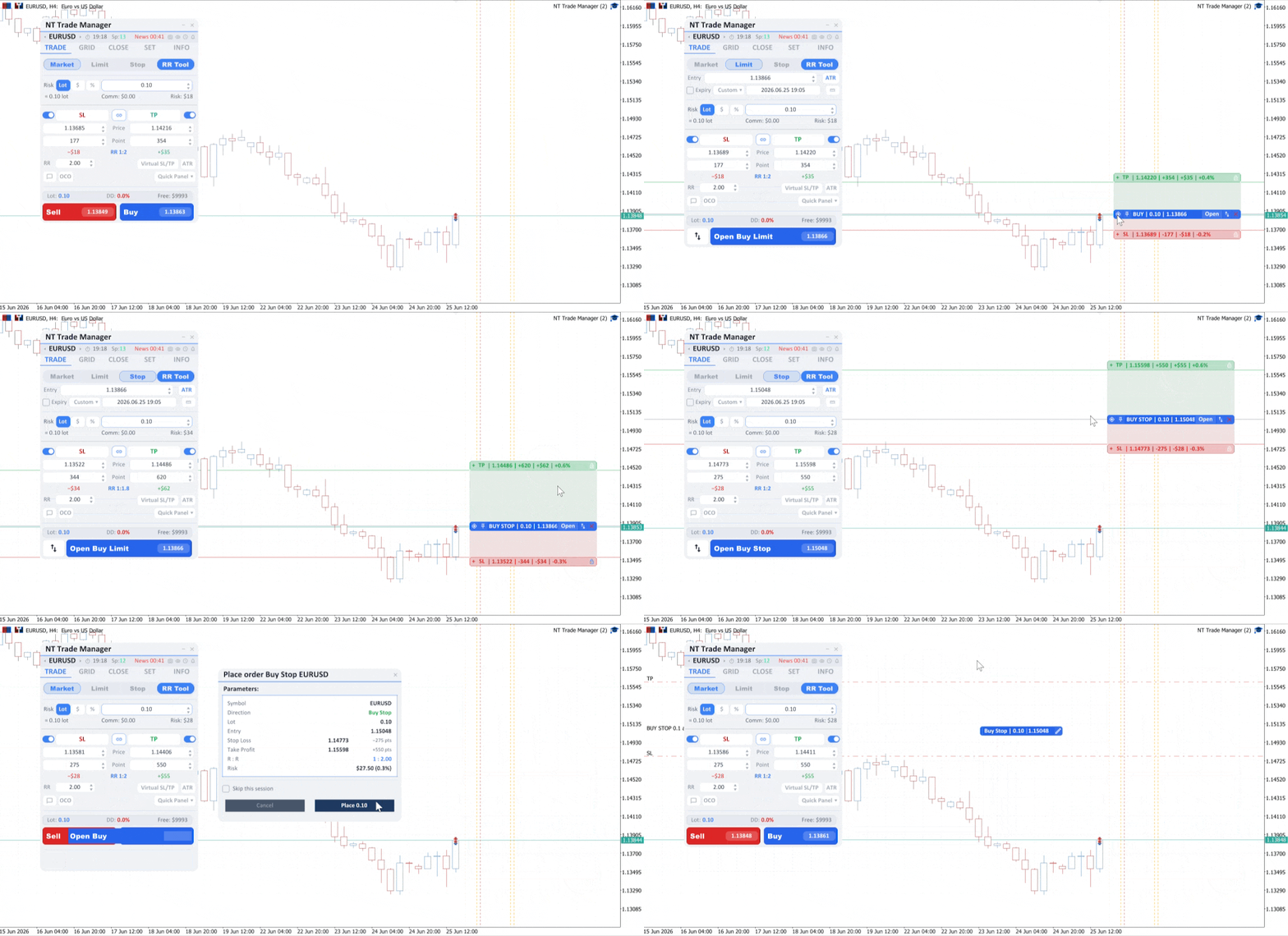
Every position's volume is calculated strictly to a defined risk: as a percentage of balance, in deposit currency or as a fixed lot, with commission and lot step taken into account. You can enter with Market, Limit, Stop and Stop-Limit orders with spread control, and pending orders support OCO (One-Cancels-Other) and an expiry date. For the rest of a trader's tasks the panel has dedicated tools:
- RR Tool: the trade is built from Entry, Stop Loss and Take Profit lines right on the chart, locking in your chosen RR while instantly computing risk and volume
- Partial closing: up to 5 Take Profit and 5 Stop Loss levels (in points, by RR or by price), breakeven and an automatic SL shift after each level
- Deposit protection: loss and profit limits for the day, week and month, a cap on the number of trades, Virtual SL/TP, a volume cap and a mandatory Stop Loss, with automatic actions on breach
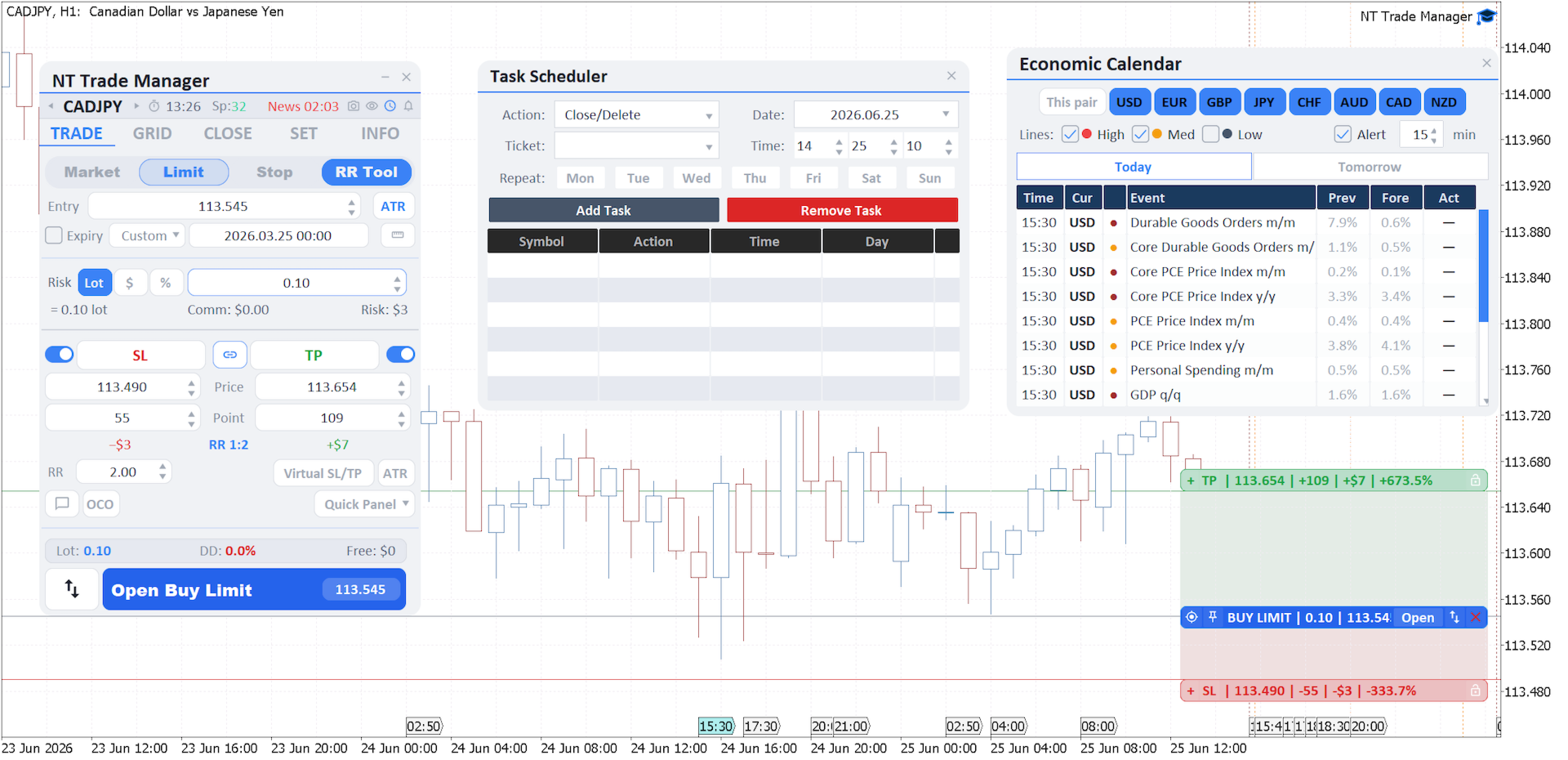
- Economic calendar: news filtered by currency and importance, with vertical event lines on the chart
- Scheduler: closing positions, removing pending orders and exiting the terminal on a schedule, repeating by day of the week
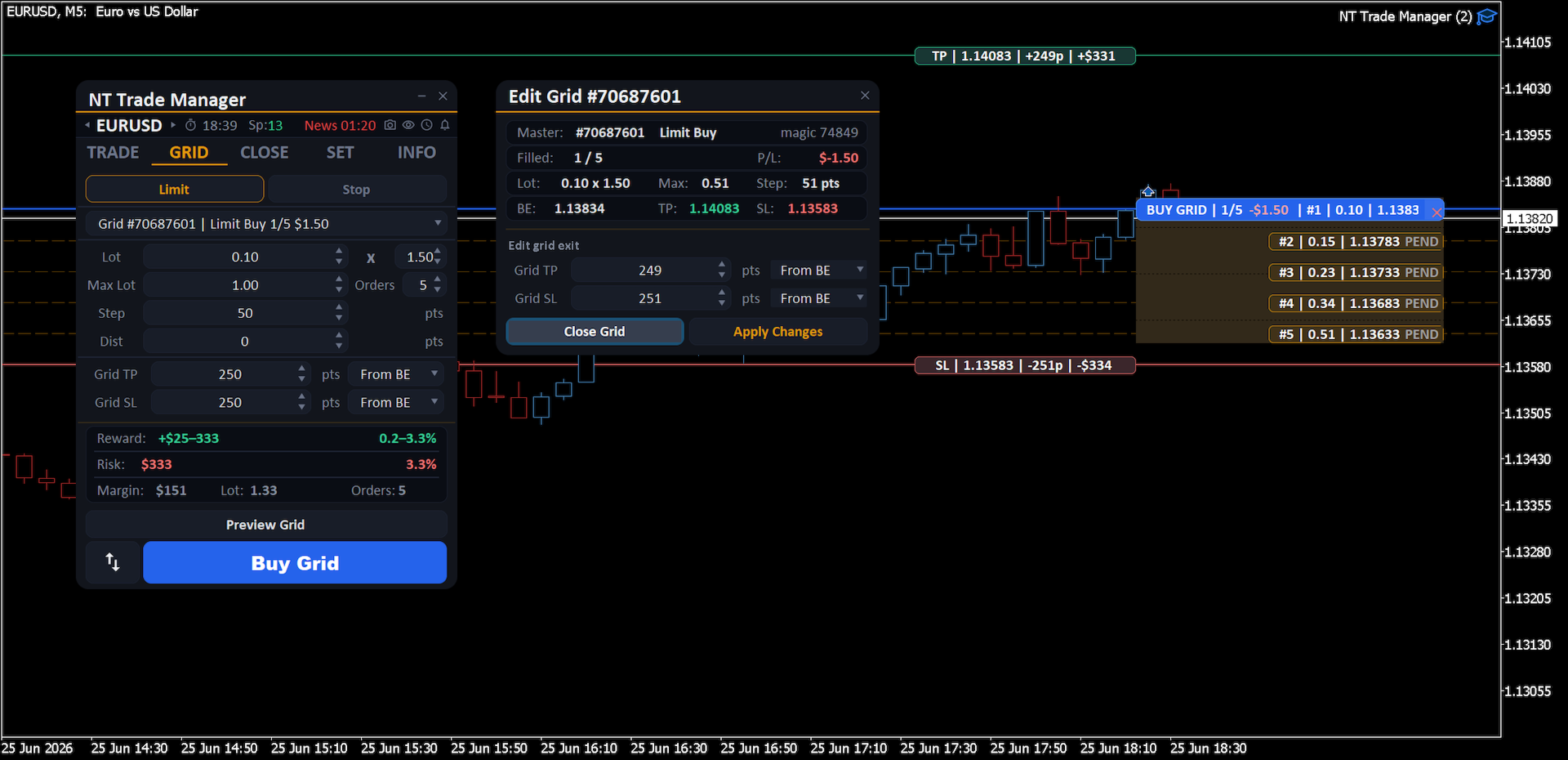
The trailing stop works in six modes (Points, ATR, Moving Average, High/Low Bar, Fractals, Parabolic SAR), while Grid places a grid of pending orders (Limit or Stop) in one go, with step, count and volume growth by a multiplier and shared Grid TP and SL. Everything happens right on the chart: the Entry, Stop Loss, Take Profit and partial-close lines, along with the position banners, drag with the mouse, SL and TP change with no dialog boxes, and an open position's banner shows live P/L. Positions can be closed by type, on reaching a profit or loss, for all or selected trades.
In addition: a trade journal with metrics (win rate, profit factor, average RR, drawdown, streaks, CSV export), management of each position in the Edit Order window filtered by Magic Number, Alert, Push, Email and Sound notifications, a Quick Panel, hotkeys, auto-screenshots of key events and settings profiles with auto-save.