
Exp TralPartionClose
- Utilities
-
Vladislav Andruschenko
 👋 Welcome to Expforex
I’m Vladislav, a professional MQL4/MQL5 developer creating MetaTrader tools since 2007.
Expforex develops practical trading solutions for MetaTrader 4 and MetaTrader 5: - Version: 26.921
- Updated: 22 September 2026
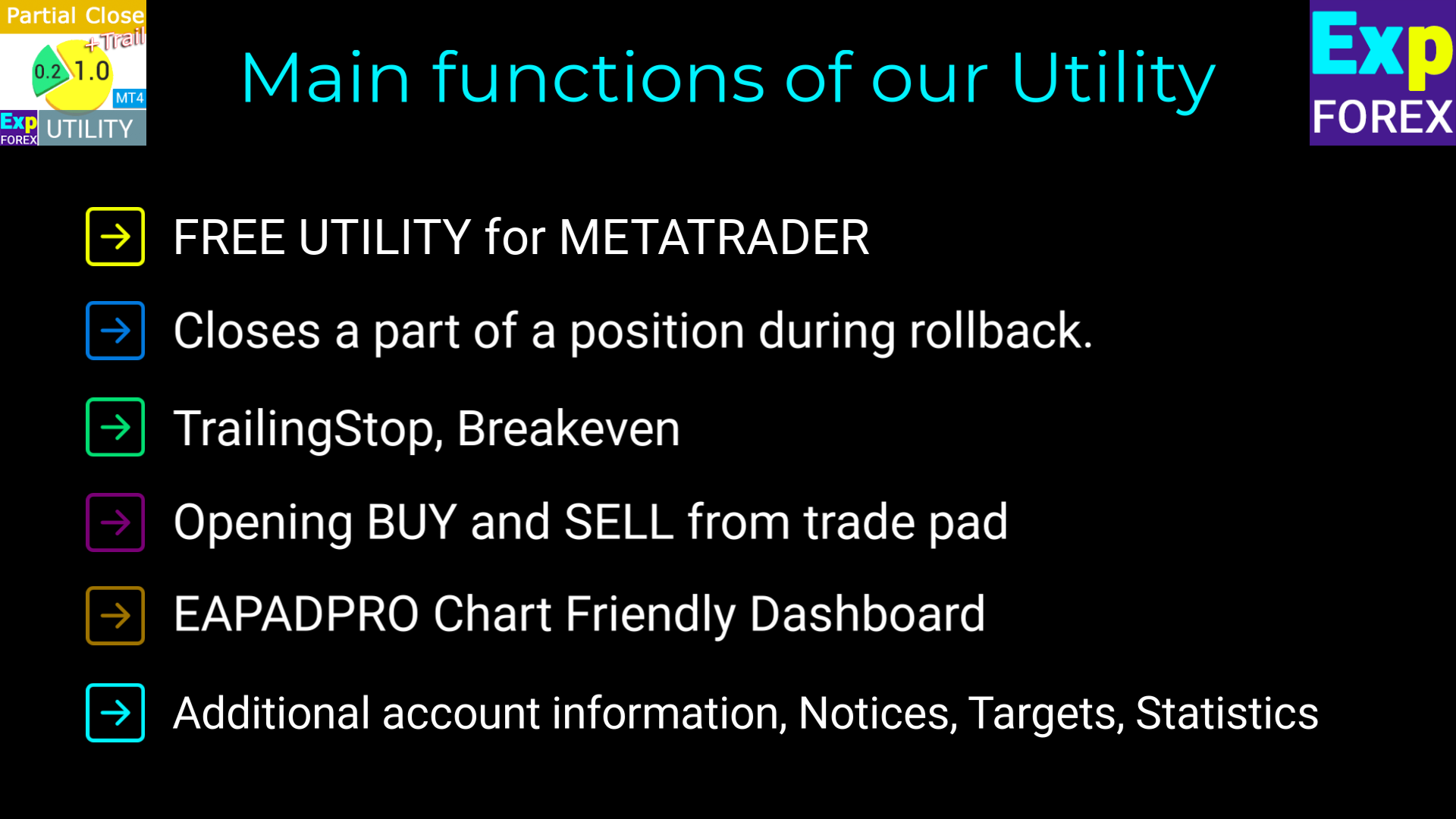
Partial Close and Trail - assistant EA. Closes a part of a position (Closes part of the lot) during rollback.
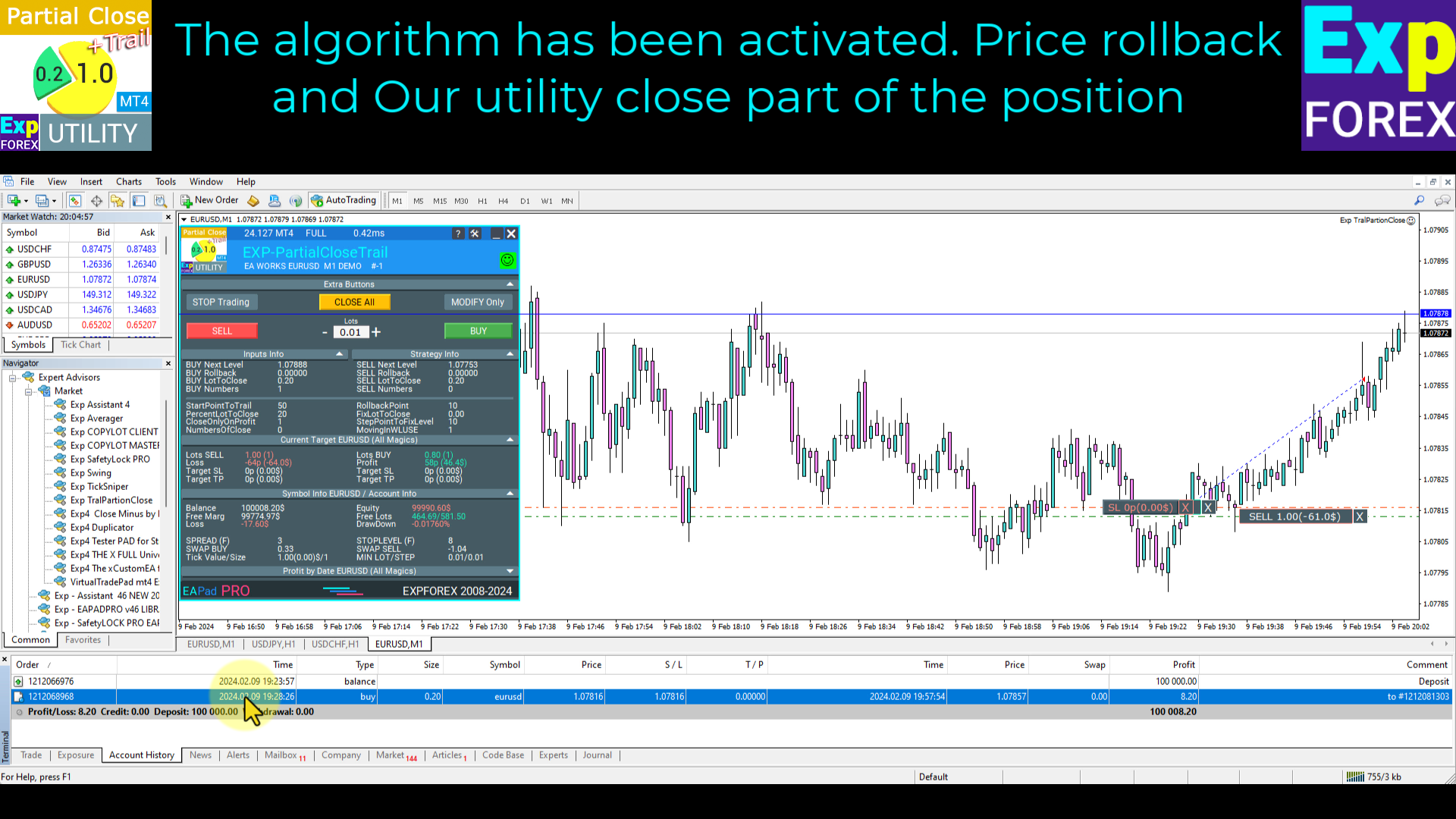
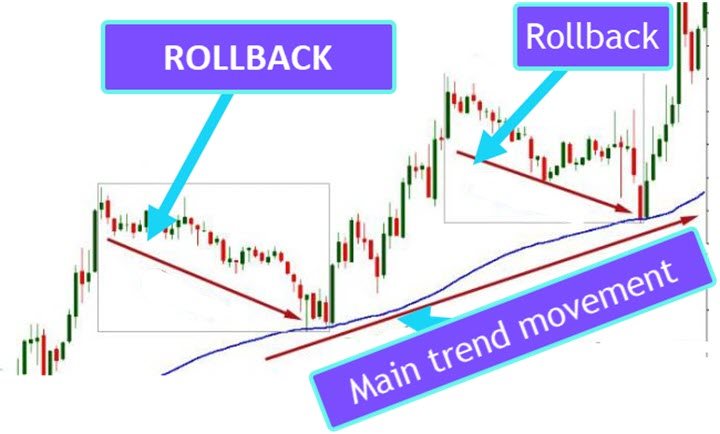
EA closes a profitable position in partial closes when the price moves first in the direction of profits, and then comes back (RollBack).
| Exp Trail Partial Close PRO for MT5 | Full Description +PDF | How To Buy | How To Install | How to get Log Files | How To Test and Optimize | All products from Expforex |
- EA monitors the position.
- If the price moves in the direction of profits, then ea establish the first level of rollback price at a distance.
- If the price continues to move in the direction of profits, this level of profit continues modifying this level of rollback.
- If the price goes back a specified number of points, then the ea Closes a part of a position.
- EA sets the next price level at which the next part of the position will be closed.
- EA includes TrailingStop of stoploss when part of the position was closed.
- EA continues to work as long as the whole position will be closed.
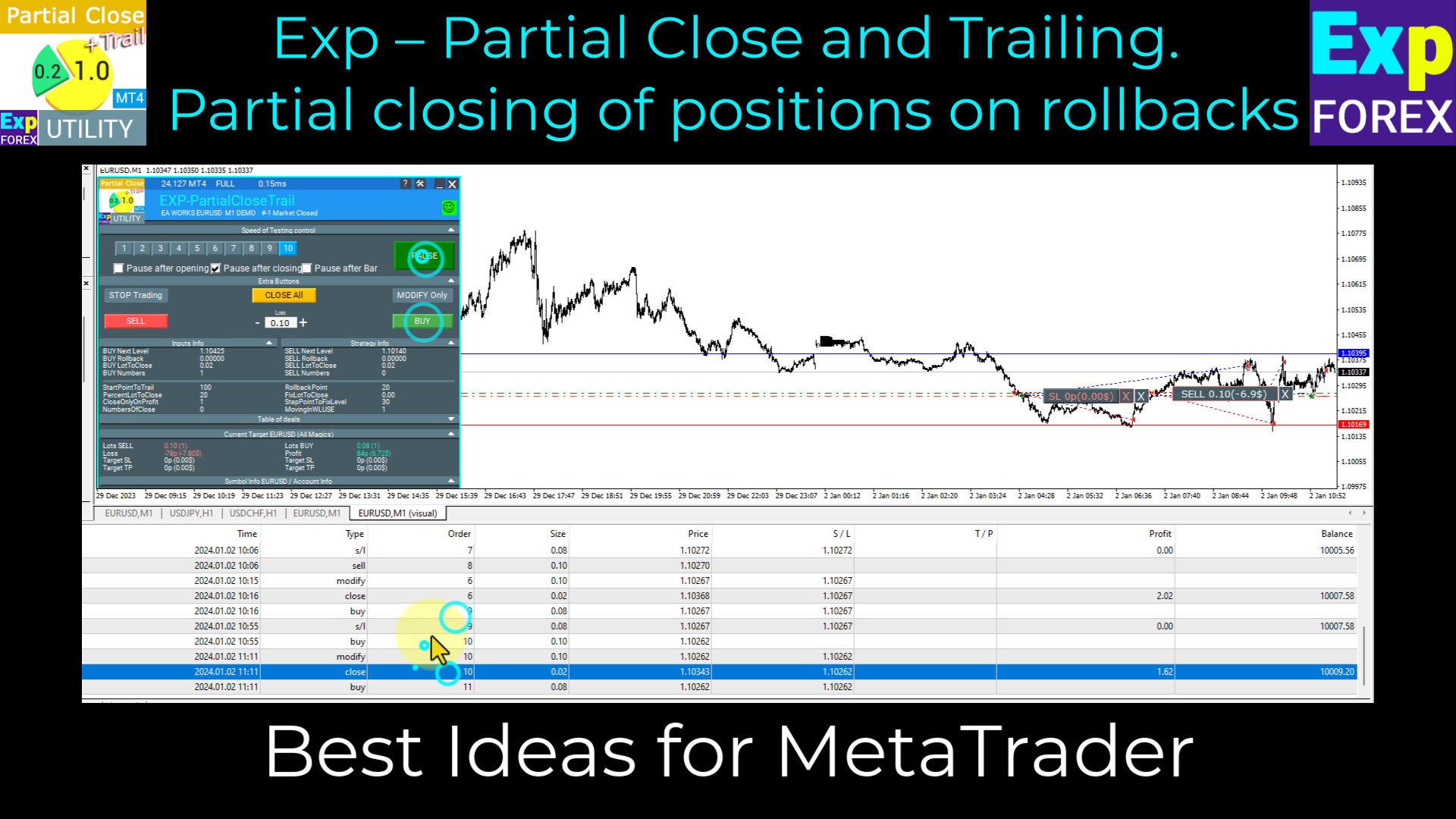
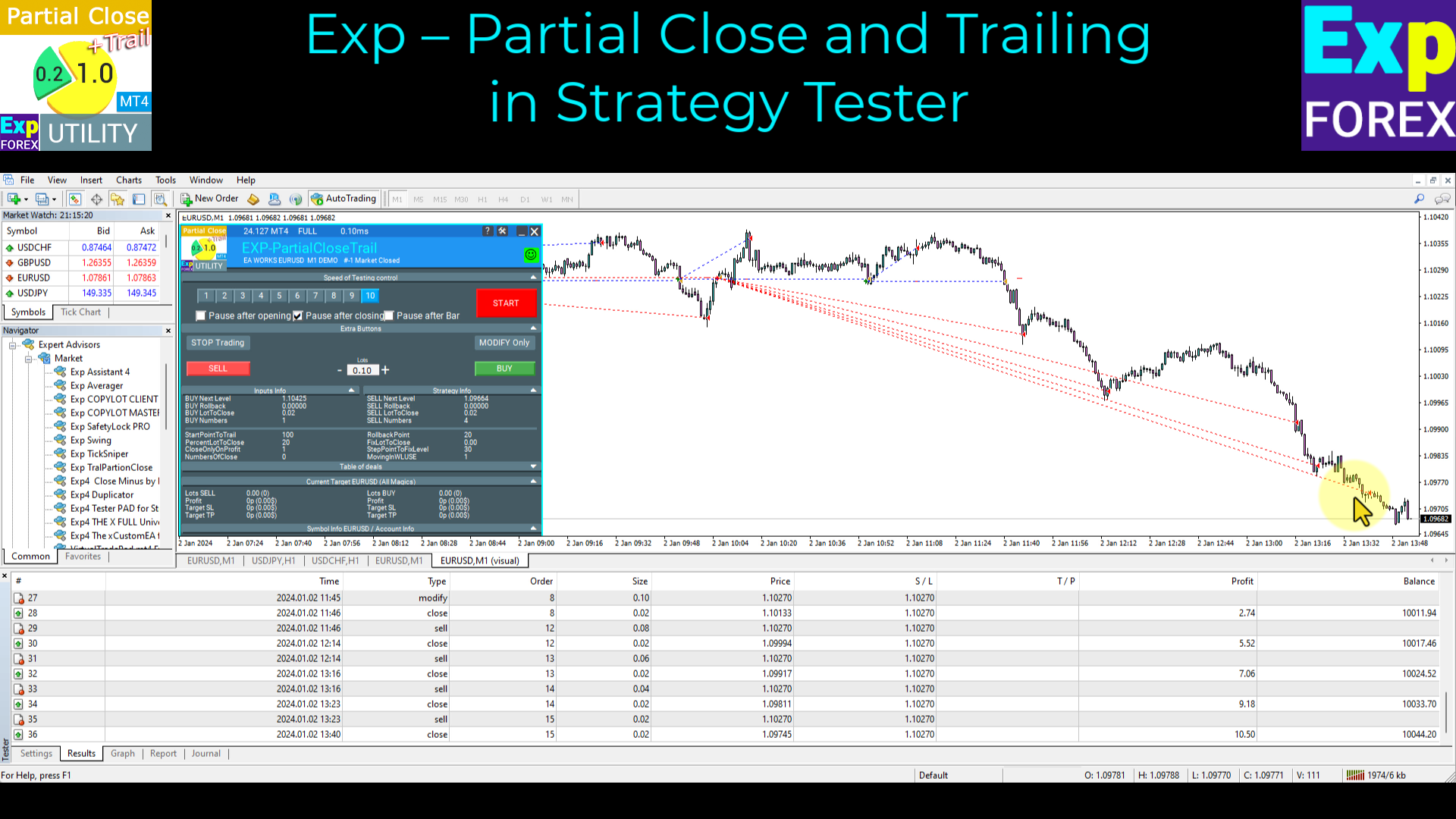
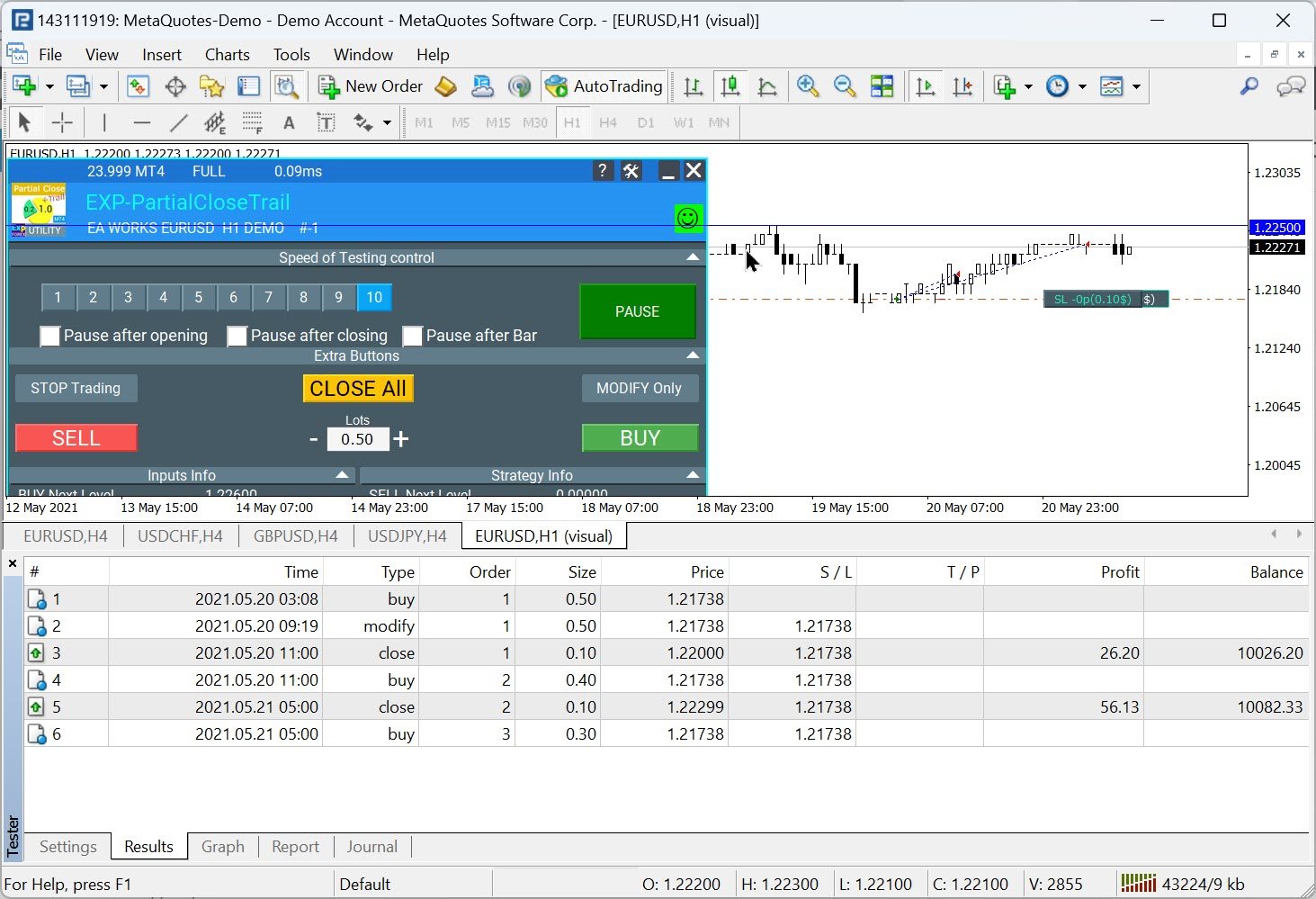
You can test the Expert Advisor in the strategy tester and trade with our EAPADPRO toolbar in visual mode!
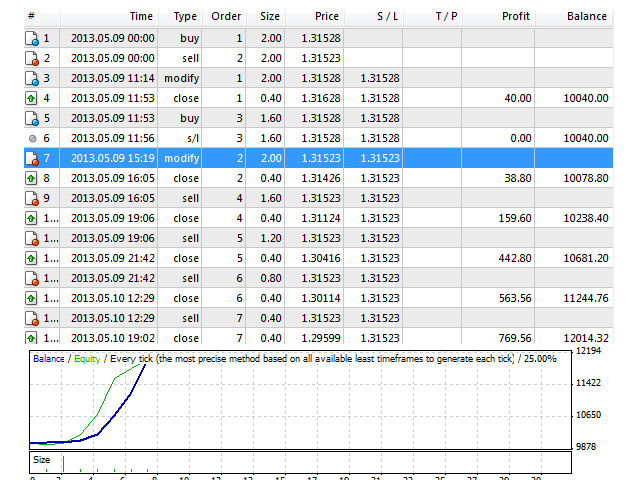
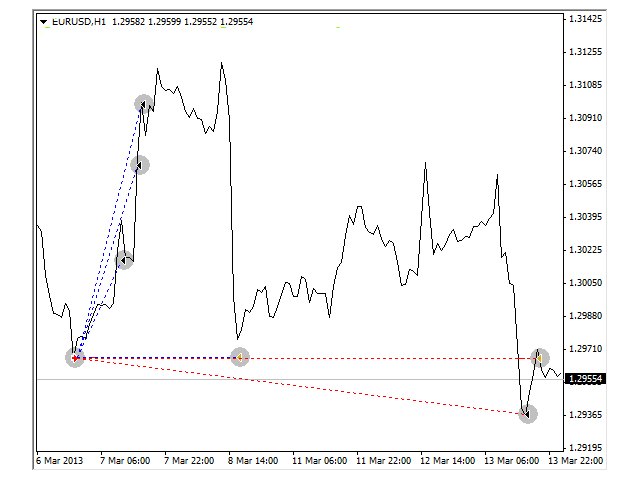
Example
- buy 1 2.00 1.29667 0.00000 0.00000
- modify 1 2.00 1.29667 1.29667 0.00000
- сlose 1 0.40 1.30174 1.29667 0.00000 202.80 10202.80
- buy 3 1.60 1.29667 1.29667 0.00000
- close 3 0.40 1.30668 1.29667 0.00000 400.40 10603.20
- buy 4 1.20 1.29667 1.29667 0.00000
- close 4 0.40 1.30982 1.29667 0.00000 526.00 11129.20
- buy 5 0.80 1.29667 1.29667 0.00000
- s/l 5 0.80 1.29667 1.29667 0.00000 -2.88 11126.3
Settings
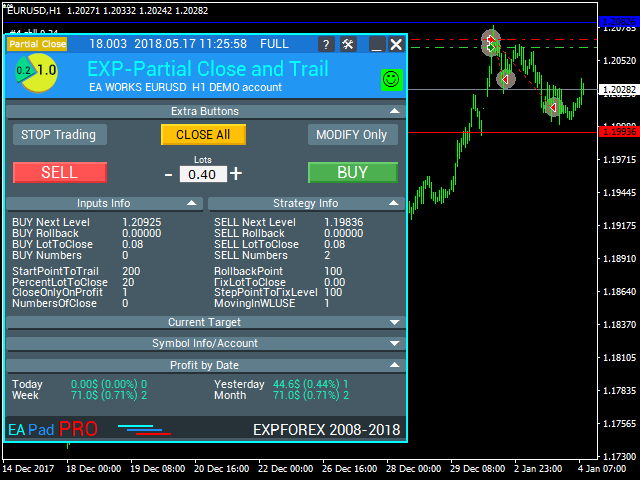
StartPointToTrail - the number of points in profit to activate the partial closure function.
For example, StartPointToTral = 200: as soon as the position reaches 200 points of profit, the EA fixes the first level at 200 points.
RollbackPoint - the number of points for the price to roll back in order to partially close the position.
For example, StartPointToTral = 200 RollbackPoint = 100: as soon as the price rolls back 100 points from the fixed level (200), a part of the position will be closed.
StepPointToFixLevel - the number of points to fix the next level.
For example, StartPointToTral = 200 RollbackPoint = 100 StepPointToFixLevel = 150: after a part of the position is closed, the next level is fixed at 350 points (200+150).
DisableLockClose - disable using the partial closure algorithm, if a lock of two positions in different directions with the same lot size has been detected on the account.
For example: if you use the SafetyLock PRO EA and your positions has been locked in a "safe lock", this option (DisableLockClose = true) disabled partially closing this lock.
PercentLotToClose - percent of the initial volume to close a position.
For example, a position is opened with 2.0 lot at PercentLotToClose = 20%: the EA calculates the lot for partial closure as 2*0.2(%) = 0.4 lot. At a rollback, 0.4 lot will be closed, and at each consequent closure, the lot for closing will be equal to 0.4.
FixLotToClose - fixed lot value for closing each step. 0 - considers the lot percentage PercentLotToClose.
CloseOnlyOnProfitZone - Apply partial closure only when the position is in profit.
NumbersOfClose - Number of partial closures.
For example, NumbersOfClose = 3, PercentLotToClose = 20%, initial lot = 2.0: when calculating the lot for partial closure, the EA calculated 0.4 lots for closing at each step. The EA can apply closure with 0.4 lot only 3 times, the remaining 0.8 lot of the position will remain open.
MovingInWLUSETRAIL - move the position to breakeven at the first partial closure.
FixTrailingStopLevel - fix the stop loss level when new levels appear.
For example, FixTrailingStopLevel = 100: if the price breaks the fixing level of StepPointToFixLevel (Orange Violet), then the stop loss is placed at the Current level (Red Blue)+-FixTrailingStopLevel points.
Expforex,Vladon



























































this is very useful tool, I hope MT5 can use too