
Exp COPYLOT MASTER for MT4
- Utilities
-
Vladislav Andruschenko
 👋 Welcome to Expforex
I’m Vladislav, a professional MQL4/MQL5 developer creating MetaTrader tools since 2007.
Expforex develops practical trading solutions for MetaTrader 4 and MetaTrader 5: - Version: 26.605
- Updated: 5 June 2026
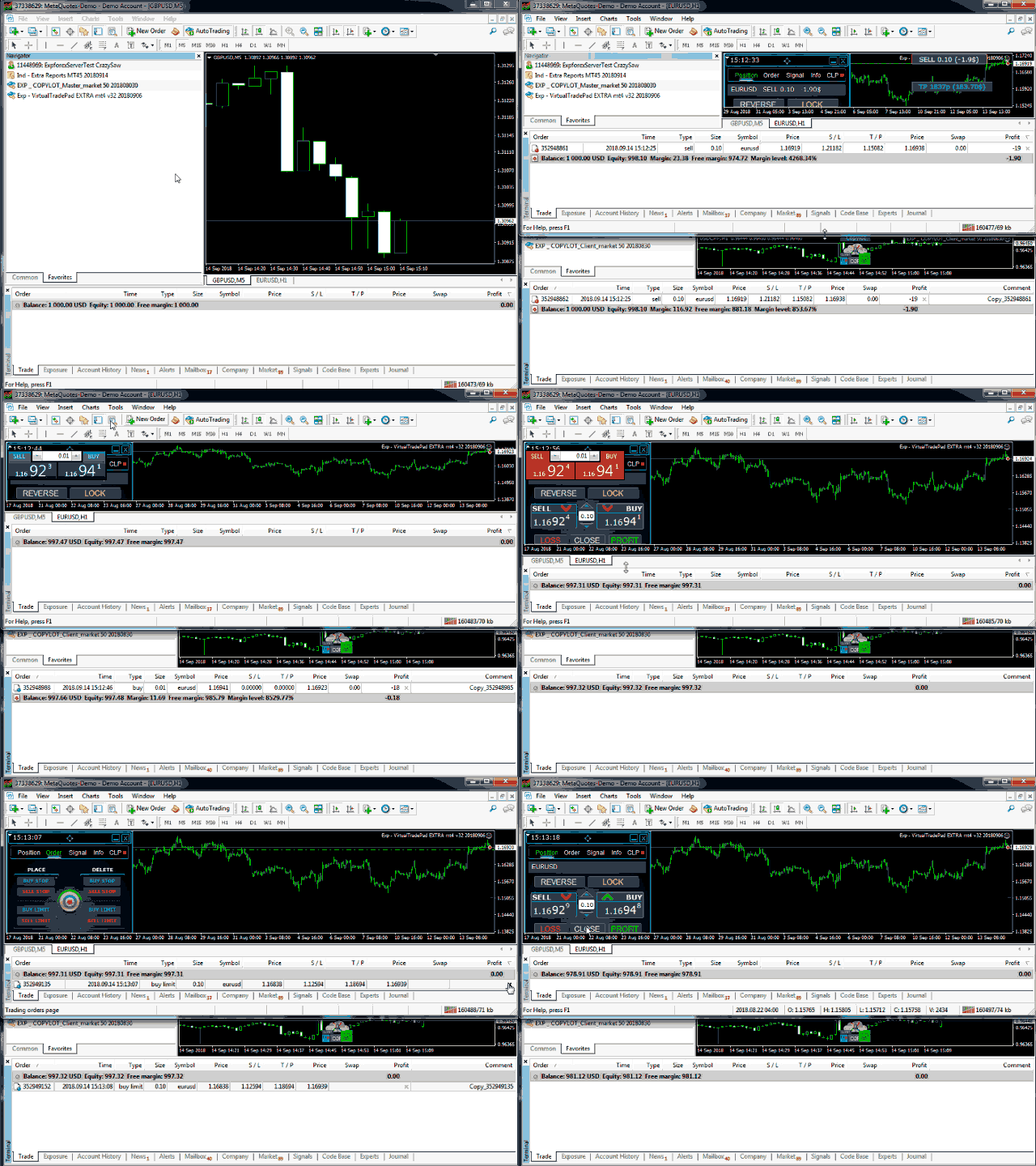
Trade copier for МetaТrader 4. It copies forex trades, positions, orders from any accounts.
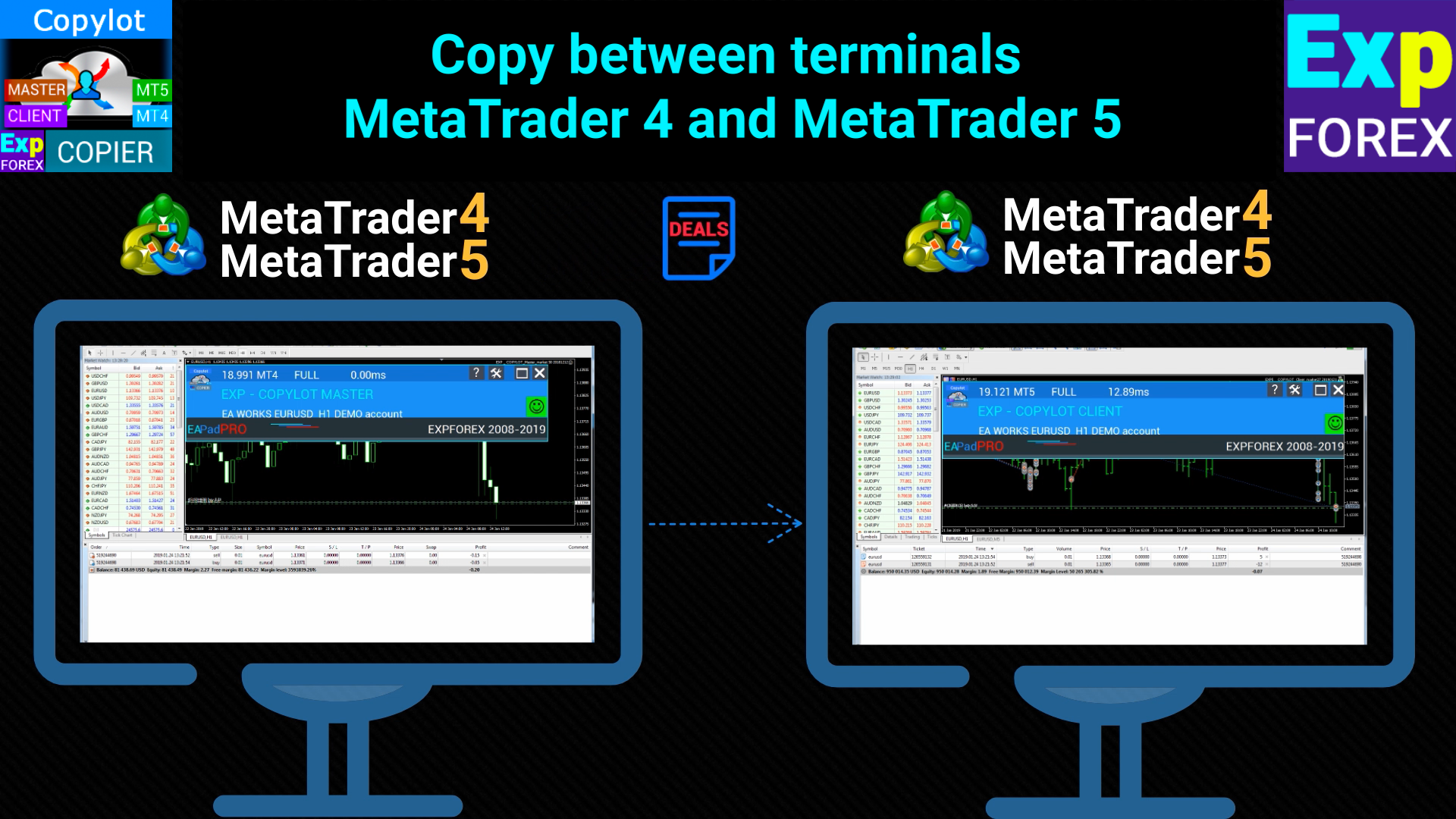
# It is one of the best МТ4 - МТ4, МТ5 - МТ5, МТ4 - МТ5, МТ5 - МТ4 trade copiers today.
# The unique copying algorithm exactly copies all trades from the master account to your client account. High operation speed. Tough error handling. A powerful set of features.
# All these qualities are combined in a single program - EXP - COPYLOT.
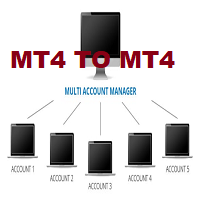
# The program can be run on multiple terminal bindings.
# Use it as a synchronizer of your trades on various investor accounts trading on one account, - COPYLOT will copy your trades to other terminals.
Installation
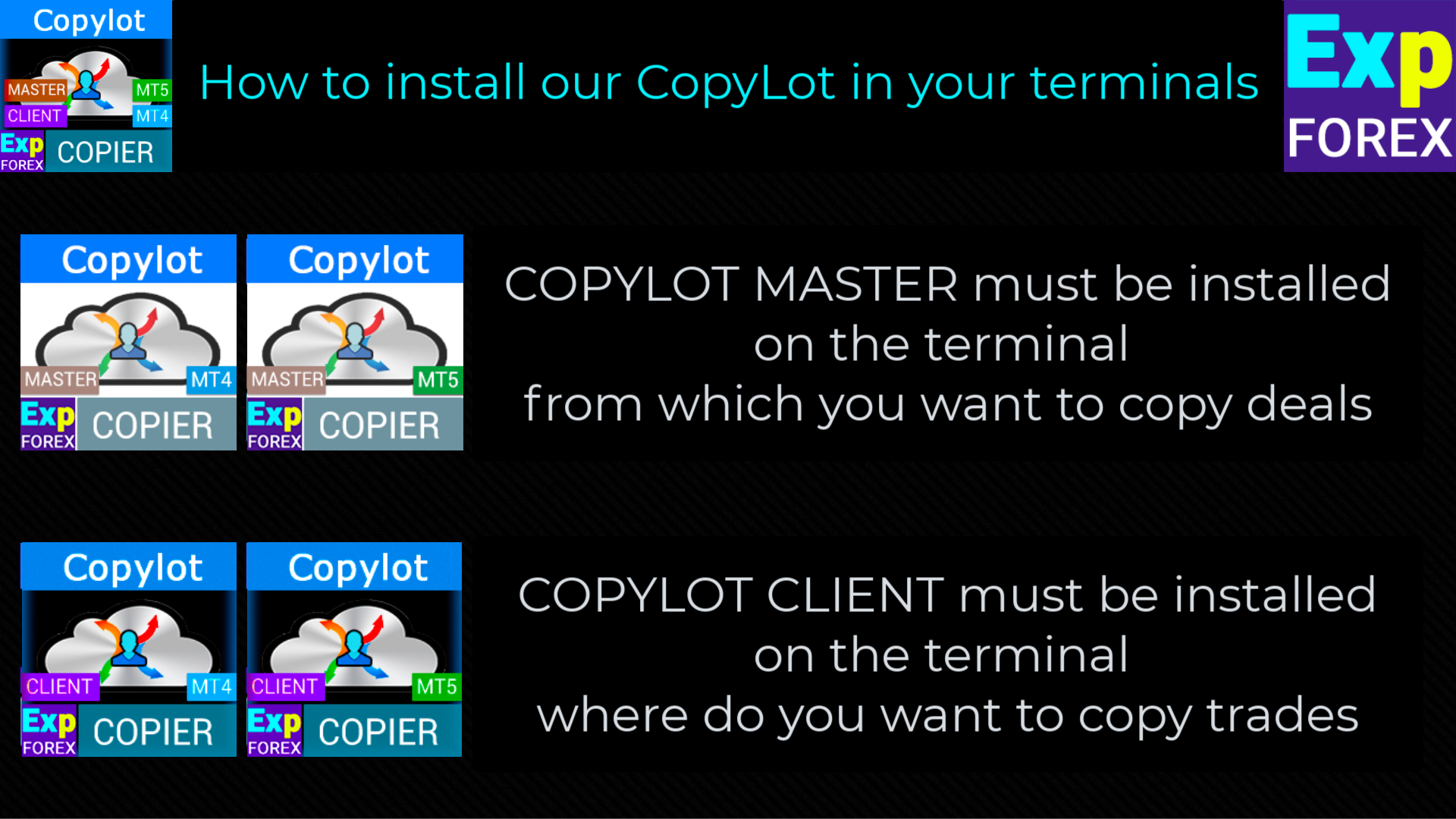
- CopyLot Master - an expert to install on the account, from which you want to copy positions and orders.
- Install this expert in the terminal, from which you want to copy positions to an investment account.
- Specify any text label name as pathWrite(pathRead), for example, "COPY".
- The EA needs to be set to 1 Chart! By default, our adviser copies all positions and orders from your account!
COPYLOT - Full Description and manual PDF guide
Features
Copying trades from a profitable investment account.
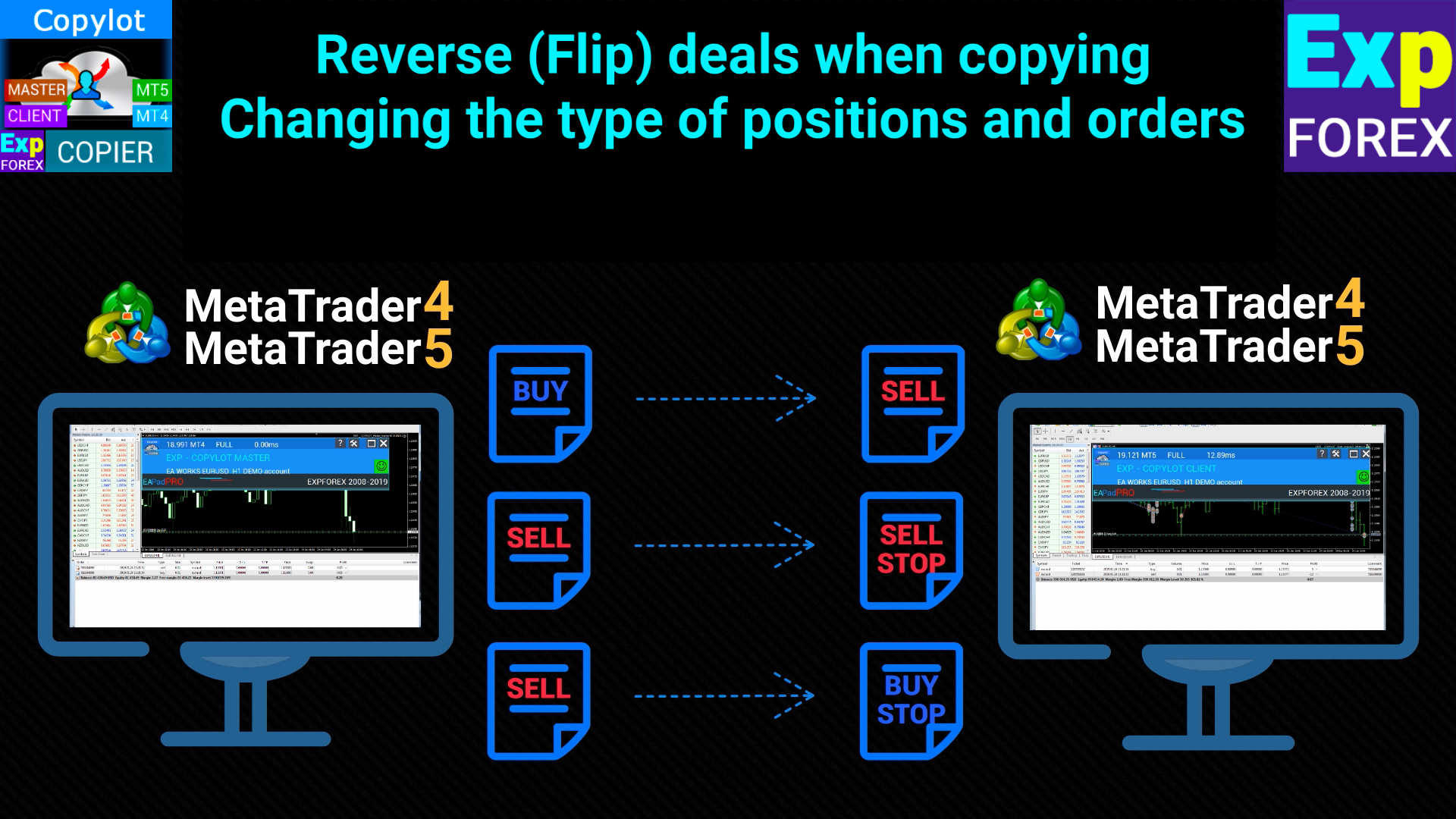
An option for reversing trades of an unprofitable Expert Advisor.
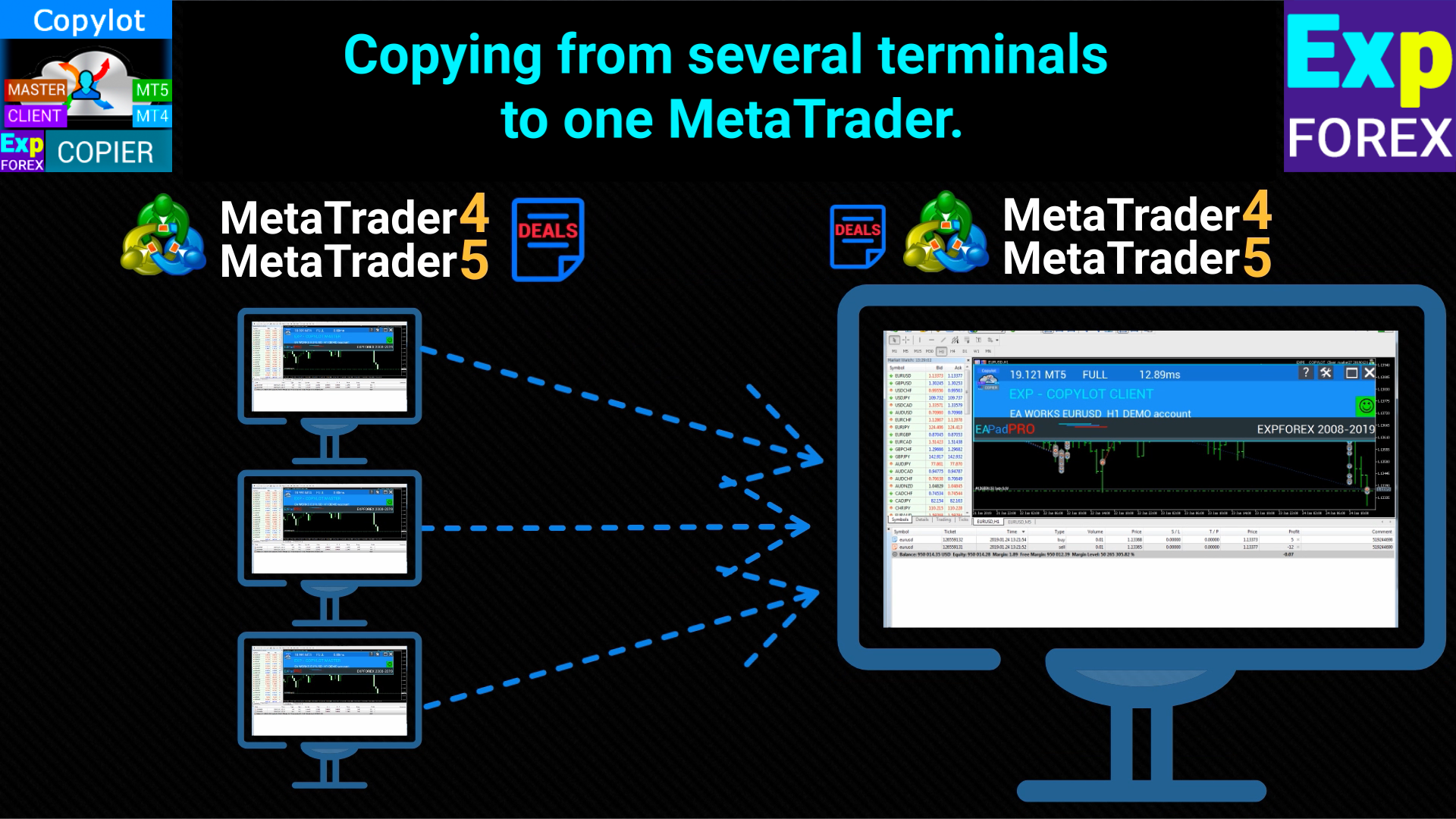
You can organize several pairs for copying: from multiple master accounts to 1 client account.
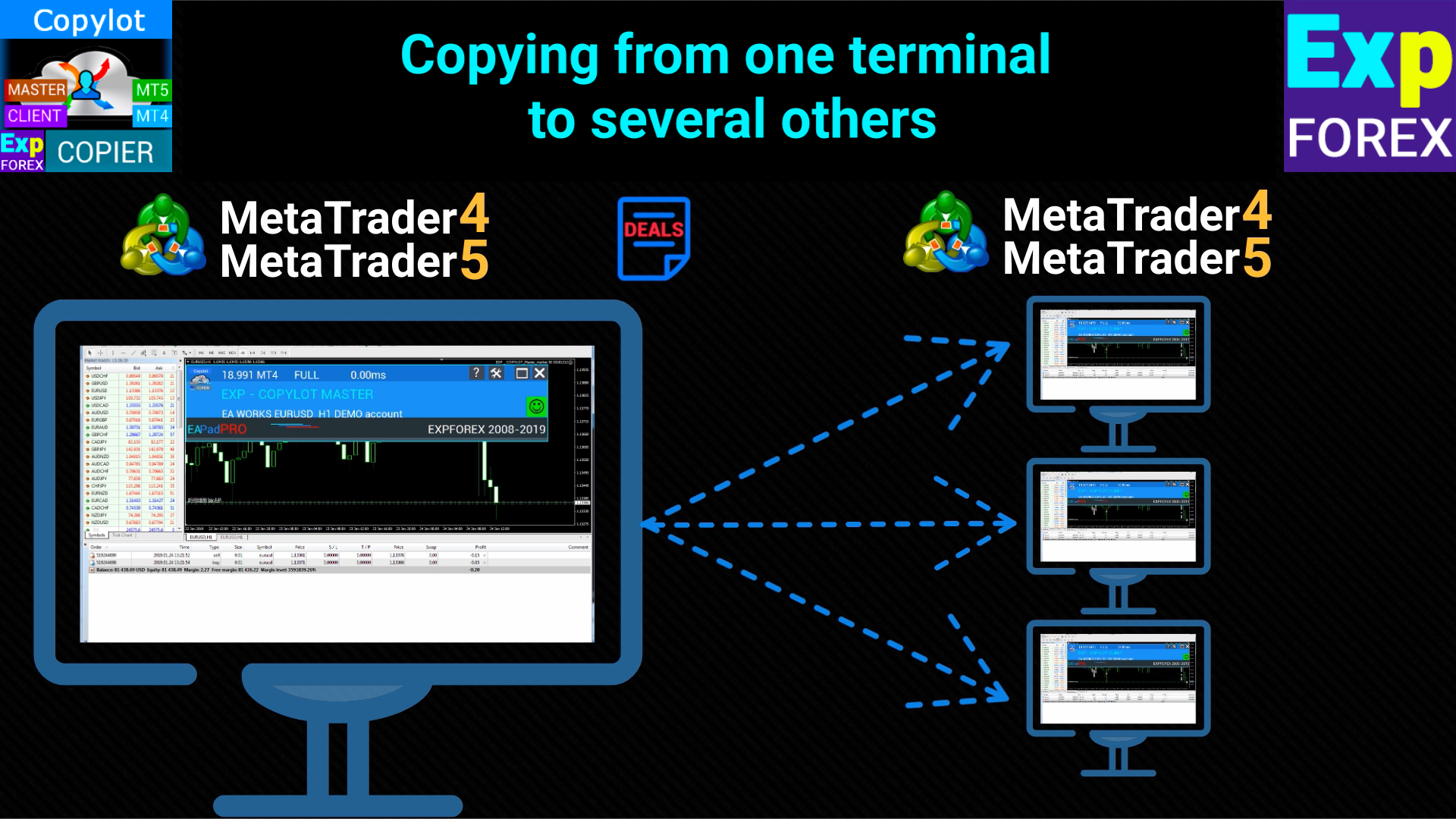
You can organize several pairs for copying: from one master account to multiple client accounts.
You can organize several pairs for copying: from multiple master accounts to multiple client accounts.
Free time.
No need to spend hours looking at the monitor.
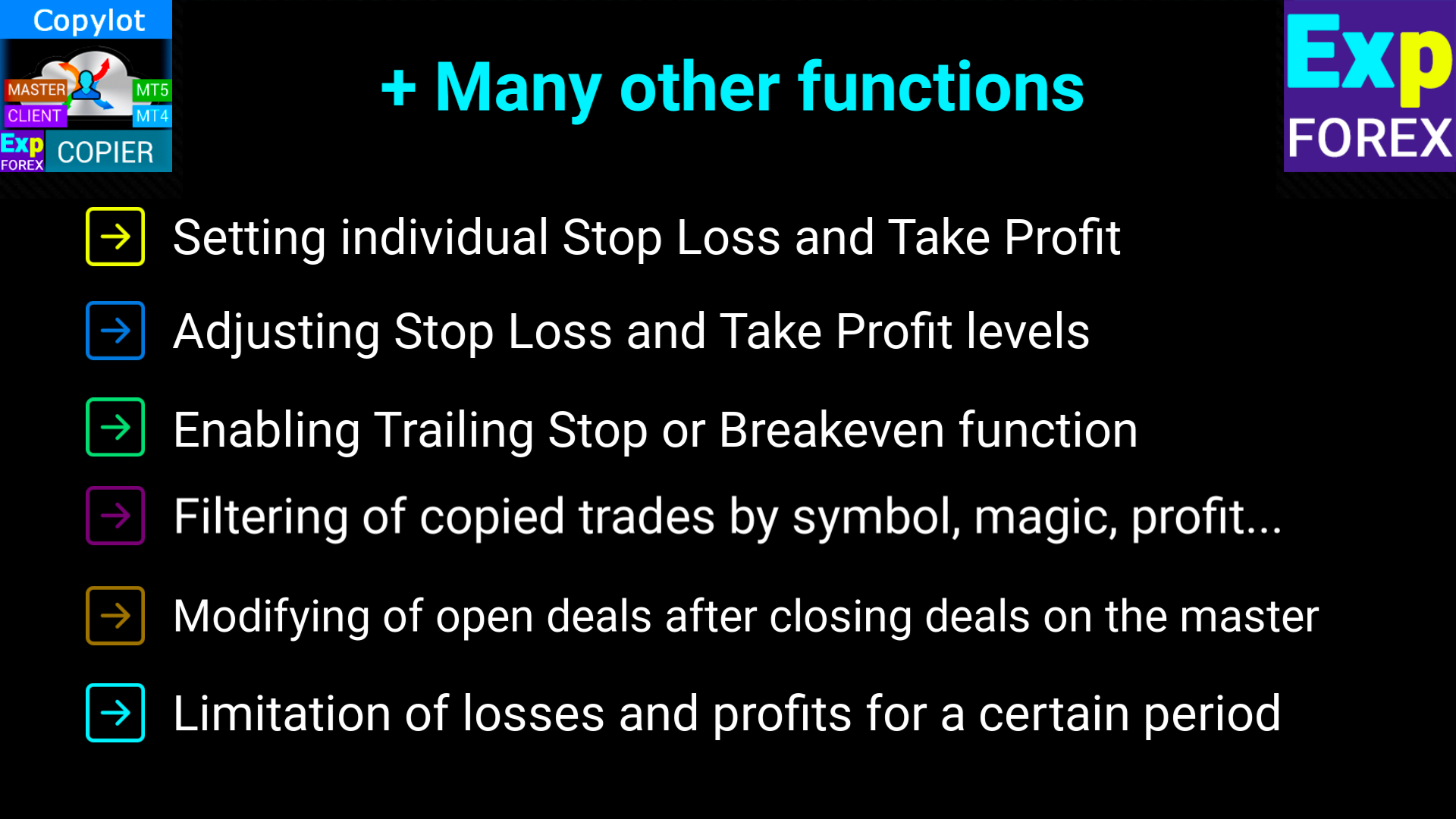
Selection of trades based on the magic number, symbol, type of trades.
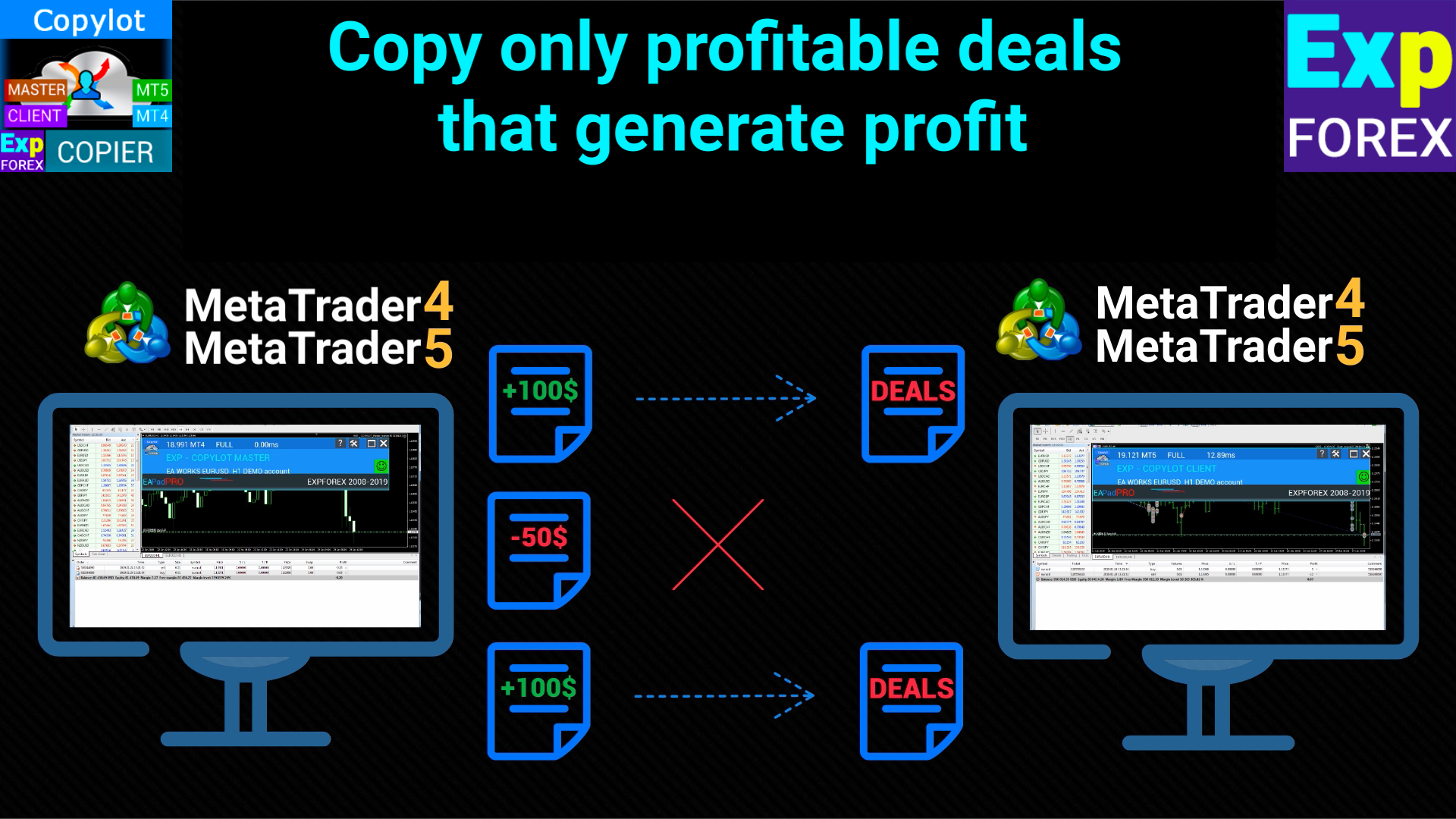
Selection of only profitable trades, or only losing trades.
Inverted (Reverse) copying of trades.
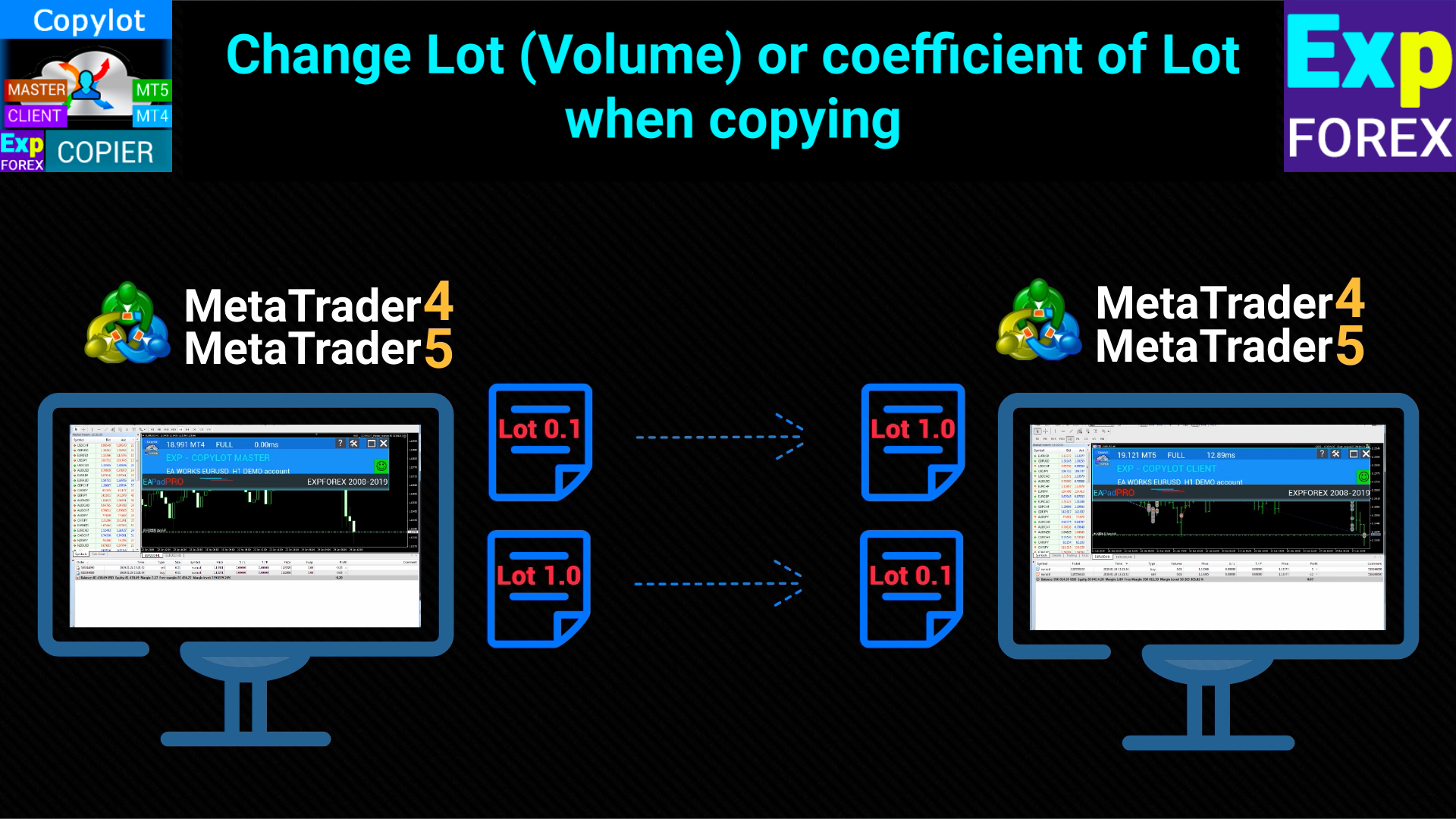
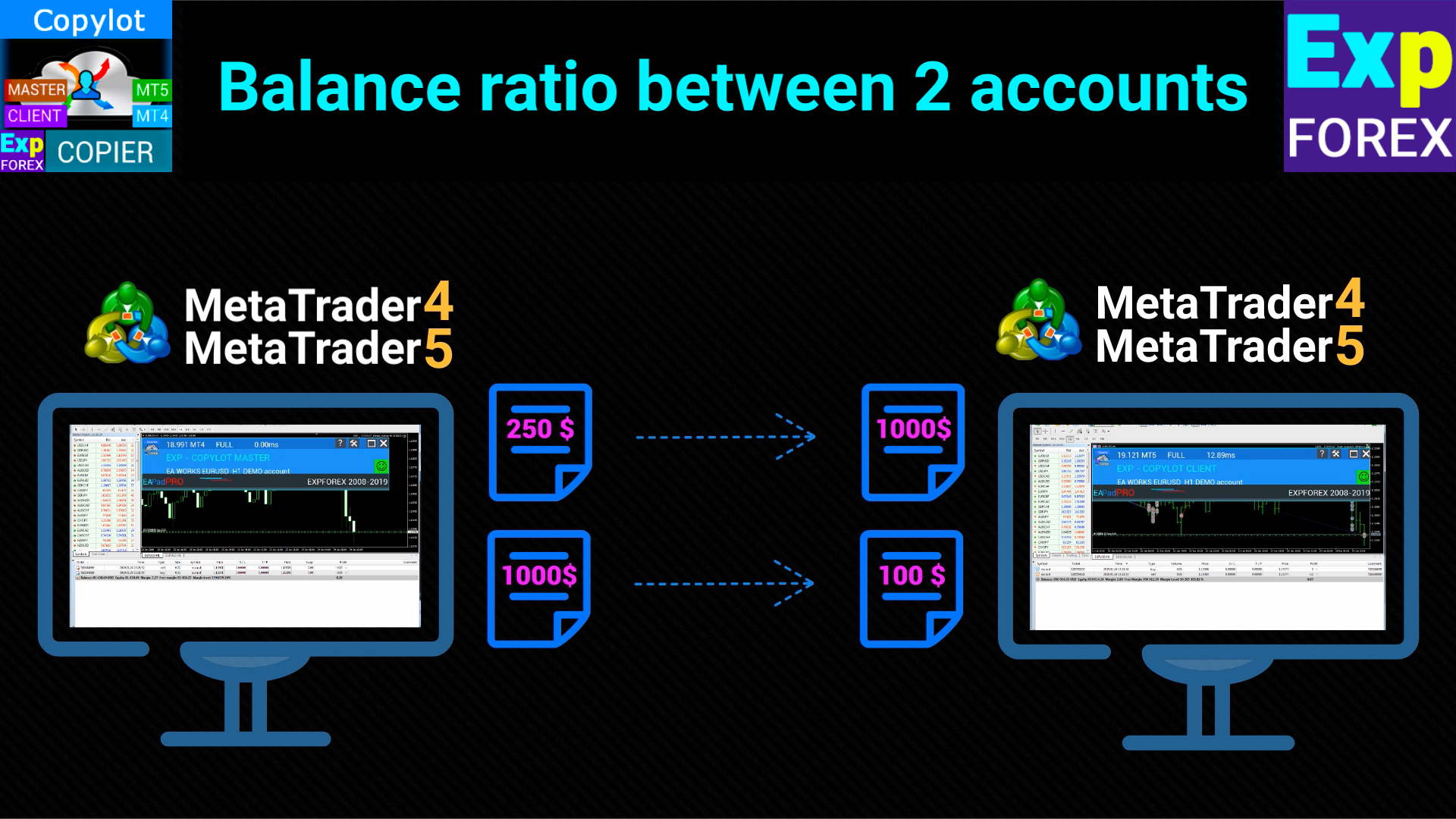
You can copy trades with a custom lot, lot coefficient or in accordance with the risk of the master account.
You can work without stop levels, with the closing of trades in the master account (virtual stops).
You can connect multiple master/client terminals for organizing the copying system.
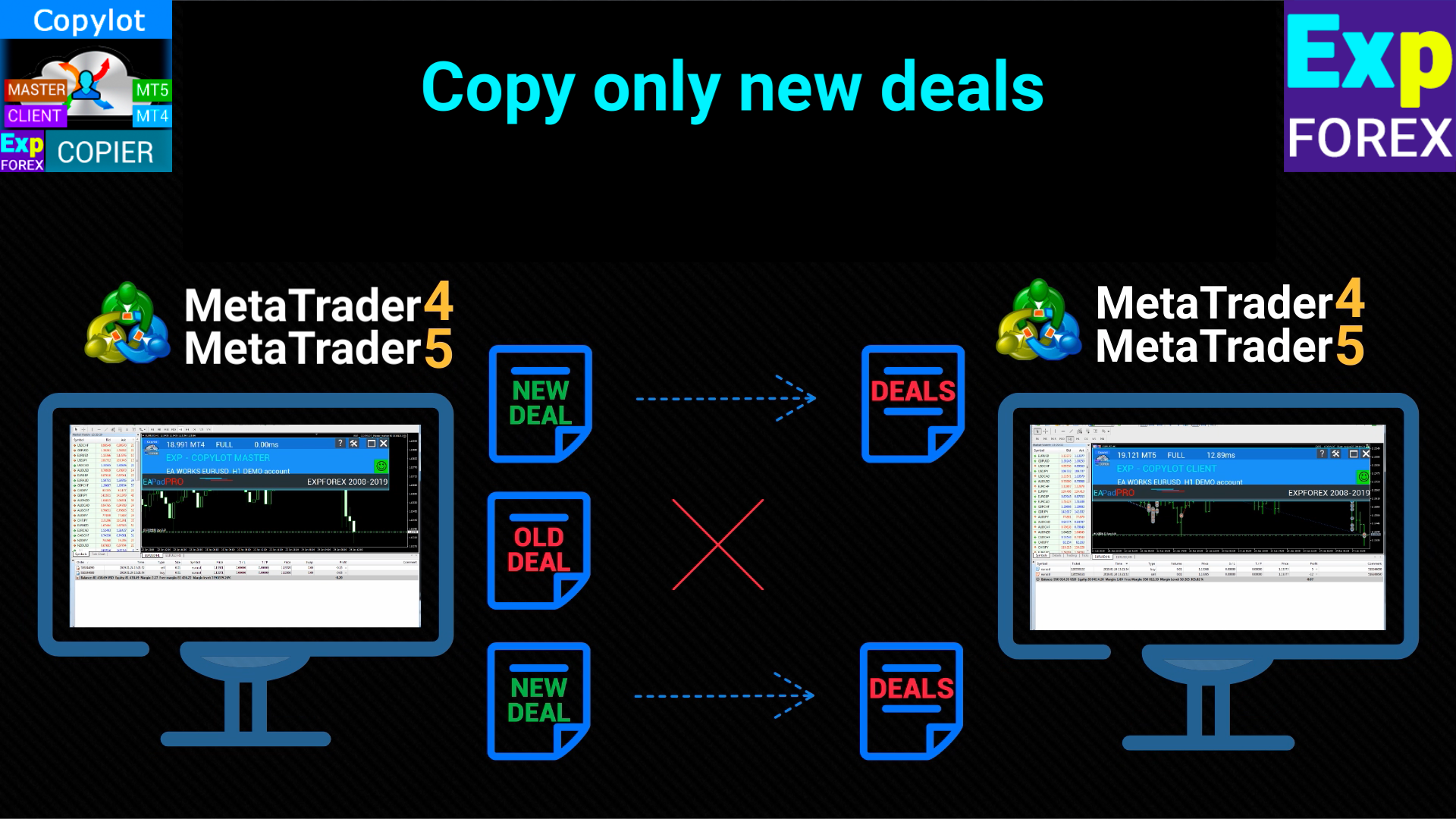
You can select copying of only new trades.
Positions can be converted to pending orders.
Can work both with 4-digit and 5-digit quotes.
Can work with the symbols that have suffixes.
Error-free processing of partial closure МТ4-МТ4 .
High copying speed, fast opening and closing of deals.
Attention: works in a circular mode for maximum copying speed
#tags Copy Копировщик copy trades copy trade copier fast copy kopir, Expforex, Vladon,
Master Settings. From where signals will be copied
pathWrite: Specifies the file path where current positions/orders are saved. Ensure the path has no spaces or special characters. This label is used to link the master and client terminals.
SymbolToCopy: Defines which symbols to copy. If left empty, all symbols will be copied. Multiple symbols can be listed, separated by commas.
SymbolNOtToCopy: Specifies which symbols not to copy. If left empty, all symbols will be copied. Use this field to exclude specific symbols.
typeToCopy: Controls which type of positions to copy. Options: all positions, only BUY, or only SELL.
CommentToTCopy: Copies only positions with a specific comment. If left blank, all positions are copied. Multiple comments can be specified, separated by commas.
CommentToNOTCopy: Prevents copying of positions with specific comments. If left blank, all positions are copied. Multiple comments can be specified, separated by commas.
MagicToCopy: Determines which positions based on a specific magic number will be copied. Multiple magic numbers can be specified, separated by commas.
MagicStartToCopy: Copies positions where the magic number starts with a specific digit. Specify the first digit of the magic numbers.
MagicToNOTCopy: Excludes copying positions with specific magic numbers. Protects against copying on the same account. Use to avoid duplication on the same account.
SLEEPING: Sets the delay in milliseconds between copier executions. The smaller the value, the faster the copying, but it uses more system resources.
ComentShow: Displays a table on the chart with details of current positions that are being copied.
OpenHour/OpenMinute, CloseHour/CloseMinute: Defines the time window during which the copier will operate each day.
STOPbyDD and PercentDDMAX: Stops copying if the drawdown on the master account reaches or exceeds a certain percentage (PercentDDMAX). Useful for avoiding excessive losses.
StartbyDD and PercentDDMIN: Starts copying when the drawdown on the master account exceeds a certain percentage (PercentDDMIN). Used for strategies that benefit from trading during drawdowns.
STOPbyOP and PercentOPMIN: Stops copying when the profit on the master account reaches or exceeds a certain percentage (PercentOPMIN). Prevents further copying when a target profit is achieved.
STARTbyOP and STARTPercentOPMIN: Starts copying when the profit on the master account exceeds a certain percentage (STARTPercentOPMIN).




























































Супер копировщик,много настроек для разнообразия формы копирования,лотность,обратные сделки ,вообщем очень большой функционал,работает как говорится из коробки,без танцев с бубнами,вообщем рекомендую,разработчикам огромное спасибо за ваш продукт)