Grid Master Pro EA
- Experts
- Version: 1.22
- Updated: 27 July 2026
- Activations: 10

DESCRIPTION
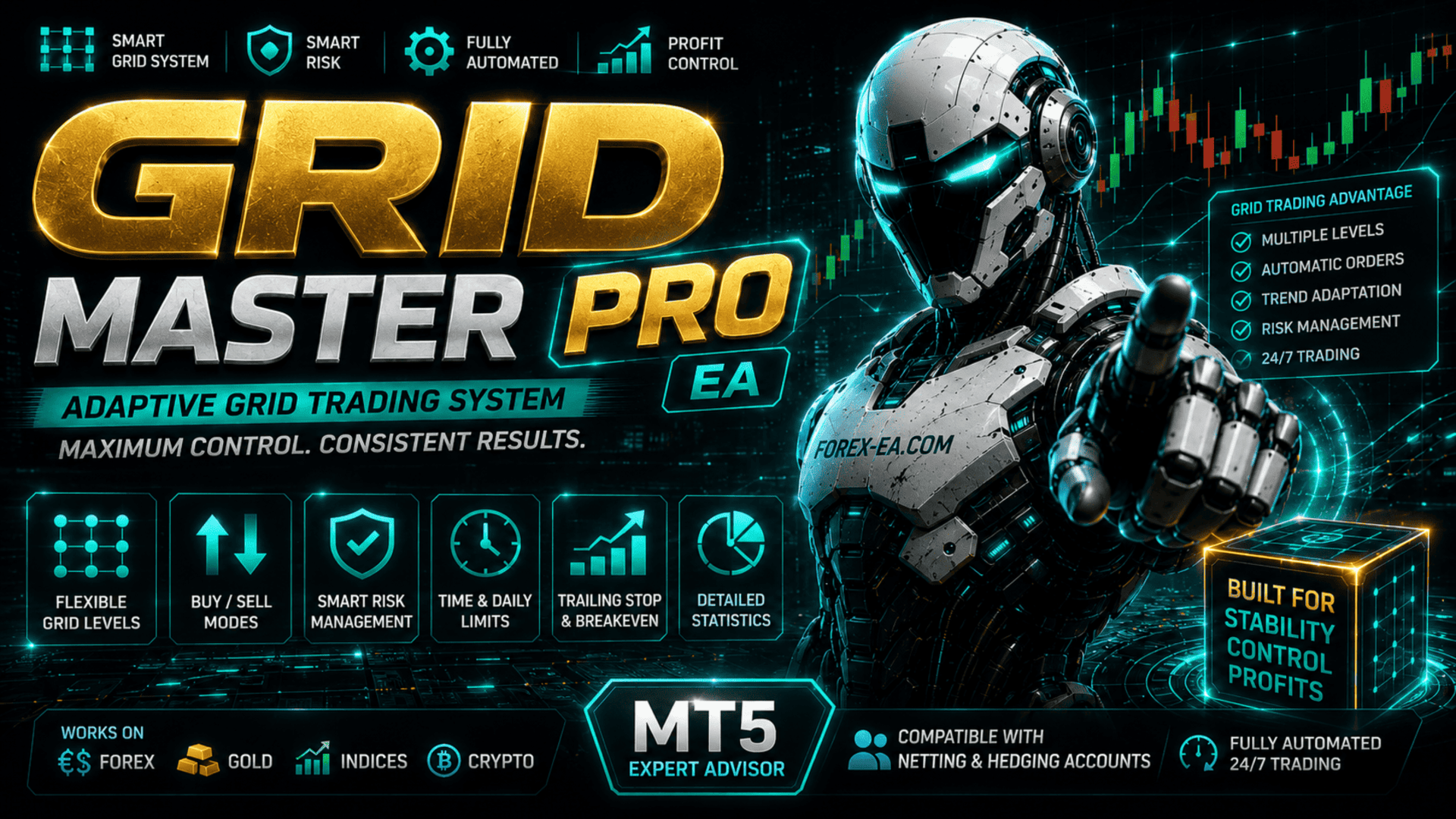
Grid Master Pro EA is a fully automated trading Expert Advisor for MetaTrader 5, implementing a flexible grid trading strategy (Grid Trading). The EA independently places a series of Buy Stop and Sell Stop orders at equal distances from each other, using market fluctuations within the selected price range.
Grid Master Pro EA automatically determines the price range based on the selected period (day, week, month) or uses manual boundaries, builds a grid of orders with a specified step, and manages open positions. To manage trades, the EA employs Smart Risk (decreasing lot ladder), Trailing Stop, Break Even, daily limits, time filter, and trading condition controls.
The EA supports both netting and hedging accounts and is suitable for trading currency pairs (EURUSD, GBPUSD, USDJPY), gold (XAUUSD), oil (Brent, WTI), and cryptocurrencies (BTCUSD, ETHUSD).
KEY ADVANTAGES
-
Full grid automation — the EA independently builds a grid of pending orders. After an order triggers, a new one is automatically placed at the next level, keeping the structure unchanged.
-
Smart Risk — the volume of each subsequent order decreases, distinguishing the system from classic martingale and reducing deposit load.
-
AutoRange — automatic determination of grid boundaries based on daily, weekly, or monthly data.
-
Flexible position management — Stop Loss, Take Profit, Trailing Stop, and Break Even for full trade control.
-
Multi-level protection — daily limits, order limits per symbol, spread and margin control.
-
Time filter — restrict trading by days of the week and hours.
-
Visual control — information panel and trade history on the chart.
-
Versatility — suitable for trading currency pairs, gold, oil, and cryptocurrencies.
MAIN FUNCTIONS
-
Grid Engine — automatic grid construction with structure recovery
-
AutoRange — automatic price range determination (Day, Week, Month, Custom)
-
Smart Risk — intelligent lot calculation with decreasing volume by levels
-
Trailing Stop — dynamic trailing of profitable positions
-
Break Even — automatic breakeven conversion
-
Daily Limit — daily trade count limitation
-
Time Filter — filter by days of the week and time of day
-
Spread Control — maximum spread check
-
Information Panel — panel with statistics and settings
-
Trade History — visual trade history on the chart
-
Netting & Hedging — support for both account types
EA PARAMETERS
Grid Setup
-
AutoRange — range determination mode: OFF / DAILY / WEEKLY / MONTHLY / CUSTOM
-
AutoRangeTimeframe — timeframe for range calculation
-
AutoRangeDays — number of periods for calculation
-
PriceRangeStart / PriceRangeEnd — range dates (CUSTOM)
-
MinimumPrice / MaximumPrice — grid boundaries (manual mode)
-
NumberOfOrders — number of orders in the grid
-
GridStepPips — grid step in points
-
GridTradeDirection — direction: BUY / SELL / BOTH
Lot Settings
-
LotMethod — lot calculation method: FIXED / SMART
-
FixedLotSize — fixed lot size
Stop Loss & Take Profit
-
StopLossPips — stop-loss size (0 — disabled)
-
TakeProfitPips — take-profit size (0 — disabled)
Trailing Stop & BreakEven
-
TrailingStop — enable trailing
-
TrailingStartPips — profit for activation
-
TrailingDistancePips — trailing distance
-
TrailingStepPips — step for movement
-
BreakEven — enable breakeven
-
BreakEvenStartPips — profit for activation
-
BreakEvenOffsetPips — breakeven offset
Trading Rules
-
MaxSpreadPips — maximum spread
-
MagicNumber — trade identifier
-
TradeComment — trade comment
-
DailyLimit — daily limit
-
MaxOrdersPerDay — maximum trades per day
-
Max_Orders_Per_Symbol — maximum orders per symbol
Time Filter
-
EnableTimeFilter — enable filter
-
TradeMonday … TradeSunday — allowed days
-
StartHour / StartMinute — window start
-
EndHour / EndMinute — window end (supports overnight transition)
Display Settings
-
ShowPanel — show panel
-
ShowProfitStats — profit statistics
-
ShowTradeHistory — history on chart
-
BuyTradeColor / SellTradeColor — trade colors
-
TradeFontSize — font size
-
PanelBackgroundColor / PanelTextColor / PanelEditColor — panel colors
SMART RISK
Smart Risk is a position volume calculation mode that adapts to the deposit size. The volume of each subsequent order decreases, reducing the account load.
Example with a balance of 5,000 USD: 0.05 → 0.04 → 0.03 → 0.02 → 0.01.
GRID TRADING
The grid is built in BUY (buys only), SELL (sells only), or BOTH (both directions) modes. The number of levels and the step are configurable. After an order triggers, a new one is automatically placed at the next level, preserving the grid structure.
AUTORANGE
Automatic determination of range boundaries for grid construction. Available modes: DAILY (day), WEEKLY (week), MONTHLY (month), CUSTOM (user-defined), OFF (manual).
TIME FILTER
The time filter restricts trading by days of the week and time of day. Overnight transition is supported. Checks are performed according to the broker's server time.
INFORMATION PANEL
The panel displays profit for the day/week/month/entire period, number of active orders, trading direction, range mode, price corridor boundaries, and protective function status.
TRADE HISTORY ON CHART
Trades are displayed with entry/exit arrows, connected by a dotted line, with the financial result shown next to the close. Objects are automatically rebuilt when scaling.
SETUP RECOMMENDATIONS
-
Adapt the grid step and number of orders to the instrument's volatility.
-
For intraday trading use DAILY, for medium-term use WEEKLY or MONTHLY.
-
Smart Risk is recommended for automatic adaptation to the deposit.
-
Use Trailing Stop and BreakEven to protect profits.
-
Daily Limit limits risk during high volatility periods.
-
Be sure to test in the Strategy Tester and on a demo account before live trading.
CONCLUSION
Grid Master Pro EA combines automatic grid construction, Smart Risk, flexible settings, and convenient control in one Expert Advisor for MetaTrader 5. Suitable for trading currency pairs, gold, oil, and cryptocurrencies on both netting and hedging accounts.
Important Disclaimer: The EA does not guarantee profit. Results depend on market conditions, settings, and risk management. Before using on a live account, be sure to test in the Strategy Tester and on a demo account. Past performance does not guarantee future profitability. The author is not responsible for possible losses.