Goldix EA
- Experts
- Version: 3.1
- Updated: 17 July 2026
- Activations: 10

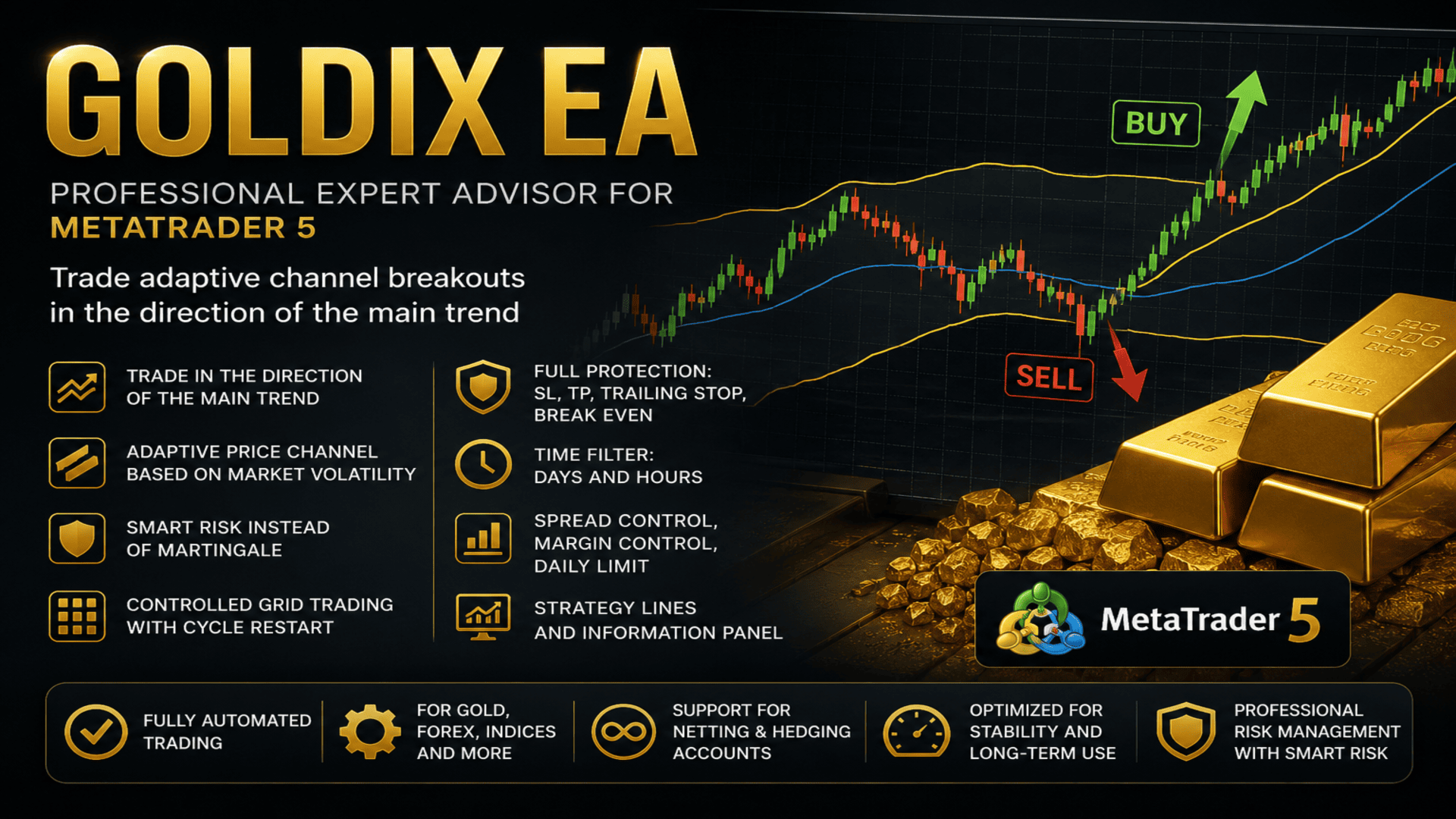
Goldix EA — a professional automated Expert Advisor for MetaTrader 5, based on trading breakouts of an adaptive price channel in the direction of the prevailing trend
OVERVIEW
Goldix EA is a professional Expert Advisor that combines trading breakouts of an adaptive price channel, trend filtering by EMA, and the Smart Risk capital management system. The EA analyzes the market on its own, manages open positions, and adapts to changes in market volatility. Particular attention during development was given to trading gold (XAUUSD), but the EA is also suitable for Forex currency pairs, indices, and a wide range of MetaTrader 5 trading instruments.
WHY CHOOSE GOLDIX EA
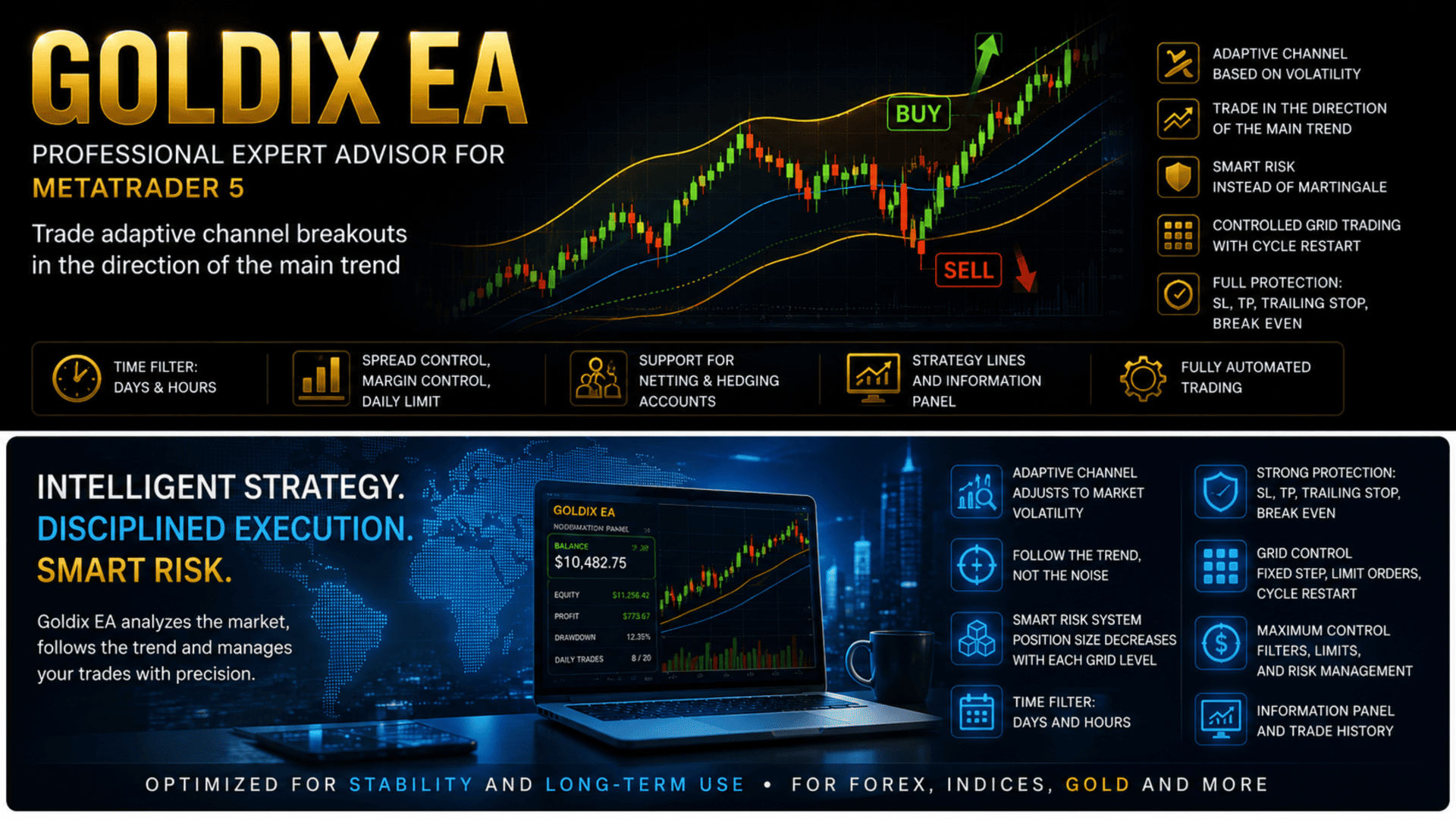
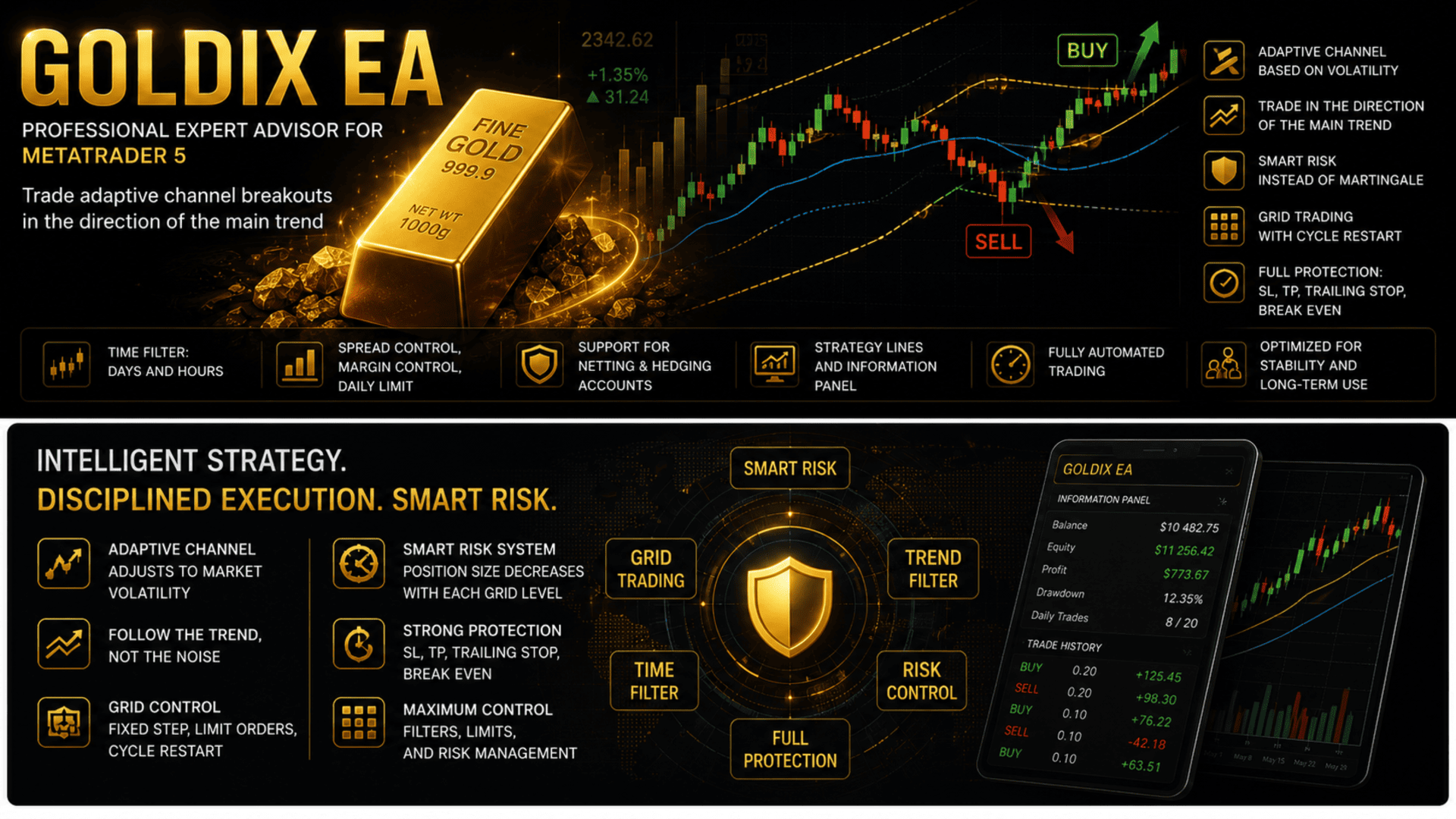
• Trading in the direction of the prevailing trend — the slow EMA filter prevents entries against the market
• Adaptive price channel — the boundaries adjust themselves to current volatility, including price gaps
• Smart Risk instead of classic martingale — the volume of subsequent orders gradually decreases rather than increases
• Controlled grid trading — fixed step, order limit, automatic restart of the cycle
• A complete set of position protection — Stop Loss, Take Profit, Trailing Stop and Break Even
• Time filter — by weekday and time of day, using the broker's server time
• Spread control, free margin control and a daily trade limit
• Strategy lines right on the chart with configurable colors
• Information panel with profit statistics and trade history on the chart
• Full support for netting and hedging accounts
KEY FEATURES
• Smart Risk
• Grid Trading
• Trailing Stop
• Break Even
• Stop Loss & Take Profit
• Time Filter
• Trade Direction
• Spread Control
• Daily Limit
• Netting & Hedging
• Trade History
• Strategy Lines
DESCRIPTION
At the heart of Goldix EA lies a simple and proven idea: trade in the direction of the trend, but enter only when the market genuinely moves beyond its usual range. The adaptive price channel is built around a moving average on a principle close to the classic Keltner Channel and defines the boundaries of the market's normal movement. Price moving beyond that boundary, supported by the trend filter, is treated as momentum worth following.
The channel width is calculated from the market's actual range of movement, so it automatically adapts to current volatility: in a quiet market the channel narrows, in an active one it widens. This matters especially on gold, where price gaps and sharp moves are commonplace.
Capital management is built on the Smart Risk system. The base volume is calculated from the balance size, and the volume of each subsequent grid order gradually decreases — unlike classic martingale, where orders double and the load on the deposit grows exponentially. This approach makes capital management more conservative and predictable.
Also available are controlled grid trading, Stop Loss, Take Profit, Trailing Stop, Break Even, entry filters by time and distance, spread control, a daily trade limit and other trade management tools. The EA displays its working strategy lines directly on the chart, and the information panel lets you monitor key settings and current trading results in real time.
HOW THE EA WORKS
The EA analyzes the market at the close of each bar and evaluates two conditions at once: whether price is beyond the channel and whether the trend filter confirms that direction.
The channel. A dynamic corridor is built around a moving average, its width determined by the market's actual range of movement over recent bars. While price stays inside the channel, the movement is considered normal and no trades are opened. Moving beyond the boundary indicates momentum that goes past the usual volatility.
The trend filter. The slow EMA determines which way the market is looking overall. Buys are only considered when price is above this line, sells only when it is below. This keeps the EA from trading against the main movement.
Opening trades. When a channel breakout coincides with the trend direction, the EA generates a signal. General safety rules are then applied: the interval and distance between trades, the current spread, the state of the trading session, the time filter and the sufficiency of free margin are all checked. The volume is adjusted to the broker's requirements if necessary. Once opened, the position is managed with a stop loss, take profit, trailing stop and breakeven, and with grid trading enabled the EA can add orders as the market moves against the position.
EA PARAMETERS
Keltner And EMAs
KeltnerPeriod — the period of the moving average around which the channel is built, and at the same time the depth used to calculate its width. The larger the value, the smoother the channel basis becomes and the less frequently breakouts occur. Smaller values make the channel more sensitive to current movement.
EMAFastPeriod — the period of the fast EMA. It is displayed on the chart as an auxiliary line and helps you visually assess short-term price movement relative to the channel.
EMASlowPeriod — the period of the slow EMA, which acts as the trend filter. It determines which trades are allowed: above the line only buys, below it only sells. Larger values take a longer-term trend into account and make the filter stricter; smaller values let the EA react to a change of direction more quickly.
Lot Settings
LotMethod — the position volume calculation method: fixed lot or Smart Risk (automatic calculation from the balance size). Determines how the EA sets the volume of each new trade.
FixedLotSize — the lot size used in fixed-volume mode. Applies only when this mode is selected.
Grid Trading Settings
UseGrid — enables or disables grid trading when managing open positions. When disabled, the EA works without adding averaging orders.
GridStep — the distance in points between adjacent grid levels. The larger the value, the less frequently additional orders are added as the market moves against the position.
MaxGridOrders — the maximum number of orders the EA can open in one direction while the grid is running. Limits the total risk.
Trading Direction
TradeDirection — defines the permitted trading direction: buys only (BUY), sells only (SELL), or both directions (BOTH).
Stop Loss & Take Profit Settings
StopLoss — the stop loss size in points for each new position. A value of 0 disables the use of Stop Loss.
TakeProfit — the take profit size in points for automatic profit locking. A value of 0 disables the use of Take Profit.
Trailing Stop & BreakEven Settings
TrailingStop — enables or disables automatic management of profitable positions with a trailing stop.
TrailingStart — the minimum profit in points after which the trailing stop is activated.
TrailingDistance — the distance in points between the current price and the trailing stop level after it has been activated.
TrailingStep — the minimum price change required for each subsequent move of the trailing stop.
BreakEven — enables or disables automatic move of a position to breakeven.
BreakEvenStart — the profit in points required to activate breakeven.
BreakEvenOffset — the stop loss offset into profit relative to the open price after the position has been moved to breakeven.
Trading Rules
MaxSpread — the maximum allowed spread in points for opening new trades. If the current spread is above this value, opening new positions is temporarily blocked.
MinutesBetweenTrades — the minimum time interval in minutes between the opening of new trades.
FilterMode — the operating mode of the entry filter: time only, distance only, time OR distance, or time AND distance simultaneously.
MagicNumber — a unique identifier that lets the EA distinguish its own trades from those of other EAs or manual trading.
TradeComment — a comment automatically added to all trades opened by the EA.
DailyLimit — enables or disables the limit on the maximum number of new trades during a single trading day.
MaxOrdersPerDay — the maximum number of trades the EA can open in one trading day.
Time Filter
EnableTimeFilter — enables or disables the time filter. When it is off, trading is allowed at any time and the other parameters in this group have no effect.
TradeMonday, TradeTuesday, TradeWednesday, TradeThursday, TradeFriday, TradeSaturday, TradeSunday — weekday switches. Trading can be allowed or blocked separately for each day. The day is taken from the broker's server time.
StartHour — the starting hour of the trading window (0–23) in the broker's server time.
StartMinute — the starting minute of the trading window (0–59).
EndHour — the ending hour of the trading window (0–23) in the broker's server time.
EndMinute — the ending minute of the trading window (0–59). If the start time is later than the end time, the window crosses midnight.
Display Settings
ShowPanel — enables or disables display of the information panel on the chart.
ShowProfitStats — displays profit statistics for the day, week, month and the entire operating period of the EA.
ShowTradeHistory — enables display of the executed trade history directly on the chart.
BuyTradeColor — the display color for buy trades.
SellTradeColor — the display color for sell trades.
TradeFontSize — the font size of the trade history labels on the chart.
ShowIndicatorLines — enables or disables display of the strategy lines on the chart.
KeltnerLineColor — the color of the line around which the channel is built.
EMAFastLineColor — the color of the fast EMA line.
EMASlowLineColor — the color of the slow EMA line (the trend filter).
IndicatorLineWidth — the width of the strategy lines on the chart.
IndicatorLineBars — the number of recent bars on which the lines are drawn. Smaller values reduce the load on the chart.
PanelBackColor — the background color of the information panel.
PanelTextColor — the text color of the information panel.
PanelEditColor — the color of the value fields inside the information panel.
SMART RISK
Smart Risk is a mode that calculates the position volume automatically from the balance size. The trade volume grows together with the deposit and decreases as it shrinks, so the load on the account stays proportionate to its current state.
The key feature of this mode shows itself when the grid is running: the volume of each subsequent order decreases rather than increases. This is what fundamentally separates Smart Risk from classic martingale, where every subsequent order doubles and the load on the deposit grows exponentially. Reducing the volume as the grid expands makes capital management more conservative and predictable.
Before opening any position, the EA checks the available free margin and, if necessary, reduces the volume, aligning it to the broker's allowed lot step. This prevents opening trades with an incorrect or invalid volume.
GRID
With grid trading enabled, the EA is not limited to a single position. As the market moves against the open side, it adds new orders at a defined step in points (GridStep), forming an averaging grid. The total number of orders in one direction is limited by the MaxGridOrders parameter, which keeps the overall risk in check.
The EA keeps its own record of grid levels and entry prices, so the grid logic works equally correctly on netting and hedging accounts. Once the side is fully closed, the grid counter resets and the next signal starts a fresh cycle from the first level. When Smart Risk is used, the volume of each subsequent grid order decreases.
TIME FILTER
The time filter lets you restrict trading to certain weekdays and times of day. It is controlled by the EnableTimeFilter parameter and is disabled by default — in that case the EA can trade at any time.
When the filter is enabled, trading is allowed only if both conditions are met: the current weekday is marked as allowed and the current time falls inside the defined window. If the window's start time is later than its end time, the window is treated as crossing midnight. All checks are performed in the broker's server time. Outside the allowed day or window, no new trades are opened.
TRADE DIRECTION
BUY ONLY — the EA opens buy trades only; sell signals are ignored.
SELL ONLY — the EA opens sell trades only; buy signals are ignored.
BOTH — both sides are allowed. The direction of a specific trade is determined by the trend filter: buys when price is above the slow EMA, sells when it is below.
STRATEGY LINES ON THE CHART
The EA displays its working lines directly on the chart, so you always see the picture on which it bases its decisions. The color of each line is configured separately, as is the width. The IndicatorLineBars parameter sets the drawing depth — it can be reduced if needed to lower the load on the chart. The display can be turned off completely with the ShowIndicatorLines parameter.
CONCLUSION
Goldix EA combines adaptive market analysis, trend filtering and a modern Smart Risk capital management system in one fully automated Expert Advisor for MetaTrader 5. It suits both everyday trading on gold, currency pairs and indices, and long-term parameter optimization in the Strategy Tester, while retaining flexible settings and full control over risk.
The EA does not guarantee profit. Trading results depend on market conditions, the chosen settings, the broker's conditions and the trader's approach to risk management. Before using it on a live account, be sure to test it in the Strategy Tester and on a demo account.