Gold Eagle Pro EA
- Experts
- Version: 1.0
- Activations: 10

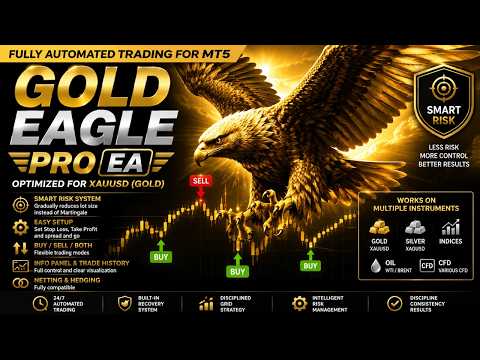
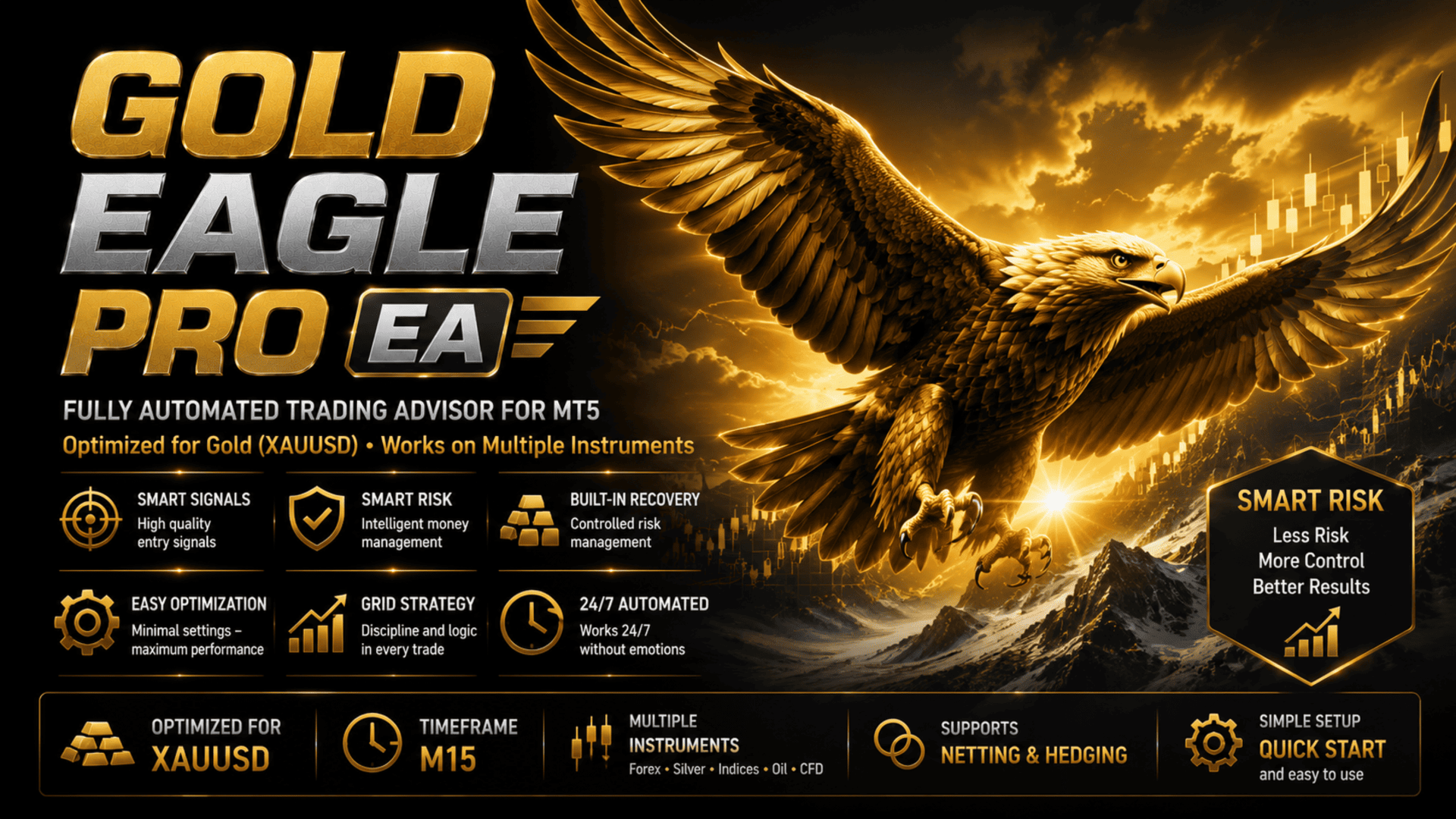
Gold Eagle Pro EA — fully automated trading advisor for MetaTrader 5
Gold Eagle Pro EA is developed specifically for trading Gold (XAUUSD). The EA is already optimized for this instrument and is ready to work immediately after installation on the M15 chart and completing minimal preliminary setup.
Gold Eagle Pro EA was created for traders who value simple configuration, clear operation of the advisor, and a minimum number of user parameters. Most trading strategy parameters have already been pre-optimized by the developer — the user does not need to independently search for settings of numerous internal algorithms or select complex indicator combinations. The EA is primarily developed and optimized for trading Gold (XAUUSD), however, it can also be used for trading major Forex currency pairs, Silver, Indices, Oil, and other CFD instruments after preliminary optimization of parameters for the chosen market.
To start trading, just perform a few simple steps:
-
choose the trading direction: BUY (open only buy positions), SELL (open only sell positions), or BOTH (automatically open both buy and sell positions depending on the current trading signal);
-
configure Stop Loss and Take Profit according to your broker's conditions;
-
if necessary, set the maximum allowable spread.
In most cases, these settings are sufficient to start using the advisor. After applying these simple settings, the EA is fully ready for operation — the core trading logic is already built-in and does not require further optimization of most internal parameters.
Gold Eagle Pro only opens trades when a confirmed trading signal appears, avoiding unnecessary entries in the absence of suitable market conditions. The volume of each new position is calculated by the Smart Risk intelligent system.
Unlike classic Martingale, where each new trade is accompanied by an increase in volume, Smart Risk gradually decreases the size of subsequent recovery orders.
Example of volume distribution using Smart Risk with a balance of 5000 USD:
1st order 0.05
2nd order 0.04
3rd order 0.03
4th order 0.02
5th order 0.01
6+ 0.01
This approach helps significantly reduce the trading load on the deposit compared to classic averaging systems.
EA PARAMETERS
Lot Settings
LotMethod — selection of the position volume calculation method: Fixed Lot (fixed lot) or Smart Risk (automatic calculation based on the account balance with a decrease in the volume of subsequent recovery orders).
FixedLotSize — lot size for fixed volume mode (applies only in this mode).
Trading Direction
TradeDirection — selection of the trading mode.
BUY — the EA opens only buy trades.
SELL — the EA opens only sell trades.
BOTH — the EA automatically opens both buys and sells depending on the current trading signal.
Stop Loss & Take Profit Settings
StopLoss — stop loss size in points (0 disables Stop Loss).
TakeProfit — take profit size in points (0 disables Take Profit).
Trading Rules
MaxSpread — the maximum allowable spread in points for opening trades; if the spread is wider, opening new positions is temporarily blocked.
Display Settings
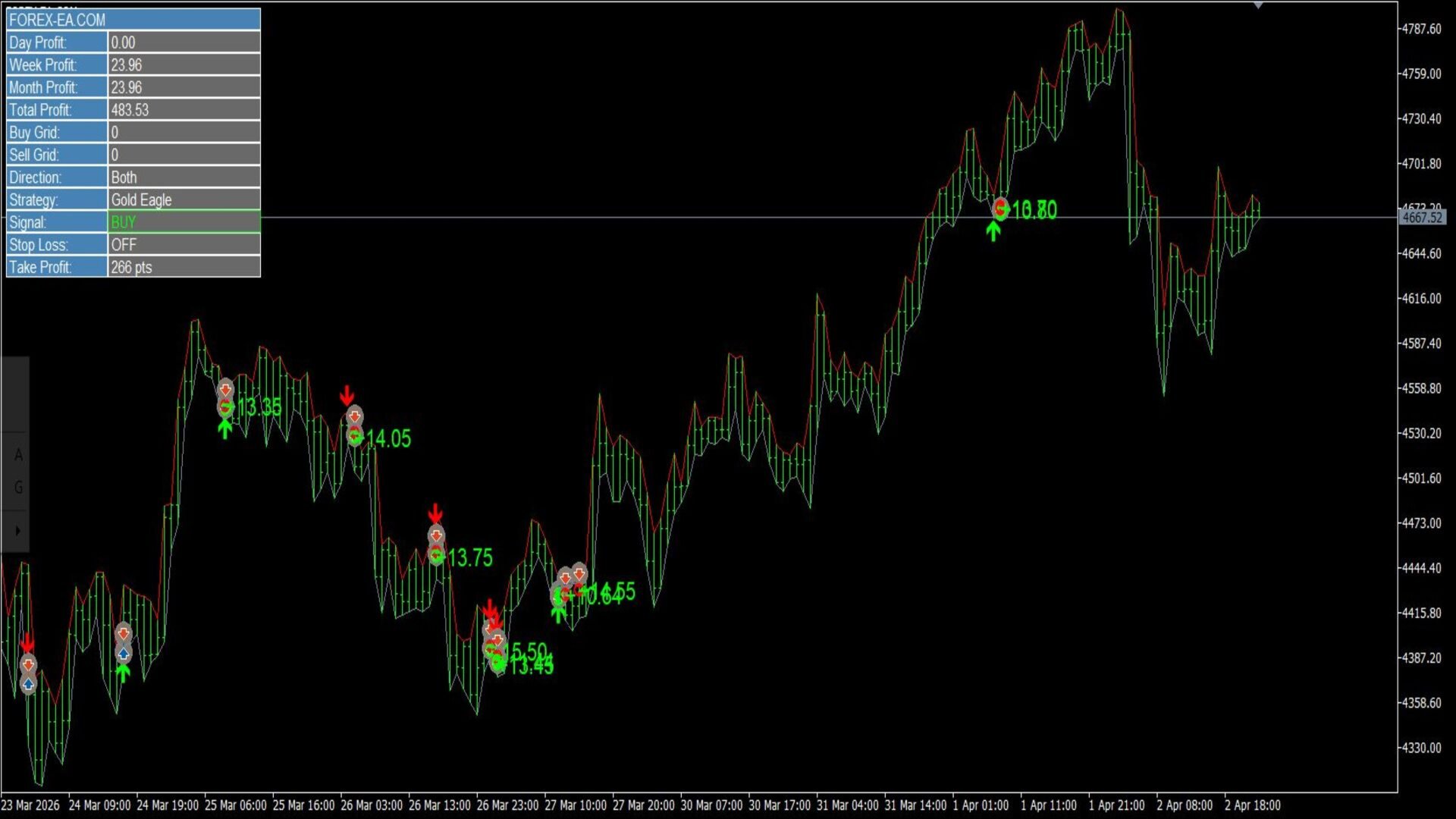
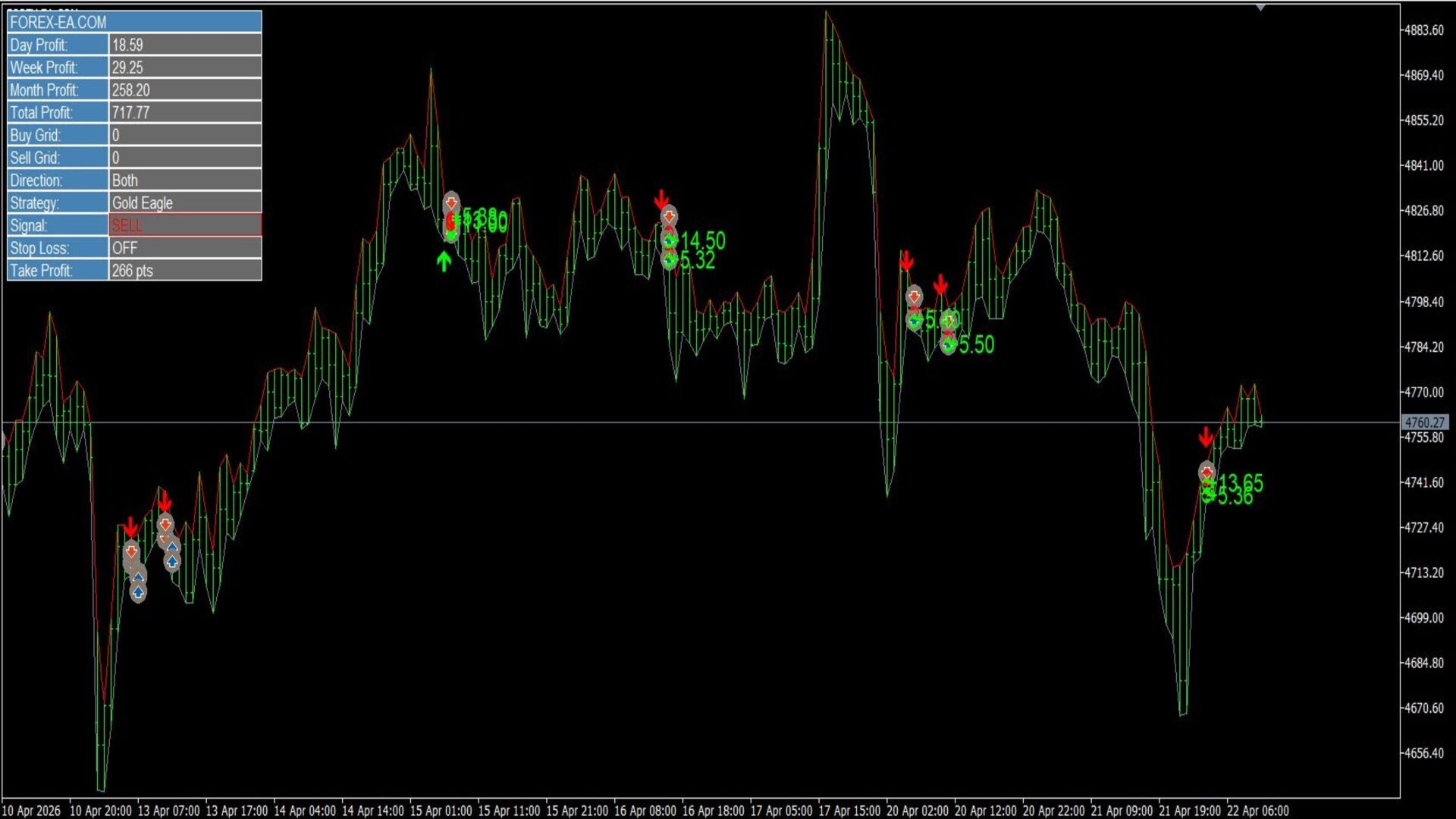
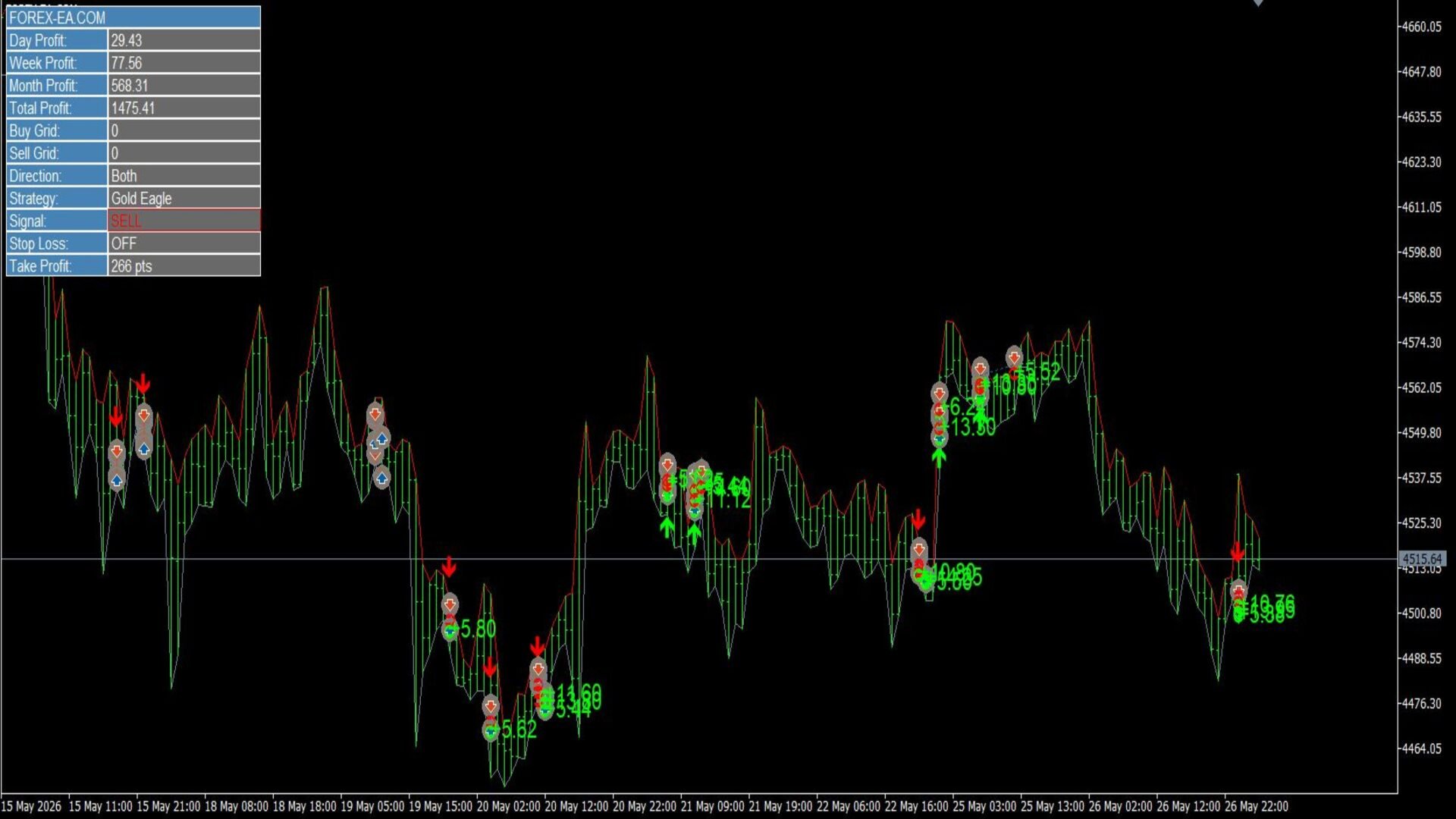
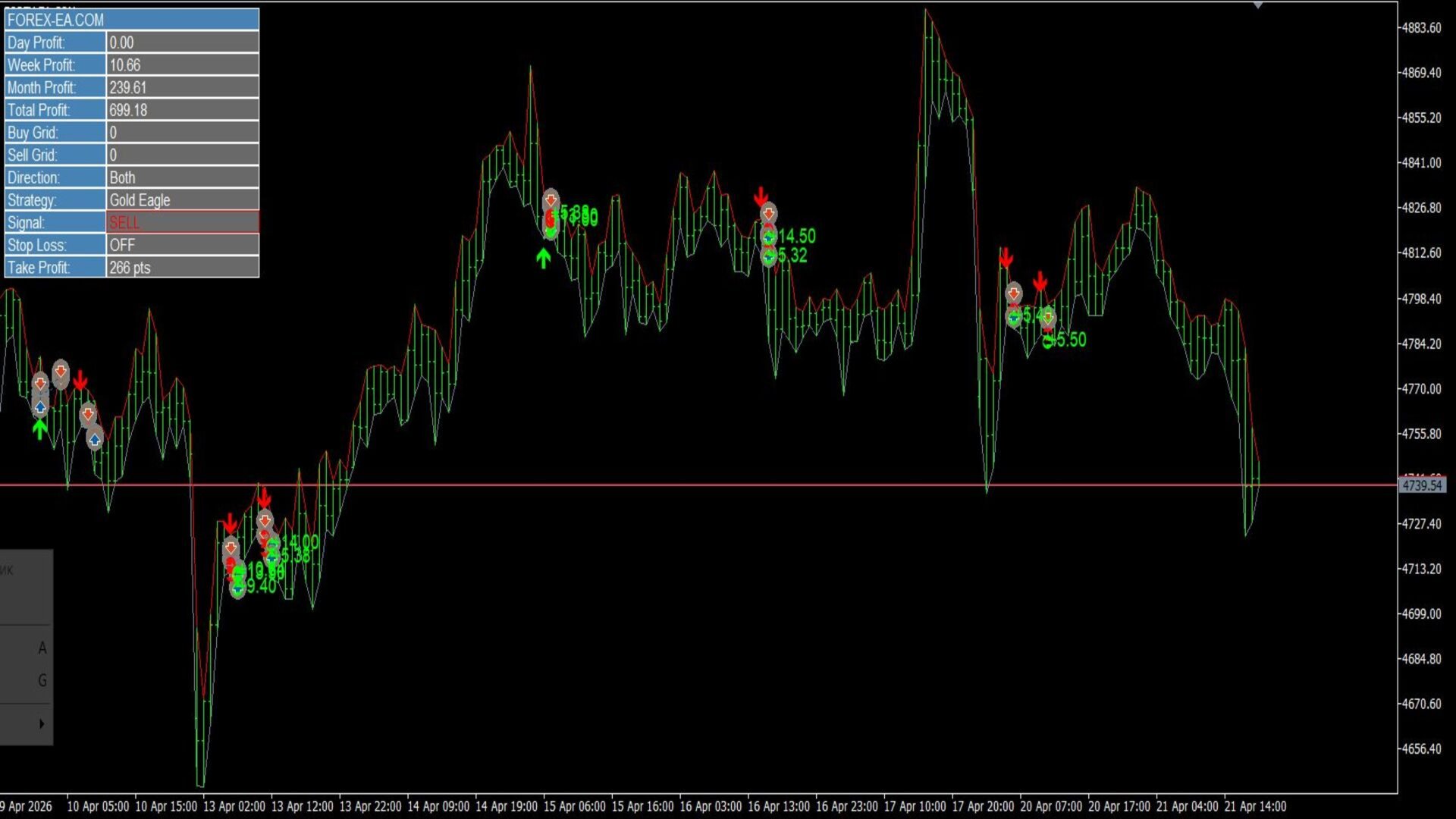
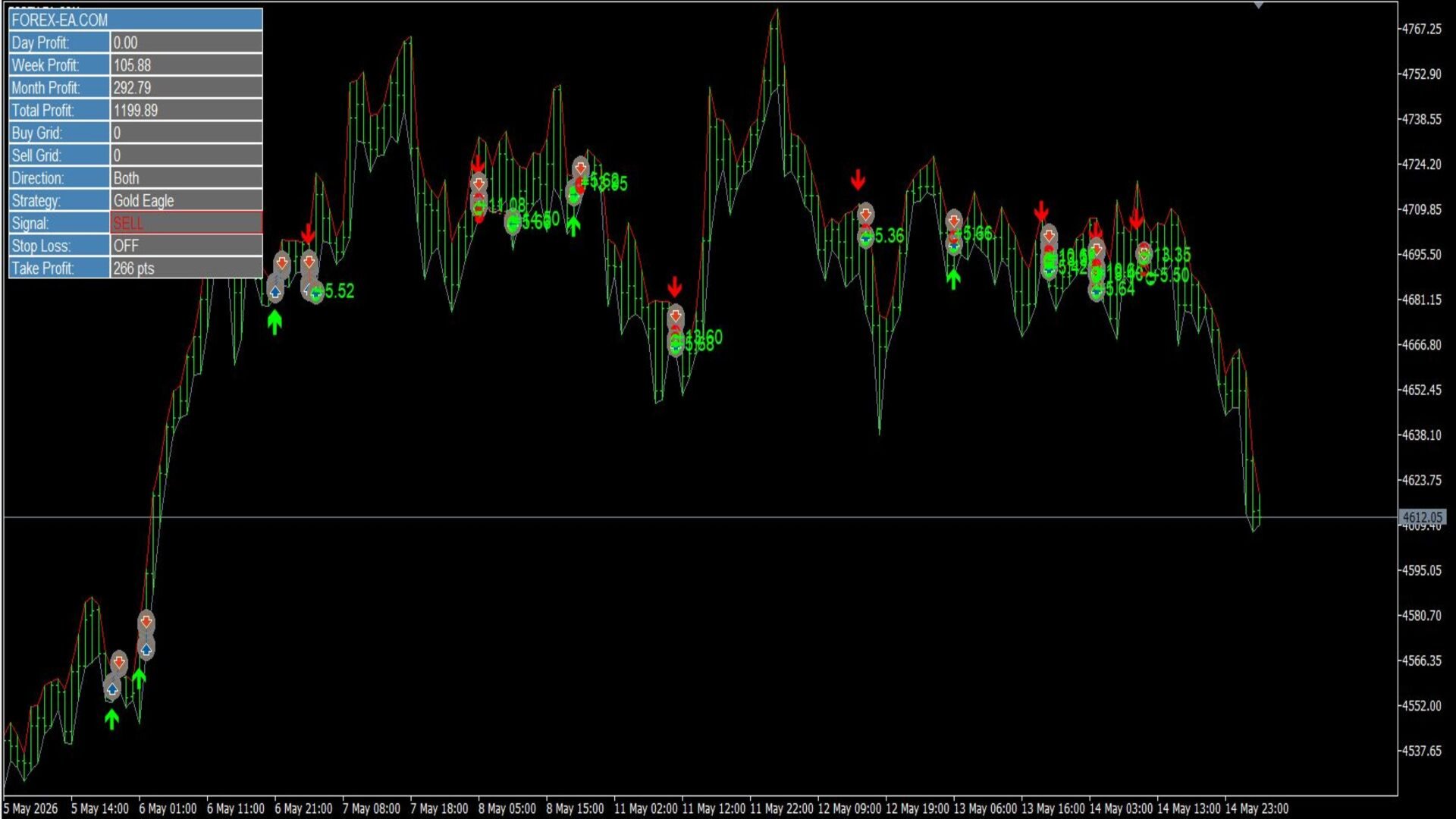
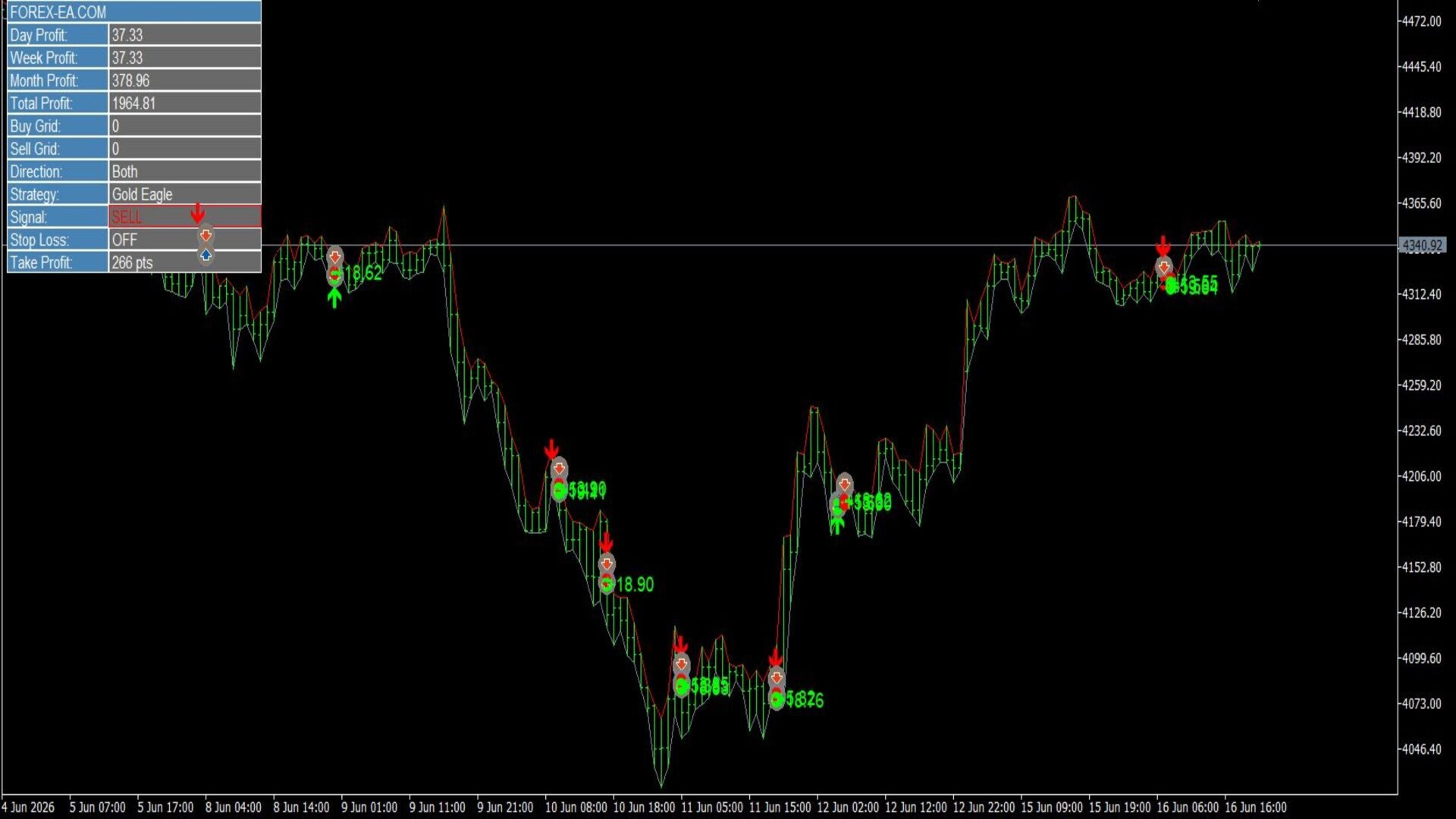
ShowPanel — enable or disable the information panel.
ShowProfitStats — display of profit statistics (day, week, month, total) on the panel.
ShowTradeHistory — display of trade history on the chart.
ShowSignalArrows — display of the signal arrow at the trade opening point.
BuyArrowColor / SellArrowColor — colors of buy and sell signal arrows.
BuyTradeColor / SellTradeColor — colors of markers in trade history.
TradeFontSize — font size of the result labels on the chart.
PanelBackColor / PanelTextColor / PanelEditColor — background, text, and field colors of the information panel.
CONCLUSION
Gold Eagle Pro EA combines an author's signal strategy, Smart Risk intelligent capital management, and a built-in recovery system into one fully automated trading advisor for MetaTrader 5.
The EA is already optimized for trading XAUUSD (Gold), and after preliminary parameter optimization, it can also be used for trading other instruments. Thanks to the minimum number of user settings, the EA can be easily adapted to your broker's conditions, and setup takes only a few minutes.
The Smart Risk system automatically calculates the volume of each new position and, during the recovery system operation, gradually reduces the size of subsequent orders instead of increasing them, helping to make risk management more controlled compared to classic averaging systems.
The built-in information panel, visual trade history, and display of trading signals allow convenient monitoring of the EA's performance and analysis of trading results directly on the chart. Full support for Netting and Hedging makes Gold Eagle Pro EA compatible with most modern MetaTrader 5 brokers.
IMPORTANT RISK WARNING
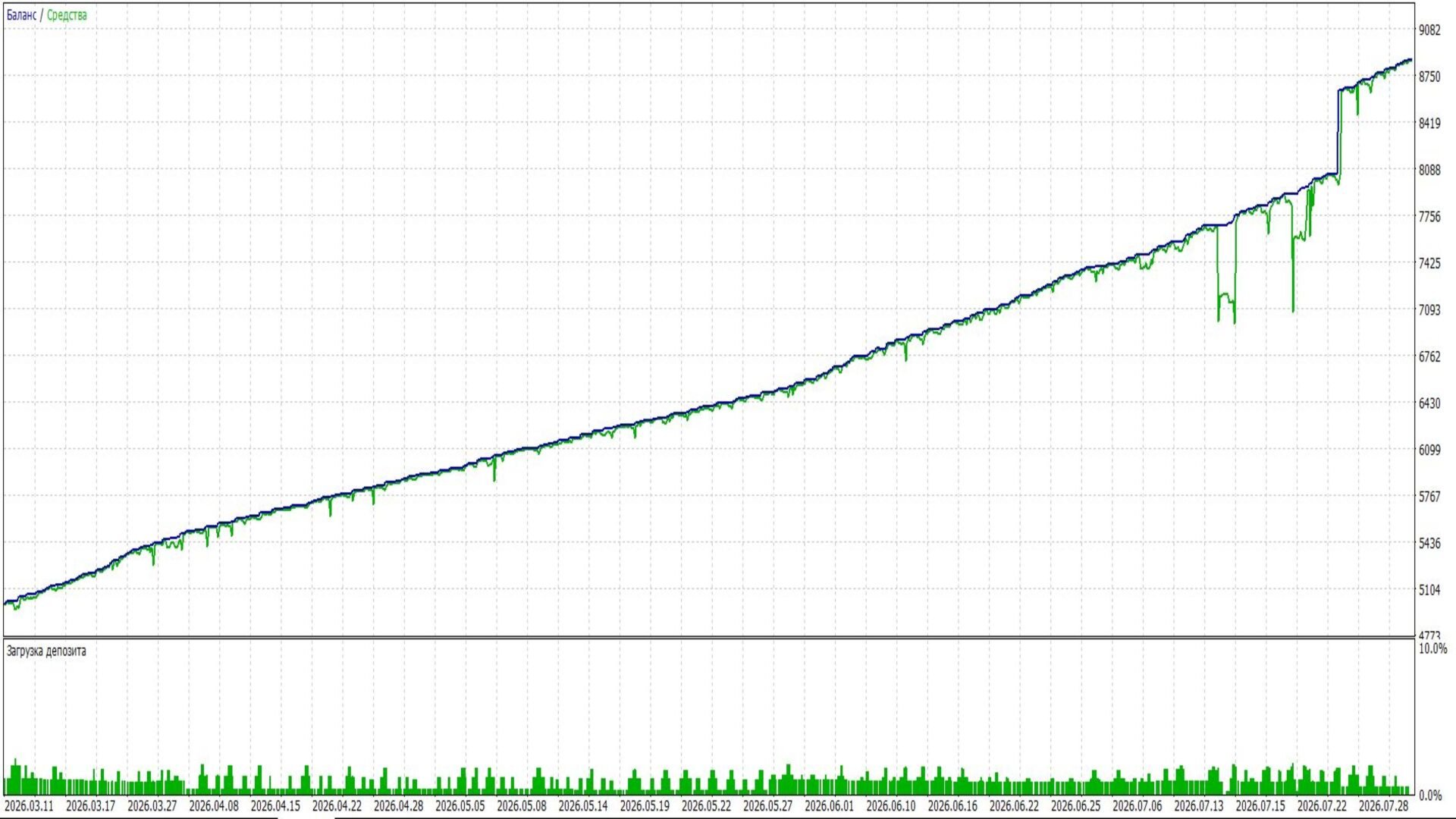
The EA does not guarantee profit. Trading results depend on market conditions, selected settings, broker conditions, and the trader's individual approach to risk management. Before using on a real account, it is recommended to pre-test the EA in the MetaTrader 5 Strategy Tester and on your broker's demo account, and then select the Stop Loss, Take Profit, and maximum allowable spread values corresponding to the chosen instrument and your broker's conditions.