Delta Aggression Volume PRO
- Indicators
-
JETINVEST
 Jet Invest develops indicators and trading tools for MetaTrader 4 and 5: Order Flow, Footprint, Volume Profile, market structure (SMC), sessions and market overview panels, for forex, metals, indices, crypto and futures of any exchange (CME, B3 and others).
- Version: 5.20
- Updated: 3 November 2026
- Activations: 20
B3 AND CME FUTURES (WIN, WDO, B3 STOCKS, ES, NQ, CL, GC)
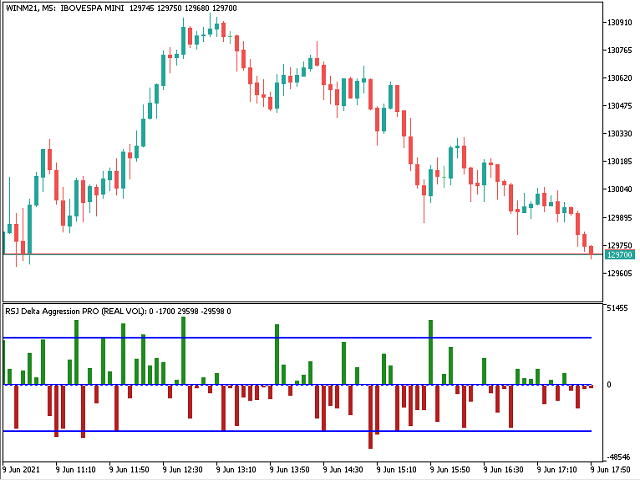
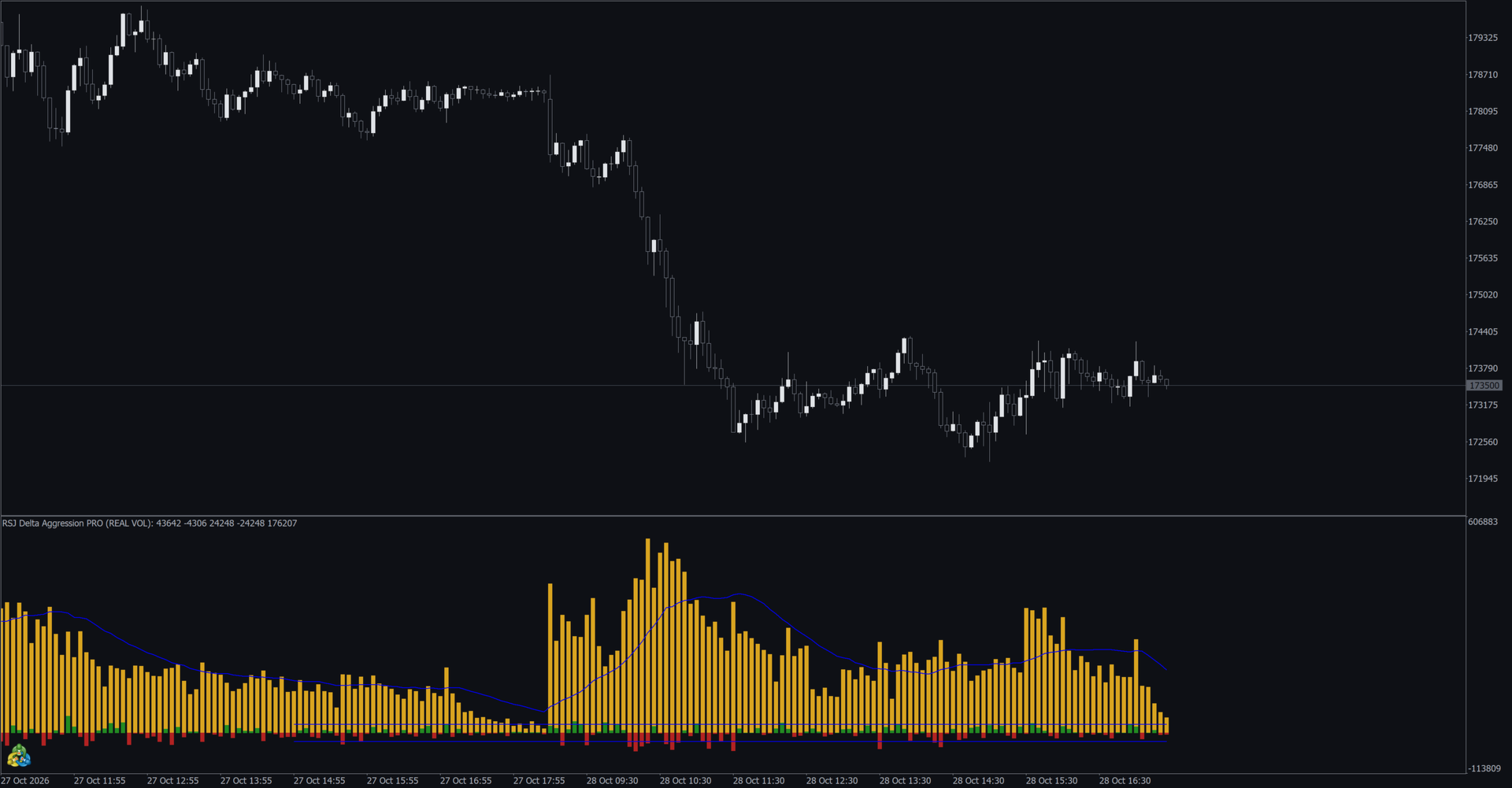
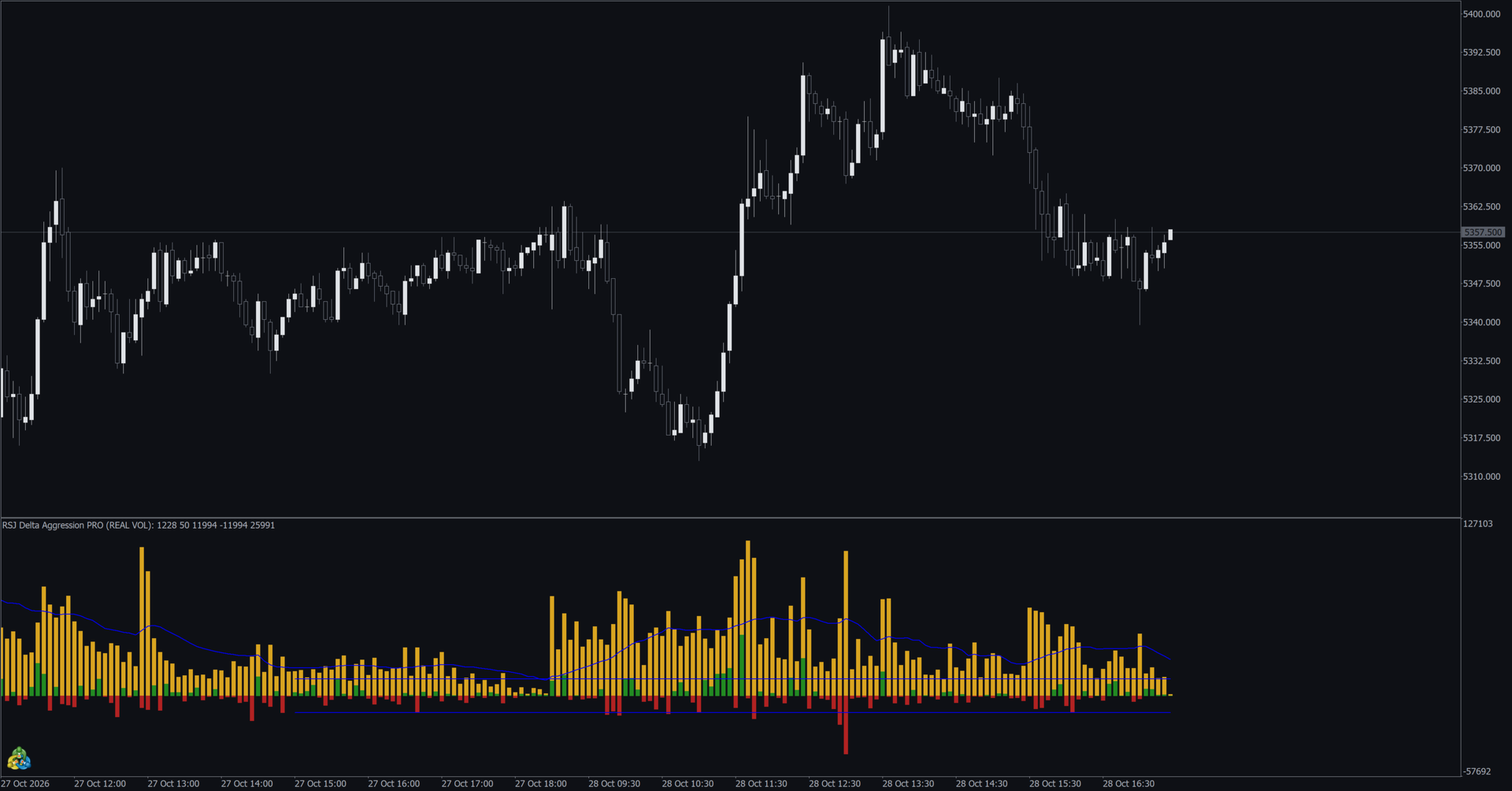
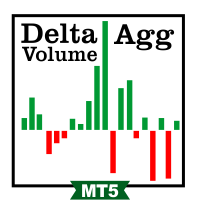
Delta Aggression Volume PRO shows, candle by candle, whether aggressive buyers or aggressive sellers traded more, and marks the candles where aggression and price disagree.
It needs a broker that delivers the real trades of the symbol with their aggressor side (buy or sell). Forex, CFD and most crypto feeds have no trades, so on a live chart of these symbols the window stays empty.
Use the free Delta Aggression Volume to see the basic per-candle delta. PRO adds reverse bars, a range channel, a moving average of the total volume, 6 alerts and 20 buffers for Expert Advisors.
Pairs with Aggression Wave PRO: the delta of each candle here, the aggression accumulated through the day there.
WHAT IT DOES
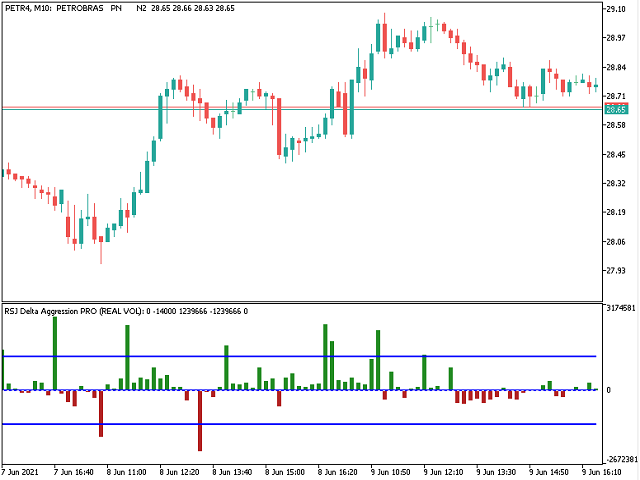
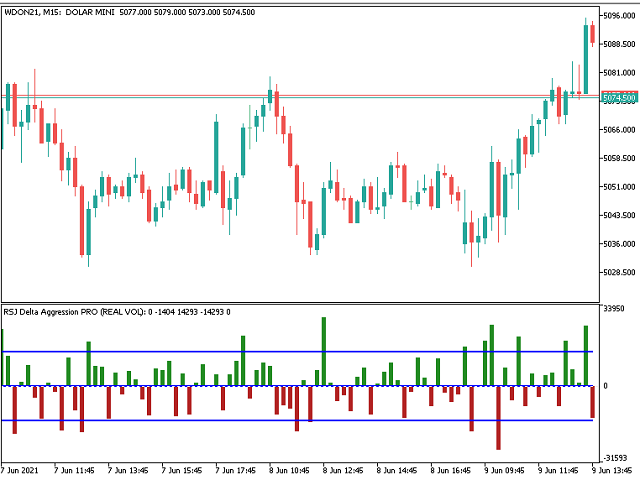
- Delta columns: green when buy aggression is larger, red when sell aggression is larger.
- Reverse bars: blue when the delta is positive but the candle closed down, magenta when the delta is negative but the candle closed up. They show aggression absorbed by passive orders.
- Range channel: two lines that show how large each delta is compared with the recent candles, with two calculation modes and a configurable period.
- Moving average of the total aggression volume of each candle (Information to Plot = PLOT_ALL).
- Volume type: real volume (contracts or shares) or number of trades.
- Any timeframe from M1 to D1.
FREE VS PRO
- Delta per candle from real trades: Free yes / PRO yes
- Start Calculation options: Free 8 / PRO 10 (adds current day and last four days)
- Reverse bars: Free no / PRO yes
- Range channel: Free no / PRO yes
- Total volume moving average: Free no / PRO yes
- Alerts: Free no / PRO 6
- Buffers for Expert Advisors: Free 6 / PRO 20, including 6 alert buffers
- Strategy Tester: Free yes / PRO yes
SETTINGS
- Volume Type: real volume or tick volume (number of trades).
- Start Calculation: from the current day up to all available days. A shorter start loads faster.
- Information to Plot: delta and channel, or also the volume moving average.
- Channel: calculation mode and period.
- Volume moving average: method and period.
- Colours of the four column types.
ALERTS
Six alerts, checked once per closed candle: the delta changes sign; the delta crosses above the upper channel line; the delta crosses below the lower channel line; the delta crosses a level you set as a percentage of the channel; the total volume crosses above its moving average; reverse bar. Each alert can be a pop-up, a sound, a push notification or a combination, with its own sound. Cross alerts fire only on the candle where the cross happens, and the channel alerts wait until the channel is calculated. All alerts are off by default.
BUFFERS FOR EXPERT ADVISORS
- 3: delta of the candle. 4: colour (0 positive, 1 negative, 2 and 3 reverse bars).
- 5 and 6: upper and lower channel lines. 7: volume moving average. 19: total aggression volume.
- 13 to 18: the six alerts, readable with iCustom: +1 buy, −1 sell, 0 no signal. They are filled on the closed candle (shift 1), also when the alerts are off.
STRATEGY TESTER
Works in visual and non-visual mode, also through iCustom. The results closest to the live chart come from "Every tick based on real ticks" on a symbol with real trades. On symbols or days without real trades, and on the bars before the test start, the tester values are approximations. On forex the tester shows values, but a live forex chart shows nothing. Pop-ups, sounds and notifications are not sent in the tester.
FAQ
Why is the window empty? The symbol has no trades with aggressor side, or the tick history is still loading. Check the Time & Sales of the symbol. If there are no trades yet since the calculation start, the window starts drawing as soon as the first trades arrive.
Why does the first load take a while? The indicator reads every trade since the calculation start. Lower timeframes and an earlier start take longer.
Does it repaint? The forming candle changes with each trade. Closed candles are not changed. The channel follows the last candles of its period.
Is this a trading signal? No. It shows who was more aggressive in the trades already done. Use it with your own entry and risk rules.
Full user manual (with images): www.mql5.com/en/blogs/post/779253














































User didn't leave any comment to the rating