Trend Correction Pro Histogram mw
- Indicators
- Version: 2.37
- Activations: 10

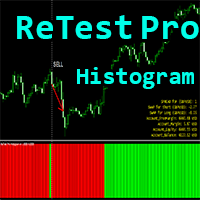
Crypto_Forex Indicator "Trend Correction Pro Histogram" for MT4, no repaint!
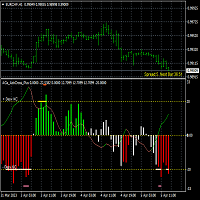
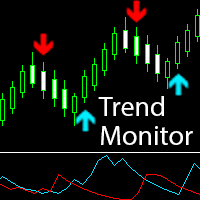
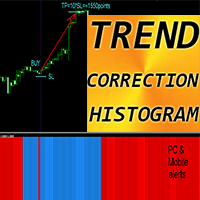
- - Trend Correction Pro Histogram can be in 2 colors: red for bearish trend and blue for bullish one.
- - 7 consecutive histogram columns of the same color means beginning of new trend.
- - Trend Correction Pro Histogram indicator designed with the main purpose - to minimize losses and maximize profit.
- - It has parameter - "Period", responsible for indicator's sensitivity.
- - With Built-in Mobile and PC alerts.
- - Indicator has Info Display - it shows current Spread and Swaps of forex pair where it is attached.
- - Display also shows account Balance, Equity and Margins.
- - It is possible to locate Info Spread Swap Display in any corner of the chart.
- - Trend Correction Pro Histogram can be used as a simple but profitable trading system, See below:
HOW TO USE indicator:
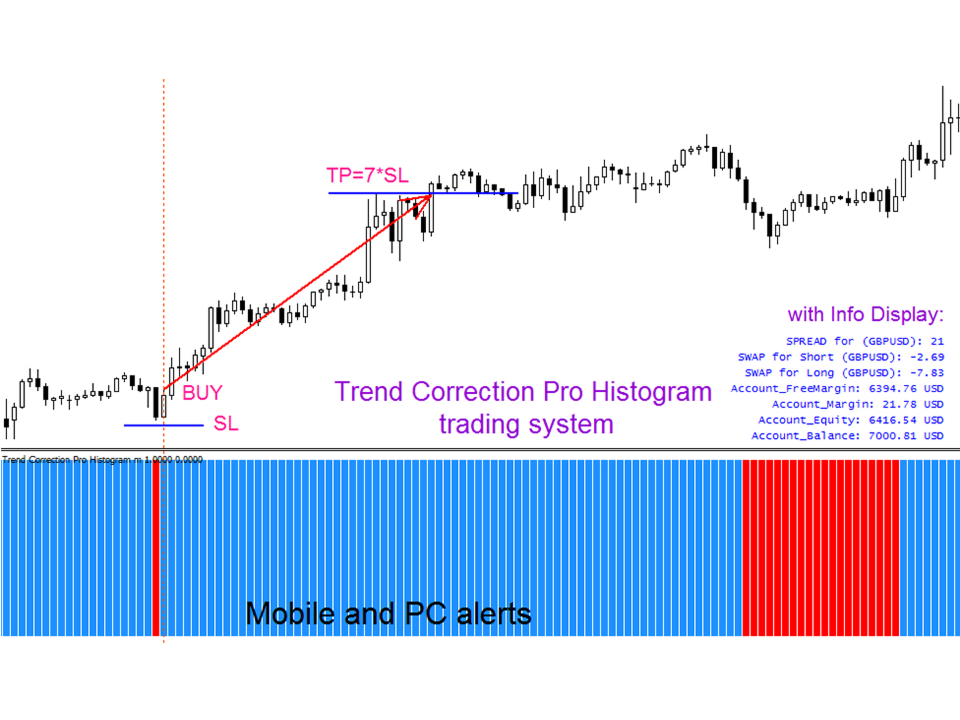
- 1) Check for at least 7 consecutive histogram columns of the same color, it means beginning of new trend. For example, there are more than 7 blue columns on the picture below.
- 2) Wait for just 1 (ONE) opposite color column, red in our case, which is changed again to blue one right after it. It means that it was trend correction.
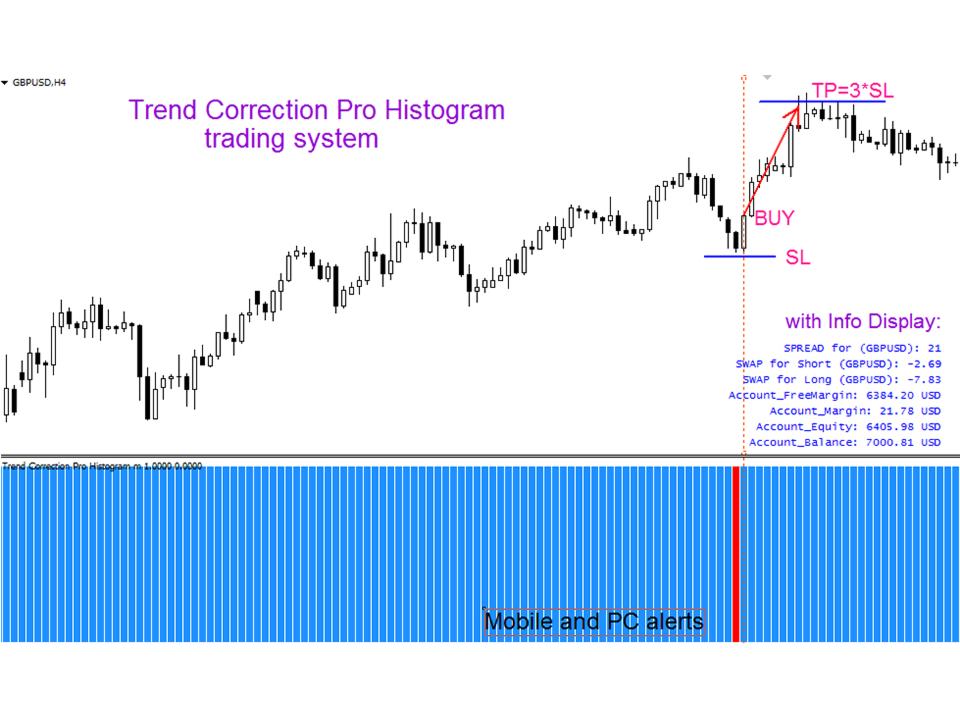
- 3) Open Long trade when blue column take place, after just one red column before. It means that order was opened to the direction of main trend after correction.
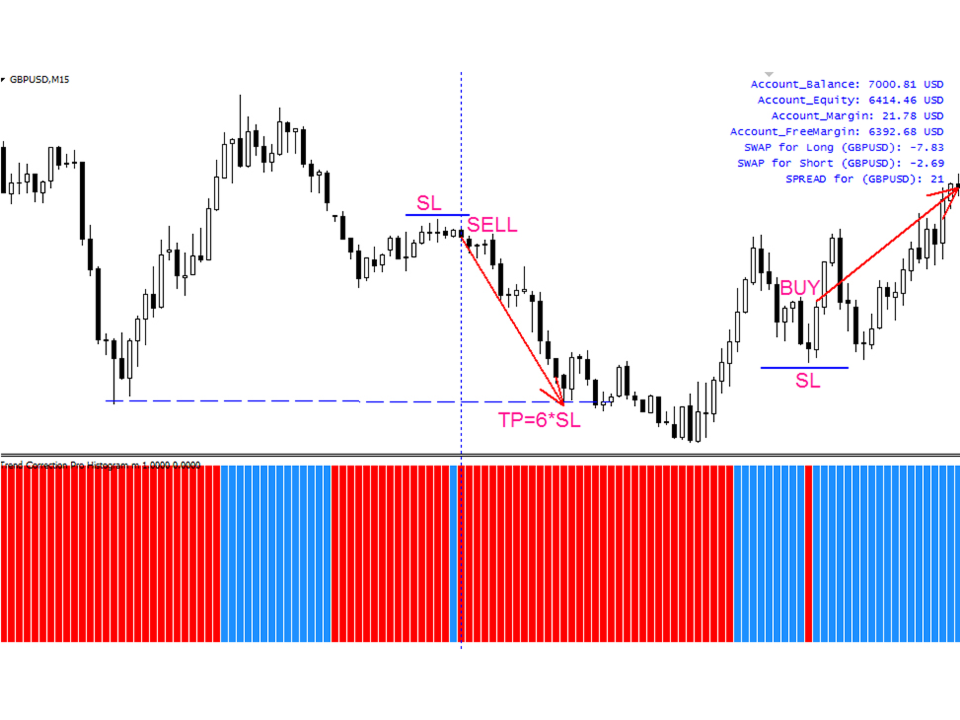
- 4) Arrange SL (see pictures) and TP. TP should be at least 3 times bigger than SL. In this case you will be profitable even if you win only 30%.
- 5) Vice versa for Sell (short) trades (see pictures).
It is original product which is offered only on this MQL5 website.