Currency Pulse MT4
- Indicators
-
Evgeniy Zhdan
 ➖➖➖➖➖➖➖➖➖➖➖➖➖➖➖➖➖➖➖➖➖➖
Products: https://www.mql5.com/en/users/trendhunter/seller
➖➖➖➖➖➖➖➖➖➖➖➖➖➖➖➖➖➖➖➖➖➖ - Version: 1.0
- Activations: 5
Currency Pulse — currency strength ranking board for MetaTrader 4
What it is for
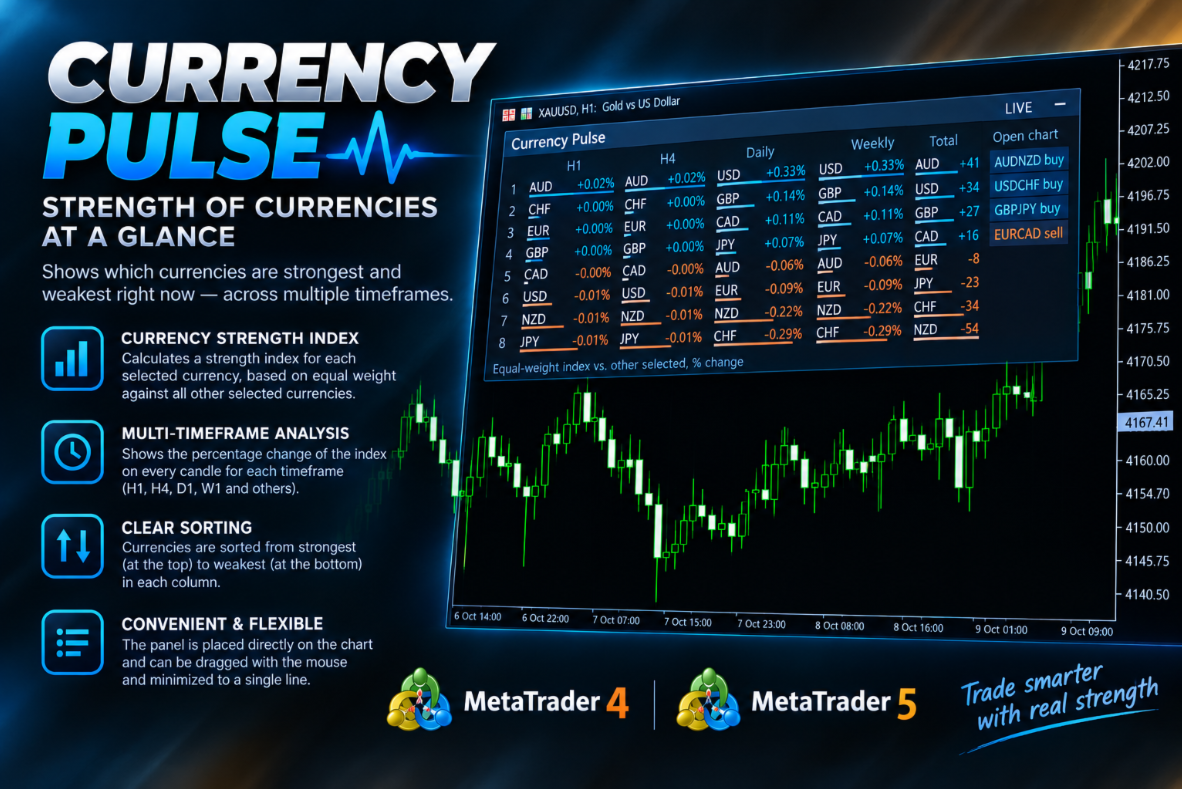
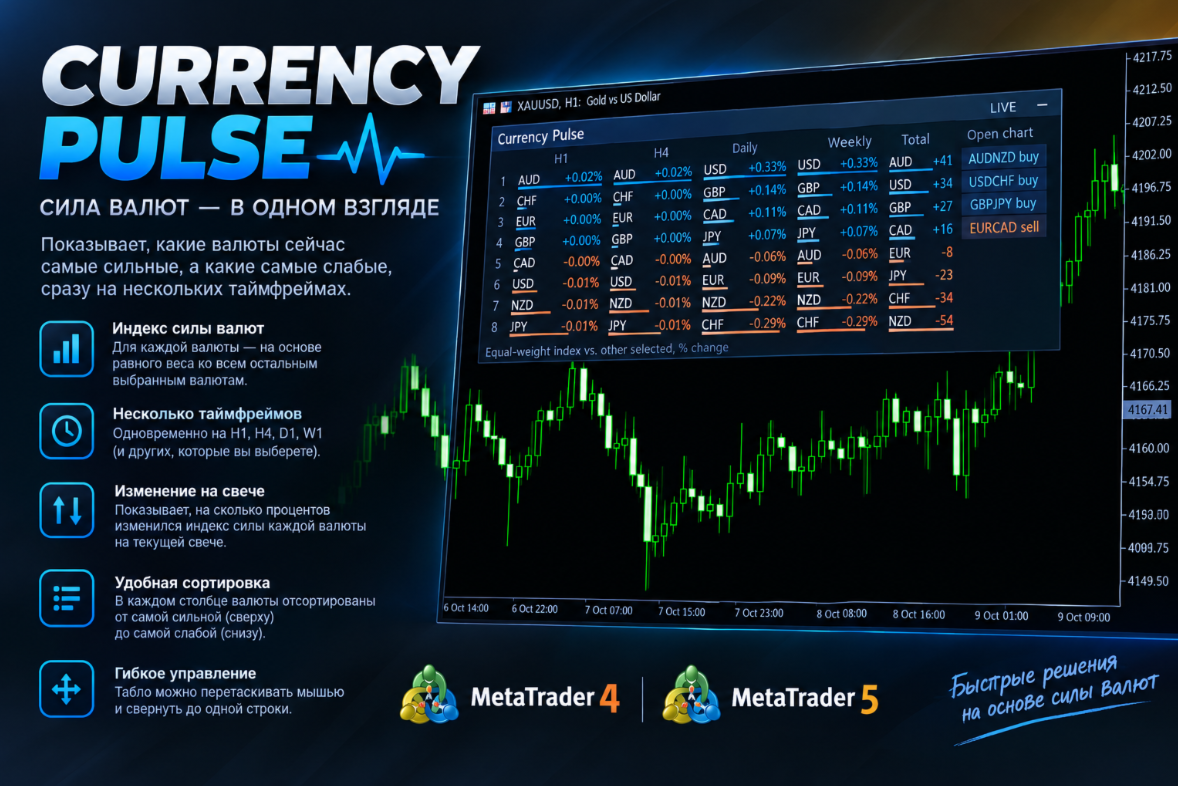
Currency Pulse shows, in one compact panel on your chart, which currencies are strong and which are weak right now, on several timeframes at once. From that ranking the indicator points out the pairs with the widest divergence between currencies: buy the strong one, sell the weak one. The indicator does not depend on the symbol of the chart it is attached to.
MT5-version: https://www.mql5.com/en/market/product/200977
How it works
- The selected currencies are compared with each other on every timeframe you enable and lined up from strongest to weakest. A colour bar shows the size of the move.
- The Total column combines all timeframes into one overall score for each currency.
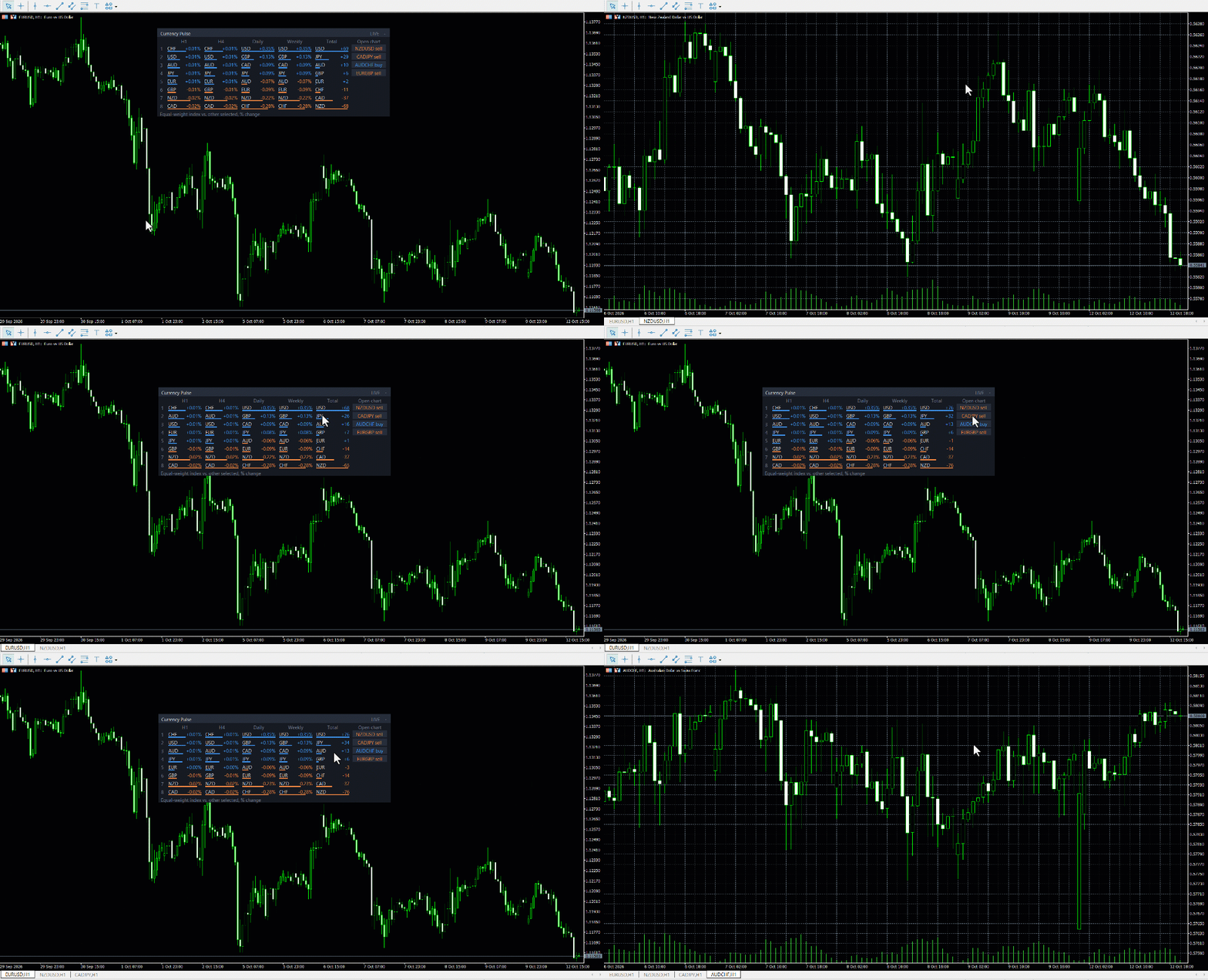
- The Open chart column picks the most promising pairs from the ranking (strong against weak) and shows the direction, buy or sell. Clicking a row opens the chart.
How to use
- Make sure the symbols of the selected currencies are in Market Watch (for example EURUSD, USDJPY, XAUUSD).
- Drag the indicator onto any chart and wait a few seconds for history to load.
- Read the panel: currencies at the top of the columns are strong, at the bottom are weak. The Total column gives the overall picture across all timeframes.
- In the Open chart column look at the best pairs right now and open them with a click. Enter by your own rules.
- Drag the panel by its header; the "-" / "+" button collapses and expands it. Position and state are remembered.
Settings
- MQL5.com account — link to the author's MQL5.com page (information only).
- Currencies (comma-separated) — which currencies to rank, codes separated by commas. Default: USD,EUR,GBP,JPY,CHF,CAD,AUD,NZD,XAU. At least two currencies are required.
- Measure — Current candle (live): based on the forming candle; Last closed candle: based on the last closed one.
- Timeframe M1 , Timeframe M5 , Timeframe M15 , Timeframe M30 , Timeframe H1 , Timeframe H4 , Timeframe Daily , Timeframe Weekly , Timeframe Monthly — which timeframes to show. Default: H1, H4, Daily, Weekly.
- Show Total column , Show Open chart column — show the Total and Open chart columns.
- Open chart: rank by Total column , Open chart: rank by timeframe — what the pair selection is based on: the overall Total score or a single chosen timeframe.
- Open chart: chart timeframe — timeframe of the chart opened by a click; Current means the timeframe of the current chart.
- Open chart: max pairs to show — how many pairs to show (default 5).
- Open chart: max pairs per one currency (0 = no limit) — keeps the list from consisting of the same currency over and over (default 2).
- Open chart: only pairs confirmed on all timeframes — a stricter filter: only pairs confirmed on all enabled timeframes (default on).
- Refresh interval, sec — update period (default 5 seconds).
- Start collapsed , Start position X, px , Start position Y, px — initial state and position of the panel; once you move it with the mouse, the new position is remembered.
- Font size , Font — text size and font.
- Panel color , Header color , Text color , Rising color , Falling color — colours of the panel, header, text, rising and falling values.
- Alerts about wrong / missing currencies — alerts about a wrong currency code or a missing symbol.
Notes
- On the first launch, history may take a few seconds to load.