ValueOrbit MT5
- Indicators
-
Evgeniy Zhdan
 🚀 Products for MT4 & MT5. Only the best and truly useful tools for traders: https://www.mql5.com/en/users/trendhunter/seller
➖➖➖➖➖➖➖➖➖➖➖➖➖➖➖➖➖➖➖➖➖➖ - Version: 1.0
- Activations: 5
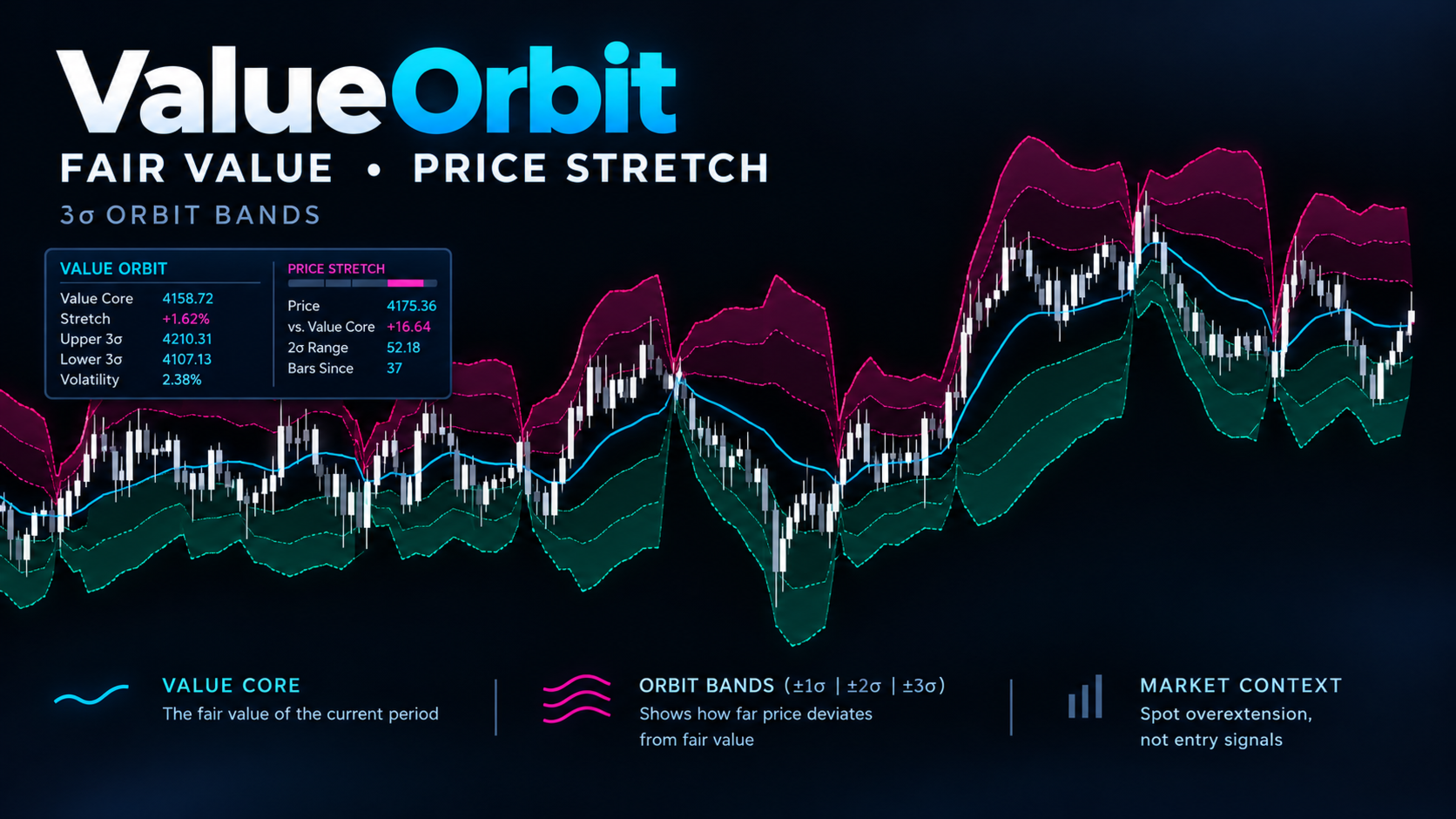
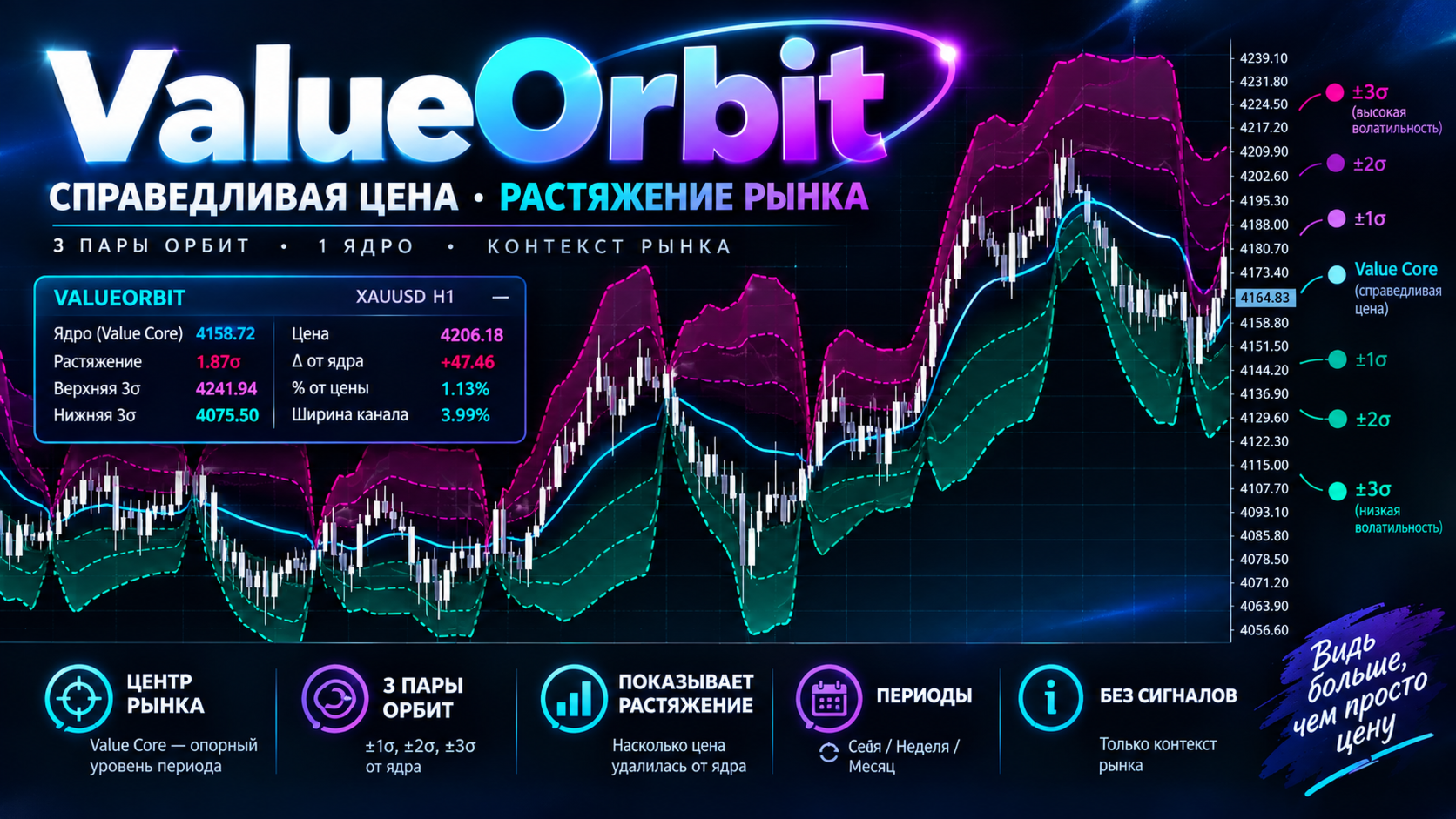
ValueOrbit shows where the "fair" price of the current period sits and how far the market has moved away from it. It is a context tool: it draws a central Value Core line with three pairs of orbit shells (±1σ, ±2σ, ±3σ) around it, and the dashboard reports how stretched price is. It does not generate entry signals.
MT4-version: https://www.mql5.com/en/market/product/201304
How it works
The Value Core is a reference level that builds up from the start of each period (session, week or month) and restarts when a new period begins. The shells mark standard distances from that level, measured in σ units. The closer price stays to the core, the more balanced the market; the farther it goes, the more stretched it is. Lines break at the period change so there are no vertical jumps.
How to use
- Attach the indicator and choose Value Anchor to match your style: Session for intraday (M1–H1), Week for swing trading (H1–H4), Month for H4–D1.
- Read the context: price above Value Core means buyers dominate, below means sellers do.
- Return to value: in a range, moves to ±2σ and beyond often end with a pullback toward the core. Look for confirmation from your own entry method.
- With the trend: in a trend, price stays on one side of the core, and pullbacks to the core or ±1σ are zones to look for entries in the trend direction.
- Targets and stops: the core and shells are ready-made TP/SL references that adapt to current volatility.
- The ±3σ zone (EXTREME) is an abnormal stretch: it can mean exhaustion or a breakout. Wait for confirmation.
Settings
Value Core
- MQL5.com account — information field, no effect on operation.
- Value Anchor — when the core restarts: Session (daily), Week (weekly), Month (monthly). On D1 and above, Session automatically behaves as weekly.
- Core Source — the price used for the calculation.
- Volume Type — Tick volume or Real volume (if your broker provides it).
- Show Value Core — show the central line.
Orbit Shells
- Show +-1 sigma Shell / Show +-2 sigma Shell / Show +-3 sigma Shell — show the corresponding pair of orbits.
- Fill Orbit Field — fill between the orbits.
- Shell Line Transparency (0-100) — transparency of the orbit lines.
- Field Fill Transparency (70-100) — transparency of the fill.
Orbit Palette
- Core Color, Upper Field Color, Lower Field Color — colors of the core, upper zone and lower zone.
- Mono Candles (white / grey) — repaints candles white/grey so only the indicator zones carry color.
- Mono Up Candle / Mono Down Candle — colors of rising and falling candles.
Value Dashboard
- Show Value Dashboard — show the panel.
- Dashboard Position — starting corner (Top Left, Top Right, Bottom Left, Bottom Right).
- Dashboard Text Size — panel font size.
Alerts
- Popup Alerts — terminal pop-up windows.
- Push Notifications — notifications to your phone. Alerts fire on a closed bar: price crossing the core upward or downward, moving beyond +2σ or −2σ, and moving beyond ±3σ.
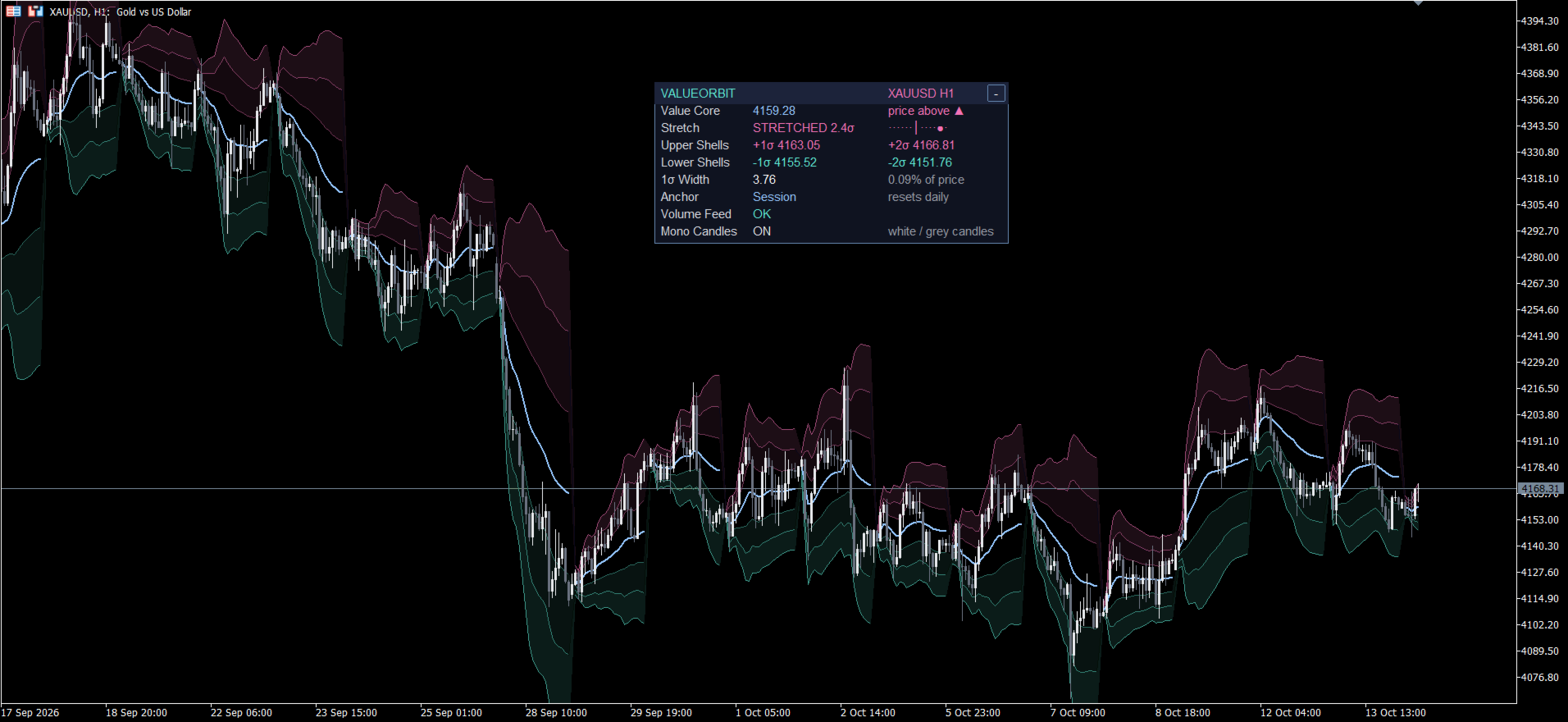
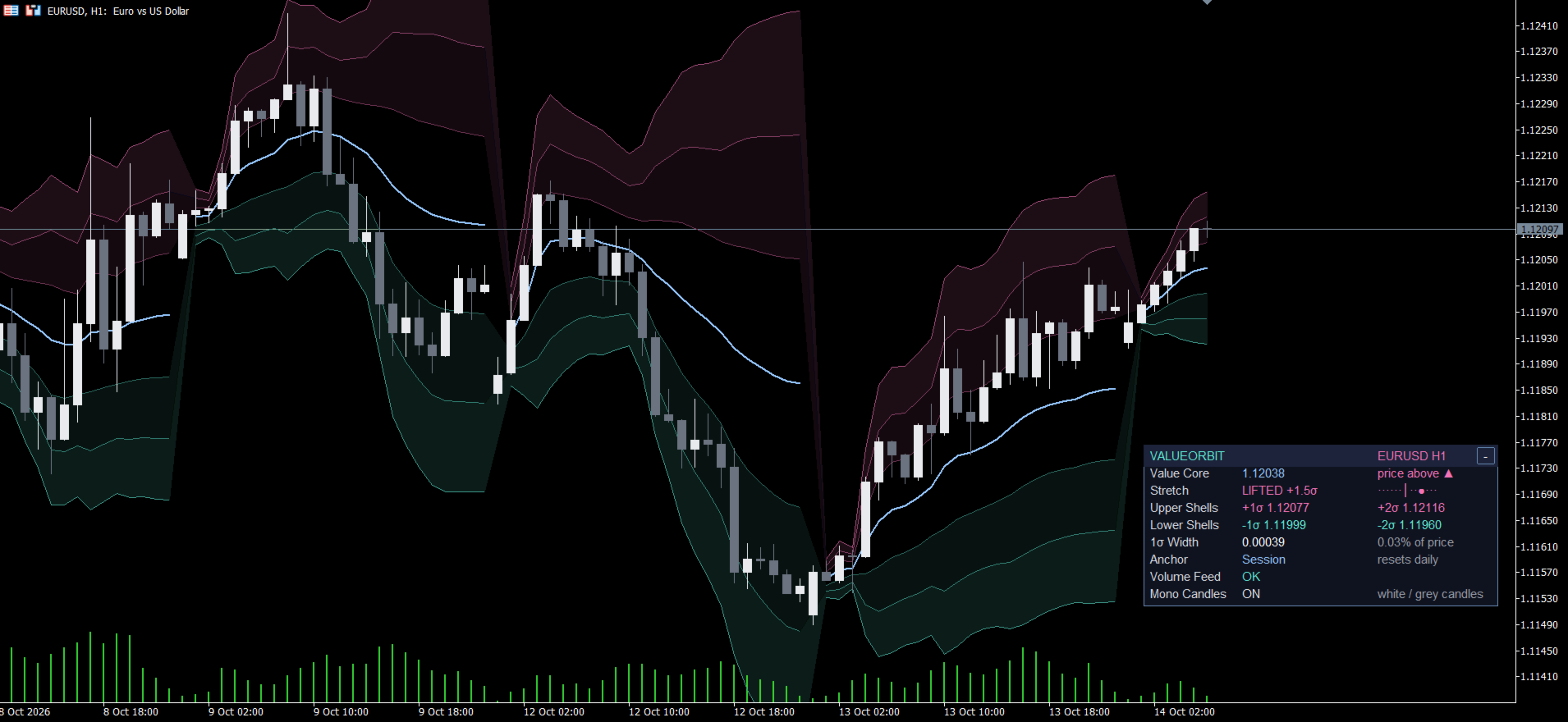
Dashboard
Drag the panel by its header; the "−" / "+" button collapses and expands it. When collapsed, the header keeps a short Stretch reading.
- Header — symbol and timeframe.
- Value Core — current core level and where price stands: price above ▲ or price below ▼.
- Stretch — how far price is from the core in σ. ORBIT — fair value: under 1σ, balanced market. LIFTED + / SINKING −: 1σ to 2σ up / down. STRETCHED: 2σ to 3σ. EXTREME: 3σ or more. The strip on the right runs from −3σ to +3σ; ● marks the current position.
- Upper Shells / Lower Shells — the ±1σ and ±2σ price levels.
- 1σ Width — width of one orbit in price and as % of price; shows the current "width" of the market.
- Anchor — selected mode and reset period (daily / weekly / monthly).
- Volume Feed — OK when volume data is available; NO VOLUME means none, and the core then simply follows price.
- Mono Candles — ON/off, state of the monochrome candles.