
Smart RR Pro
- Indicators
-
Simon Draxler
 About me.
Indicators and tools for MetaTrader 5 and 4.
Order flow and market structure - Version: 7.13
- Updated: 22 June 2026
DRX Smart Risk - Visual Trade Planner Utility
DRX Smart Risk is a chart overlay tool for MetaTrader 5 designed to assist traders with risk management and position sizing calculations. Unlike standard chart lines, this utility creates an interactive interface that allows users to visually plan Entry, Stop Loss, and Take Profit levels while automatically calculating financial metrics.
Important Note
This product is a technical indicator/utility for planning and calculation purposes. It visualizes risk and reward but does not execute trades directly.
Core Features
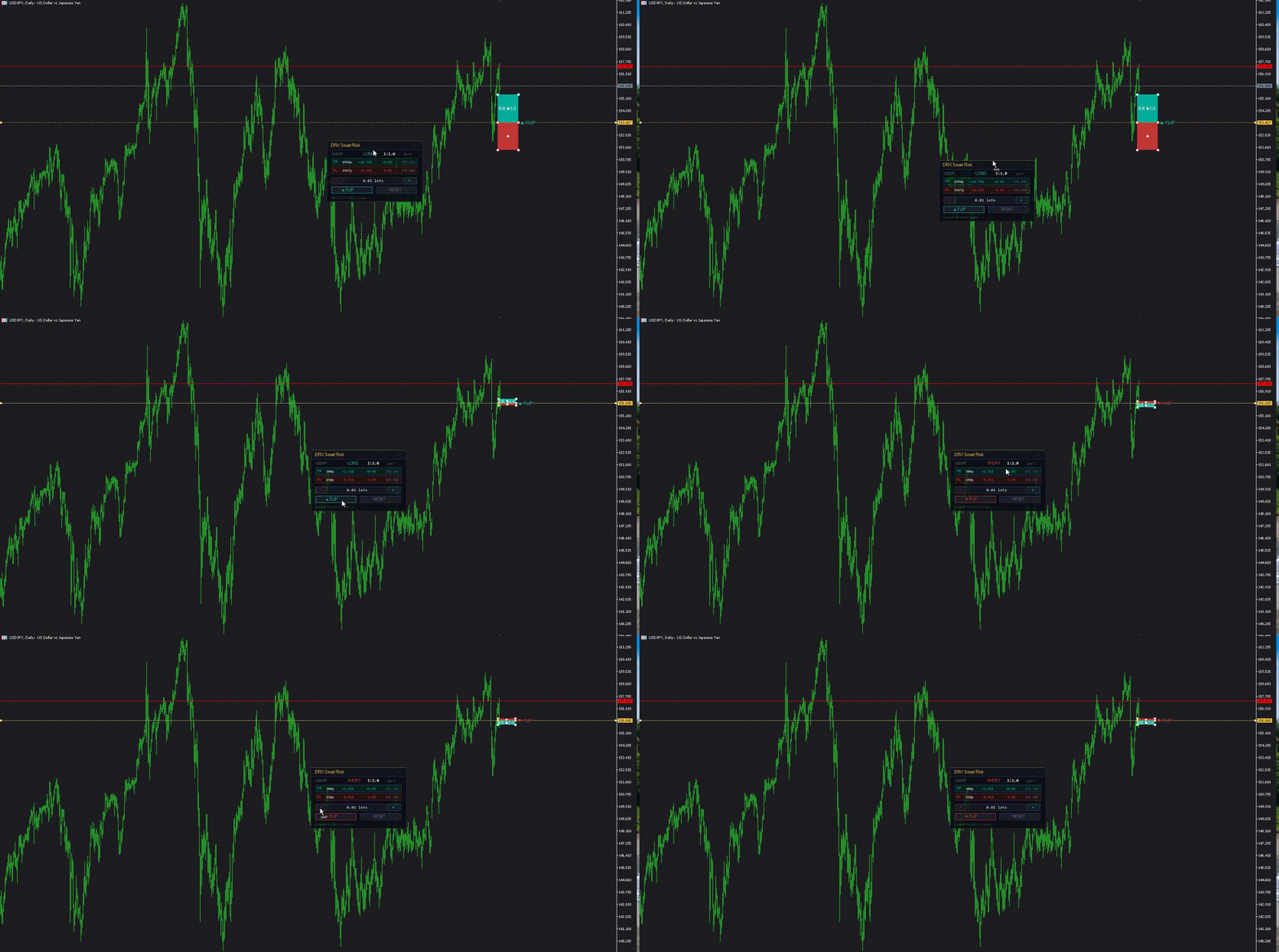
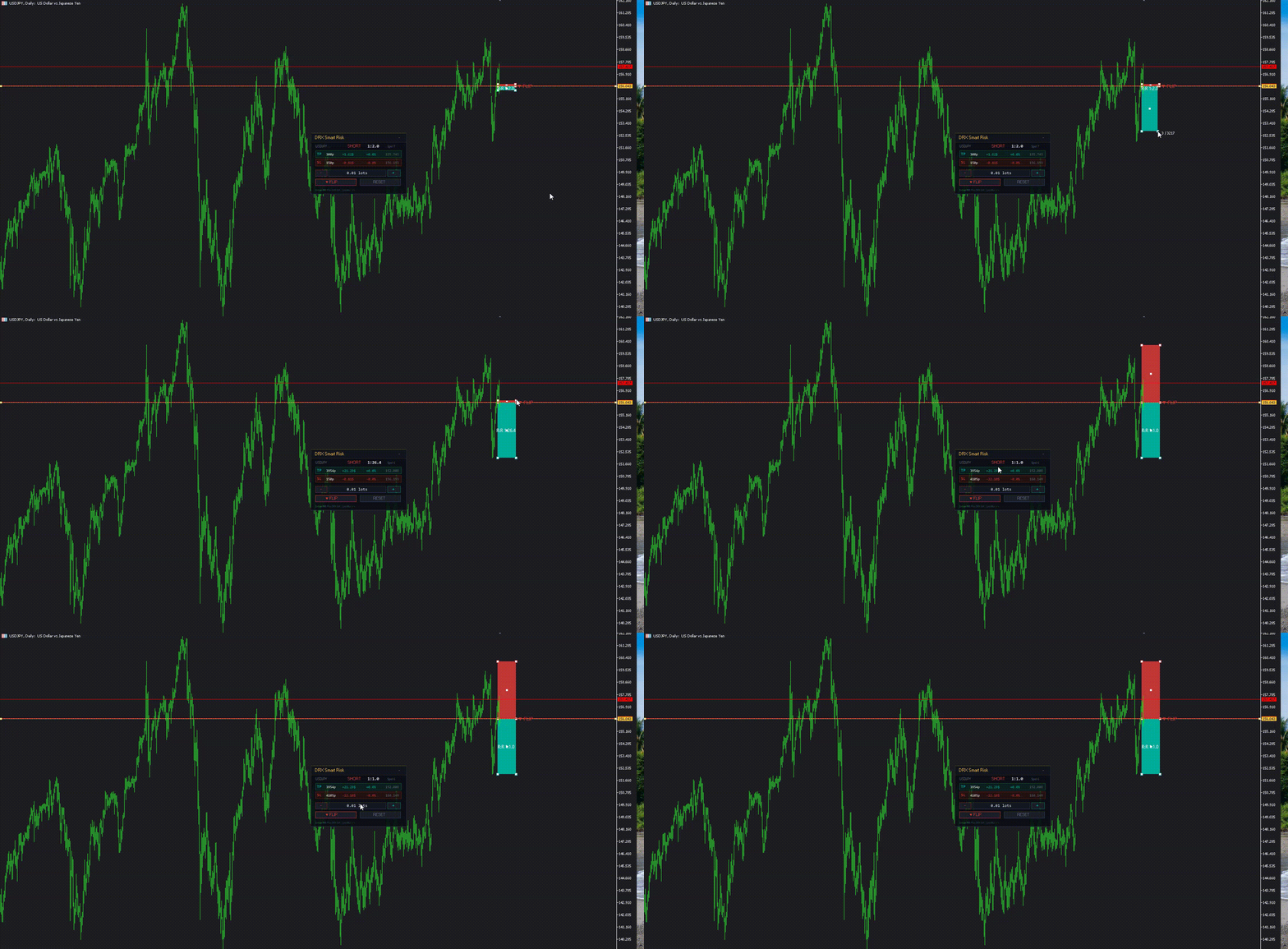
- Visual Risk:Reward Calculation: The tool projects a risk box (Stop Loss) and a reward box (Take Profit) on the chart. It displays the current Risk:Reward (R:R) ratio in real-time as lines are moved.
- Position Sizing: Based on the selected lot size, the utility calculates the potential profit and loss in the account currency.
- Smart Drag Logic: Moving the Entry line automatically shifts the TP and SL lines to maintain the current setup structure.
- Auto-Flip Detection: The tool detects the intended trade direction. Dragging the Take Profit below the Entry line automatically switches calculation from Long to Short (and vice versa).
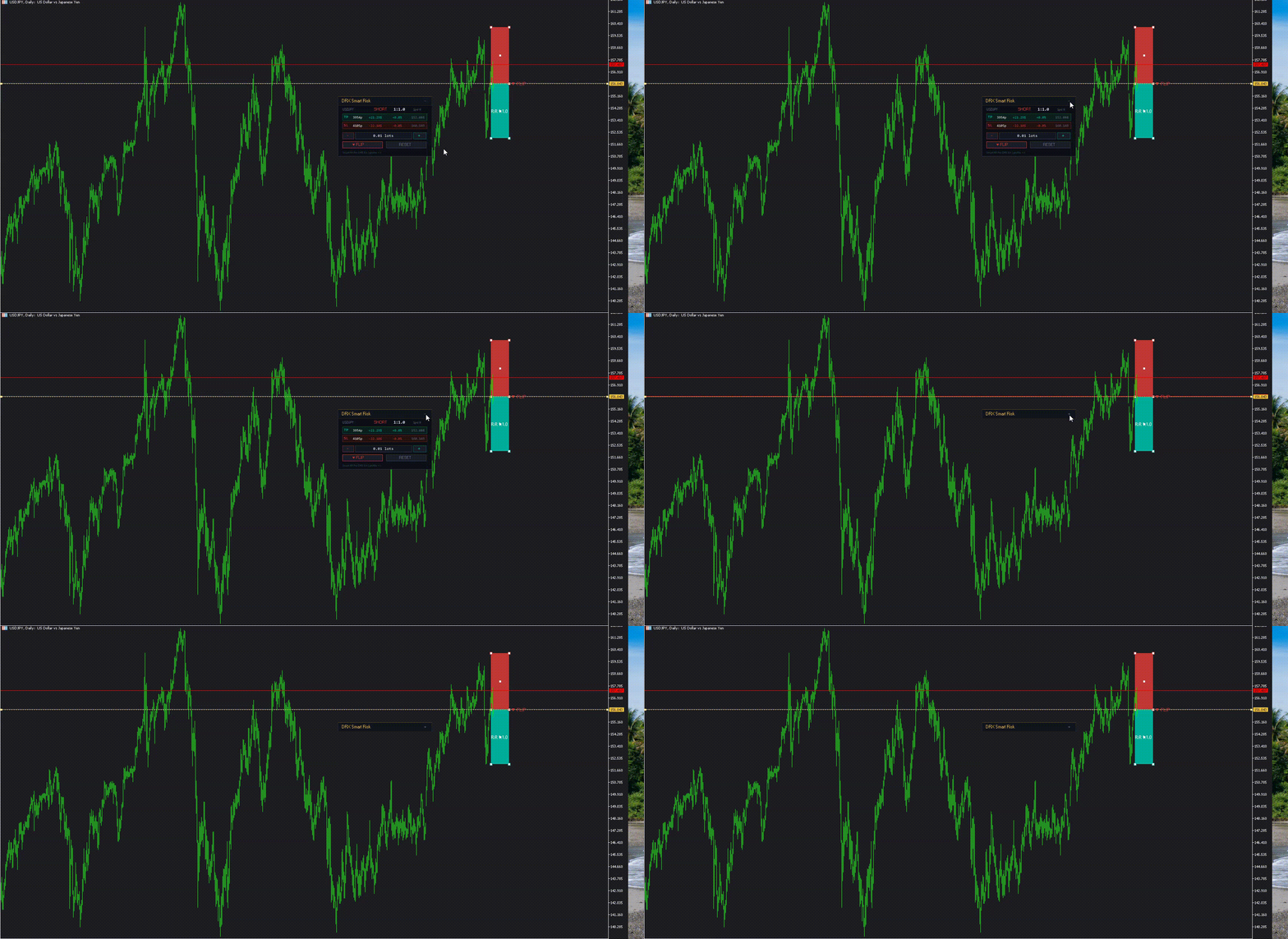
- Control Panel: An on-chart dashboard allows for quick adjustments of lot size, resetting the tool to the current price, or manually flipping the setup.
Usage
- Attach the indicator to the chart.
- The panel and lines will appear at the current bid price.
- Drag the Entry line to your desired entry point.
- Drag the red box to adjust the Stop Loss.
- Drag the green/teal box to adjust the Take Profit.
- Read the calculated values (Risk amount, Profit amount, R:R ratio) on the panel.
Input Parameters
- Colors: Customize the colors for Take Profit zone, Stop Loss zone, and Entry line.
- Default Lots: Set the initial lot size for calculation.
- Default Points: Define the starting distance for TP and SL in points.
- Memory: Enable/Disable the function to remember line positions when switching timeframes.
Display Information
The integrated dashboard displays:
- Current R:R Ratio.
- Trade Direction (Long/Short).
- Potential Profit in Currency and Percentage.
- Potential Risk in Currency and Percentage.
- Distance in Points/Pips.










































10/10 Usefull