OHLC Levels
- Indicators
-
Makarii Gubaydullin
 Multifunctional Trade Assistant:
MT5: https://www.mql5.com/en/market/product/71145 - Version: 2.0
- Updated: 18 August 2025
- Activations: 10
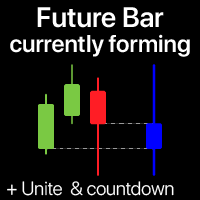
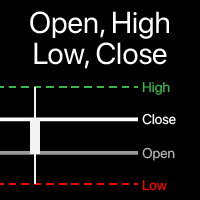
Visualization of Open, High, Low, Close levels on the chart
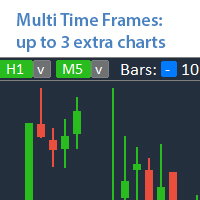
You can choose any timeframe, not just the current one.
The offset of the calculated bar can be adjusted: the current (floating) bar, or a set number of bars back.Multifunctional utility: includes 66+ features | Contact me if you have any questions | MT4 version
In the settings of the indicator, you can configure:
- Calculation method:
- Dynamic bar, based on the offset:
- Offset of the calculated bar: 0 = current bar, 1 = previous bar, 2 = 2 bars back...
- "Include multiple bars" option:
if > 0: then several bars will be combined to determine the highest and the lowest prices. - Calculated timeframe.
- Bar, based on the input time (current day / previous day):
- Time, HH:MM format (broker's time).
- Calculated timeframe.
- Manually selected bar:
- Left-click on the chart, using a special button at the bottom right edge.
- Each level (OHLC) may be enabled / disabled separetely.
- Lines visualization: colors, style, size, background option.
- Extra info:
- May be disabled;
- Line prices only;
- Line info only;
- Both: info + price;
- Font size and style (if 'extra info' is enabled).
The program file must be placed in the "Indicators" directory.