Scanner Market
- Indicators
- Version: 1.2
- Activations: 10

Scanner Market
Scanner Market lets you open any asset with a single click directly in the same chart window.
No need to open new charts or scroll through Market Watch — one click and the selected symbol is loaded instantly.
Designed for traders who need speed, such as scalpers and tape readers.
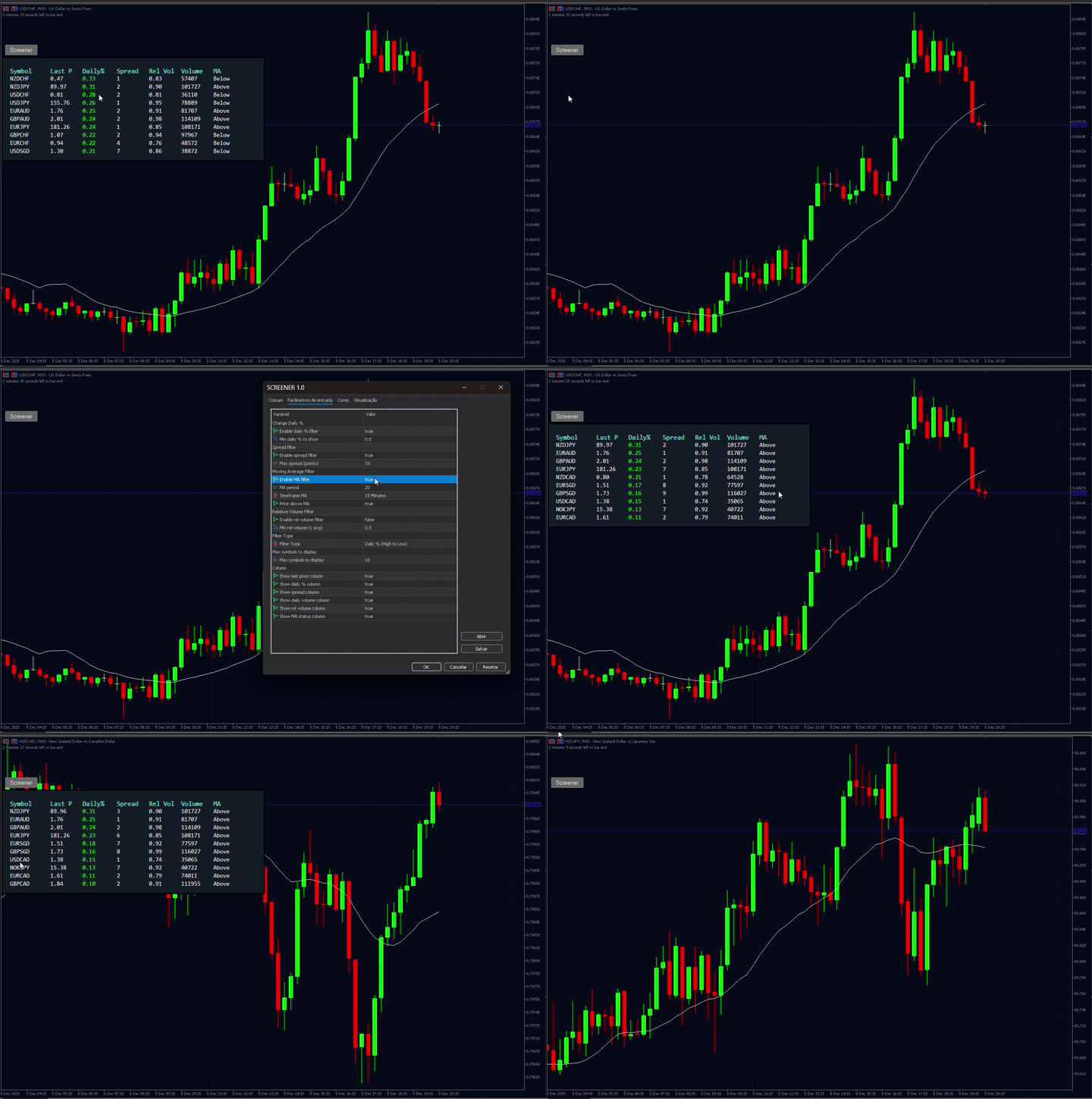
The scanner uses a fully customizable floating panel that can be dragged to any area of the chart and hidden with one click using the Screener button.
Available filters and sorting:
-
Daily % (High → Low) – Top gainers of the day
-
Daily % (Low → High) – Top losers of the day
-
Spread (Low → High) – Prioritizes symbols with lower spread
-
Relative Volume – Highlights symbols trading above their average volume
-
Moving Average (above/below) – Filters symbols in uptrend or downtrend
-
Asset limit – Choose how many symbols to display (Top 10, Top 20, etc.)
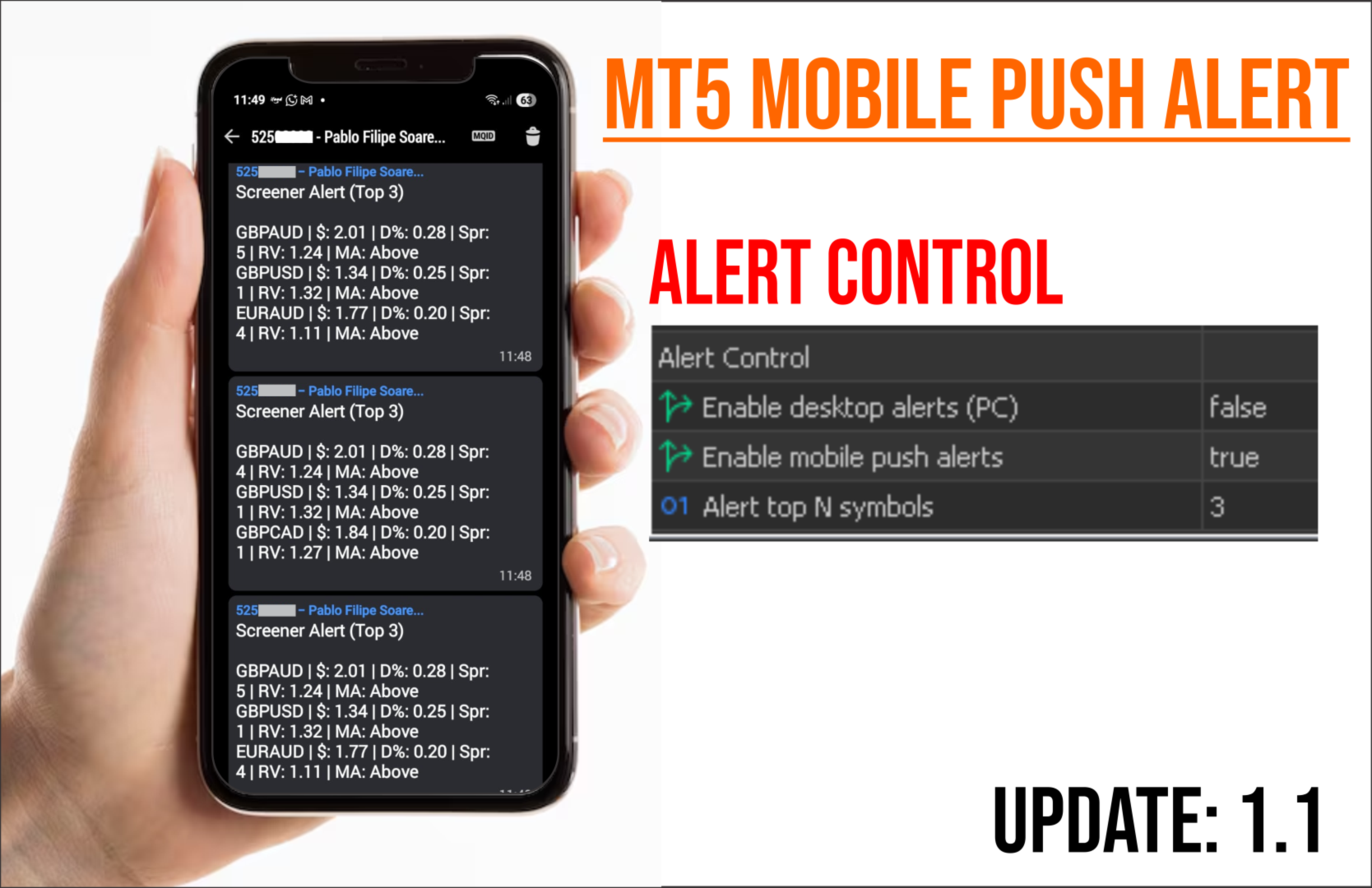
All data is updated in real time directly on the chart, without opening additional windows.
Suitable for trading:
Stocks, indices, mini index, mini dollar, cryptocurrencies, forex, and any symbol provided by your broker.
Note:
To display and filter symbols, they must be enabled in the MT5 Market Watch window
(right-click Market Watch → Show All or manually add the desired symbols).