
Babel Assistant
- Experts
- Version: 1.2
- Updated: 31 August 2026

Babel assistant 1
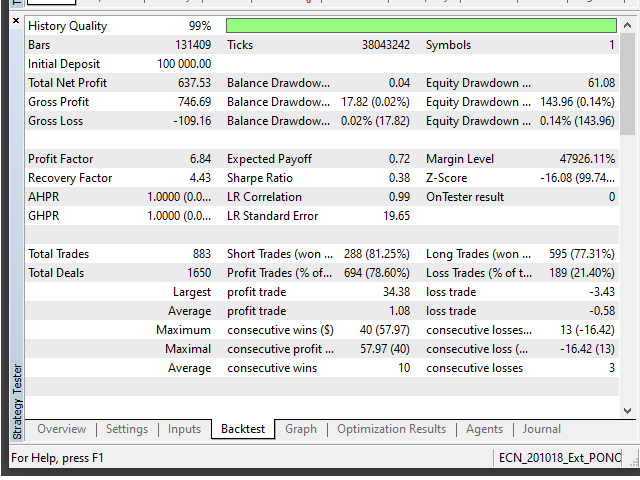
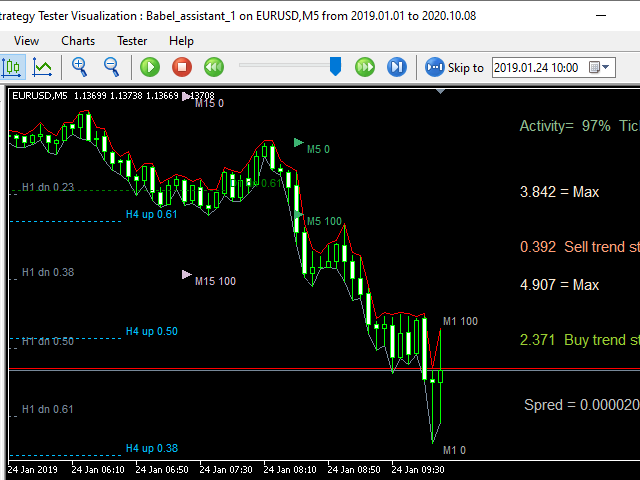
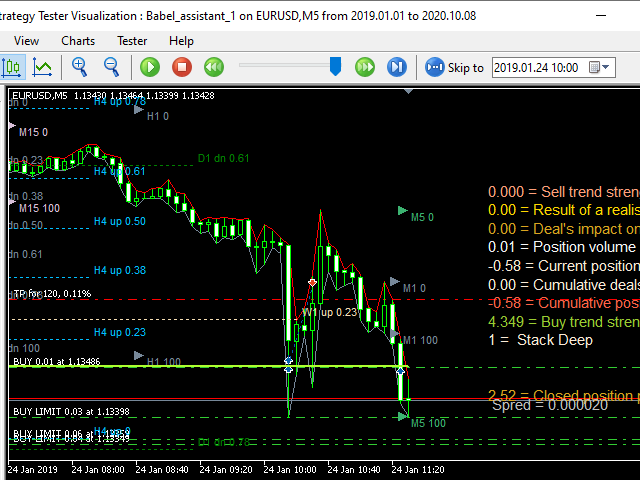
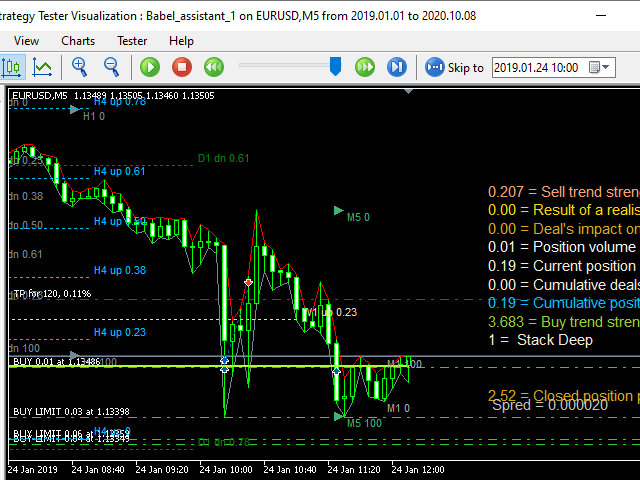
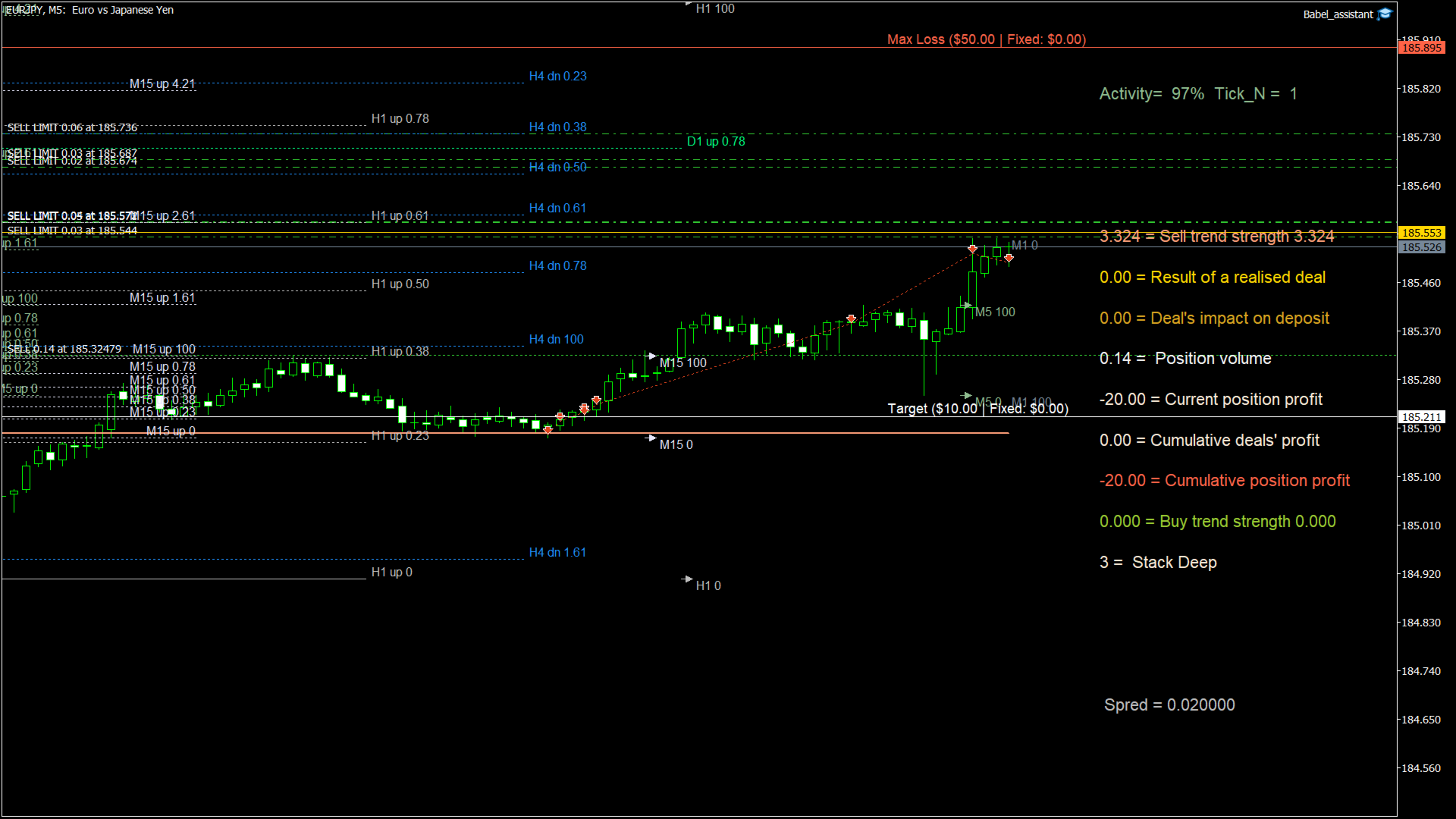
The MT5 netting robot "Babel_assistant_1" uses the ZigZag indicator to generate Fibonacci levels across M1, M5, M15, H1, H4, D1, and W1 timeframes, and calculates the strength of buy and sell trends. It opens a position using the "Lot for open a position" setting if the specified trend level of 4.925 is exceeded. Then, Babel places pending orders at certain Fibonacci levels and sets the specified Stop Loss and Take Profit lines. The screen displays the current results of the position, trades, and trends.
A manual position increase of 0.02 lots or more is perceived by the robot as the triggering of its own pending order. Pending or market orders of 0.01 lots simply change the position volume upon execution.
Disclaimer: The materials presented below are for informational and educational purposes only. By using this product, Babel assistant 1—an automated trading program for the Forex market—you fully accept the risk of not achieving the projected profit, as well as the risk of losing all invested funds. Past performance, testing, and optimization results do not guarantee future outcomes.
Parameters of the Babel robot:
-
Indicator Mode Only
-
true : The robot only displays Fibo levels and trend probabilities without executing trades.
-
false : The robot is permitted to open positions and trade.
-
-
Pending Orders Are Allowed
-
true : If an open position already exists, the robot can place pending orders.
-
false : The robot will not generate pending orders.
-
-
Negative profit (in pips) for Stop Loss line calculating
-
The distance in pips between the current position and the Stop Loss line.
-
-
Profit (in pips) for Take Profit line calculating
-
The distance in pips between the current position and the Take Profit line.
-
-
Target profit for closing the position in USD
-
The target profit in US dollars for closing the position. A corresponding horizontal level line is rendered on the chart.
-
-
Maximum loss for closing the position in USD
-
The maximum allowable loss in US dollars for closing the position. A corresponding horizontal level line is rendered on the chart.
-
-
Lot for open a position
-
The initial lot size used when opening a position.
-
The Babel robot calculates position equity, which may differ from the standard position profit. For instance, the trade profit (displayed in the lower right corner of the terminal under the Trade tab) might be positive, but factoring in swaps, commissions, fees, and partial deal history, the overall position equity could still be negative.
ATTENTION! The MT5 platform removes Stop Loss and Take Profit levels when pending orders that increase the position volume are triggered. Therefore, it is important to keep the robot running.
Before shutting down the robot, switch it to indicator mode to clear pending orders and ensure a Stop Loss is in place.



































nice one