Trident Pro MT5
- Experts
- Version: 1.0
- Activations: 20

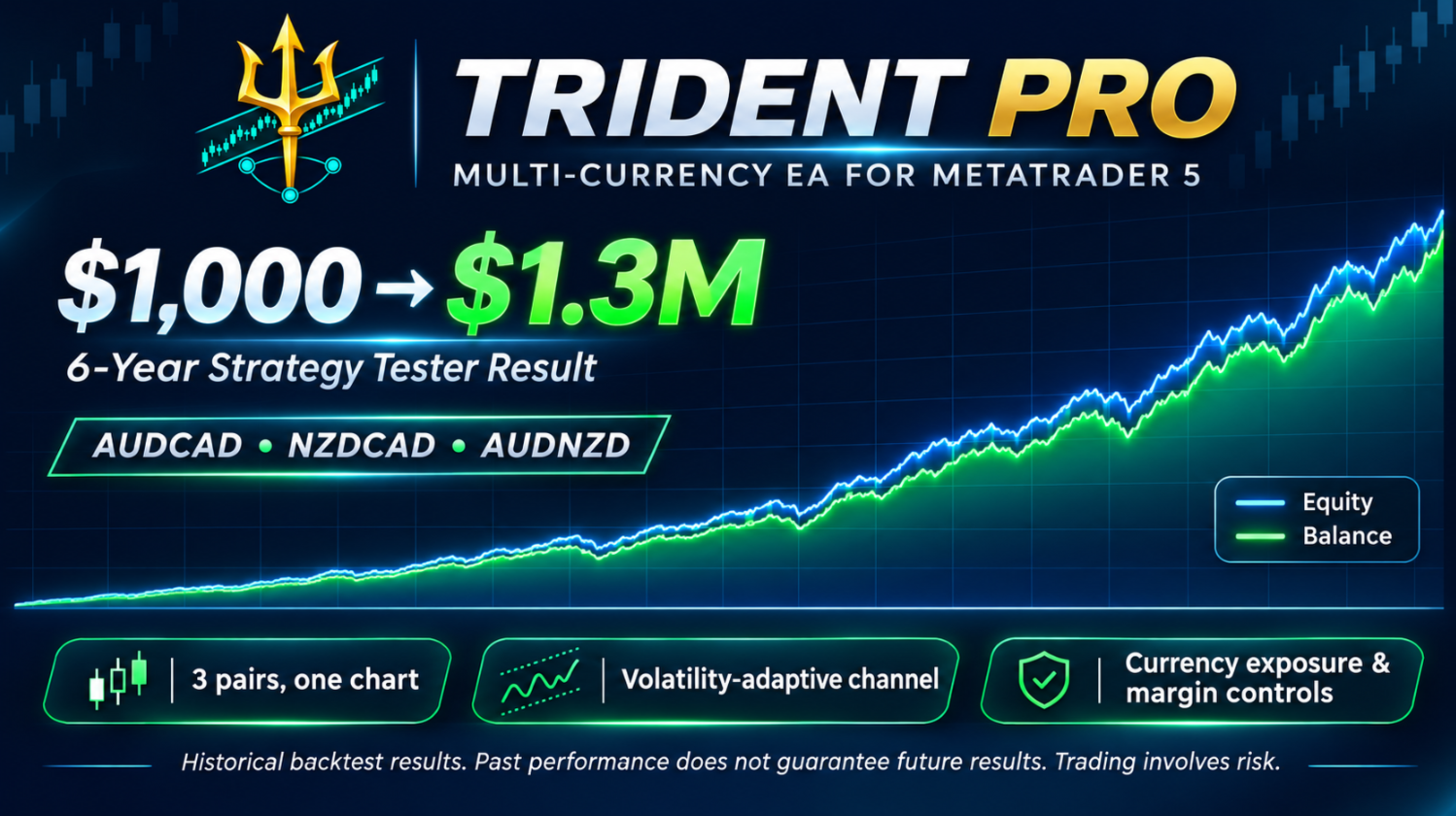
Trident Pro is a multi-currency Expert Advisor for MetaTrader 5 that trades three interrelated pairs: AUDCAD, NZDCAD and AUDNZD. Attach it to a single chart and it manages all three pairs by itself. The EA enters when price has moved noticeably away from its channel and manages the position until price comes back. Built-in control of currency exposure and deposit load keeps it from building up excessive volume.
MetaTrader 4 version: https://www.mql5.com/en/market/product/207974
Subscribe to my channel so you do not miss updates and new products: https://www.mql5.com/en/channels/algotrader
How the EA works
- It watches three pairs at the same time from one chart.
- When price moves beyond the channel border, it opens a starting order in the direction of the return.
- If price keeps moving against the position, it adds averaging orders. Each next step is wider than the previous one, so the series is spread over a large distance instead of being filled at once.
- An averaging order is opened no more than once per bar of the selected timeframe, and only after a bar that closed in the direction of the position.
- Every order has its own take profit. The whole series is closed when price returns to the calculated level.
- While the series consists of one order, a trailing stop protects the profit. After it triggers, a new entry is opened only at a better price.
- Before every order the EA checks the net position in each currency (AUD, NZD, CAD) and the deposit load. If a limit is exceeded, the order is reduced or skipped.
Features
- Three pairs on one chart, one magic number.
- The grid step adapts to current volatility.
- Net position control per currency: the EA does not double a bet on one currency through different pairs.
- Deposit load limit.
- Trailing stop and protection against stops and take profits placed too close to price.
- Spread filter and Asian session filter.
- On-chart information panel and per-pair statistics in the Strategy Tester.
Recommendations
- Pairs: AUDCAD, NZDCAD, AUDNZD. If your broker uses symbol names with a suffix, enter them in Work Pairs exactly as they appear in Market Watch.
- Chart timeframe: any. The EA uses its own timeframes from the settings.
- Account type: hedging.
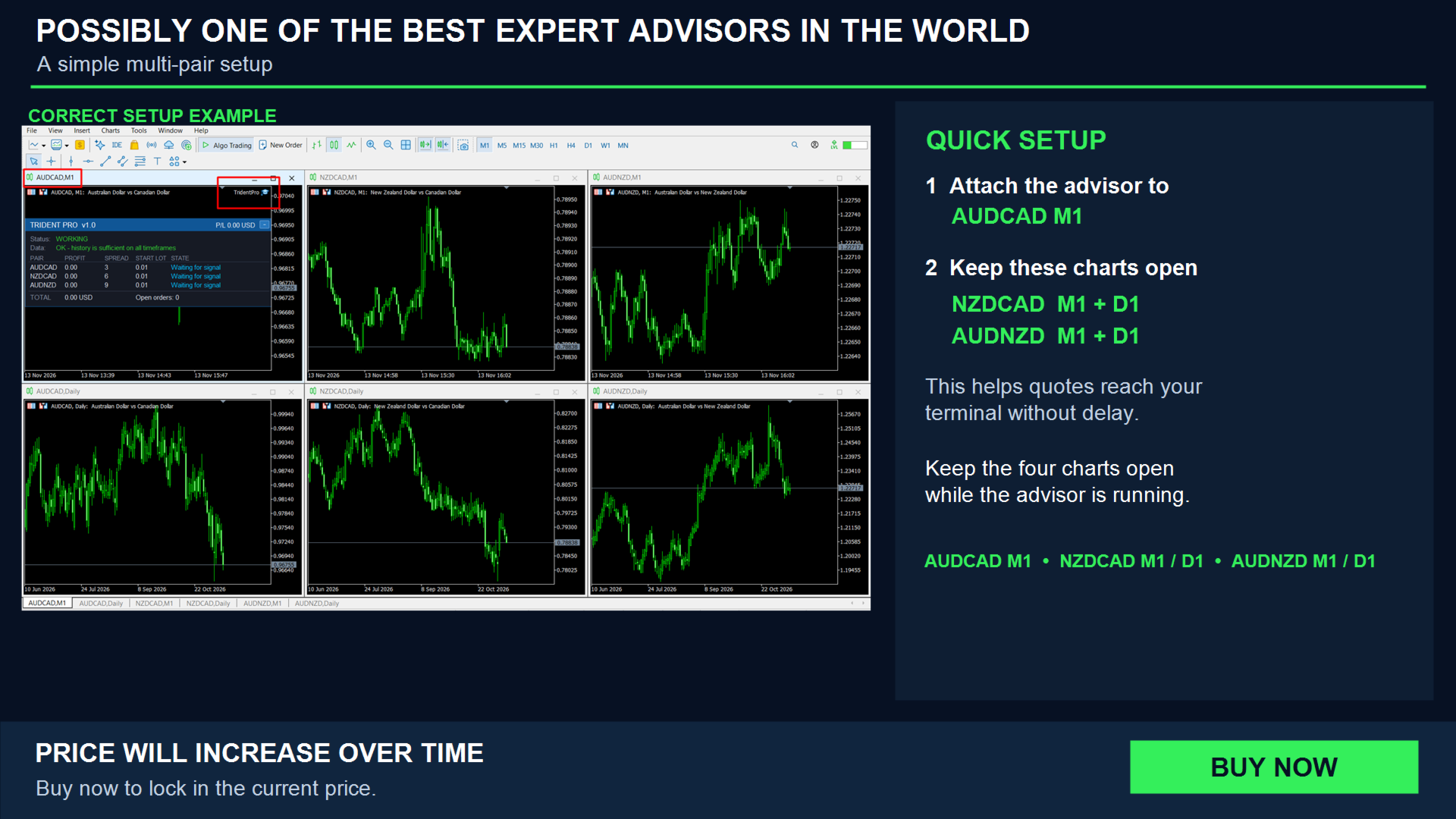
- Attach the EA to the chart of one of the working pairs, then the channel indicators are shown on the chart.
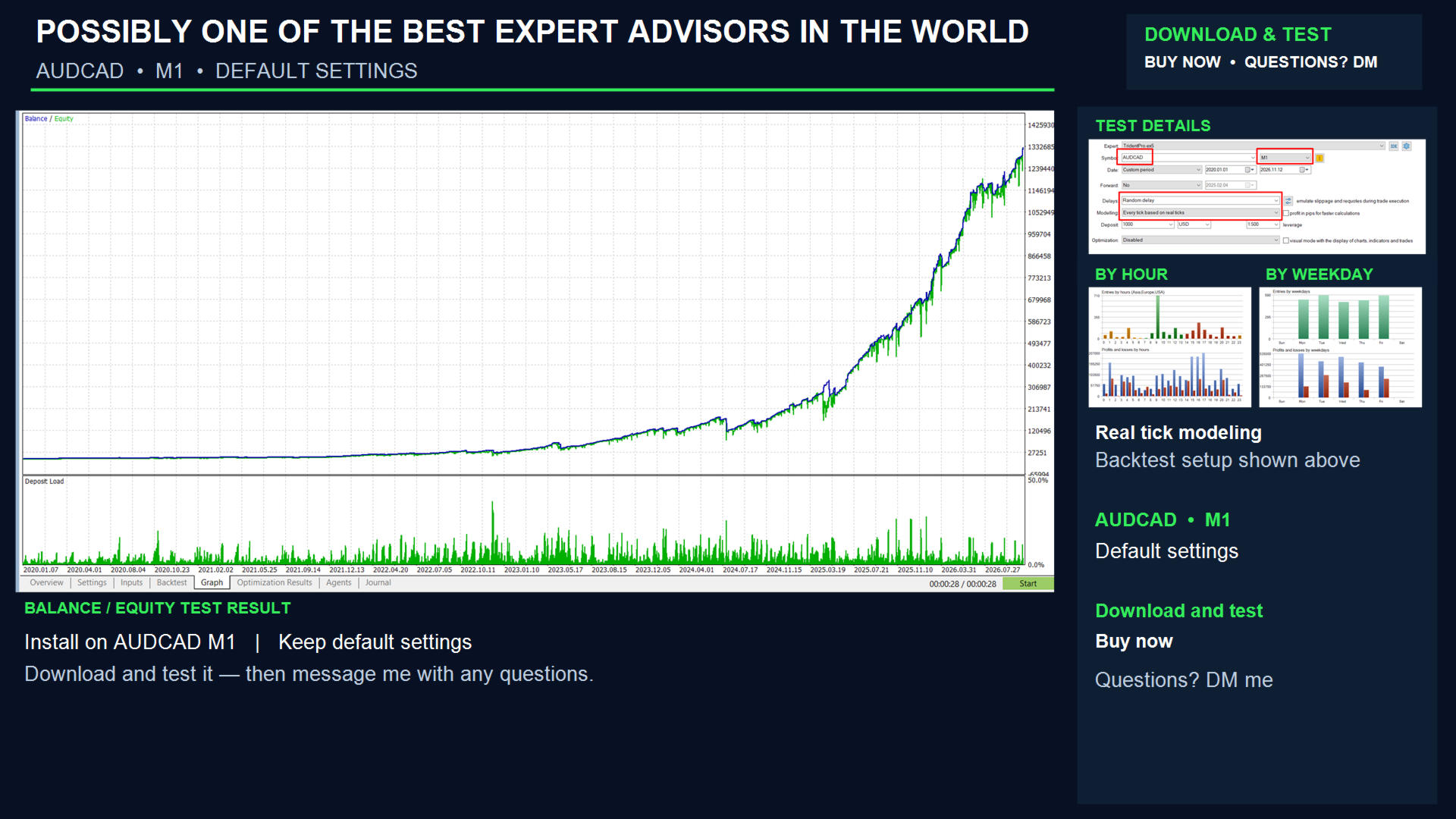
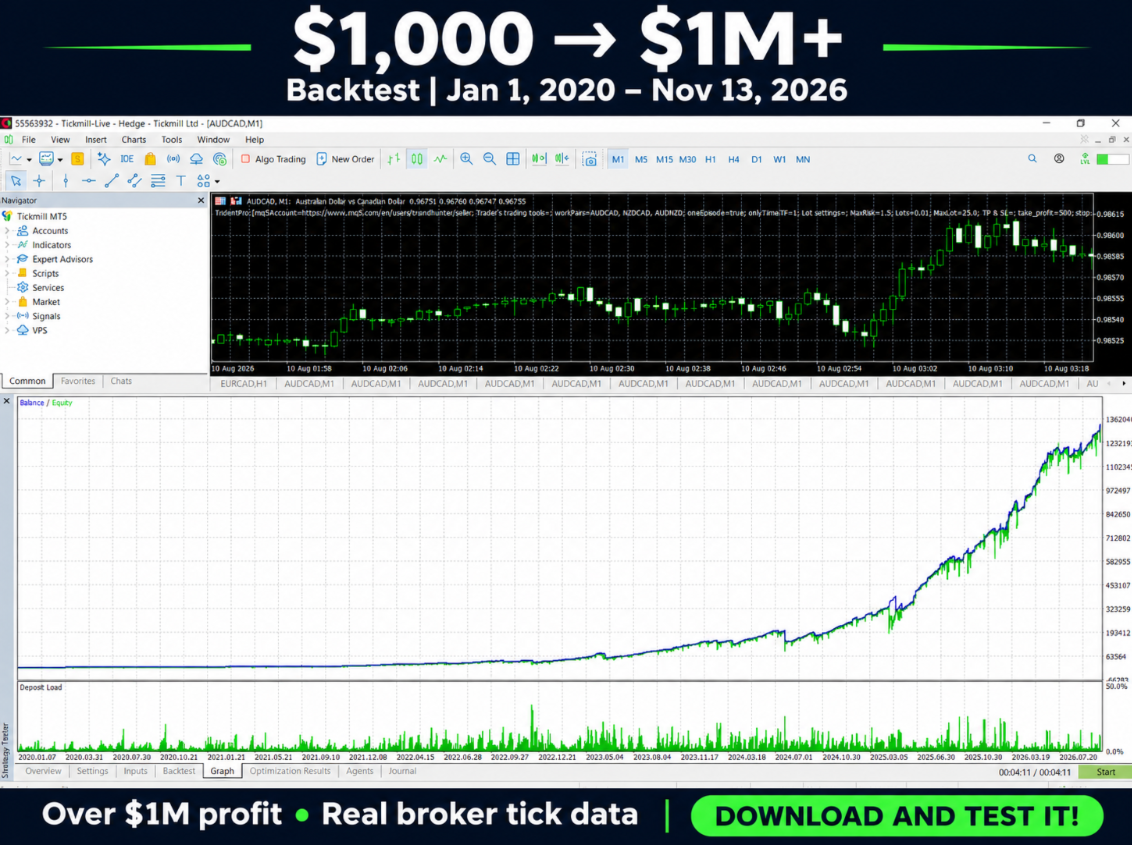
- For testing, use the Every tick or 1 minute OHLC mode. The tester loads the history of all three pairs automatically.
On-chart panel
The panel is enabled with the Show panel setting. You can drag it by the header and collapse it with the button; its position is remembered. The panel lets you see at a glance whether the EA is working and, if it is not opening an order, why.
- Header: name, version and the total current result (P/L) of open positions on all pairs.
- Status: overall state. WORKING means the EA is running. WORKING: 2 of 3 pairs ready means some pairs are still loading history. PAUSED: drawdown limit means new orders are blocked by the drawdown limit. STOPPED means algo trading is disabled or no pair is ready.
- Data: whether there is enough price history. If not, it shows which pair and timeframe are being loaded.
- PAIR: pair name.
- PROFIT: current profit or loss of open positions on the pair.
- SPREAD: current spread. It turns orange when the spread is above Max spread.
- START LOT: the lot of the next starting order.
- STATE: what is happening with the pair. Waiting for signal: no signal yet. In series: 2/5 orders: a series is open, with the number of orders out of the maximum. Paused: Asian session: pause during the Asian session. Waiting: spread too high: the spread is too wide. Loading history: history is being loaded. The reason why an order is postponed is also shown here: waiting for a confirming bar, currency exposure limit, deposit load limit, waiting for a better price after trailing.
- TOTAL: total result on all pairs.
- Open orders: number of open positions of the EA.
Settings
Trader's trading tools
- Work Pairs: comma-separated list of traded pairs.
- Enable one series in this period: do not open a new series in the same bar in which the previous one was closed.
- One series of orders in this period: timeframe of that bar. It also defines how often the EA checks its conditions.
Lot settings
- MaxRisk: percentage of free margin used to calculate the starting lot. The lot grows with the account. With 0 a fixed lot is used.
- if MaxRisk = 0, Lot will be: fixed starting lot.
- Max lot: upper limit of the starting lot.
TP & SL
- Take profit: take profit of every order, in points.
- Stop loss: stop loss of every order, in points. 0 disables it.
- Take profit as a percentage: close all positions when account profit reaches this percentage of the balance. 0 disables it.
- Drawdown % to block new orders (if > 0): at this drawdown, as a percentage of the balance, new orders are not opened. Open positions are not closed.
Risk limits
- Max net exposure per currency, in full series (0 = off): how many full series may be held in one direction in one currency. 1.0 means one series.
- Max deposit load (margin / equity), % (0 = off): new orders are not opened if margin would exceed this percentage of equity.
-
Close all orders if margin level falls below, % (0 = off): all orders of the EA are closed if the account margin level drops below this value. After that, new orders are opened only from the next bar of Signal TF.
Ancillary transactions
- Step between orders (minimum step if ATR step is on): step between the orders of a series, in points. When the ATR step is on, this is the minimum step.
- Step from ATR of Signal TF: calculate the step from current volatility (ATR).
- First step, in ATR: size of the first step as a fraction of ATR.
- ATR period (step and trailing): ATR period used for the step and the trailing stop.
- Step expansion (each next step is multiplied by): how many times each next step is wider than the previous one.
- Next averaging below the level of a closed (by take profit) averaging order: after an averaging order is closed by take profit, the next one is opened only beyond its level.
- Multiplication: lot multiplier for each next order of the series.
- Max trades per pair: maximum number of orders per pair.
- Averaging: one order per bar and only after a confirming bar: average no more than once per bar and only after a bar that closed in the direction of the position.
- Averaging TF: timeframe for this rule and for re-entry after trailing.
- Max spread: maximum spread, in points, at which orders are opened.
Trailing stop (series of one order)
- Enable trailing stop: enable the trailing stop for a series of one order.
- Trailing start: profit, in ATR: profit, as a fraction of ATR, after which trailing starts.
- Trailing distance, in ATR: distance from price to the stop, as a fraction of ATR.
Trading session
- Trade in Asian session: allow starting orders during the Asian session.
- Asian session start (GMT hour): start of the Asian session, GMT hour.
- Asian session end (GMT hour): end of the Asian session, GMT hour.
Channel settings
- Channel type (Bollinger / Keltner): channel type.
- Signal TF: channel timeframe.
- Canal period (BB period / Keltner EMA period): channel period.
- Canal deviation (BB deviation / Keltner ATR multiplier): channel width.
- Keltner ATR period: ATR period for the Keltner channel.
- Applied price BUY: price used to calculate the channel for buys.
- Applied price SELL: price used to calculate the channel for sells.
Does not affect trade
- Comments to orders: comment for orders.
- Magic: unique number by which the EA recognizes its own orders.
- Slipage: allowed slippage, in points.
- Print per-pair statistics at the end of the test: print statistics for each pair to the journal at the end of a test.
- Show panel: show the panel on the chart.
- Panel font size: panel font size.