
Dynamic Liquidity Intelligence
- Experts
- Version: 2.27
- Updated: 17 July 2026
- Activations: 20

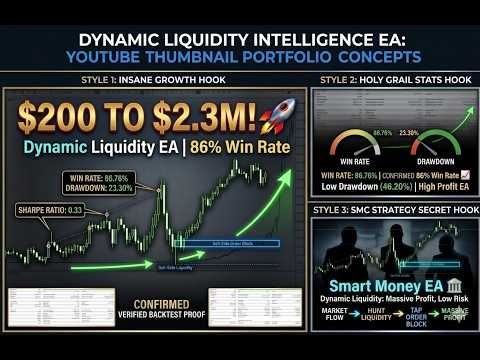
Dynamic Liquidity Intelligence is an Expert Advisor designed to analyze market structure and execute trades using pending orders. The system calculates recent highs and lows based on market volatility to place Buy Stop and Sell Stop orders at potential breakout levels.
The EA manages each position individually. It does not utilize Grid, Martingale, or position averaging strategies. Every order is executed with a strictly predefined Stop Loss and Take Profit.
Live Monitoring
-
Live Signal $10000 (1000=0.01)
Only 6 copies remain available at $599. The price will increase by $50 after every 10 purchases.
Recommended Risk Settings
-
Conservative: 0.01 Lot per $1,000 balance
-
Moderate: 0.01 Lot per $500 balance
-
Aggressive: 0.01 Lot per $300 balance
Requirements & Recommendations
-
Supported Symbols: XAUUSD
-
Timeframe: M15
-
Minimum Deposit: $300
-
Recommended Deposit: $500 - $1,000
-
Account Type: ECN, Raw, or Razor (Low spread accounts are highly recommended)
-
Leverage: 1:100 minimum (1:500 recommended)
-
Execution Mode: Hedging
-
VPS: Recommended for stable continuous operation
Key Features
-
Market Structure Analysis: The system continuously evaluates real-time volatility to identify significant swing highs and lows, placing pending orders accordingly.
-
Dynamic Risk Management: Take Profit and Stop Loss levels adjust automatically based on current market volatility. The system maintains a defined limit on the Stop Loss to Take Profit ratio for every trade.
-
Position Management: Includes an automatic Break-Even function and a step-by-step Trailing Stop to manage active positions once they reach predefined thresholds.
-
Time and Day Filters:
-
Friday Filter: Built-in option to halt trading before the weekend close to manage exposure to Monday price gaps.
-
Holiday Pause: Automatic pause feature during the New Year period.
-
Session Filters: Operates only during specified market hours to align with standard trading volumes.
-
Installation
Attach the Expert Advisor to an M15 chart of the chosen symbol, adjust your preferred risk parameters in the inputs, and ensure Auto Trading is enabled.

















































Great EA! High win rate, smooth performance, and easy to use. Highly recommended! good support