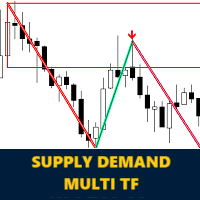
Koala Supply Demand
- Indicators
-
Ashkan Hazegh Nikrou
 Use my service and let me build your trading strategies by click on bellow link
https://www.mql5.com/en/job/new?prefered=ashkan.nikrou - Version: 1.8
- Updated: 14 May 2026
Introducing Koala Supply Demand
(We encourage you to share your review or feedback—whether positive or negative—so other traders can benefit from your experience.)
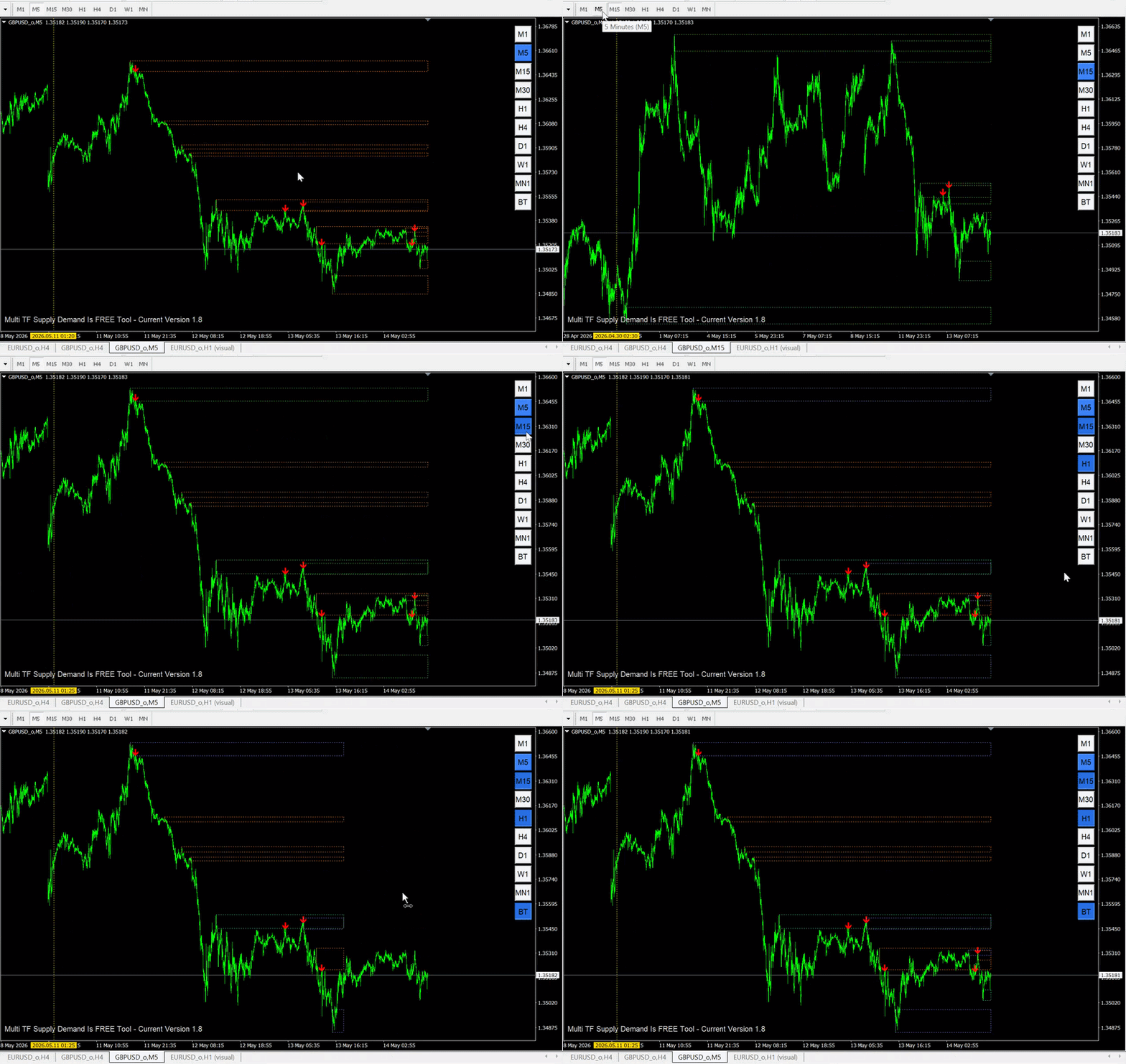
Welcome to Koala Supply Demand Indicator. This indicators designed to identify unbroken supply and demand zones in different time frames, this indicator can help trader to view market as zone areas, you can see how price respect some power full zones, this indicator also can show you price action signals when they formed inside zones.
Learn More About Supply Demand Concept : Article
Join My MQL5 Channel To Get More Free Products : Join
MT5 Version Of Koala Supply Demand Is Available Too : Download
Key Features:
-
On Chart Back Test Ability: Experience the future of analysis with the unique On Chart Back Test feature. Simply click anywhere on the chart, and instantly witness the unexpired supply and demand zones at that specific moment. This capability empowers users with real-time insights for more informed decision-making.66
-
Price Action Pattern Recognition: Customize your trading strategy by selecting from various price action patterns. The indicator supports popular patterns like engulfing patterns. When chosen, the indicator will display clear buy and sell arrows for each occurrence of the selected pattern within unbroken supply or demand zones.
-
Alerts for Fresh Signals: Stay ahead of the market with timely alerts. Receive notifications for fresh price action signals occurring inside the identified supply and demand zones. This ensures that you never miss a potential trading opportunity, keeping you connected to the market even when you're away.
How developers can connect this indicator to EA ?
Certainly! Developers can easily connect the Koala Supply Demand Indicator to an EA by utilizing the indicator buffers. Here's a guide on how to access the buy and sell signals from the indicator:
Step 1: Indicator Buffers Explanation:
- Buffer 1: This buffer corresponds to buy signals generated by the Koala Supply Demand Indicator.
- Buffer 2: This buffer corresponds to sell signals generated by the Koala Supply Demand Indicator.
Step 2: iCustom Example for EA Integration:
To access the indicator's signals in an EA, you can use the iCustom function in MQL4. Below is an example:
buySignal = iCustom(NULL, timeframe, symbol, 1, shift);
sellSignal = iCustom(NULL, timeframe, symbol, 2, shift);
Conclusion :
Based on my experience , one of the most trustable zones and price areas in forex market is supply and demand zones, in some cases market respect to these zones, and price action patterns is much trustable when they formed inside zones.







































































Verry good indicator...much help for analisys