
Auto SL TP MT5
- Utilities
-
KEENBASE SOFTWARE SOLUTIONS
 Keenbase Trading develops professional MetaTrader 4 and MetaTrader 5 indicators and Expert Advisors designed to help traders make more informed trading decisions.
 - Version: 2.20
- Updated: 6 October 2026
- Activations: 10
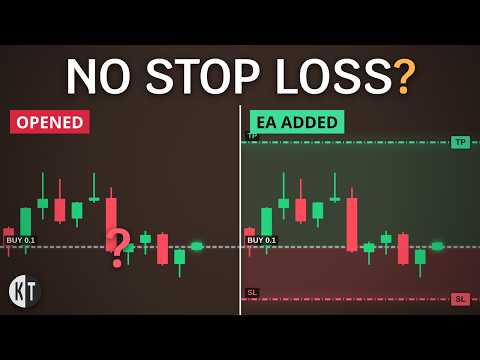
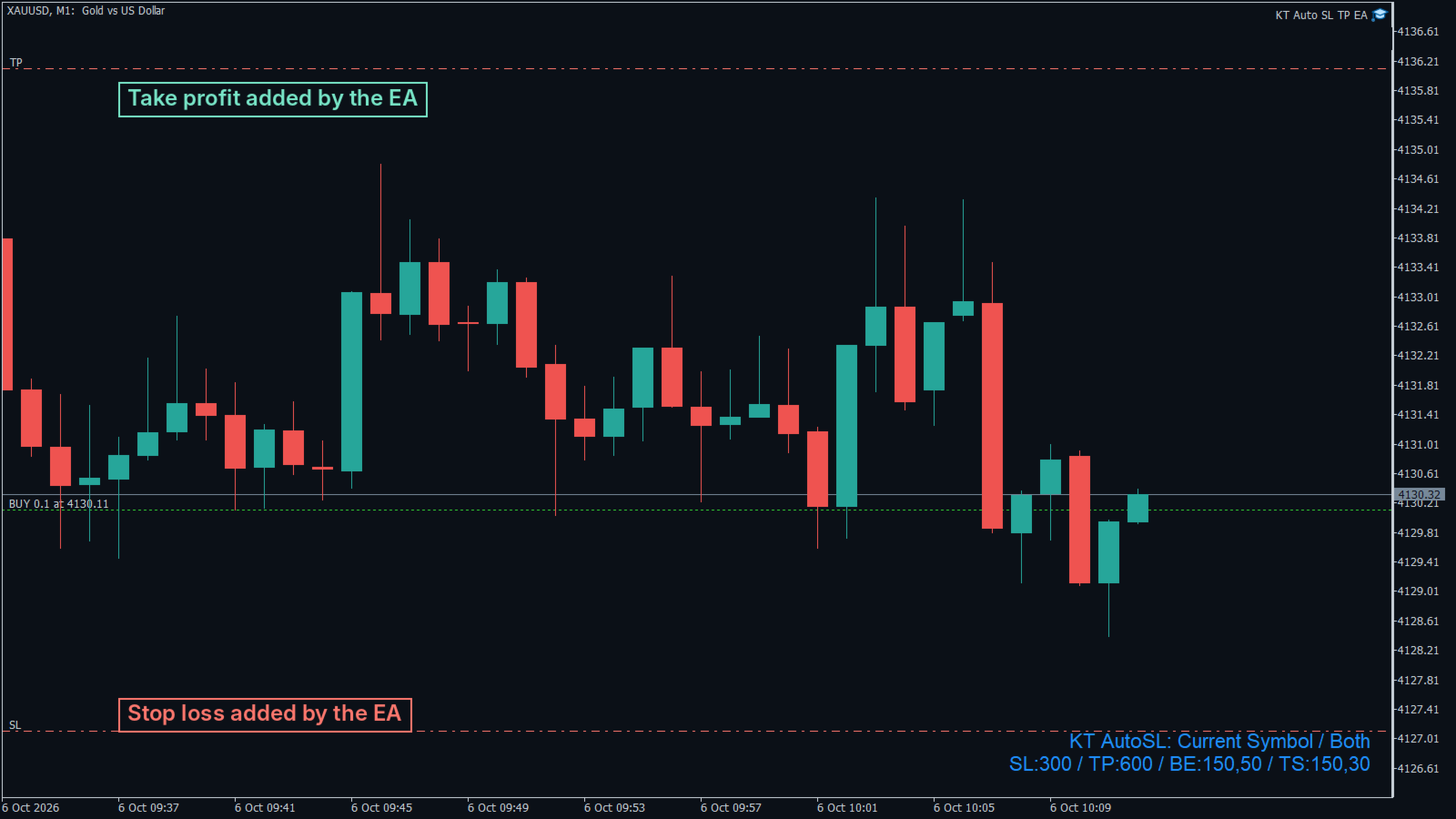
KT Auto SL TP EA adds a stop loss and a take profit to every manual trade, then moves the stop to break even and trails it.
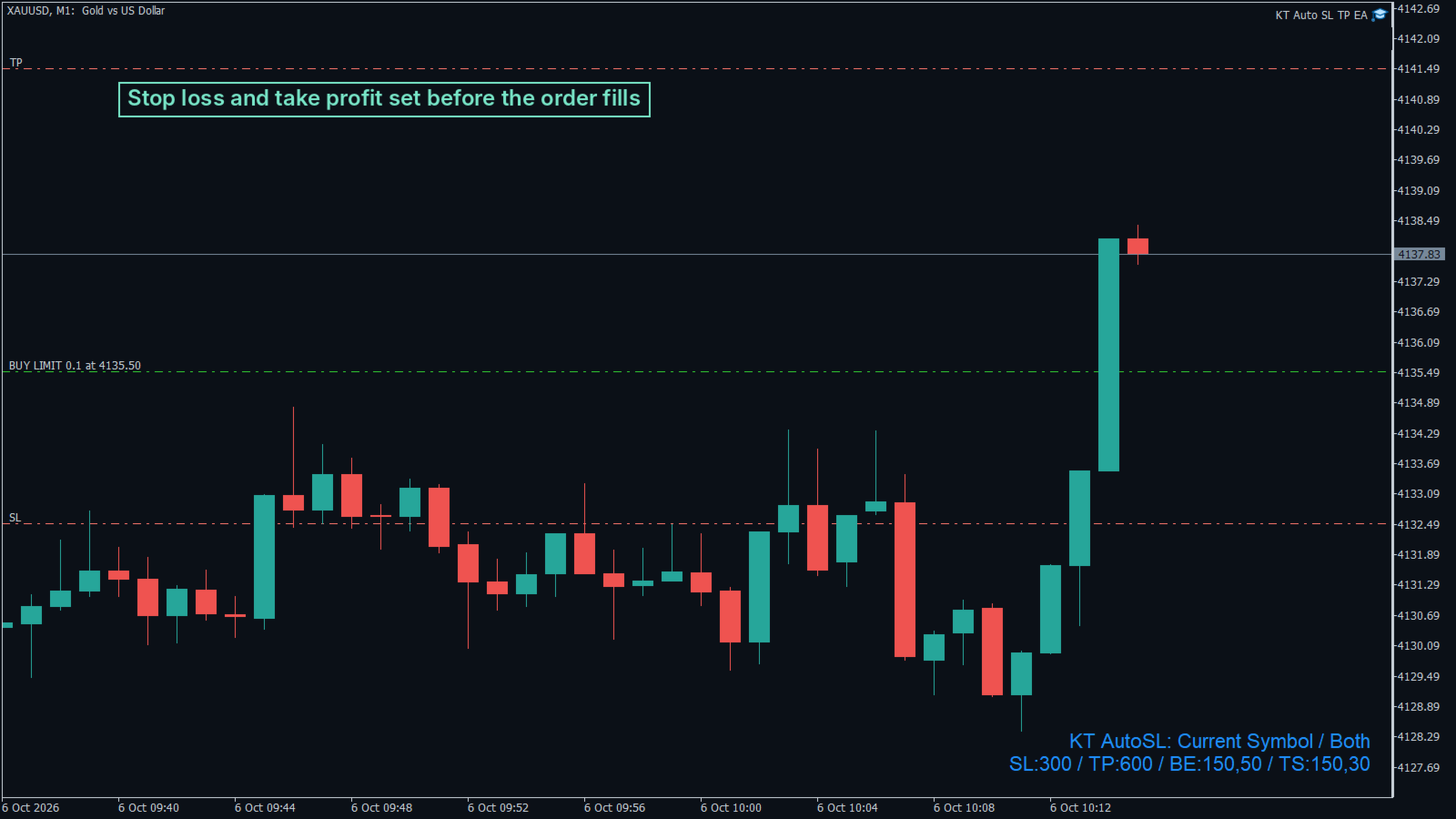
Open a trade on your computer or on your phone. Moments later the stop loss and take profit are on it, and the label on your chart shows the exact settings in use. The EA never opens or closes a trade on its own.
What it does
- Adds your stop loss and take profit to market trades and pending orders, on the chart symbol or on every symbol from one chart.
- Manages your manual trades only and leaves the trades of other EAs alone.
- Checks your trades about seven times a second, not only on new ticks.
- Sets pending order levels from the order price, so protection is ready when the order fills.
- Widens a distance below your broker's minimum stop level to that minimum.
Break even and trailing stop
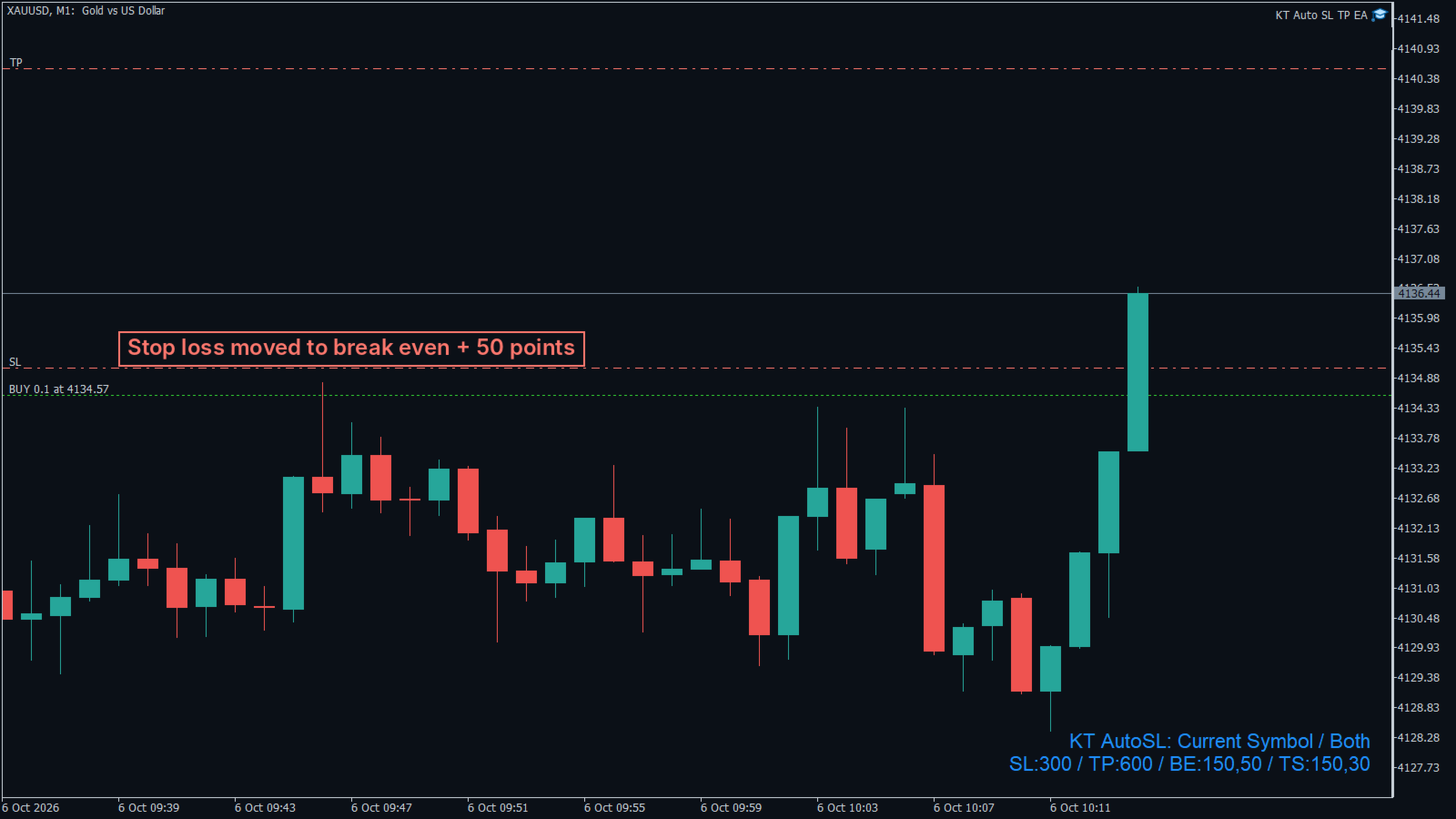
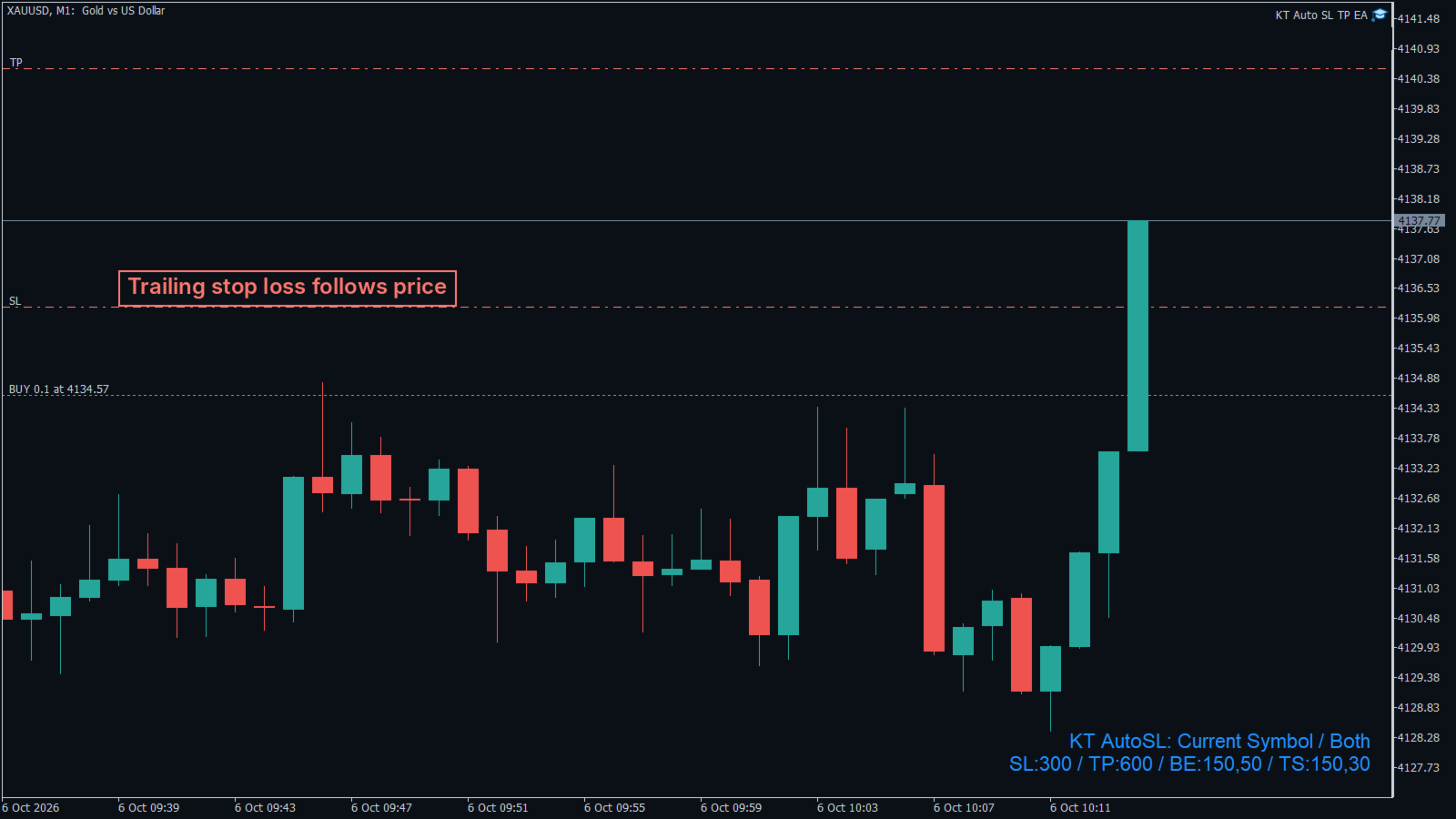
When a trade reaches the profit you set, the EA moves the stop loss to the entry price. An optional offset locks a few points of profit, and a break-even stop loss is never pulled back to the original distance. The trailing stop starts after the break-even move and then follows price in steps you choose.
How to set it up
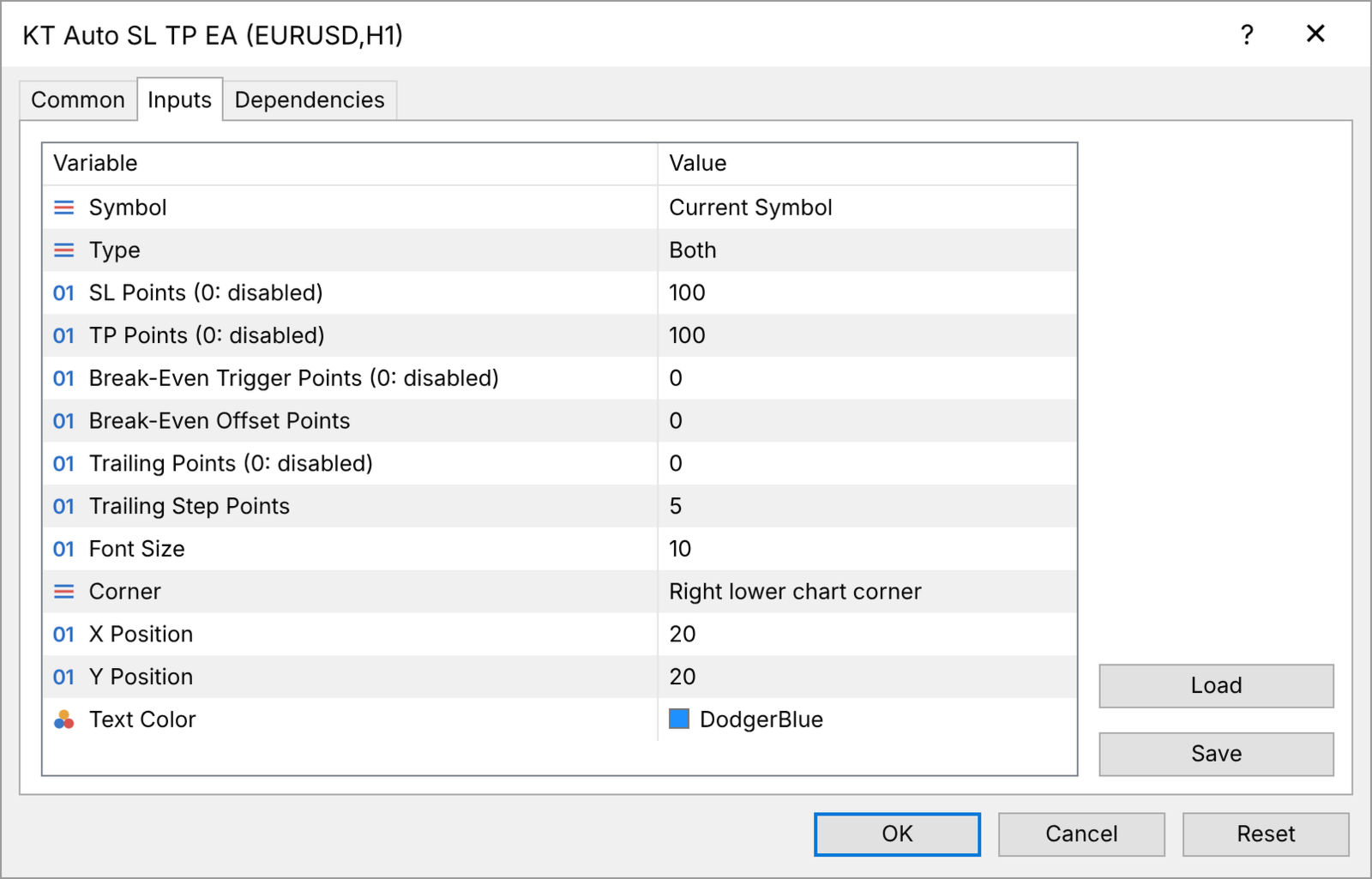
Attach the EA to one chart and switch on Algo Trading. Choose Current Symbol or All Symbols, and Positions, Pending Orders or Both. Enter the stop loss and take profit in points (10 points are 1 pip on most 5 digit forex pairs), then the break-even trigger and offset and, if you want one, the trailing distance and step. Keep MetaTrader running, for example on a VPS, so every new trade is protected. The EA works on any symbol and any account type where Expert Advisors are allowed.
A scalper might use a stop loss of 550, a break-even trigger of 50 and trailing of 50 with step 50. The 55 pip stop loss moves to entry after 5 pips and then trails 5 pips behind price.
Input parameters
- Symbol: Current Symbol or All Symbols.
- Type: Positions, Pending Orders or Both.
- SL Points: stop loss distance in points (0 switches it off).
- TP Points: take profit distance in points (0 switches it off).
- Break-Even Trigger Points: profit in points that moves the stop loss to break even (0 switches it off).
- Break-Even Offset Points: points of profit locked beyond the entry price.
- Trailing Points: distance of the trailing stop from price (0 switches it off).
- Trailing Step Points: extra points price must move before the trailing stop moves again.
- Font Size, Corner, X Position, Y Position, Text Color: the chart label.
You choose the entries. KT Auto SL TP EA makes sure every one of them has a stop loss, a take profit and a break-even stop, without you touching a button.










































































I purchased this application few weeks ago. It`s very useful and needed thing for MT4 and MT5, which doesn`t have it like Ctrader does. It works very well, and it`s very easy to set it up. I love it, and recommend it highly!