ACB Breakout Arrows EA
- Experts
-
KEENBASE SOFTWARE SOLUTIONS
 Keenbase Trading develops professional MetaTrader 4 and MetaTrader 5 indicators and Expert Advisors designed to help traders make more informed trading decisions.
 - Version: 1.5
- Updated: 29 December 2019
- Activations: 10
Automate the ACB Breakout Workflow
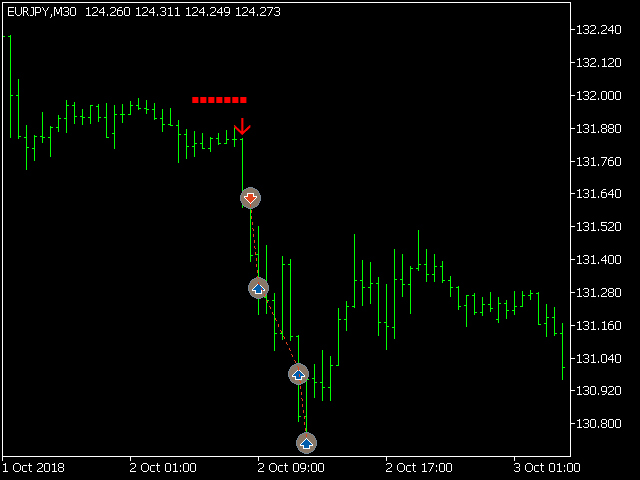
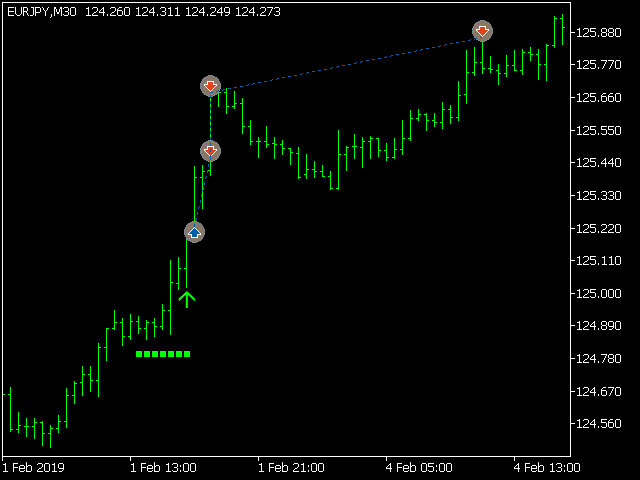
ACB Breakout Arrows EA evaluates breakout signals on the attached chart and manages trades with the built-in ACB Breakout Arrows and ACB Trade Filter logic. Attach the EA to the symbol and timeframe you want it to monitor, enable automated trading, then choose the position, session, filter and exit rules that fit your test plan.
The required indicators and dependencies are embedded in the EA, so no separate download is needed. Their panels are not displayed on the chart. The EA instead shows its trade actions and records operational details in the platform Journal when Logging is enabled.
Confirm Entries Before a Trade Opens
Signal Sensitivity controls how strongly a breakout must register before the arrow logic accepts it. Bars for SL controls the number of bars used when the stop-loss method takes its level from the indicator.
When ACB Trade Filter is enabled, the EA can require the arrow, histogram and trend state to agree:
- Buy confirmation: up arrow, green histogram and bullish trend.
- Sell confirmation: down arrow, red histogram and bearish trend.
- Mixed conditions: a gray histogram with sideways trend prevents a new entry.
Control Position Size and Exits
Position size: choose a fixed lot or automatic lot sizing based on Risk Per Trade.
Stop loss: use a fixed pip distance, a volatility-based distance or the level supplied by the breakout logic. Trailing can also work by pips or volatility.
Take profit: use fixed pips, volatility or the Quick Profit, First Target and Final Target levels. Three-stage partial closing can distribute the exit across those target levels.
Choose Sessions, Filters and Protection
Trading Sessions selects the sessions in which the EA is allowed to trade. Choose All, an individual Asian, London or New York session, or one of the available two-session combinations.
Enable the ACB Trade Filter, Trend, Volatility, Vortex and MMI filters individually to refine when a breakout is allowed to open a position. Each enabled filter adds another condition to the entry decision and can reduce trade frequency.
Max Loss Protection provides the configured loss safeguard. If no trade opens during a test, check the selected session, active filters, trading permissions and Journal messages before changing the strategy settings.