OCO Panel PRO
- Utilities
-
JETINVEST
 Roberto Junqueira, is Trader for over 20 years and has been developing indicators and trading experts for more than 10 years for the Forex, Cryptocurrencies and Stock Exchanges markets.
 - Version: 1.0
- Activations: 10
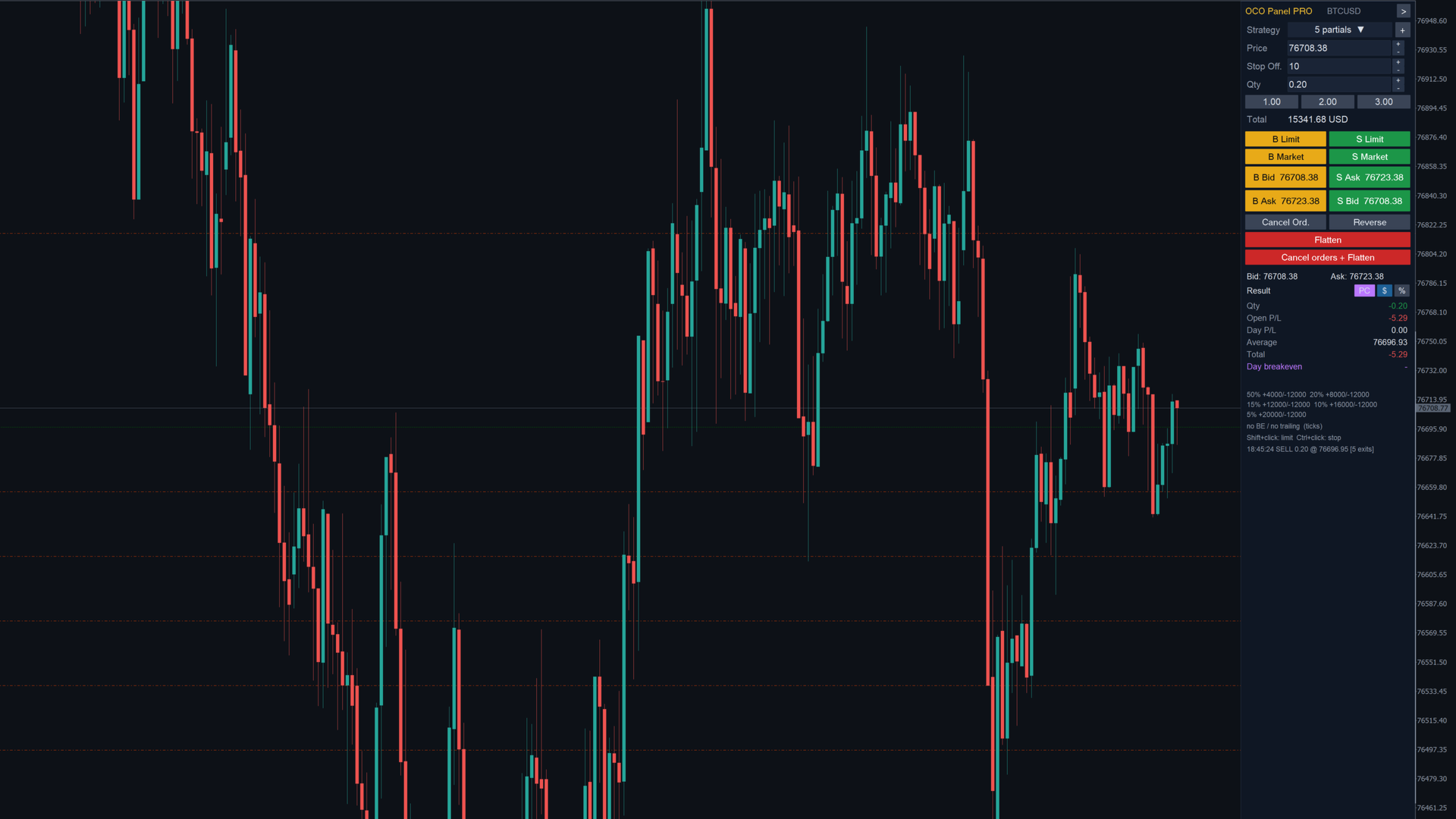
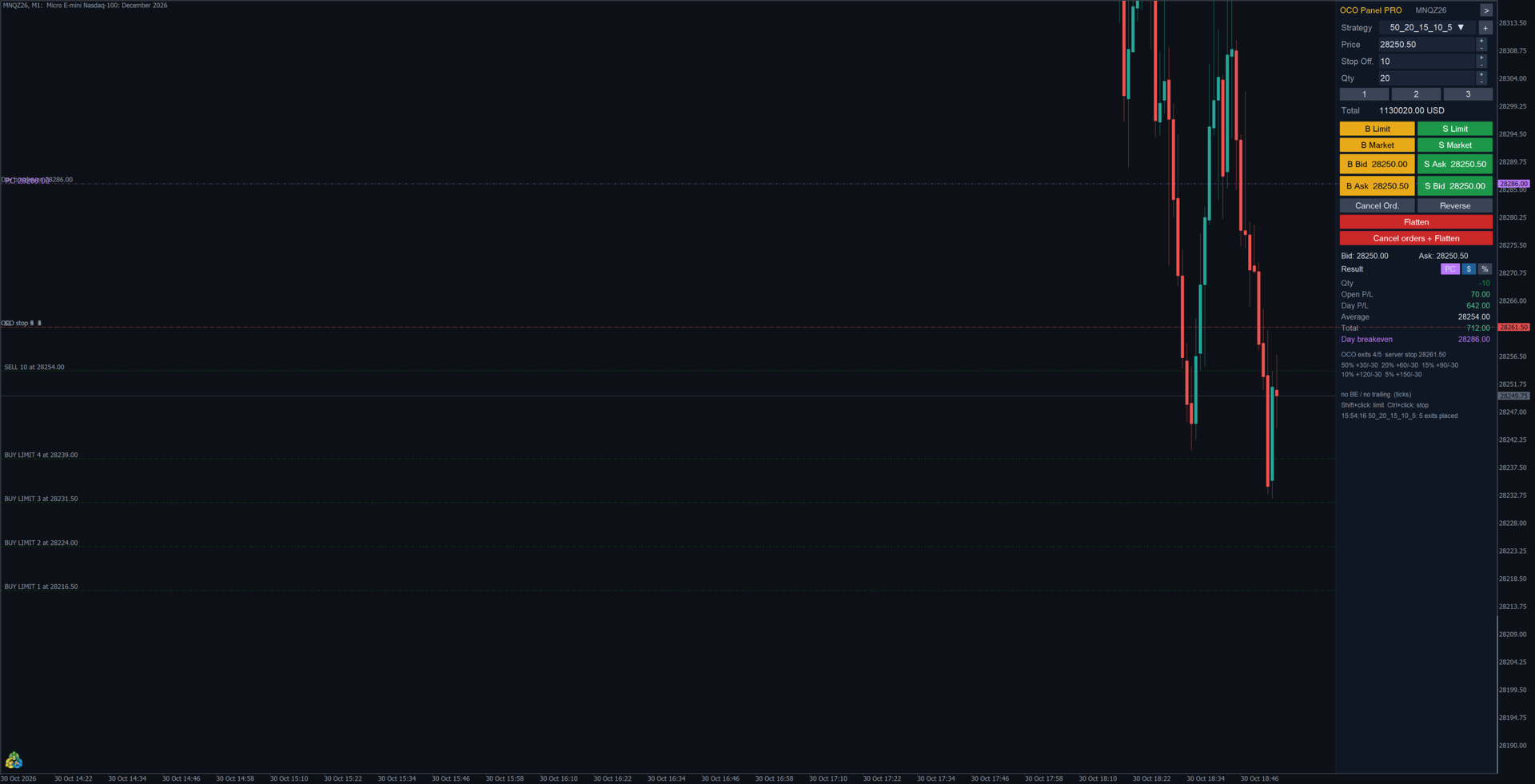
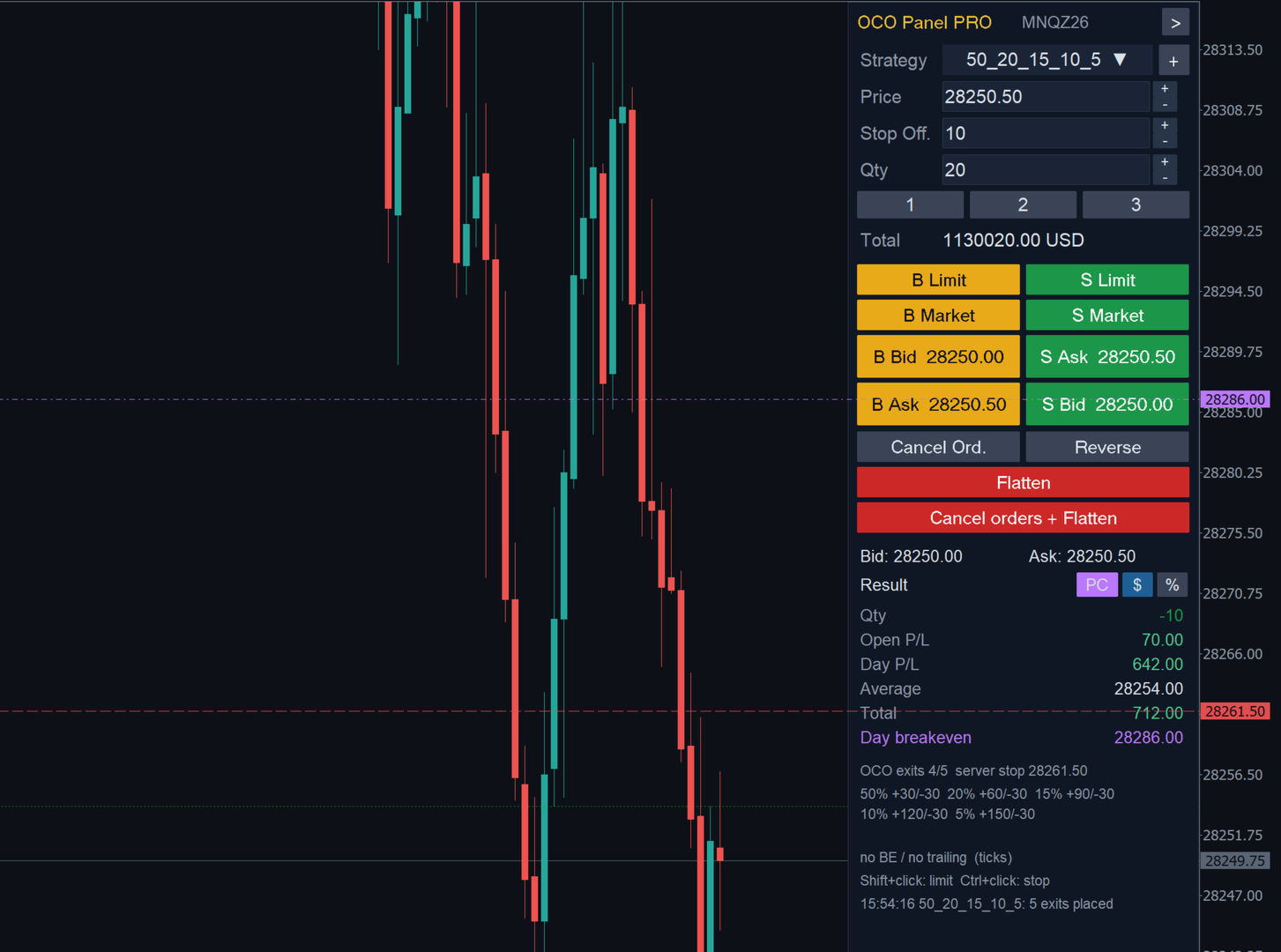
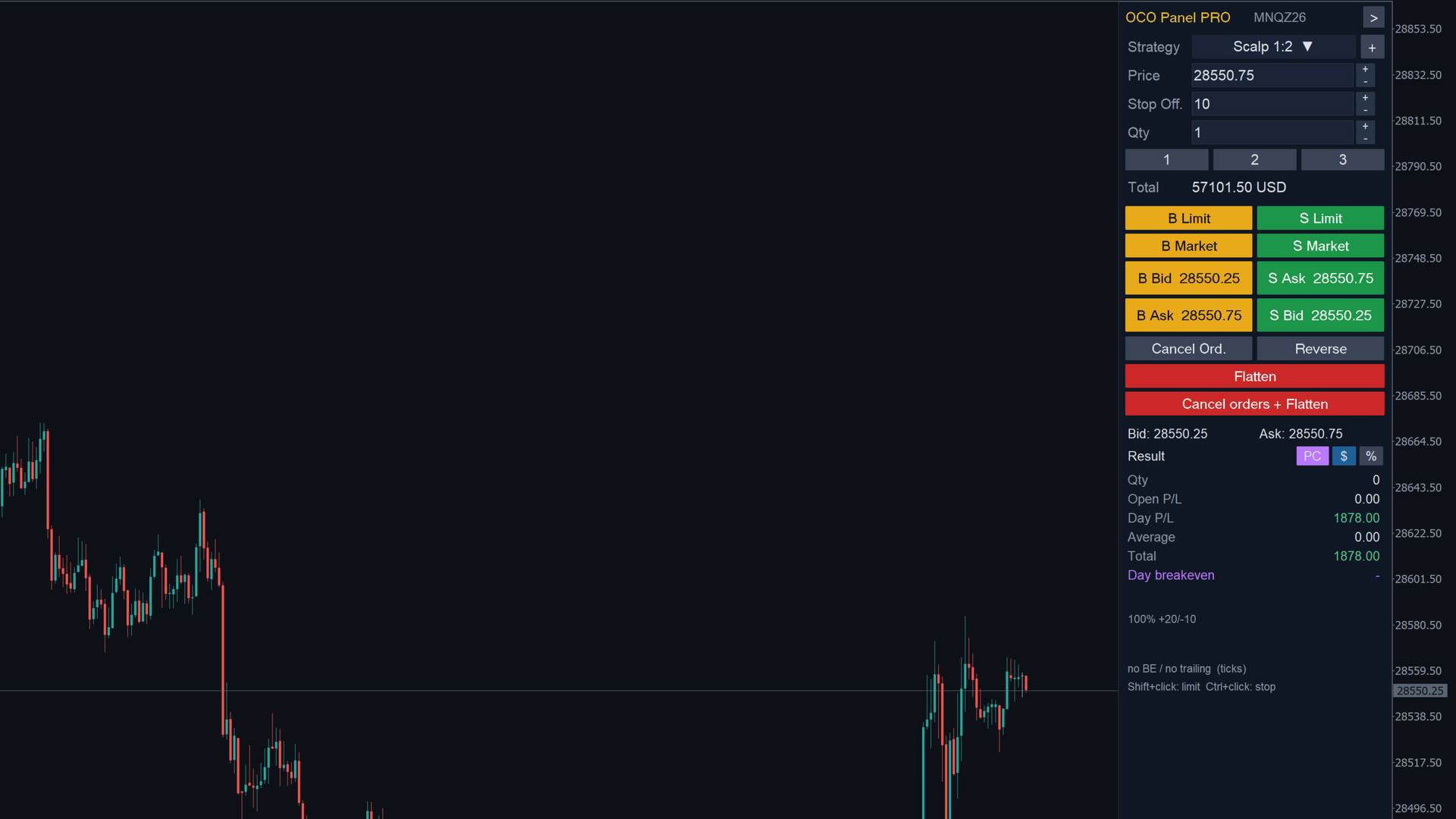
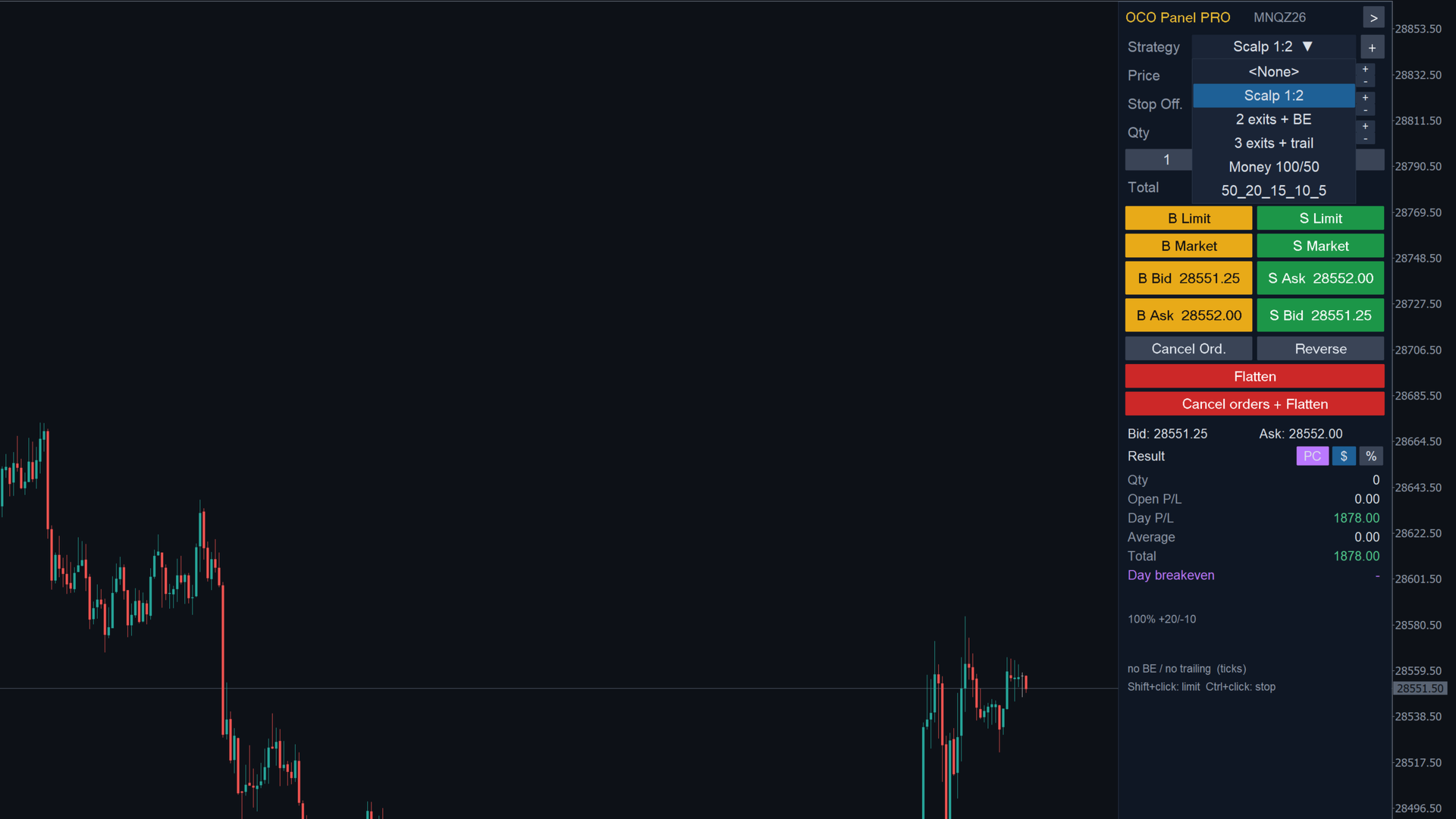
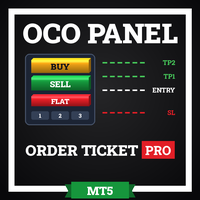
OCO Panel PRO: order ticket docked on the right side of the chart, with saved OCO strategies. When you enter, the panel sends the partial exits (take profit and stop loss) of the selected strategy automatically. Works with any symbol and any account type (netting or hedging).
MAIN FEATURES
- One-click buy and sell: Limit, Market, Bid and Ask, with price, quantity and quick quantity buttons.
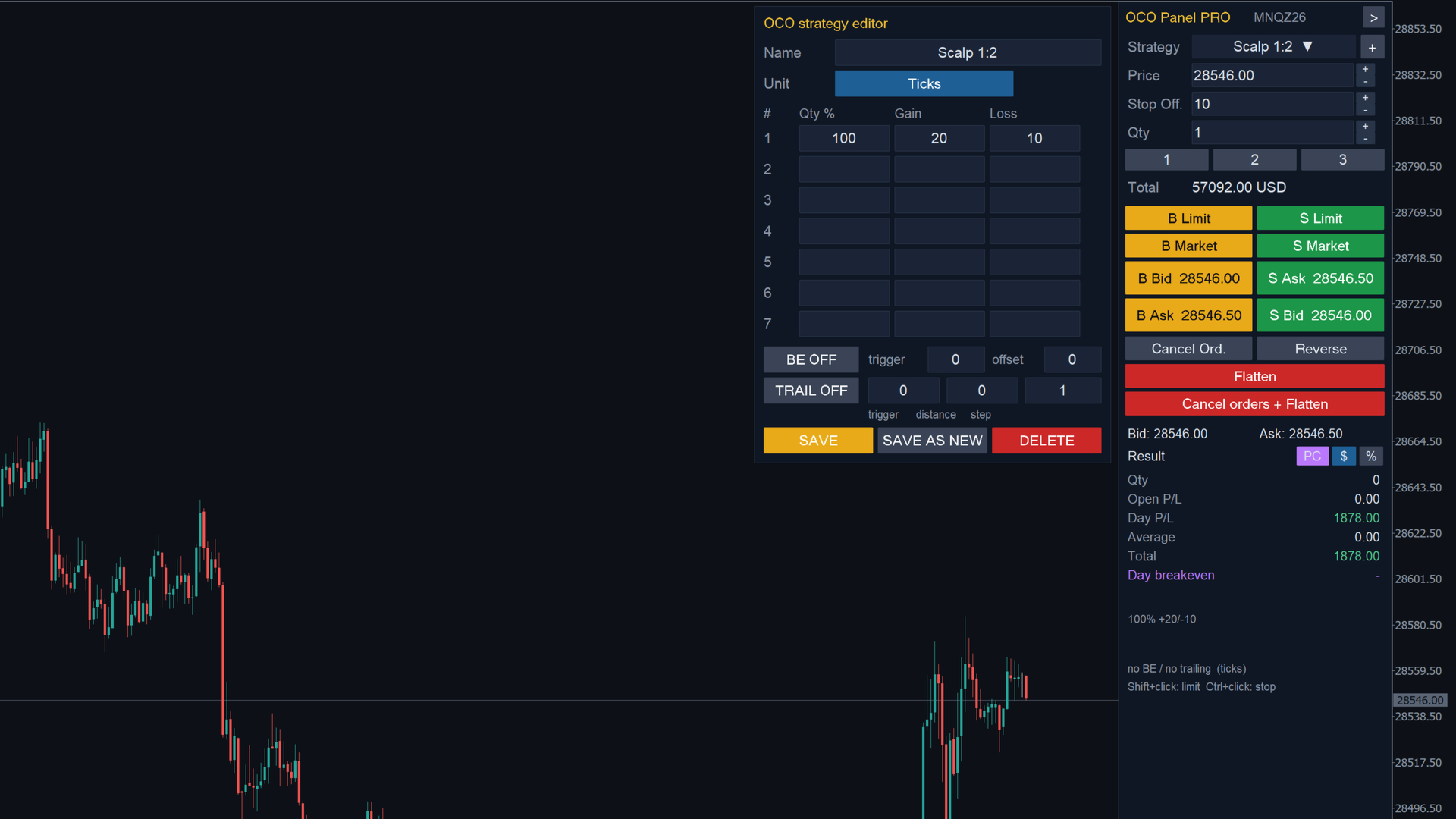
- Saved OCO strategies with up to 7 partial exits each (quantity %, take profit and stop loss), in ticks or in money.
- Automatic break-even (trigger and offset) and trailing stop (trigger, distance and step).
- Chart trading: Shift+click places a limit order, Ctrl+click places a stop order (stop-limit with adjustable offset).
- Draggable stop lines on the chart; dragging MetaTrader's SL line also moves the strategy stops.
- Flatten, Reverse, Cancel orders and "Cancel orders + Flatten".
- Open, day and total result in money or %, with average price.
- Day breakeven: a line at the price where the day's result is zero, counting closed trades and the open position (on/off).
- Countdown to the current candle close at the bottom of the panel (also on the collapsed tab).
- Collapses to a small tab and reserves the right side of the chart so the candles never sit behind it; works next to the JET Order Book.
- English and Portuguese interface.
HOW THE EXITS ARE SENT
- Netting accounts: each take profit is a limit order; the farthest stop is set on the position at the broker's server and the stops of the partial exits are managed by the panel.
- Hedging accounts: each exit is a position with its own SL and TP at the broker.
INPUTS
- Default quantity, stop-limit offset and quick quantity buttons.
- Chart trading on/off.
- Also manage positions opened outside the panel (netting).
- Keep the farthest stop on the server (netting).
- Day breakeven on/off and estimated cost per contract.
- Language, panel width, font size, reserve the right side of the chart and magic number.
NOTES
- Test on a demo account first.
- In the Strategy Tester the panel makes a demo entry every 40 bars to show the OCO exits, break-even and trailing.
- The panel does not analyze the market or decide entries: it sends and manages the orders you define.