Microlots Deriv
- Utilities
-
William Oswaldo Mayorga Urduy
 MQL4 and MQL5 trader and developer since February 2019, delivering projects in under one day and providing post-delivery technical support.
Optimized code, advanced logic, and high-quality code. - Version: 1.0
- Activations: 5
User Manual: MICROLOTS DERIV (Volume Management Panel)
The MICROLOTS DERIV system is an advanced execution tool designed to overcome volume limitations imposed by certain brokers, especially in synthetic indices or derivatives markets. Its primary purpose is to allow the trader to open positions with a volume lower than the minimum allowed by the asset contract, provided the broker admits small volume steps.
1. Introduction and Purpose
In many markets, the broker sets a minimum lot (e.g., 0.20). If a trader wants to trade with 0.05, the standard platform prevents it. This panel uses an immediate partial close logic: the system opens the trade with the minimum allowed and, in milliseconds, closes the excess so that the resulting position is exactly the "microlot" desired by the user.
2. Parameters Guide (Inputs Menu)
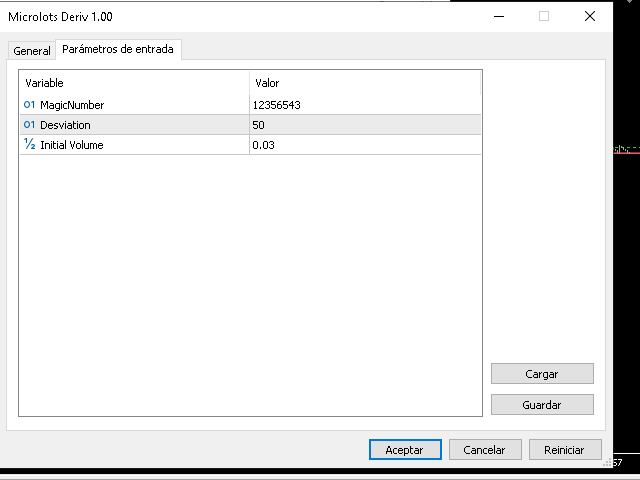
When loading the executable file, you will find the following options in the "Inputs" tab:
MagicNumber: Unique numerical identifier for trades opened by this panel. Useful so that other systems do not interfere with these orders.
Desviation: The maximum points of difference (slippage) allowed between the requested price and the execution price.
InitialVolume: The lot value that will appear by default when opening the panel on the chart.
3. Visual Interpretation
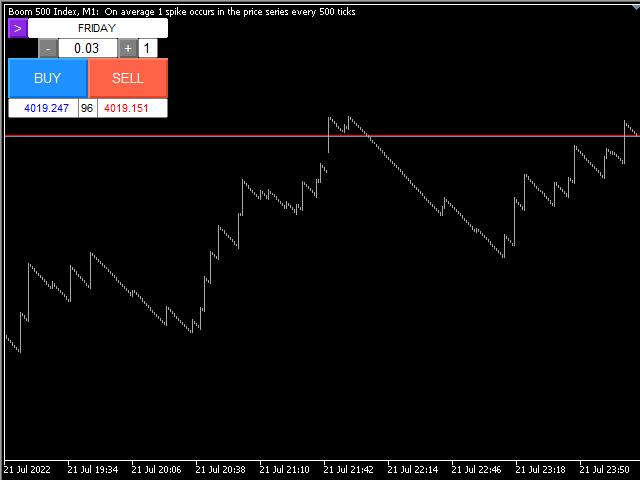
Once installed, you will see an interactive panel in the top left corner of your chart:
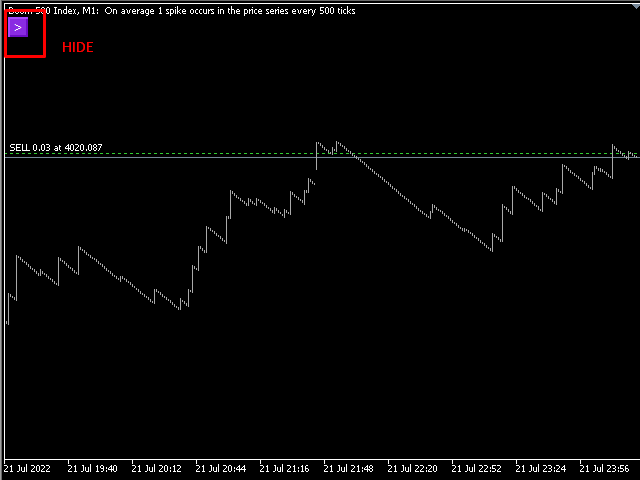
Play Button (">"): Allows you to expand or hide the control panel to keep the chart clean.
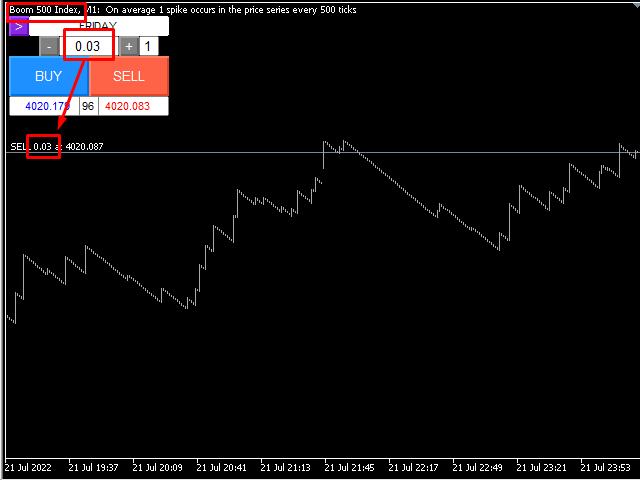
Volume Selector (- / +): Interactive boxes to adjust the desired lot size.
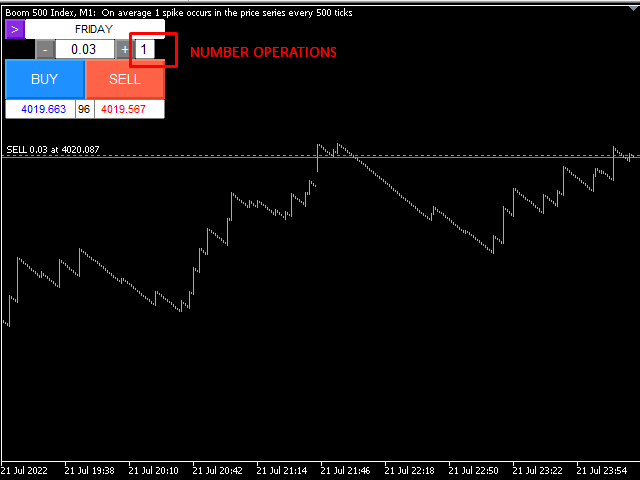
Repetition Box (N): Indicates how many orders will be opened simultaneously when pressing the execution button.
BUY / SELL Buttons: Immediate execution buttons in blue and red respectively.
Price Monitor: Shows real-time Ask price, Bid price, and current market Spread.
4. Operation Guide
To successfully execute an order, follow these steps:
Lot Configuration: Adjust the volume on the panel. If the broker minimum is 0.20 and you enter 0.02, the panel will automatically detect that it must perform a partial close adjustment.
Burst Definition: In the small box to the right of the volume, indicate how many positions you want to open (default is 1).
Execution: Press BUY for purchases or SELL for sales.
Validation: Check in your terminal that the order has been adjusted to the desired value. The process is almost instantaneous.
5. Optimization and Recommendations
Recommended Assets: Ideal for Synthetic Indices (Crash/Boom, Volatility) where minimum lot sizes are often high for small accounts.
Internet Connection: Since the system performs an immediate partial close to achieve the microlot, a low-latency connection (VPS) is recommended to ensure the excess is closed at the best possible price.
Timeframes: It is indifferent to timeframes, as it is an execution tool and not a technical analysis tool.