
KT Volume Profile MT5
- Indicators
-
KEENBASE SOFTWARE SOLUTIONS
 Keenbase Trading develops professional MetaTrader 4 and MetaTrader 5 indicators and Expert Advisors designed to help traders make more informed trading decisions.
 - Version: 3.0
- Updated: 24 October 2026
- Activations: 10
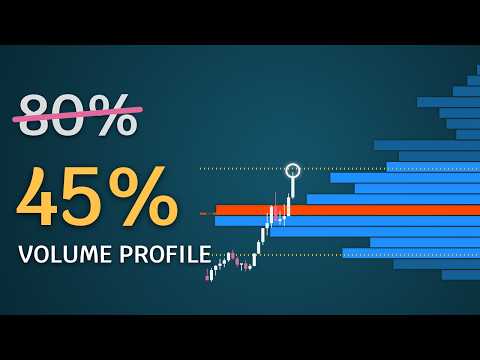
Volume profile indicator that tells you which levels price is likely to reach today.
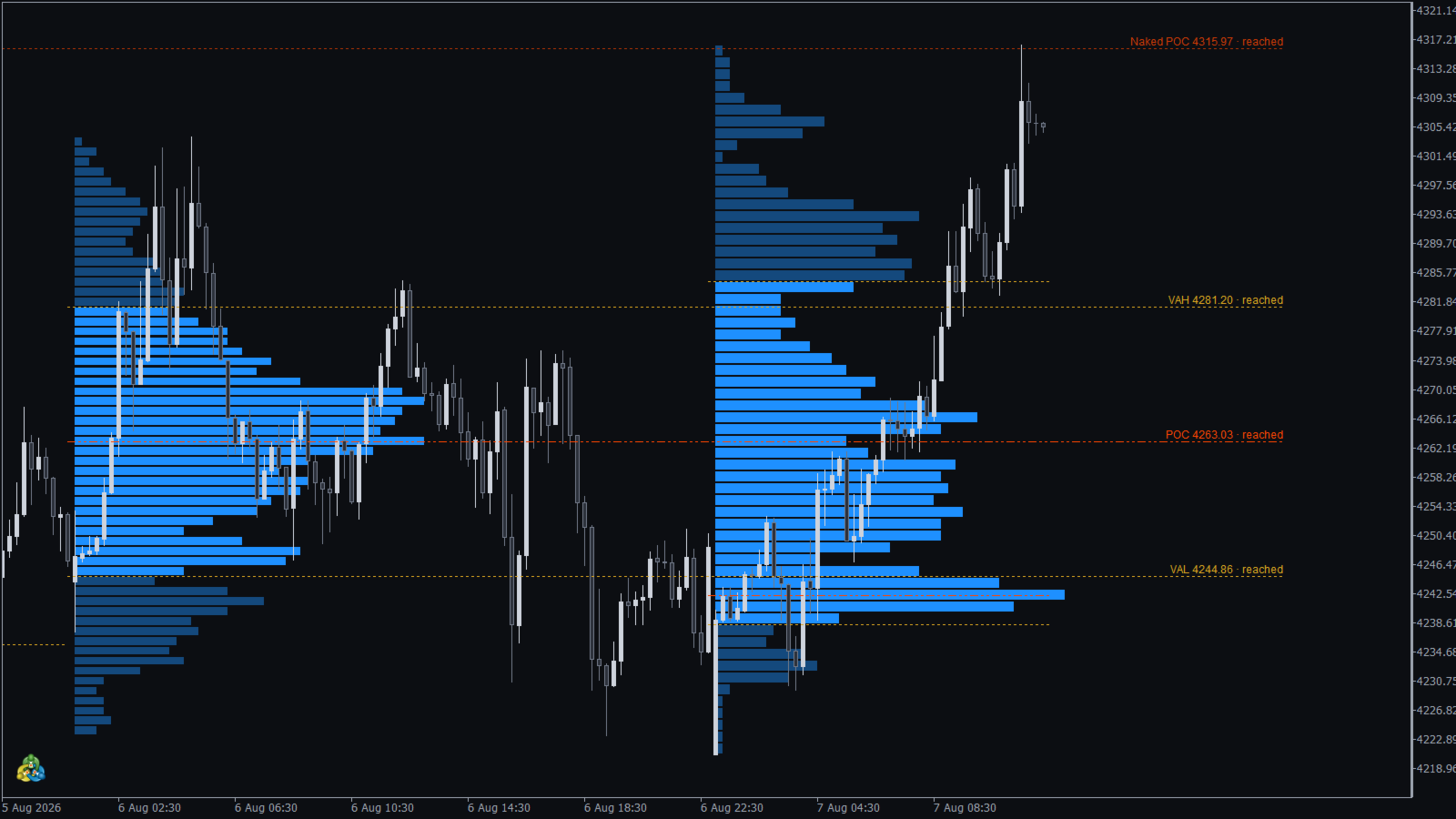
Daily profiles with POC, VAH and VAL, naked POCs and a drag box for any range, and every level labelled with how often price reached a level at that distance on your own chart.
What you see on the chart
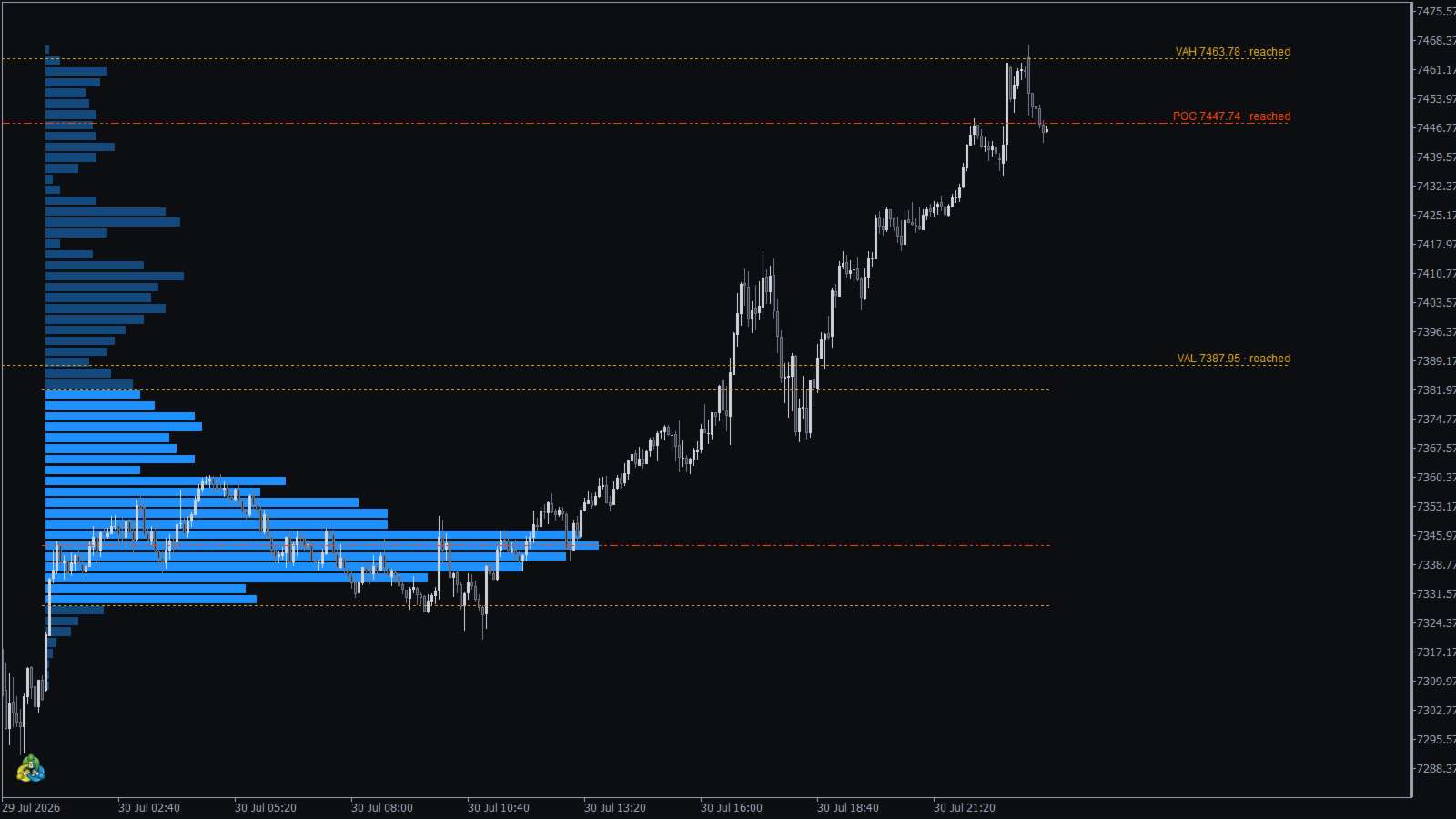
- A profile for every day on M1 to H1 charts, with the value area in a stronger colour.
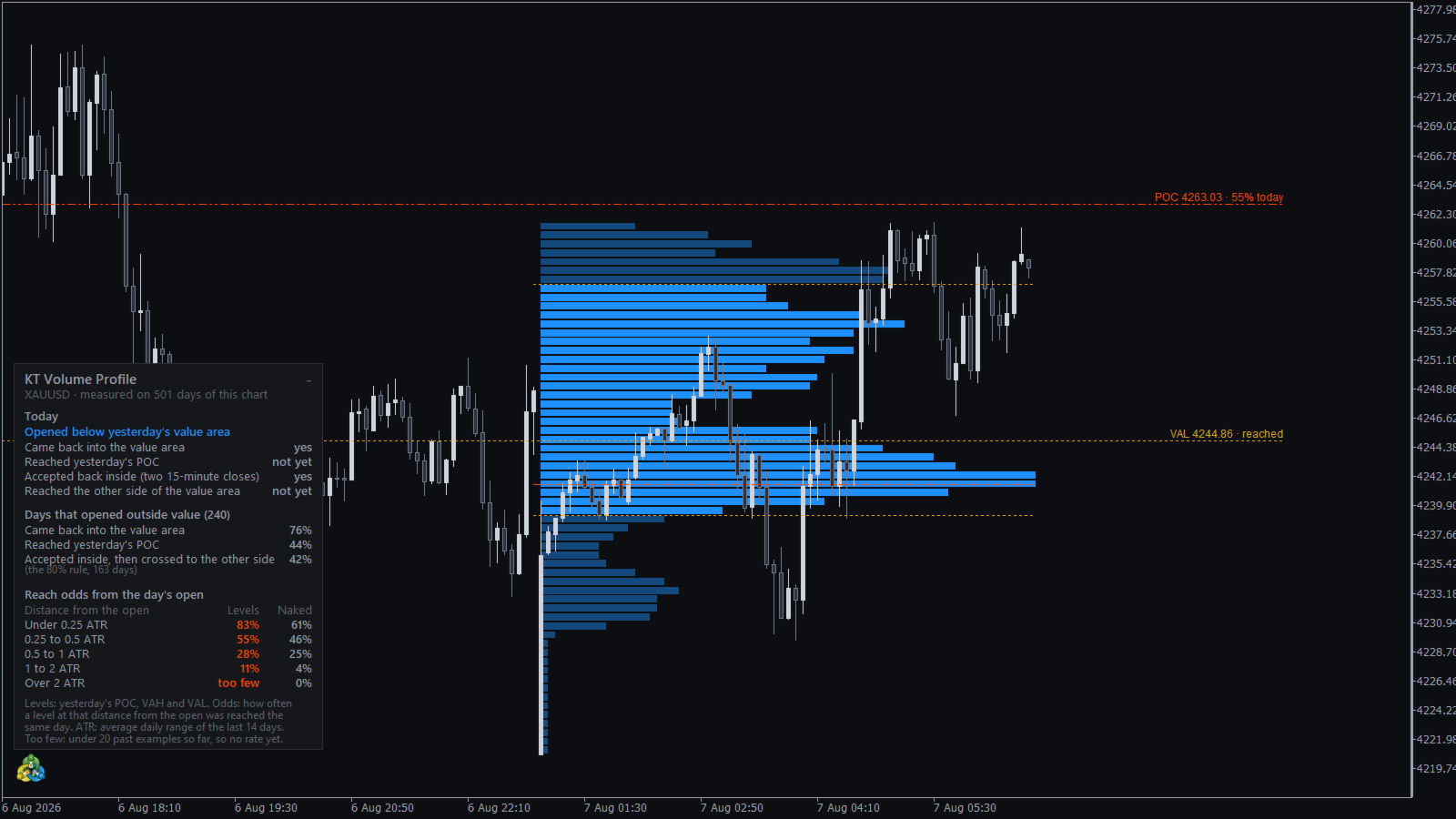
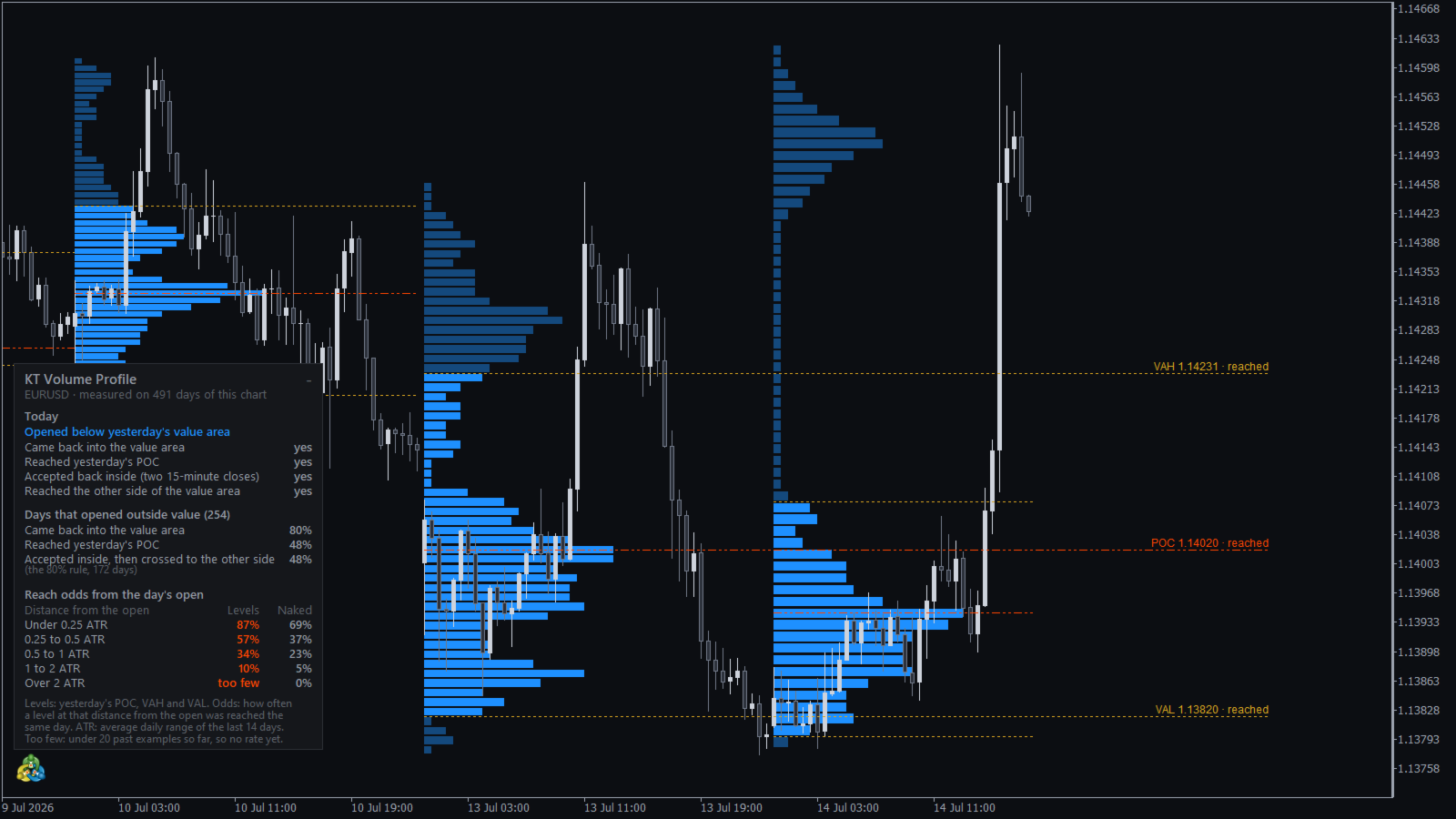
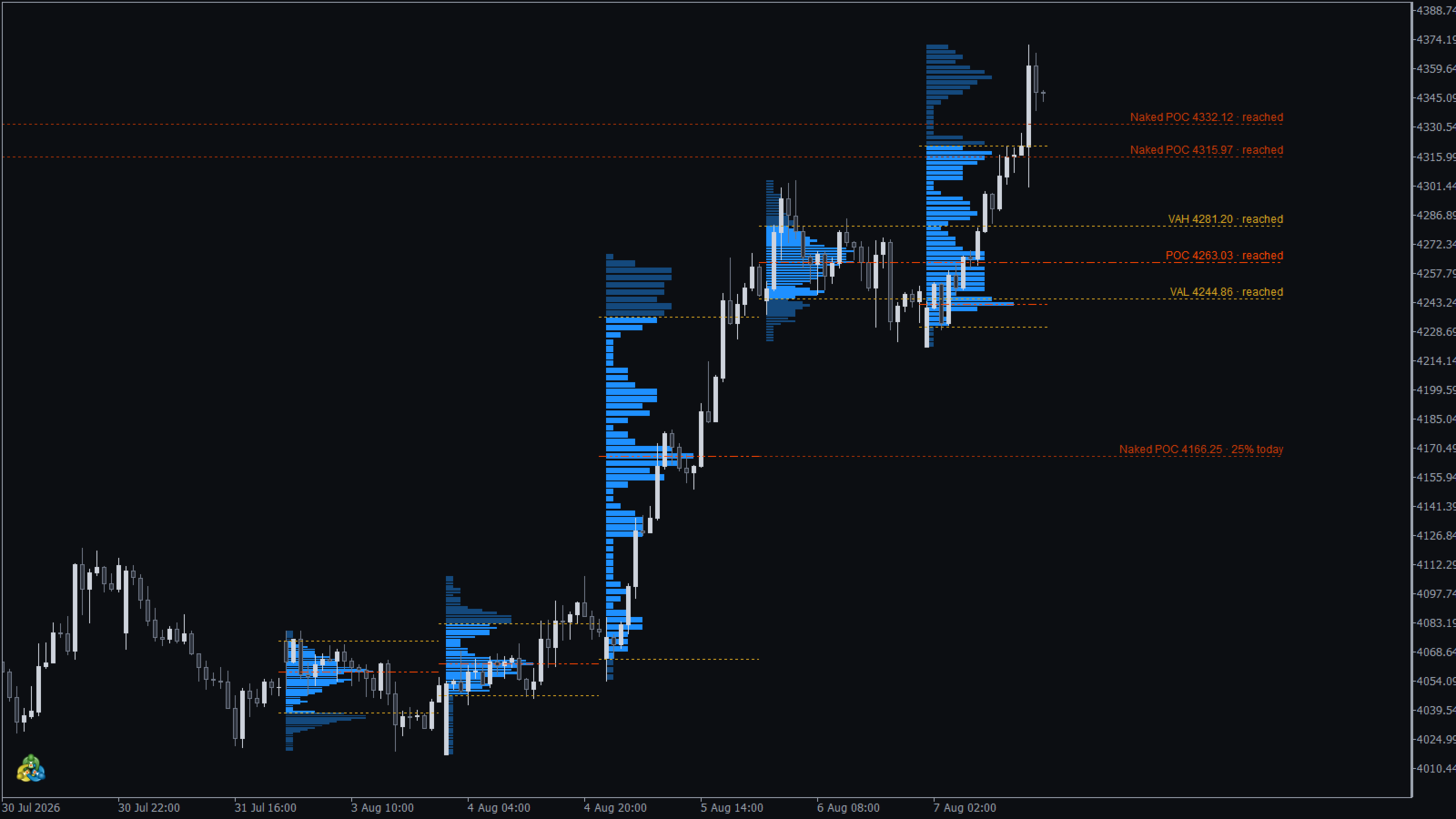
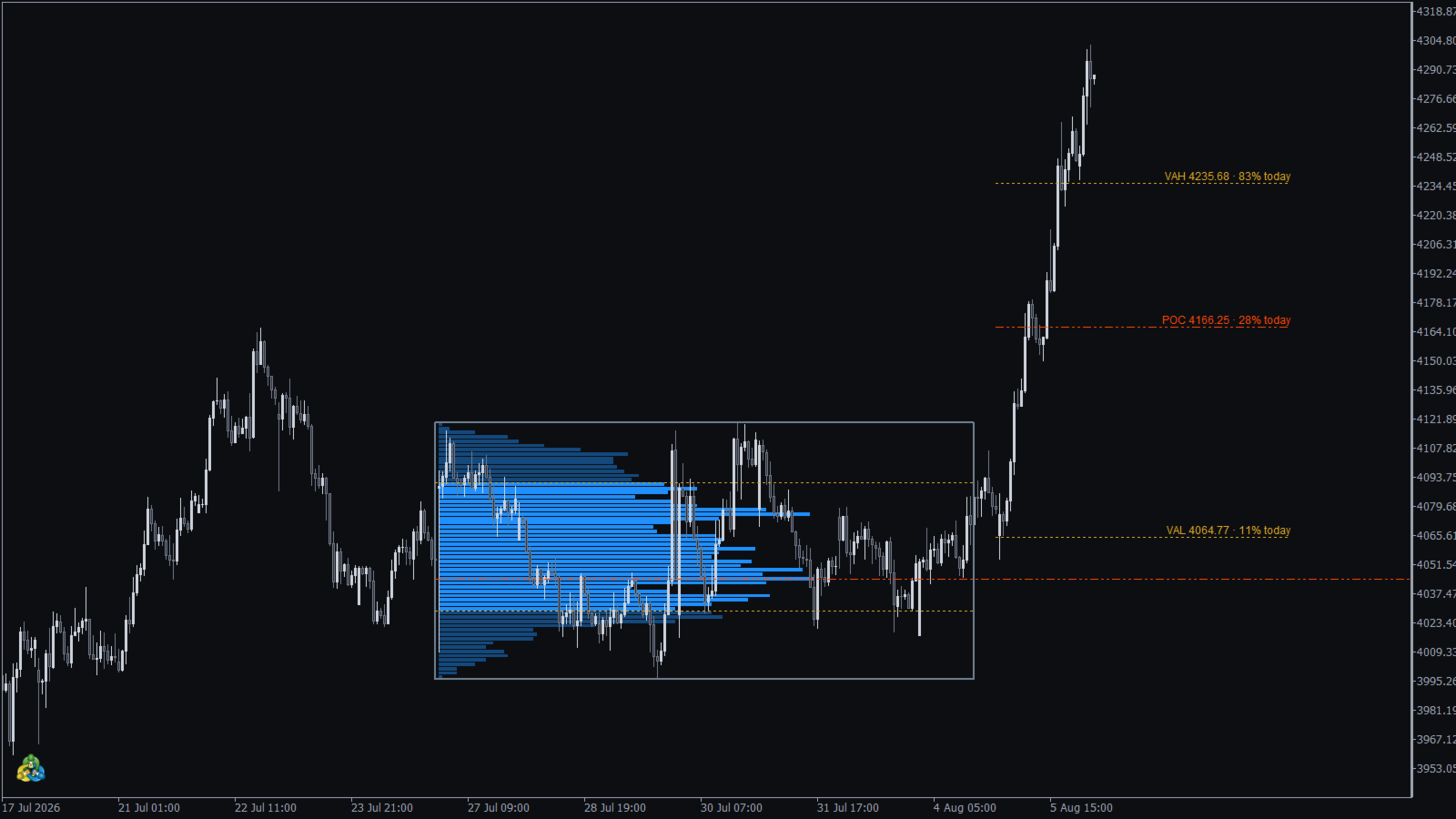
- Yesterday's POC, VAH and VAL across today, each with its odds for today, or "reached" once price gets there.
- Naked POCs: earlier POCs that price never returned to, with their own odds.
- A drag box: move it over any move or week and its profile follows; it keeps its place when you change the timeframe.
- A panel with today's opening scenario and how days that opened the same way played out on this symbol.
- Alerts once per level: popup, sound, push notification and email.
How to use it
Read the panel at the start of your session. If today opened outside yesterday's value area, wait for price to come back into value before you trade, and pick targets whose labels show high odds. A level at 9% is a hope, a level at 80% is a plan.
Profiles are drawn with a fixed number of price rows, so gold and index charts stay smooth even on M1. Forex works on tick volume; with real volume selected the indicator uses it wherever your broker provides it.
Recommendations
M5 to H1 for day trading, a drag box on H4 for swing ranges. Forex majors, gold and indices. The odds come from each symbol's own history, so the more history the chart holds, the more days they are based on.
Input parameters
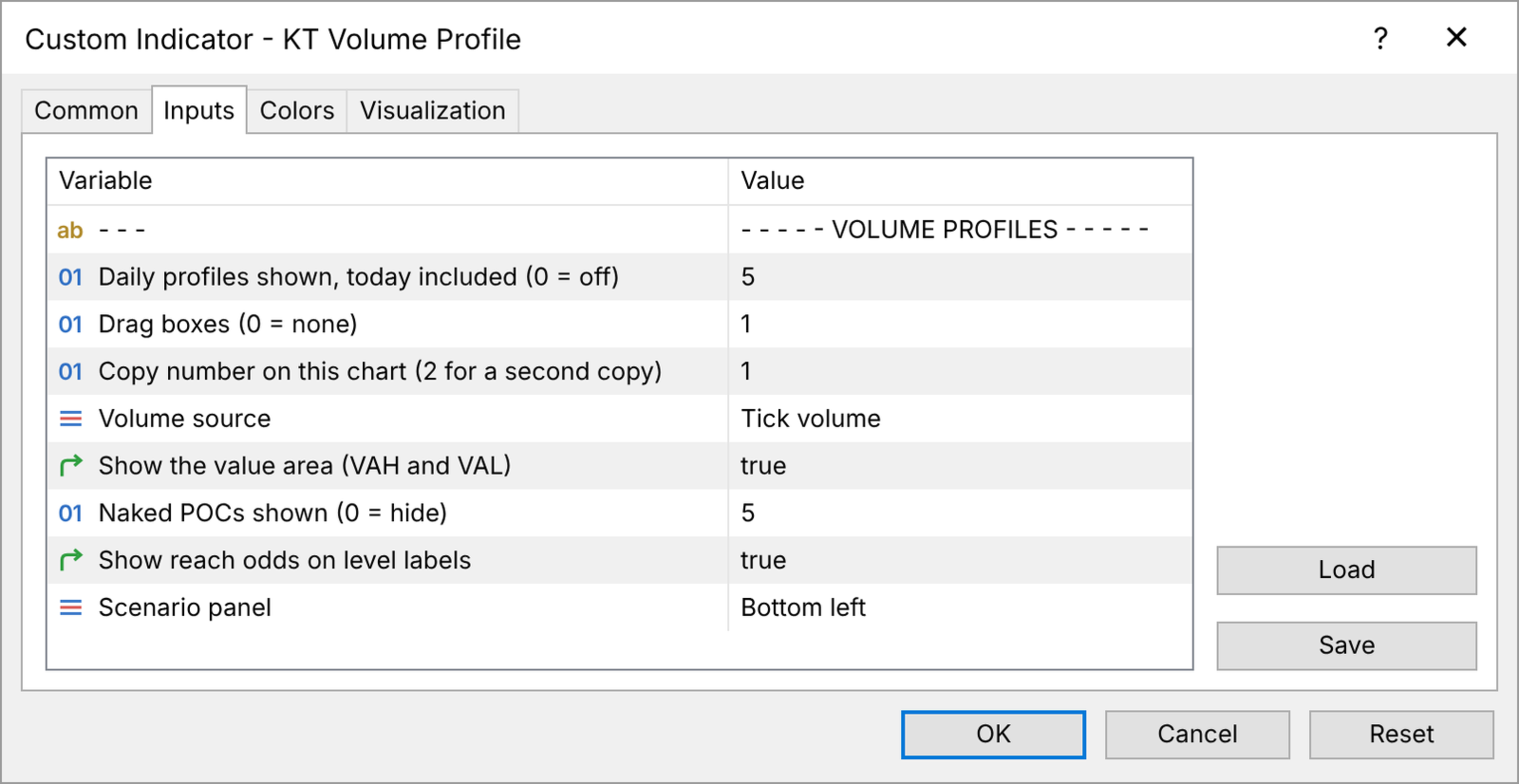
- Daily profiles shown: how many days get a profile (0 turns them off).
- Drag boxes: how many boxes you can drag (0 for none).
- Copy number on this chart: 2 for a second copy on the same chart.
- Volume source: tick volume or real volume.
- Show the value area: VAH and VAL lines and the value area colour.
- Naked POCs shown: how many of the nearest naked POCs stay on the chart.
- Show reach odds on level labels: the odds on each label.
- Scenario panel: its corner, or hidden.
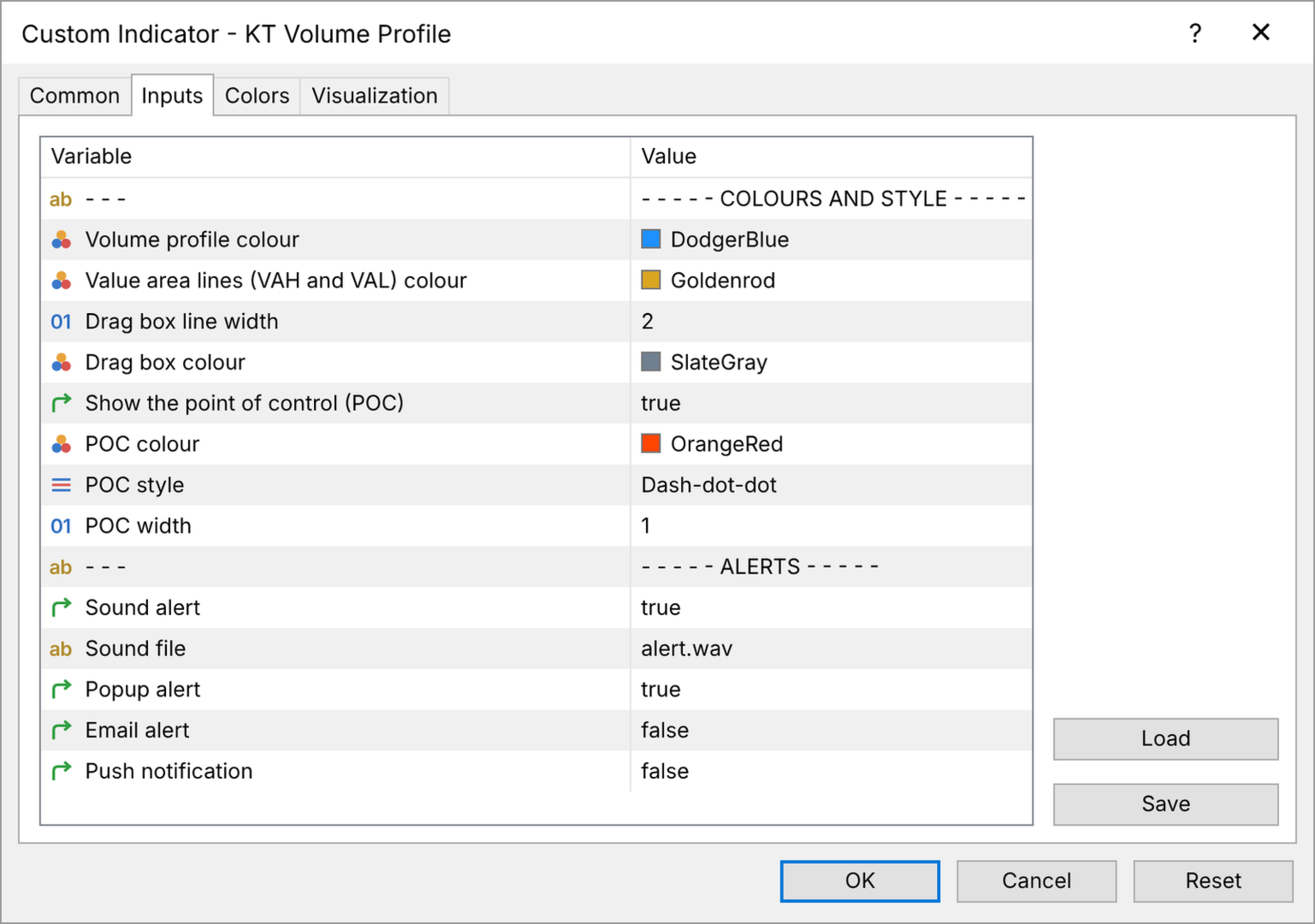
- Colours and styles: profile, value area lines, drag box, POC colour, style and width.
- Alerts: sound (with the sound file), popup, email and push notification.
Trade the levels with a number behind them
You choose the trades. KT Volume Profile shows where the important levels are and how often price reached them on your own chart, so every target starts from a number instead of a guess.


























































User didn't leave any comment to the rating