KongAI
- Experts
-
Dragan Drenjanin
 🔴 My products on MQL5 → https://www.mql5.com/en/users/drgandra/seller
 - Version: 1.19
- Updated: 13 January 2026
- Activations: 5
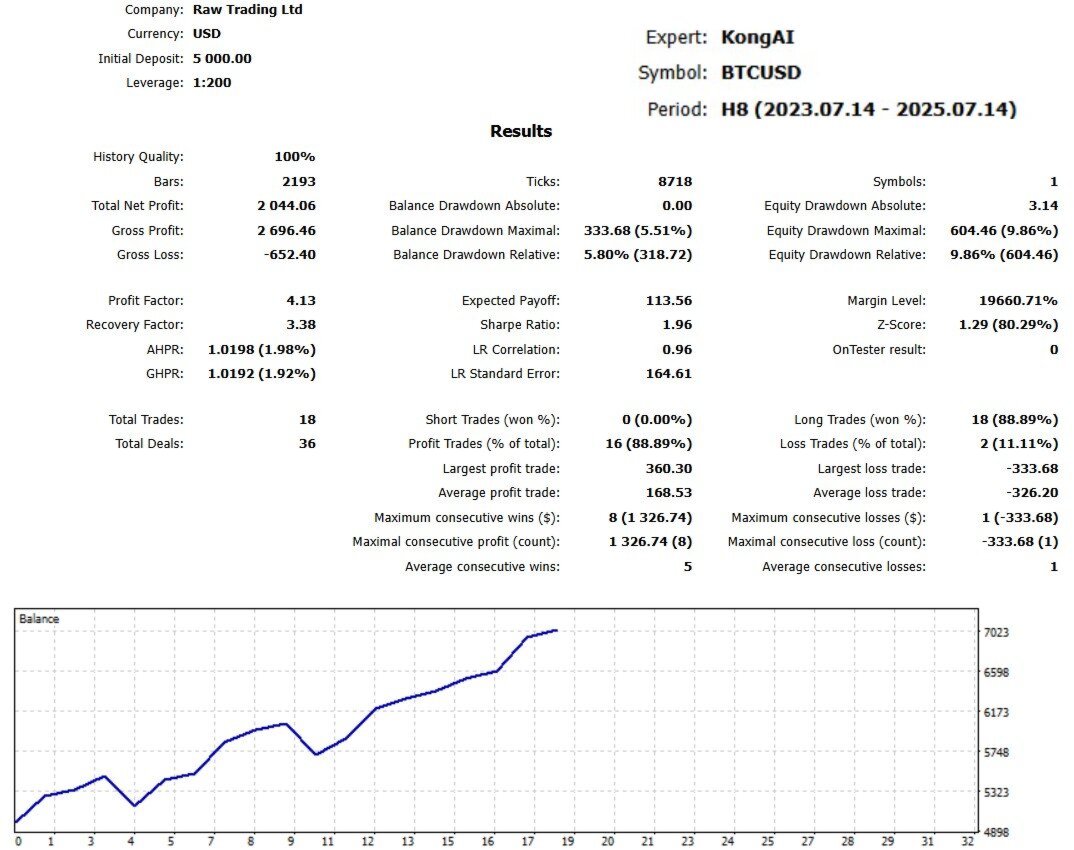
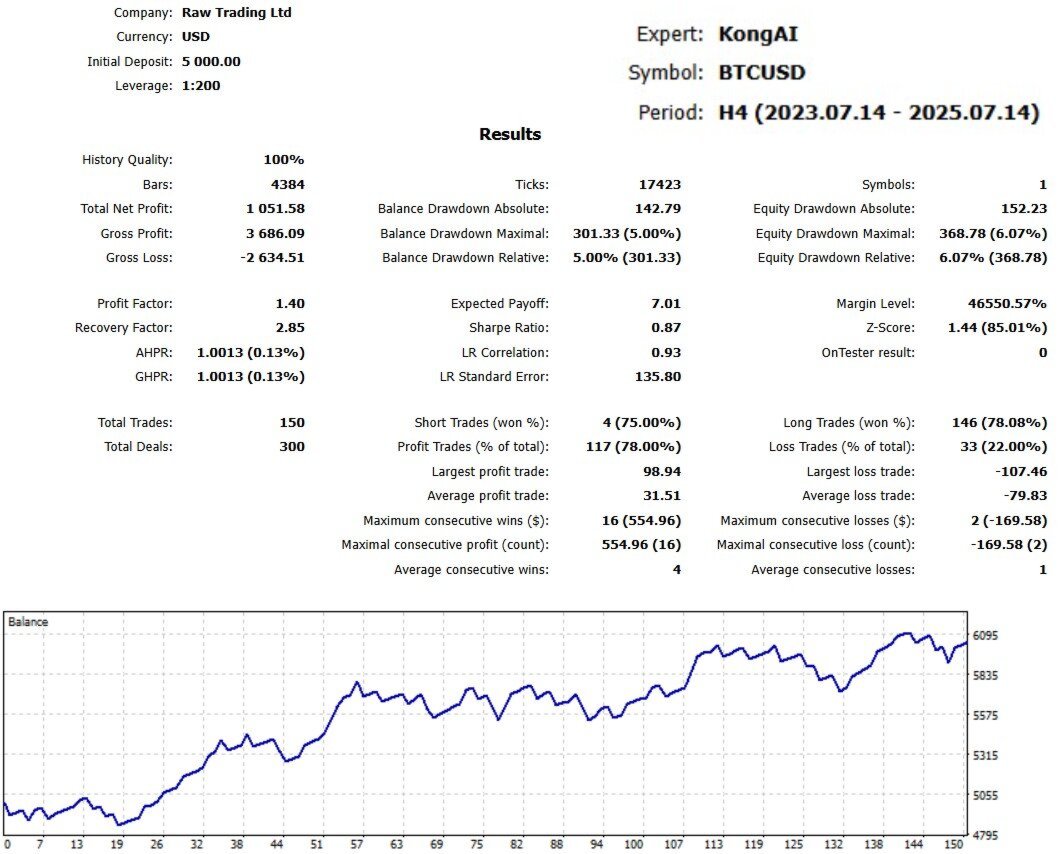
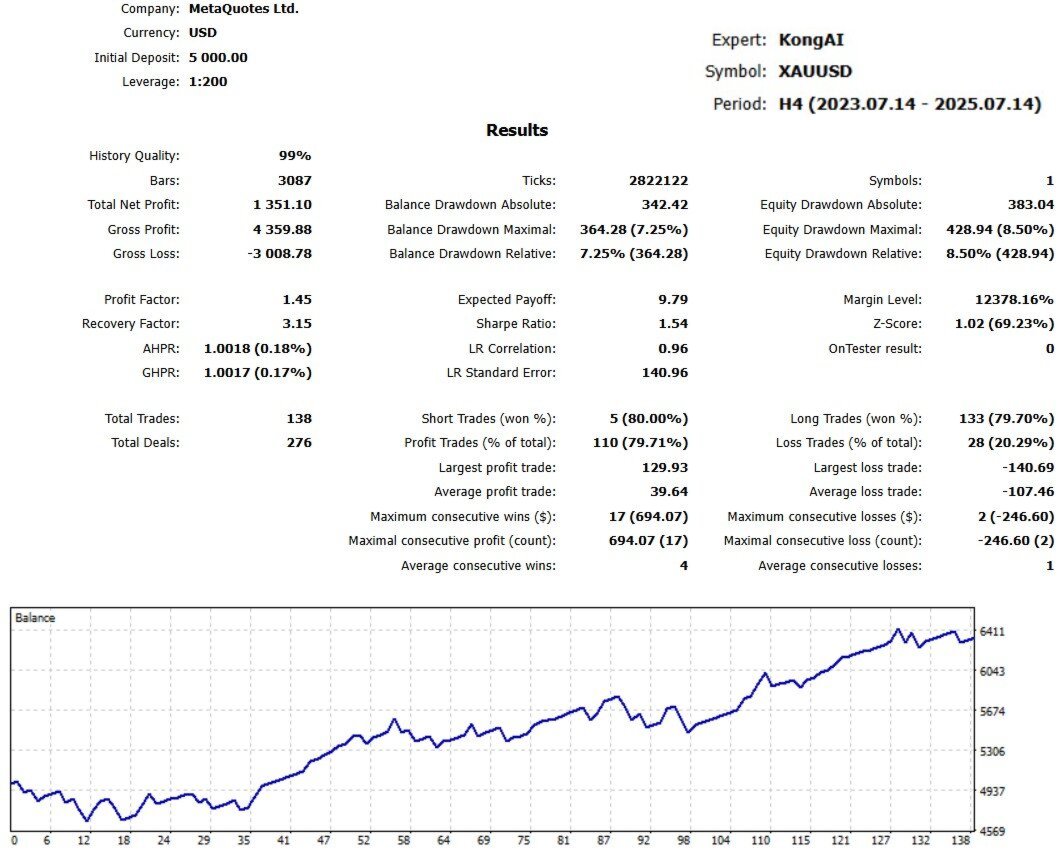
Kong AI is a representative of the neural network family of trading robots. It is designed for trading metals, forex pairs, and cryptocurrency pairs. The default settings prioritize the best results on XAUUSD, followed by XAUUSD (likely a typo for XAUEUR or similar), EURUSD, GBPJPY, LNKUSD (possibly LINKUSD), BTCUSD, and others. To determine the most suitable symbol and timeframe for your account type, simply run tests across all symbols, starting with H1, then progressing to H4, H2, H3, M timeframes, and so on. The neural network also delivers excellent results on lower timeframes like M15 and M30, particularly on XAUUSD. However, the optimal choice depends on your trading style. For higher trade frequency, select M15 or M30 on XAUUSD. For a more conservative approach, use larger timeframes such as H1 or H4.
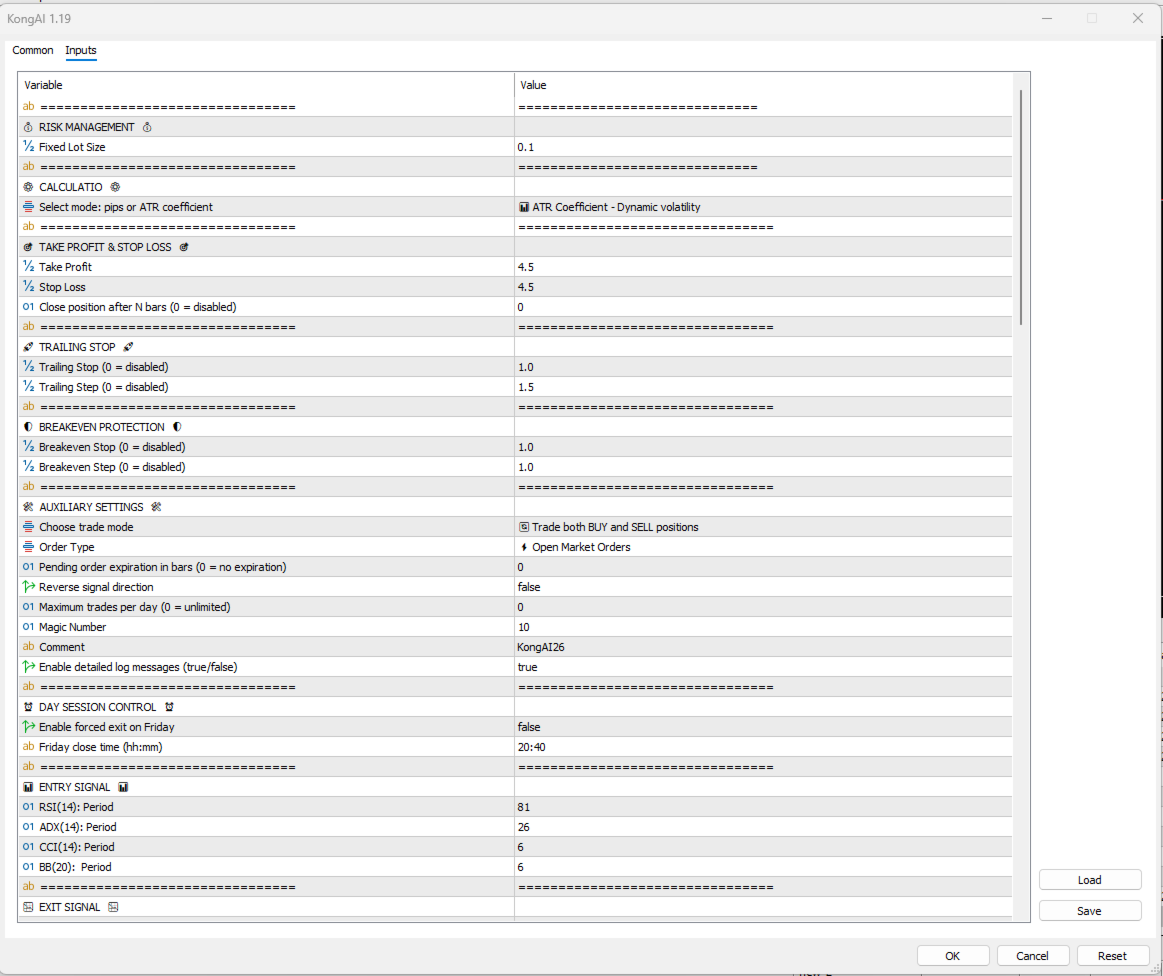
This robot embodies cutting-edge technology, enabling the training of its neural network on historical data and live data during application initialization. In both cases, it creates a database to store collected data for future use. The robot supports various functions, including handling all order types, such as market, stop, and limit orders. Its intuitive user interface allows for easy management with a minimal number of adjustable inputs and provides full control over the system, including optional interaction with the neural network. When using the robot on multiple charts—either on different currency pairs or the same pairs but with varying timeframes—assign a unique magic number to each instance. To ensure the entire system operates as intended, a VPS (Virtual Private Server) is recommended.
Requirements:
- MT5 platform
- Check the "What's New" section for updates
- If you purchase now, you secure access to future upgraded versions of the robot, which will be released at regular intervals.
Note:
Keep in mind that "Kong AI" should be tested on a demo account, before any use.
Useful Links:
Installation Guide
- For detailed instructions on purchasing and installing a trading robot from the MQL5 Market, please refer to the following article: https://www.mql5.com/en/articles/498
- How to Test a Trading Robot Before Buying: https://www.mql5.com/en/articles/586