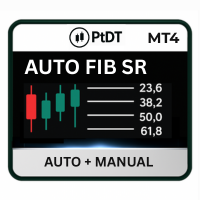
Auto Fib SR MT4
- Indicators
- Part-time Day Trader
- Version: 2.0
- Activations: 15
Fibonacci ratios are a widely used and proven method for identifying support and resistance levels—both within individual trends and across the entire chart.
However, using the standard MetaTrader Fibonacci tool is often time-consuming and frustrating.
Levels must be positioned manually from wick to wick, and as the trend extends, the tool requires constant re-adjustment to remain accurate.
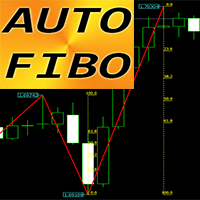
This is where Auto Fib SR comes in. Auto Fib SR automatically draws precise Fibonacci levels on the most recent trend, eliminating the need for repeated manual positioning and adjustment.
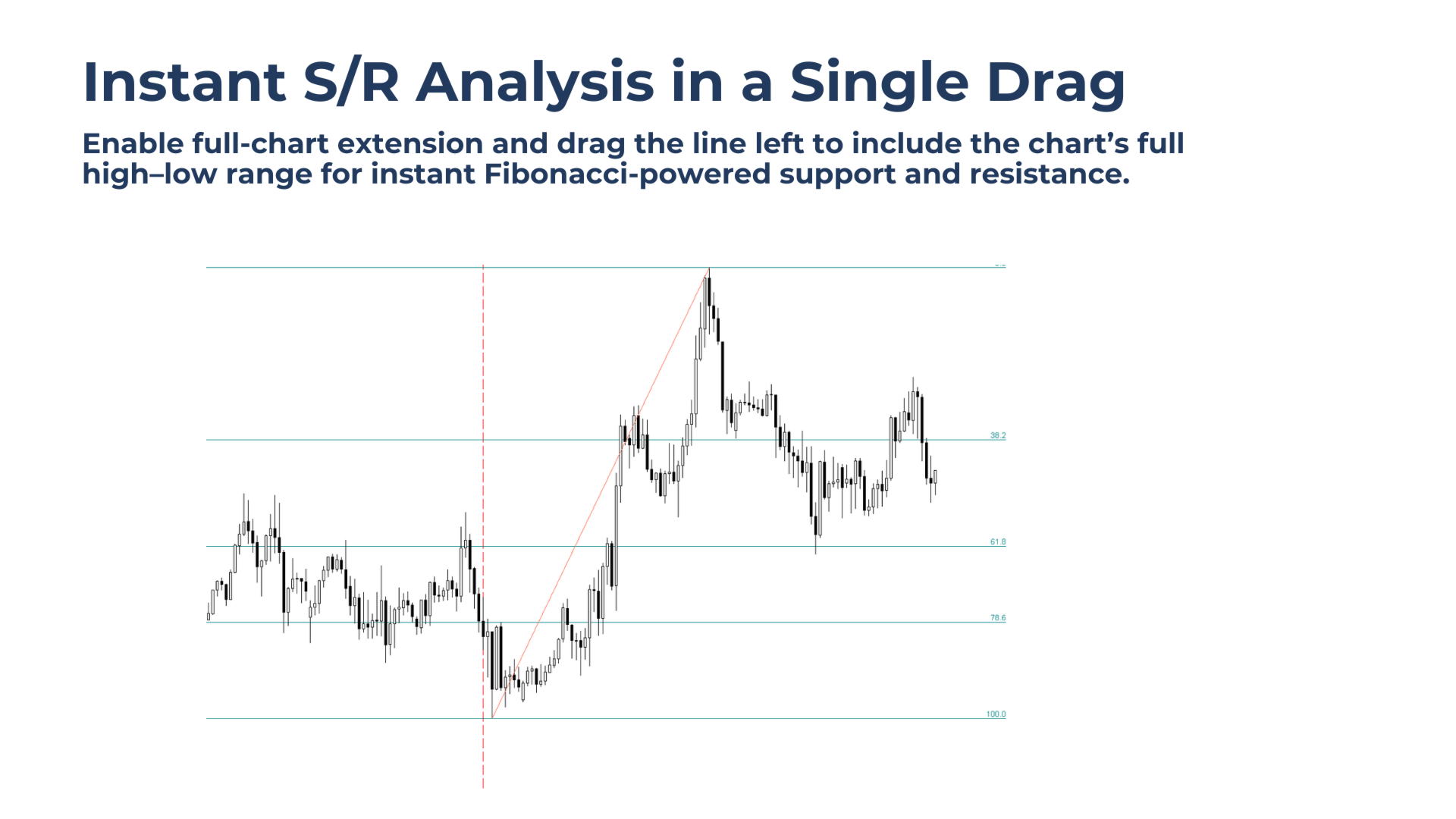
Unlike traditional Auto Fib tools, Auto Fib SR is not locked to a single trend. When analysis is needed on a different price move, the trend can be changed instantly using manual mode with a simple V-Line drag. With full-chart extended levels enabled, Fibonacci ratios can be transformed into a complete chart-wide support and resistance framework, providing higher-level structure and context in seconds.
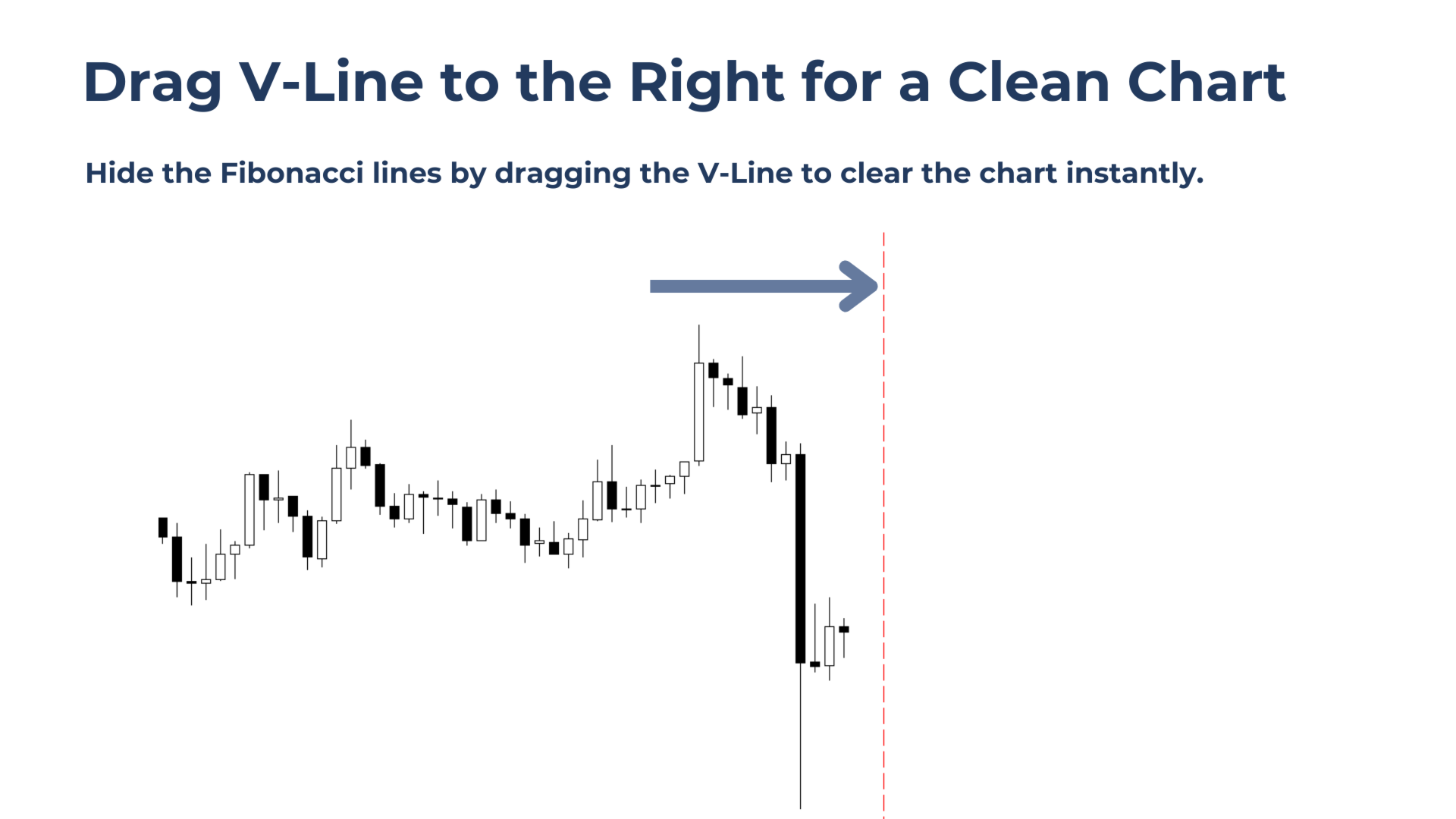
When a clean chart is needed for execution, all levels can be hidden instantly by dragging the V-Line to the right of price, giving full control over both analysis and chart clarity.
Product Update: Auto Fib is now offered as an upgraded paid tool. The current price reflects a temporary launch offer.
Strategy Tester: Auto Fib SR works in the Strategy Tester, but V-Line dragging is disabled. Manual trend selection is available on live charts only.
Who It's For
Auto Fib SR is built for traders who:
- Rely on Fibonacci retracements but are frustrated by manually positioning and constantly re-adjusting tools as trends extend
- Want fast, reliable full-chart support and resistance analysis based on Fibonacci theory, using full-width horizontal levels for clear market structure
- Prefer the peace of mind of a clean chart when it’s time to execute trades, with the ability to hide all Fibonacci levels instantly
Automatic trend detection with manual override
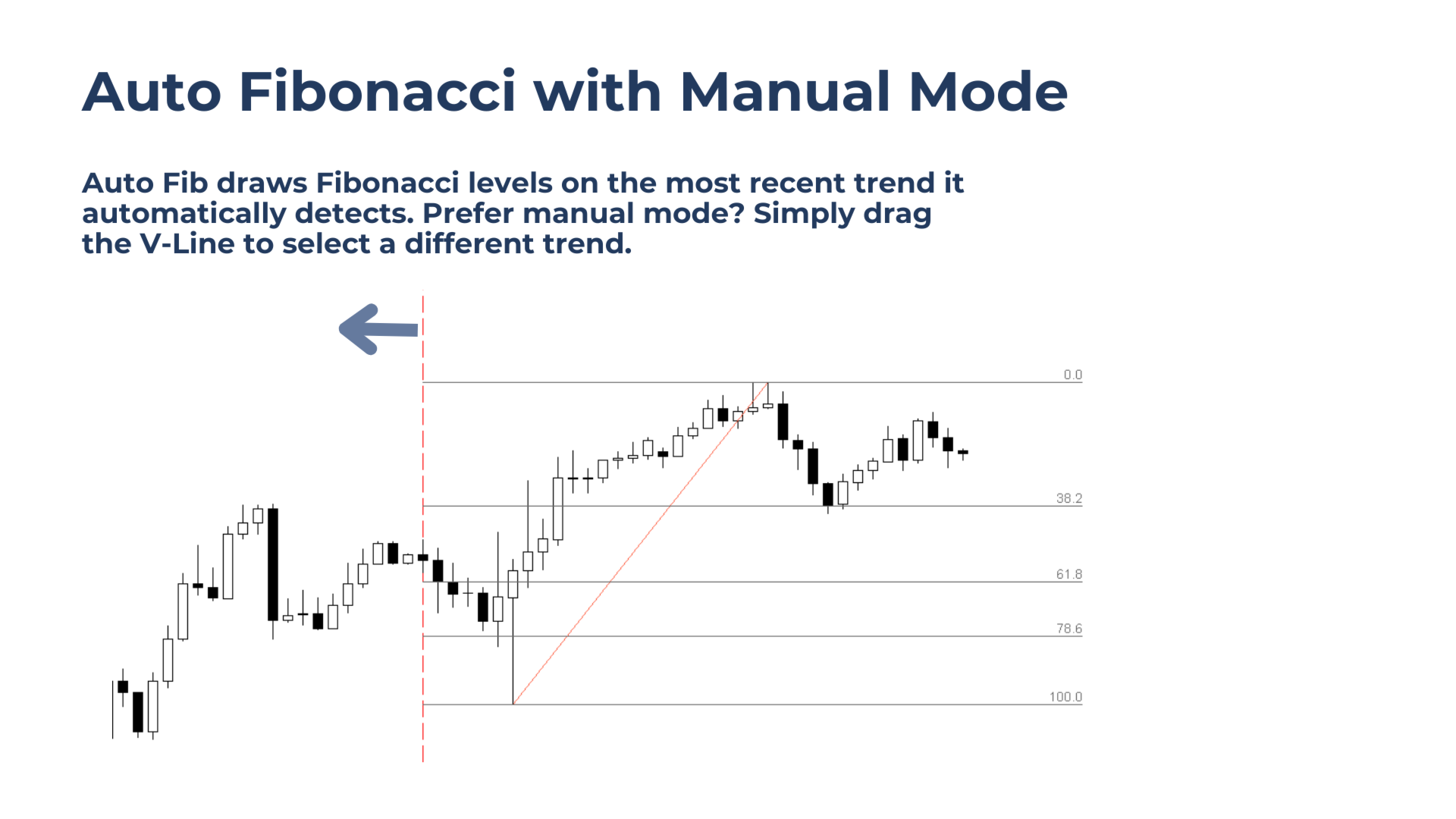
Fibonacci levels are applied automatically to the active trend, removing the need for manual drawing, while manual trend selection via a simple line drag provides full control when analysis is needed on a different move.
Auto-adjusting Fibonacci levels as trends extend
Levels update automatically as price extends the trend, eliminating constant re-positioning and ensuring Fibonacci analysis remains accurate in both auto and manual modes.
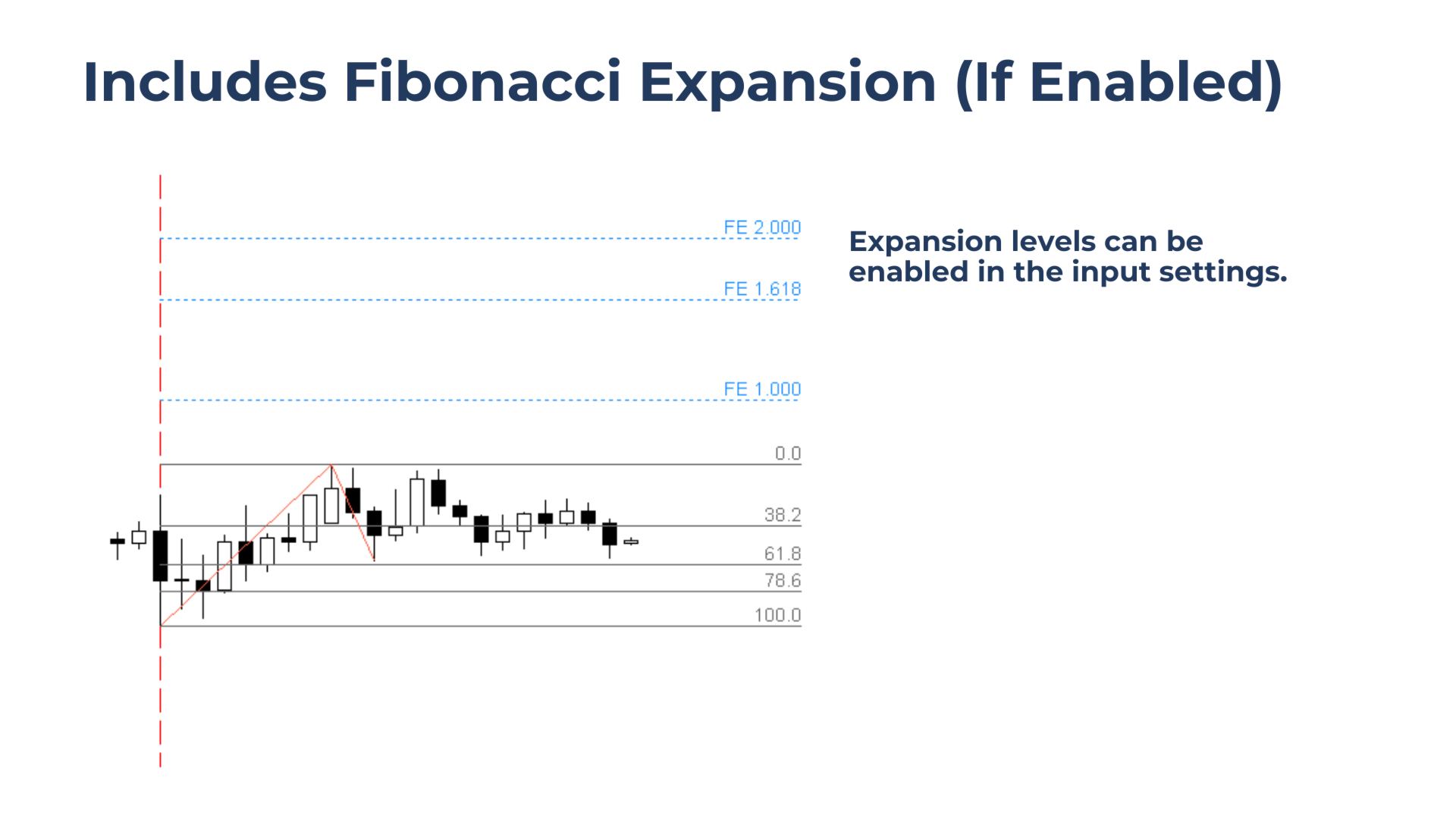
Fibonacci Expansion levels for target planning
Optional expansion levels help plan projected targets, measured moves, and continuation areas without adding extra tools to the chart.
Full-width Fibonacci levels for chart-wide S/R analysis
Instantly convert Fibonacci levels into a full-chart support and resistance overlay, making higher-timeframe structure and key levels visible at a glance.
Drag the V-Line To Manually Select A Trend
By default, Auto Fib SR automatically identifies the most recent trend leg.
When Fibonacci levels are needed on a different move, simply drag the V-Line to the start of the impulse leg to be measured.
Note:
Dragging the V-Line disables Auto Mode. To re-enable Auto Mode, click the Fib Back button.
The Auto Fibonacci tool now includes Fibonacci Expansion Levels, which can be enabled in the input settings. Perfect for identifying measured-move targets, AB=CD symmetry, trend continuation zones, and institutional projection areas.
Note:
Expansion levels are drawn only after price retraces to at least the 0.382 Fibonacci level or deeper, ensuring projections remain as reliable as possible.
Show/Hide Feature
Dragging the V-Line to the right of the price action hides all Fibonacci levels. To restore them, simply click the 'Fib Back' button.
Full-Chart Support & Resistance Levels
Enabling Full Chart Width in the input settings extends all horizontal Fibonacci levels across the entire chart.
With this option active, dragging the V-Line instantly transforms Auto Fib SR into a full-chart support and resistance overlay, ideal for higher-level structure analysis.