Candlestick Scanner
- Indicators
-
Augusto Martins Lopes
 About Trader Solutions:
Brand Name: Trader Solutions
Mission: To offer modern and professional trading solutions that symbolize technology and success in the financial market. - Version: 1.3
- Activations: 5
Summary
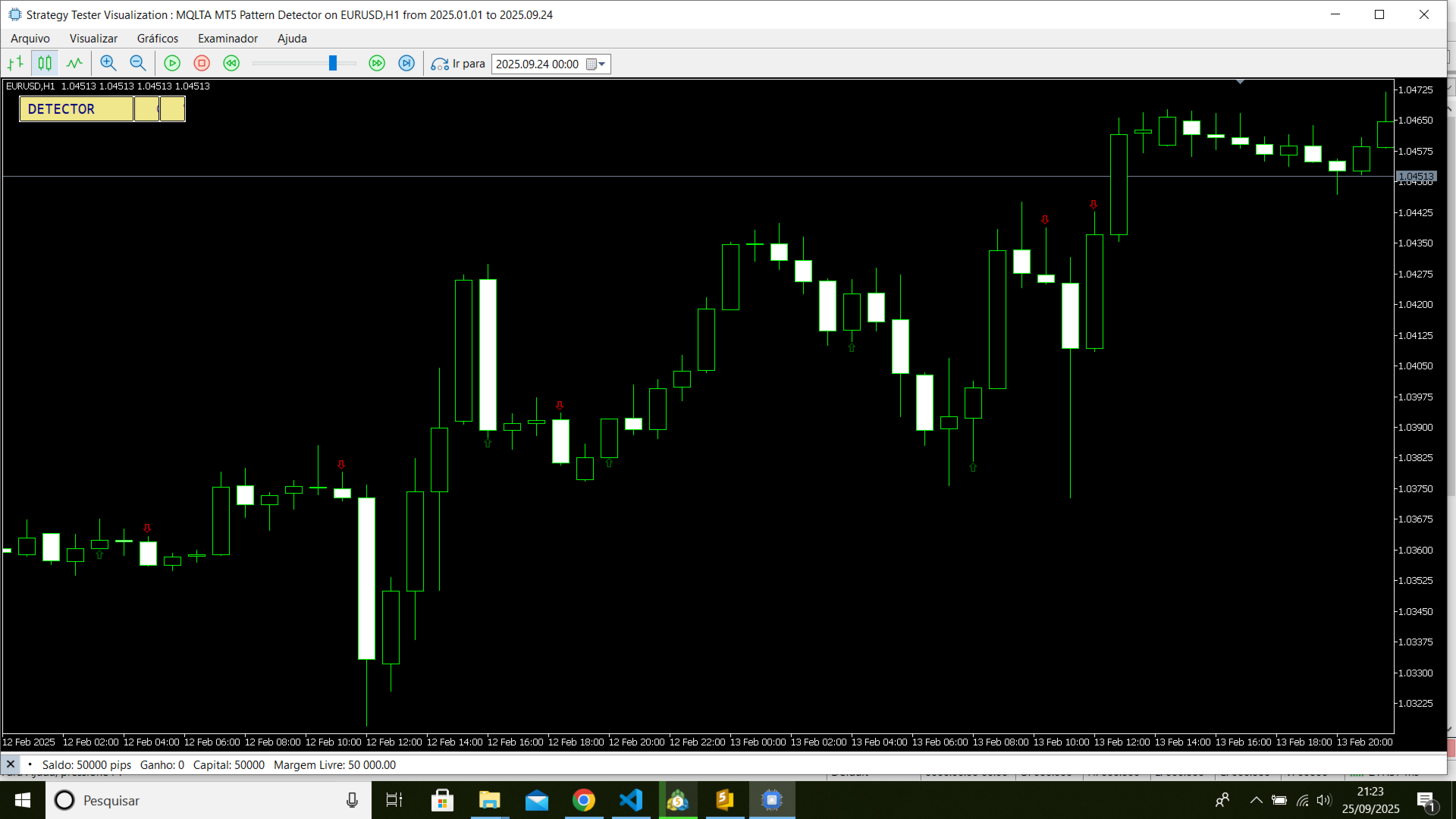
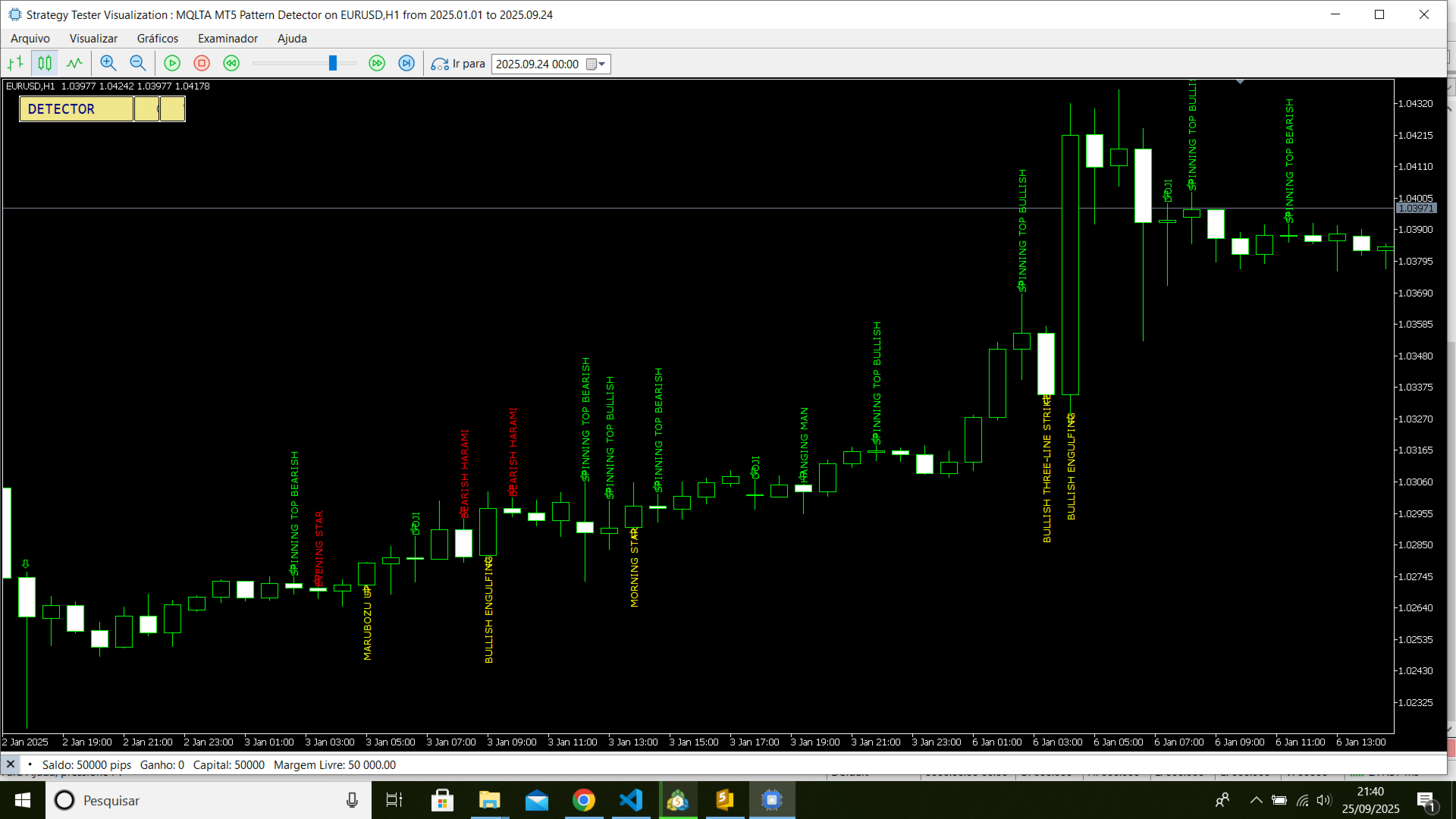
The Candlestick Scanner is a powerful tool that automatically identifies over 20 classic candlestick patterns on both historical and real-time bars. For each detected pattern, the indicator draws a clear label on the chart, points to the candle with an arrow, and provides data for integration with your EAs and scripts. It includes a comprehensive notification system (Alert, Push, and Email) so you never miss an opportunity.
[IMAGE: Screenshot of the indicator on a chart, showing several identified bullish and bearish patterns.]
Key Features
Comprehensive Detection: Identifies more than 20 patterns, including Doji, Engulfing, Hammer, Morning/Evening Star, Three White Soldiers, and many others.
Clear Visual Signaling: Draws a rotated text label with the pattern name and an arrow indicating the corresponding candle.
Interactive Control Panel: A mini-panel on the chart allows you to pause/resume detection and clear visual objects with a single click.
Buffers for Automation: Exposes two data buffers (Pattern Direction and Pattern Detected) for easy integration with Expert Advisors (EAs) and scripts.
Notification System: Sends configurable alerts (Alert / Push / Email), with a smart limit of 1 notification per candle to prevent spam.
High Customization: Allows you to filter patterns by direction (bullish, bearish, uncertain), by groups, or individually. The colors and fonts of the labels are also fully adjustable.
HiDPI Screen Compatibility: The interface automatically adjusts to ensure perfect viewing on any monitor.
How it Works on the Chart
When a pattern is identified, the indicator performs the following actions:
-
Creates a Label: A text with the pattern name (e.g., "Bullish Engulfing") is drawn next to the candle.
-
Creates an Arrow: An arrow icon points to the top or bottom of the relevant candle.
-
Updates Buffers: Data is populated so that other programs can read the signal.
-
Sends Notification: If enabled, an alert is sent to the platform, mobile phone, or email.
All objects created on the chart use a unique prefix defined in the IndicatorName parameter, ensuring clean removal and no conflicts.
Input Parameters (Inputs)
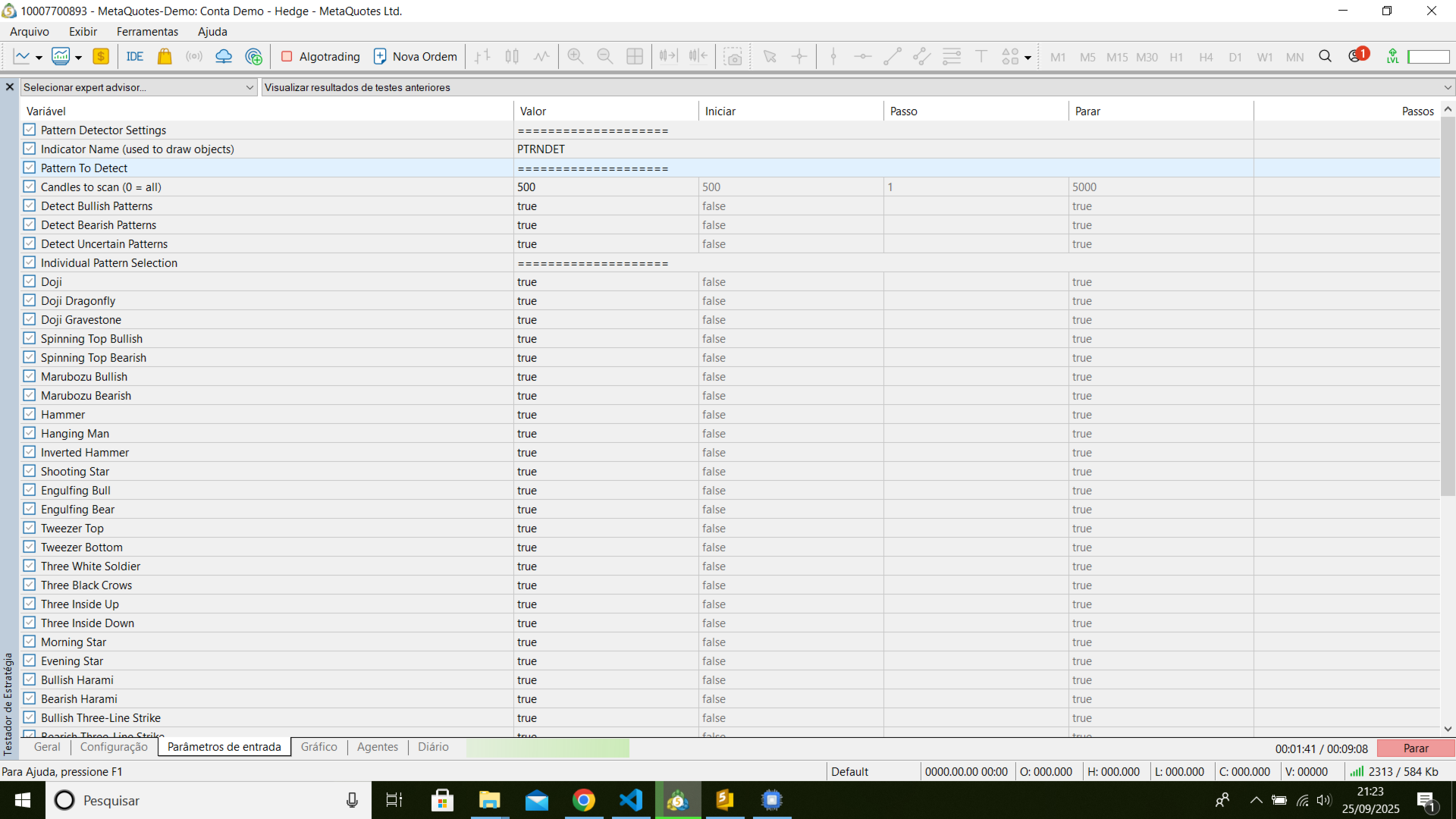
IndicatorName: Prefix for chart objects. Essential to avoid conflicts. MaxCandle: Maximum number of bars to analyze (0 = all). Reduce this value to improve performance on multiple charts. PatternsGroup: Filters the analysis by groups of patterns (e.g., only Dojis). DetectBullish / DetectBearish / DetectUncertain: General filters to enable/disable detection by direction. Detect... (Individual Flags): Controls to enable or disable each of the 20+ patterns. Font, FontSize, FontColor...: Appearance settings for the text labels. EnableNotify, SendAlert, SendApp, SendEmail: Controls for the notification system. ChartCorner, Xoff, Yoff: Parameters to position the control panel on the chart.
Usage with EAs and Scripts (Buffers)
To integrate the scanner with your robots, use the iCustom() function and read the following buffers:
-
Buffer 0 (BufferPatternDirection): Returns the pattern's direction.
-
1 = Bullish Pattern
-
-1 = Bearish Pattern
-
0 = Uncertain Pattern
-
-
Buffer 1 (BufferPatternDetected): Returns the code of the detected pattern (as per the enumeration in the .mqh file).
Dependencies
For correct operation, the following library files are required in your /MQL5/Include/ folder:
-
MQLTA Candlestick Patterns.mqh
-
MQLTA Utils.mqh
Limitations
-
Detection accuracy depends on the implementation of the functions in the dependency file.
-
The indicator does not apply advanced filters (e.g., volume, volatility, trend). These must be implemented externally by the user if necessary.
About the Author
Developed by traderaugustolopes. For more products and information, visit my profile: https://www.mql5.com/pt/users/traderaugustolopes/seller