Astral Structure
- Indicators
-
Ottaviano De Cicco
 There’s more to your chart than meets the eye.
Merkava Labs develops quantitative trading tools
that bring market behaviour into focus.
Built on research. Refined through validation.
Complementary perspectives for the way you trade.
Explore our tools: merkavalabs.com - Version: 1.0
- Activations: 5
Astral Structure
Assess the setup. See the initial plan.
Launch Special - $99. $149 after launch.
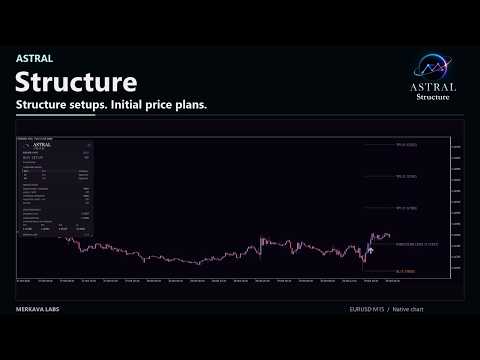
A structure setup raises several questions at once: does the wider view agree, where is the stop reference, and how are targets defined? Astral Structure brings those questions into one workspace for discretionary traders who build their decisions around market structure.
- Focus on the relevant setup. Review the latest eligible setup, its direction and qualification together.
- See the wider agreement. Compare selected timeframe readings without losing sight of the setup you are assessing.
- Keep the initial plan attached. Review stop and target references anchored to that setup, rather than assembling the pieces separately.
Use Structure to make your review of the latest qualified setup more consistent, with its context and initial price plan visible together.
Read the setup in context
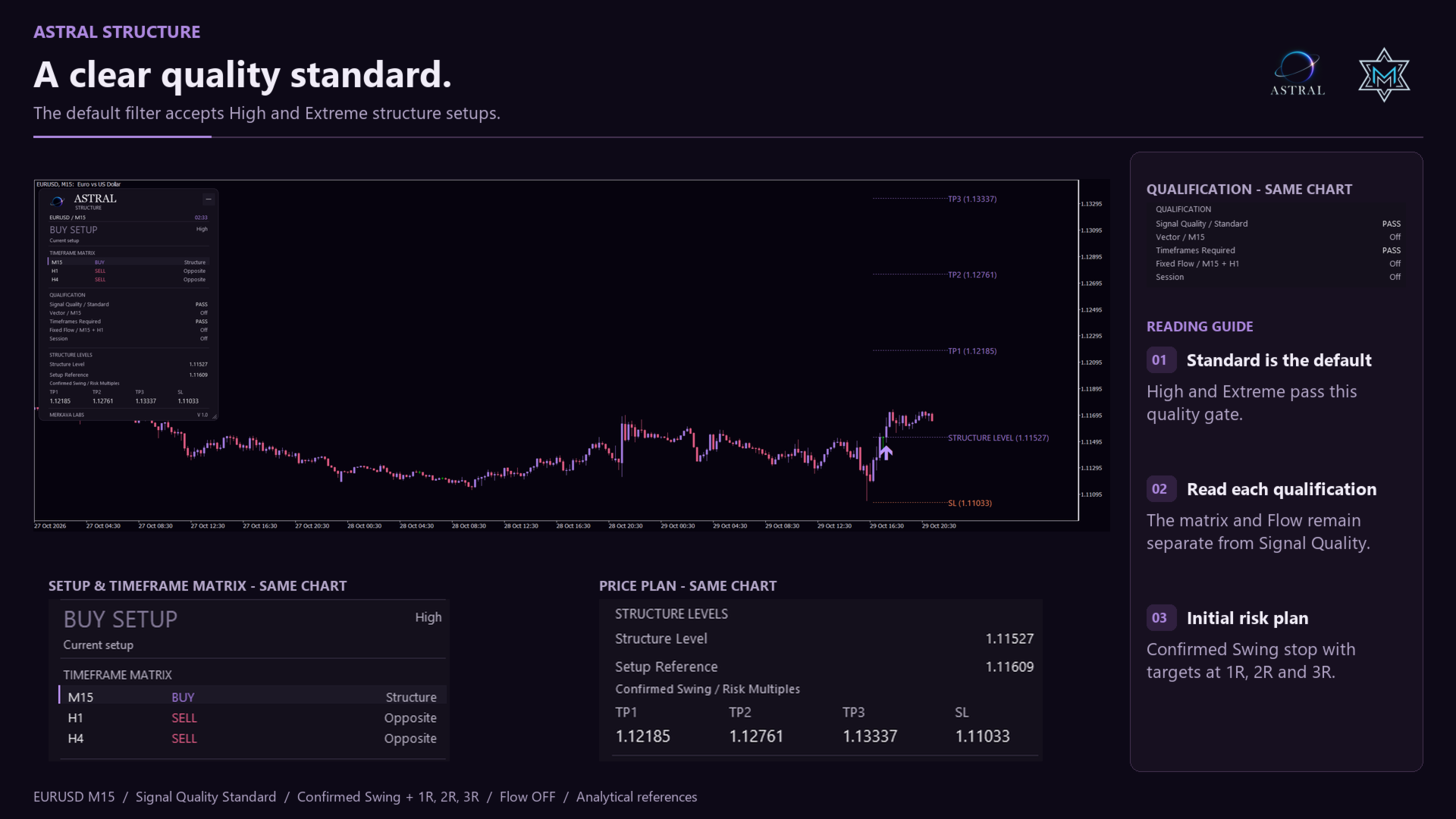
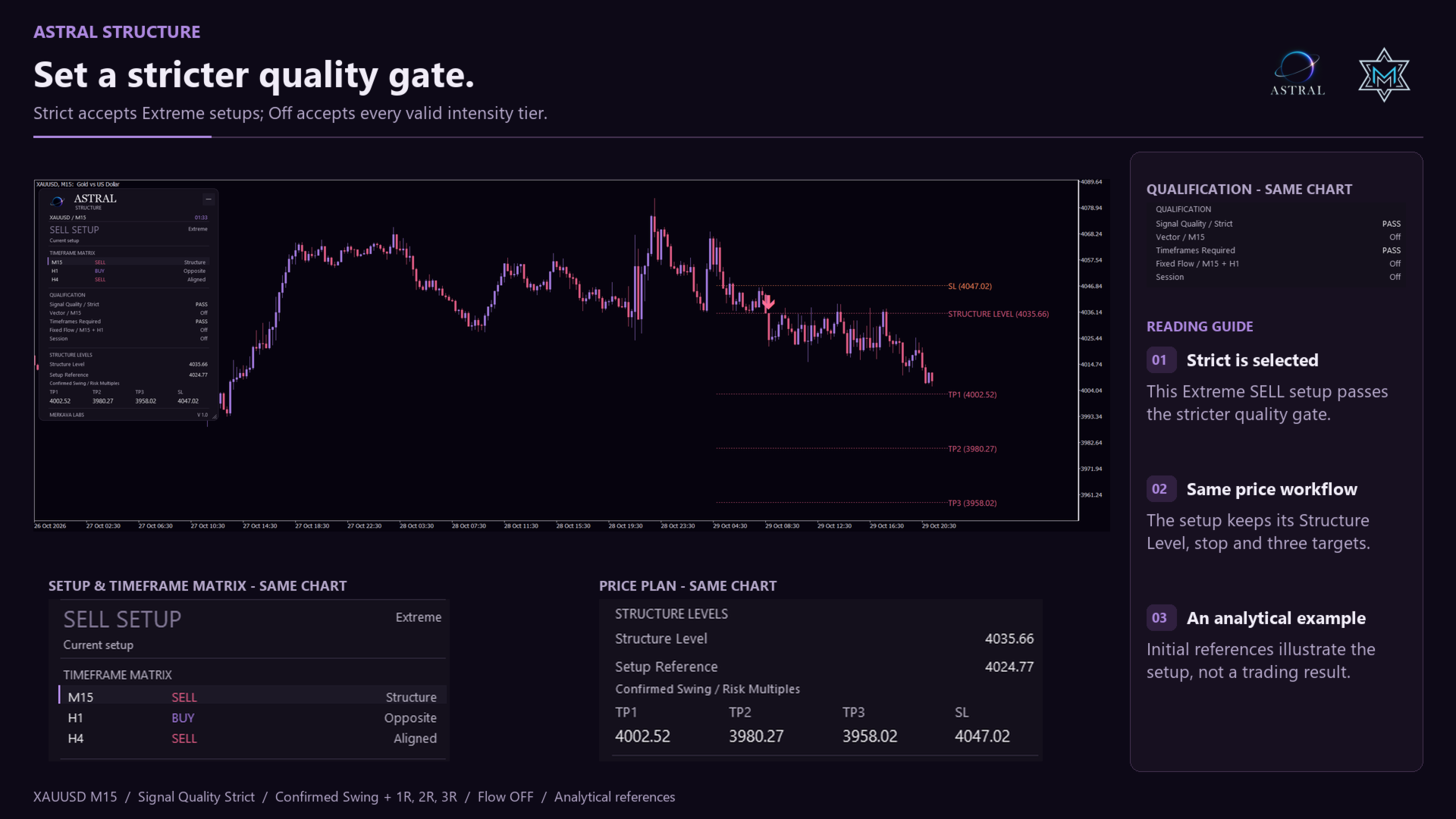
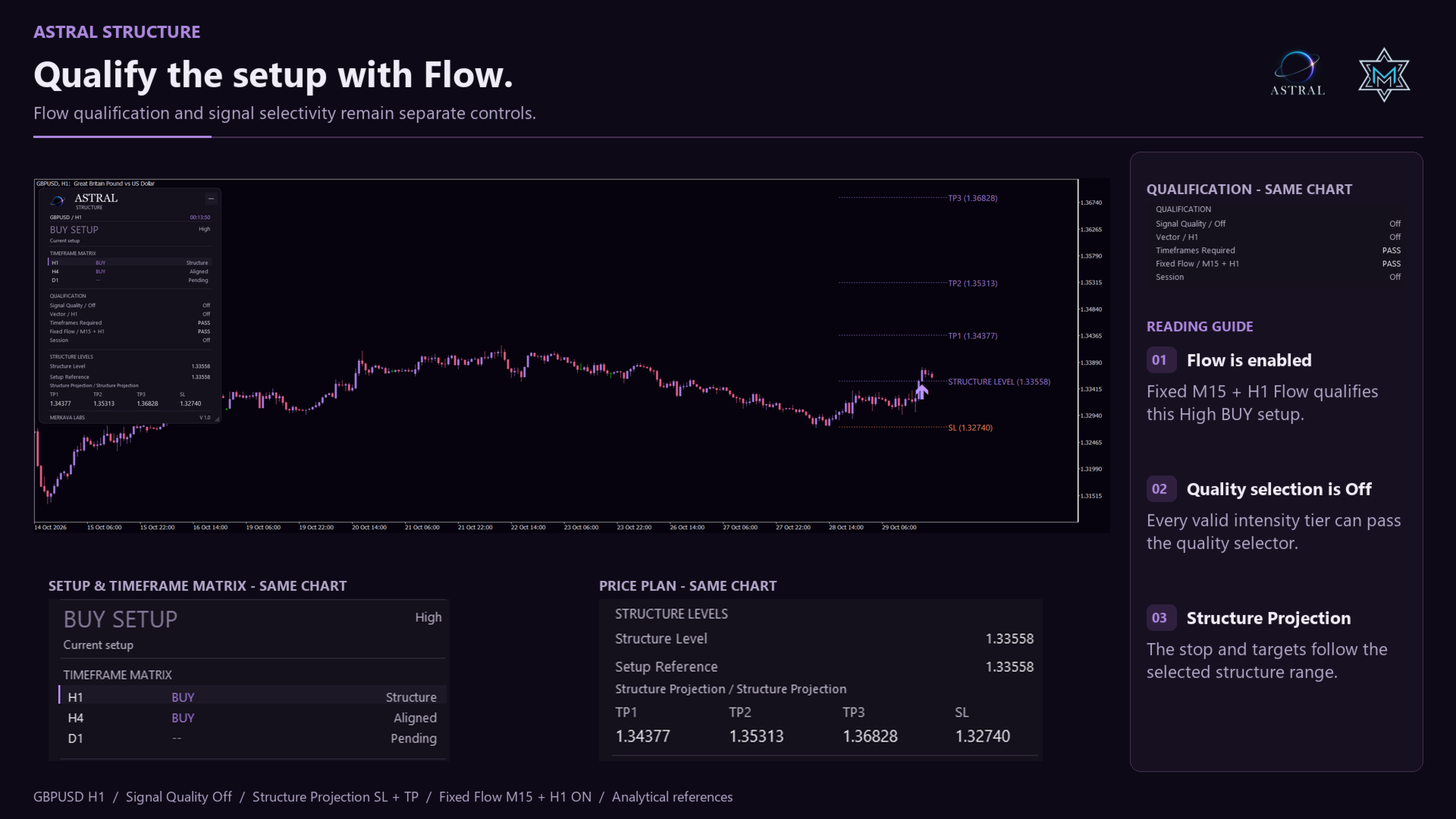
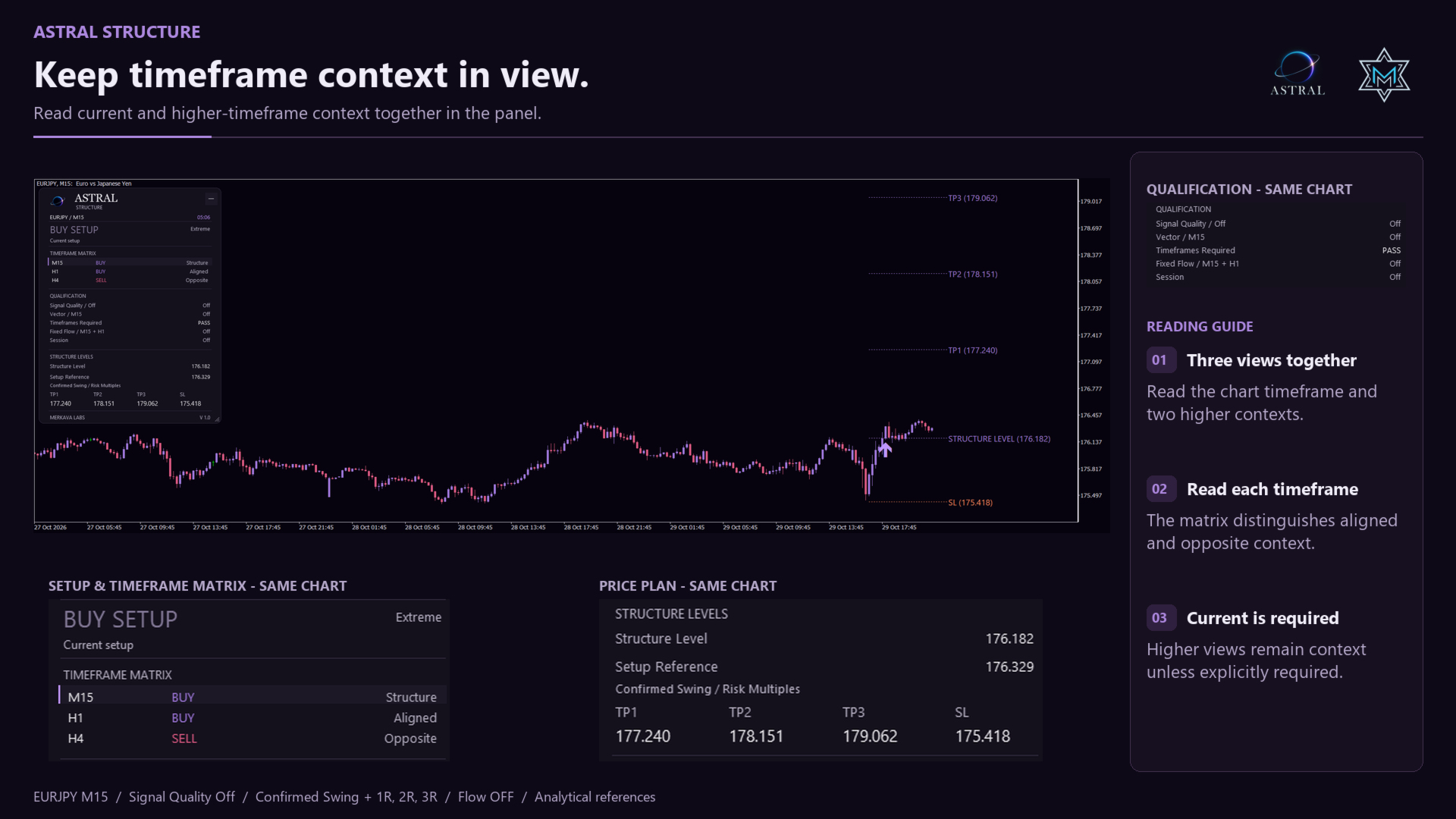
See the latest BUY or SELL setup, its Structure Level and its selected SL and TP1-TP3 references. The three-slot timeframe matrix shows the current chart and your chosen higher views, helping you see agreement and disagreement without switching charts. Its visibility and confirmation requirements are separate controls.
Choose your risk model
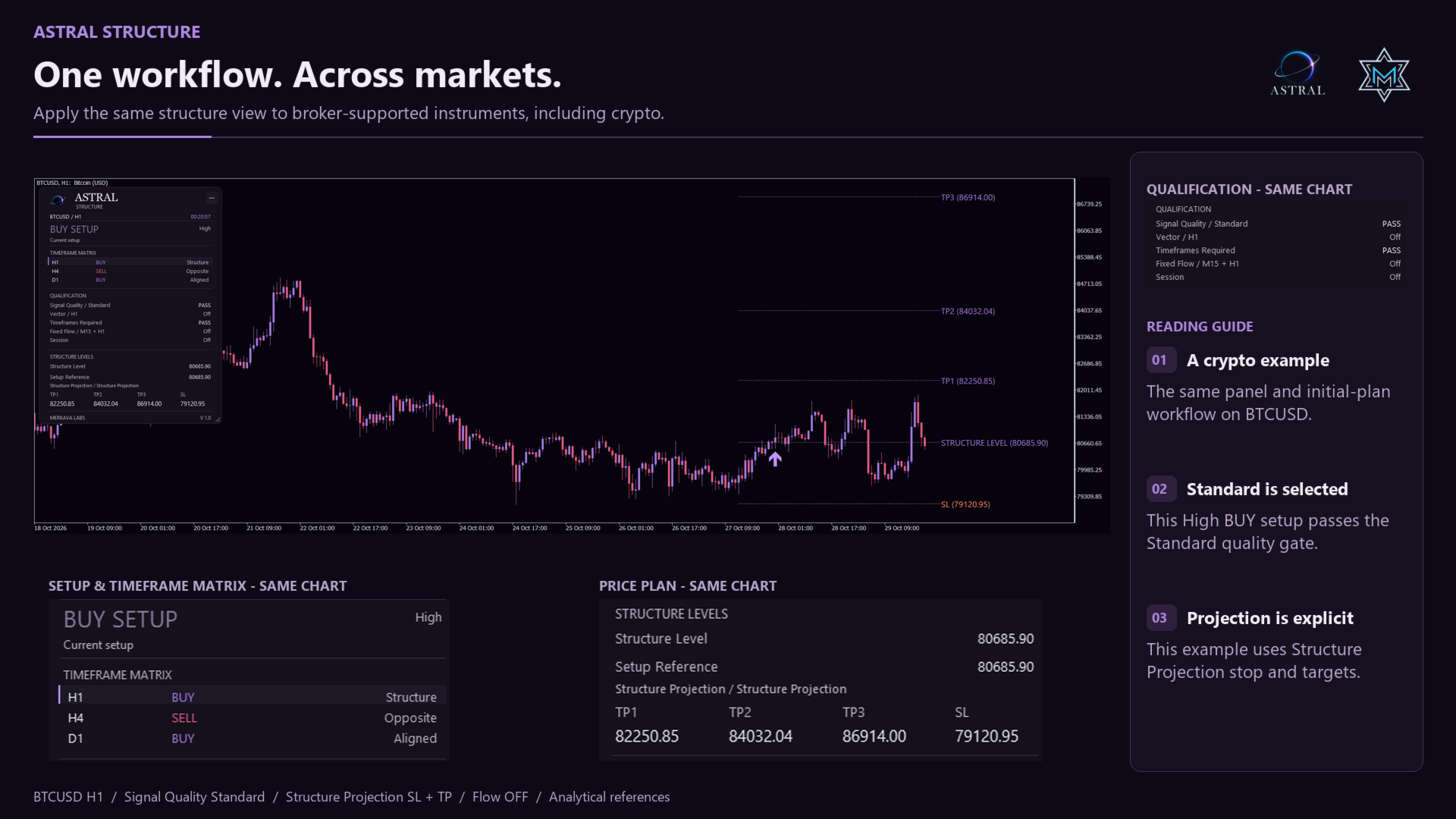
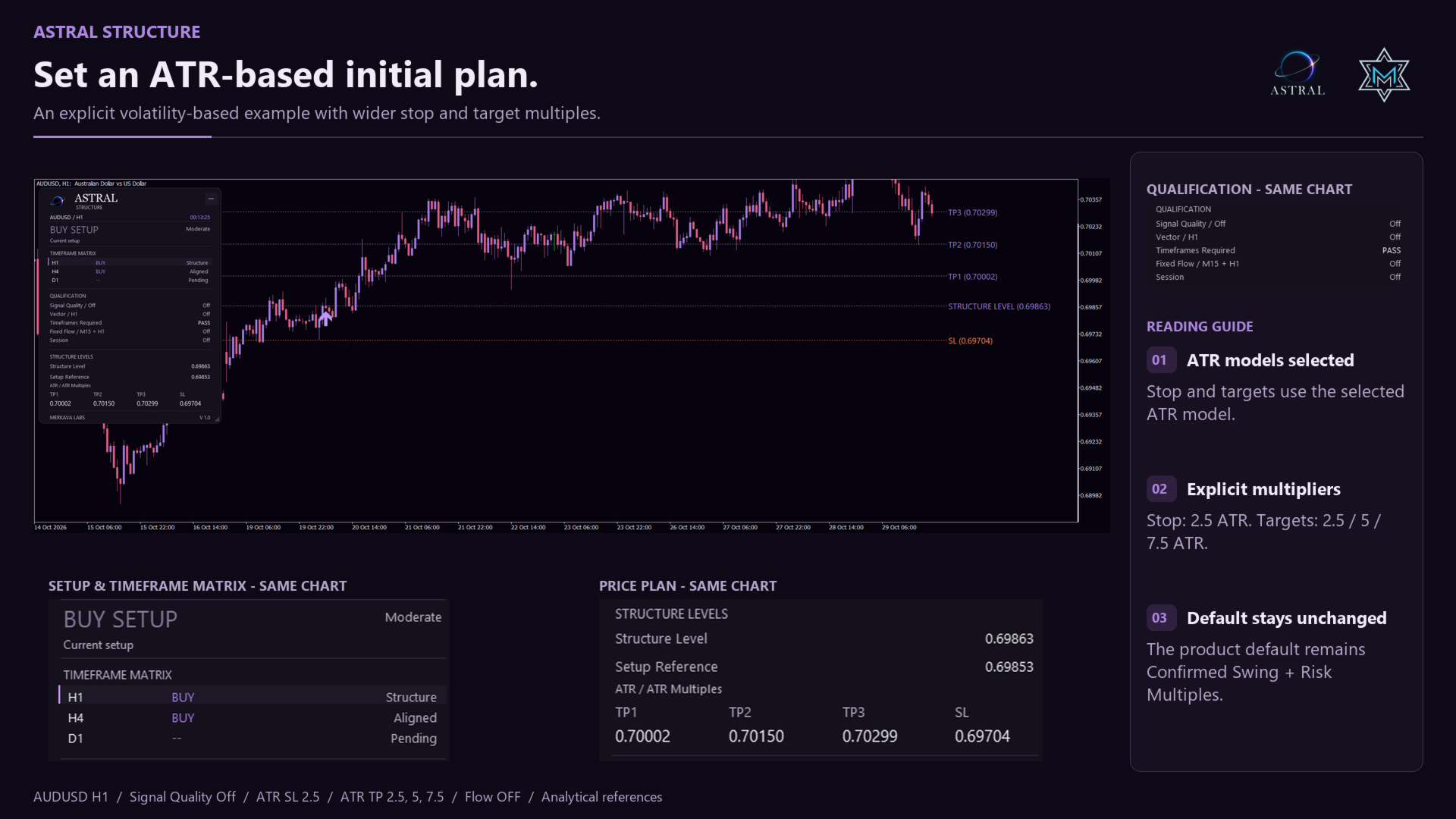
- Stop loss: Confirmed Swing, ATR or Structure Projection.
- Targets: Risk Multiples, ATR Multiples or Structure Projection.
- Default plan: a confirmed swing stop with a buffer, and targets at 1R, 2R and 3R.
The initial plan is anchored to the verified formation of that setup. Swing and ATR inputs come from bars already closed at that point; attaching the indicator later does not replace them with a later swing. Setup Reference is an analytical price reference, not an executed entry. A ready plan remains fixed for that setup after reload.
Choose your confirmation
Combine Signal Quality Filter, optional vector alignment, selected timeframe agreement and an optional session window. Off accepts Moderate, High and Extreme; Standard, the default, accepts High and Extreme; Strict accepts Extreme only. Flow adds four choices: fixed M15 + H1, fixed H1 + H4, automatic first + second higher, or automatic second + third higher timeframes. The panel shows the effective pair. The automatic ladder steps from M15 to H1; M30 remains available manually.
The matrix defaults to Current / Auto first higher / Auto second higher, with Current required. Flow is off by default; when enabled, the initial mode uses the fixed M15 + H1 pair. An unavailable required timeframe blocks qualification rather than silently substituting another view.
Make the workspace yours
Drag, resize or minimize the Terminal panel. Choose Quantum themes and chart backgrounds, adjust arrow style and size, and control chart labels and level extension. The matrix is shown by default. Popup, push and email alerts are available separately; push and email require your terminal configuration.
Data and support
Use Forex, metals, indices, crypto and other symbols available from your broker, subject to sufficient history. The indicator displays the latest setup, not a reconstructed signal archive. Its marker is anchored to a structural pivot, which can precede the time the setup became available; it does not represent an order fill or a separate price-crossing test. Levels are analytical references, not orders or a claim that a position remains open. Missing calculation data is reported instead of inventing a plan.
Astral Structure does not place trades or size positions. Contact Merkava Labs through the MQL5 product comments or private messages for support.
Advanced setup controls
Projection SL Factor (default 1.0) controls the underlying projection stop, including with Swing or ATR selected. It does not multiply those models directly. An invalid or rounded-away protective distance withholds the ready plan.
Refresh Levels defaults to on. With it off, a qualified unresolved setup is retained and intervening raw turns may be skipped. Resolution uses Bid reaching the underlying projection stop or the projection TP selected by Projection Refresh Target, not the displayed Swing or ATR plan. That target selector has no resolution role while refresh is on.
Signal Quality Filter applies independently of Signal Qualification, including Qualification Off and Vector Alignment. Off disables quality selection; Flow, timeframe and session conditions remain separate. The panel shows the selected quality mode and PASS or BLOCK. Moderate, High and Extreme are intensity classifications, not estimated win probabilities.
Welcome to Astral
Built on research. Designed to work together.
Astral by Merkava Labs combines established analytical methods with original research to create complementary market indicators. Each module has a distinct role and a shared visual language, so you can use it independently or alongside the others.