SyncObjects MT4 Chart Object Synchronization Tool
- Utilities
-
Sajiro Yoshizaki
 The best way to Master Trading with PracticeSimulator - the ultimate tool for mastering trading strategies! Whether you're a beginner or an experienced trader, this tool helps you practice, learn, and refine your skills in a completely risk-free environment.
Why Choose PracticeSimulator? - Version: 1.4
- Updated: 23 October 2024
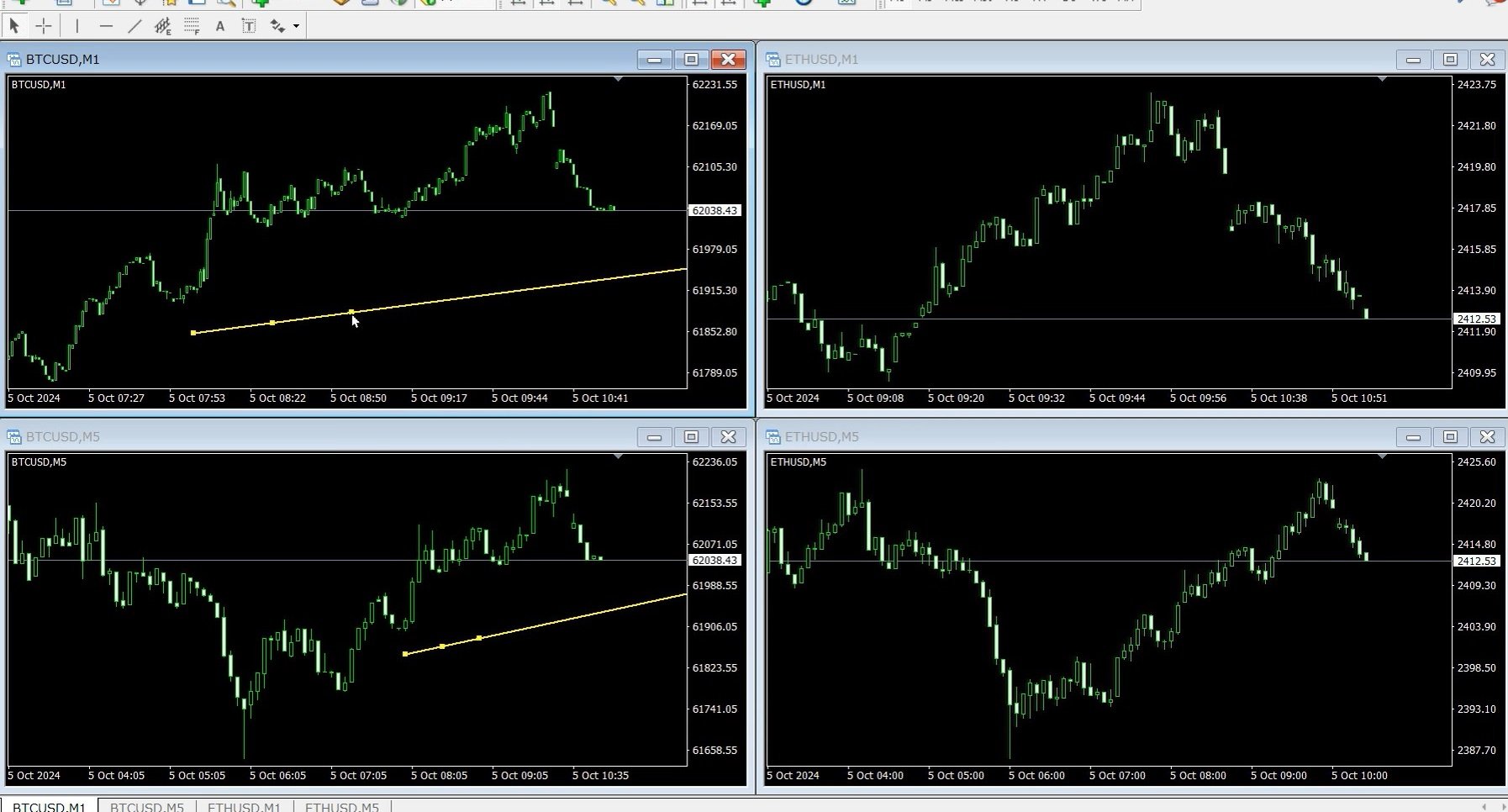
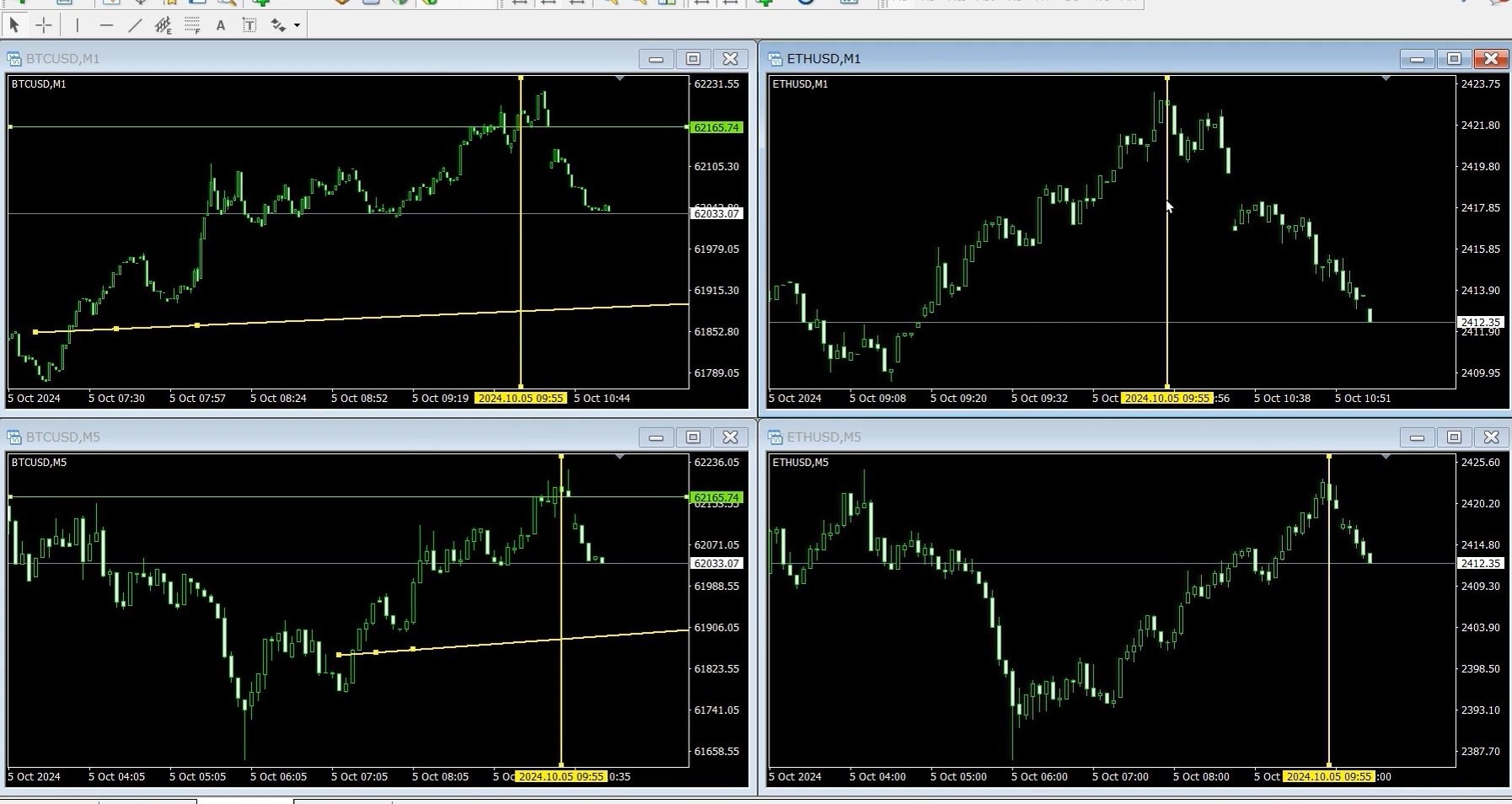
SyncObjects is a tool that allows you to synchronize objects drawn on multiple charts in real-time within MetaTrader. Objects such as trend lines, horizontal lines, and text labels can be automatically reflected on other charts. It enables seamless analysis across different timeframes and currency pairs, enhancing the efficiency of your trading environment. Additionally, it works well with trade practice and testing tools like PracticeSimulator, allowing you to conduct chart analysis and testing more efficiently during simulations.
Key Features
- Real-time Synchronization: Objects drawn on one chart are automatically synchronized across other charts within the same platform. You can share your analysis across different timeframes and currency pairs.
- Supports Multiple Object Types: Syncs various objects including trend lines, horizontal lines, arrows, text labels, and more.
- Strategy Tester Support: Works with MetaTrader’s strategy tester, enabling easy backtesting and analysis.
- Offline Chart Support: Can be used with offline charts, making it versatile for custom timeframes and testing.
- PracticeSimulator Compatibility: SyncObjects integrates well with the PracticeSimulator tool, enabling enhanced trade testing and verification during simulations.
Parameter Settings
- Sync Only Same Symbol: When set to true, objects are synchronized only between charts of the same currency pair. If set to false, only vertical lines are synchronized across charts with different currency pairs. (Default: false)
- Sync Unselectable Objects: When set to true, objects marked as unselectable will also be synchronized. (Default: false)
- Sync Background Objects: When set to true, background objects will also be synchronized. (Default: false)
- Sync Hidden Objects: When set to true, hidden objects (those that require pressing the "Show All" button) will also be synchronized. (Default: false)
- Sync Deletions: When set to true, deleting an object on one chart will delete the same object on other synchronized charts. (Default: true)
Synchronization Direction
SyncObjects synchronizes objects from the charts where the tool is applied to other charts. However, charts without SyncObjects installed will not synchronize objects back to other charts. The tool must be installed on the chart you wish to act as the source for synchronization.
Note
SyncObjects supports synchronization within the same MT4 platform only. It does not support synchronization between MT4 and MT5 platforms.
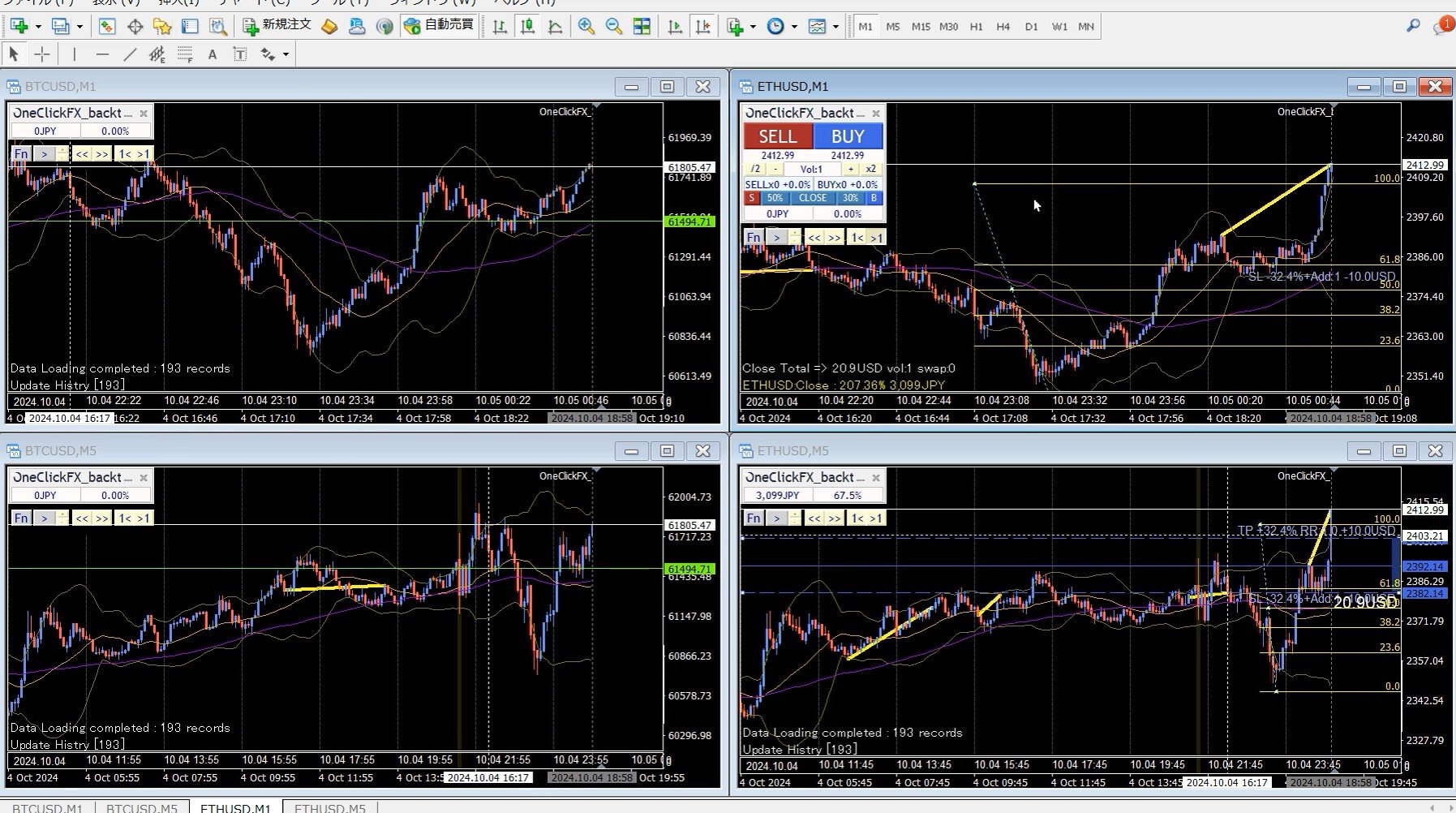















































































It works great! I opened multiple currency pairs on MT4 simultaneously and it ran very smoothly. Excellent!