
The News Filter
- Utilities
-
Leolouiski Gan
 Bachelors in Actuarial Science.
Software Developer
C++, C#, MQL4/MQL5, SQL, Python, R - Version: 2.4
- Updated: 6 September 2026
- Activations: 10
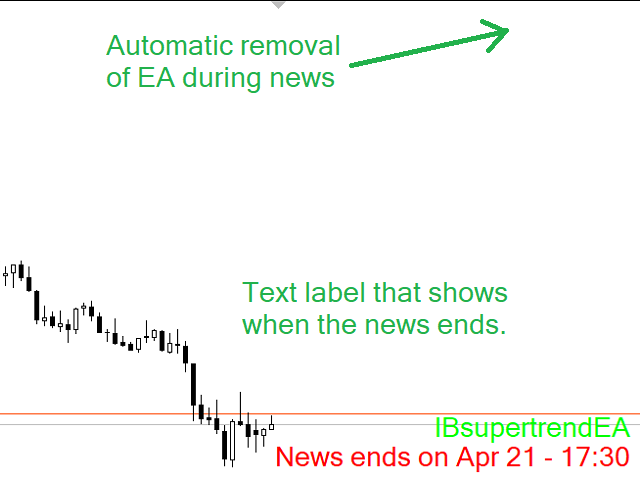
This product filters all expert advisors and manual charts during news time. It is able to remove any of your EA during news and automatically reattach them after news ends. This product also comes with a complete order management system that can handle your open positions and pending orders before the release of any news. Once you purchase The News Filter, you will no longer need to rely on built-in news filters for future expert advisors, as this product can filter them all from here onwards.
The News Filter Guide + Download Links
Message me after purchase to get an additional program (free) that disables the AutoTrading button in MT4 during news. This additional program requires "Allow DLL imports".
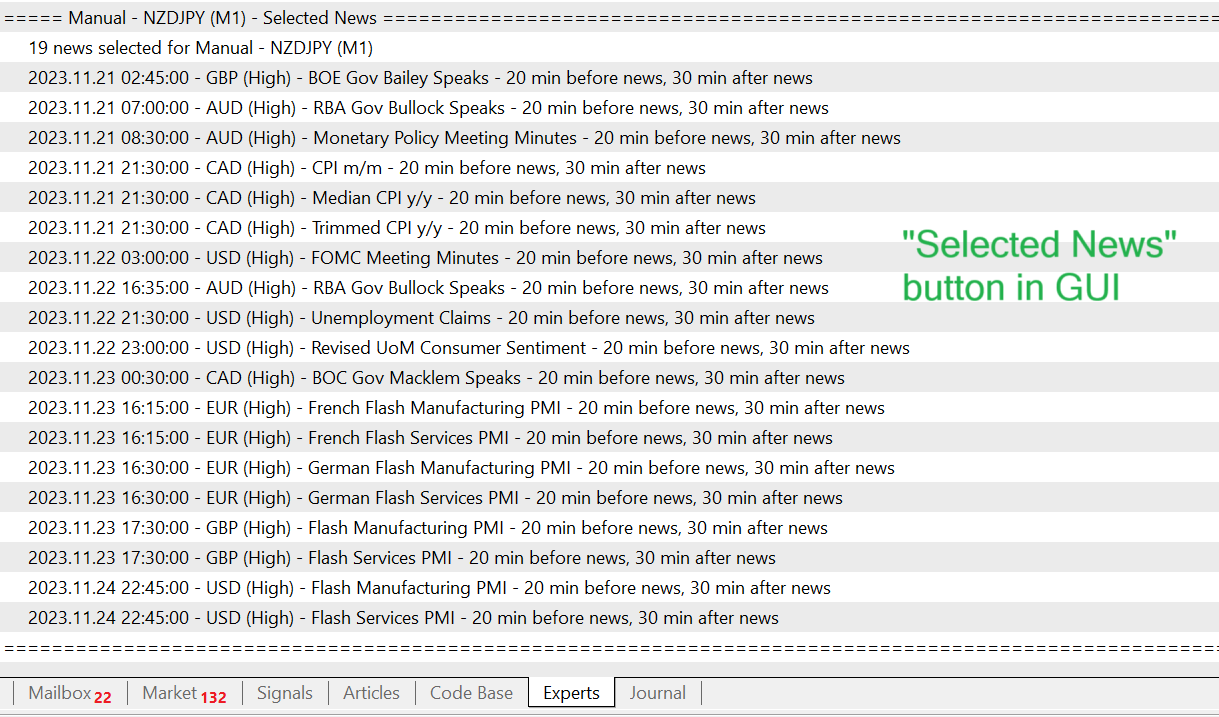
News selection
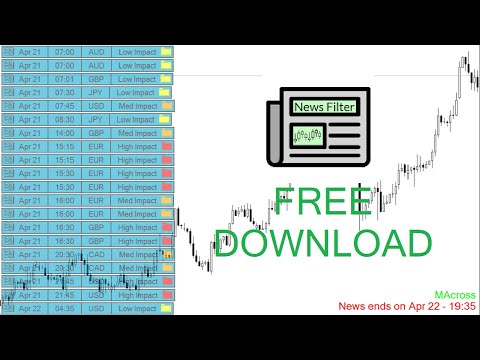
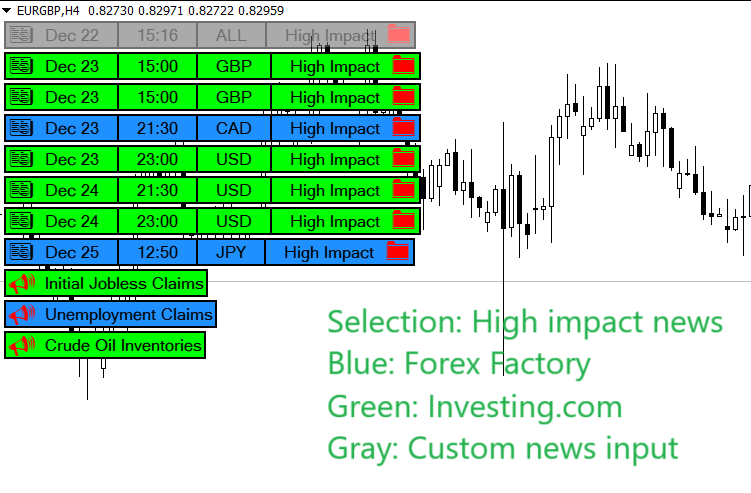
- News source is Forex Factory and/or Investing.com.
- Feature to add your own custom news events.
- Selection can be based on any number of currencies.
- Selection can also be based on keyword identification.
- Selection based on news impact.
- Automatic mode where only news related to current chart is selected.
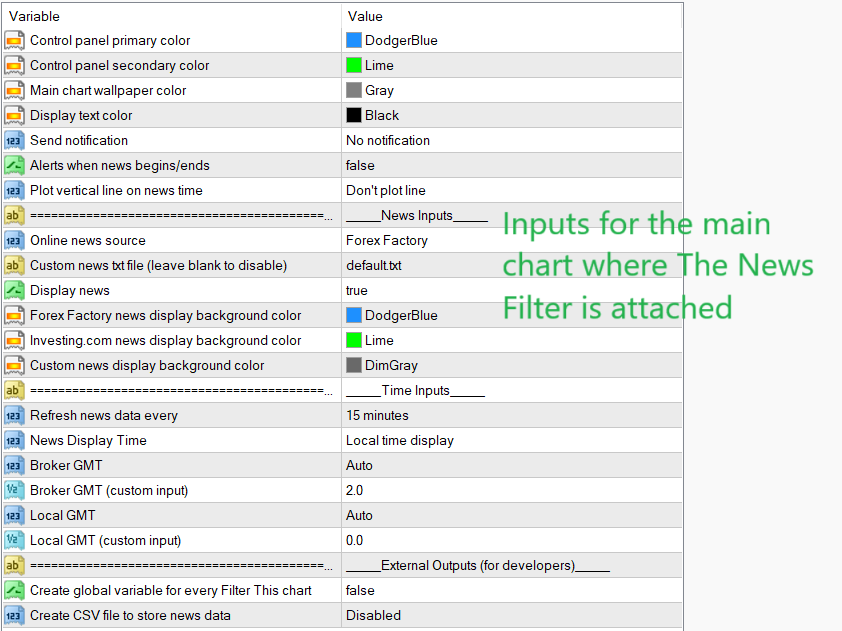
- News source is refreshed automatically according to user input.
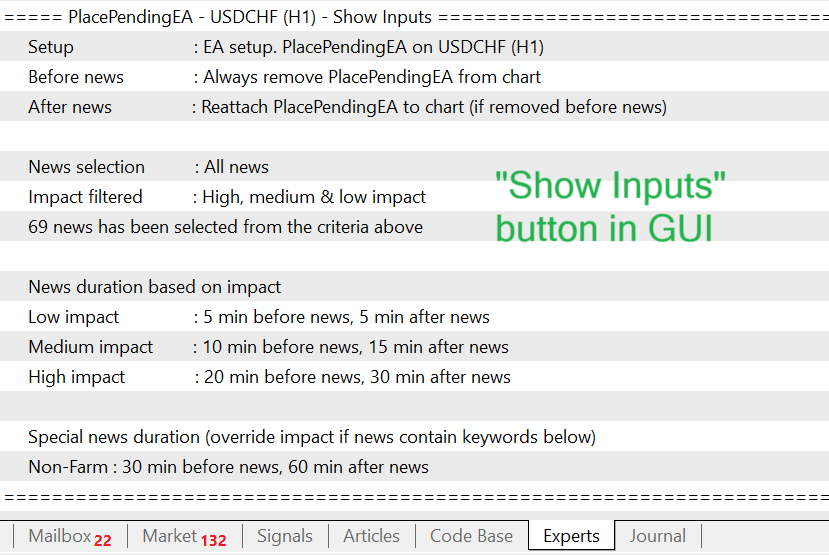
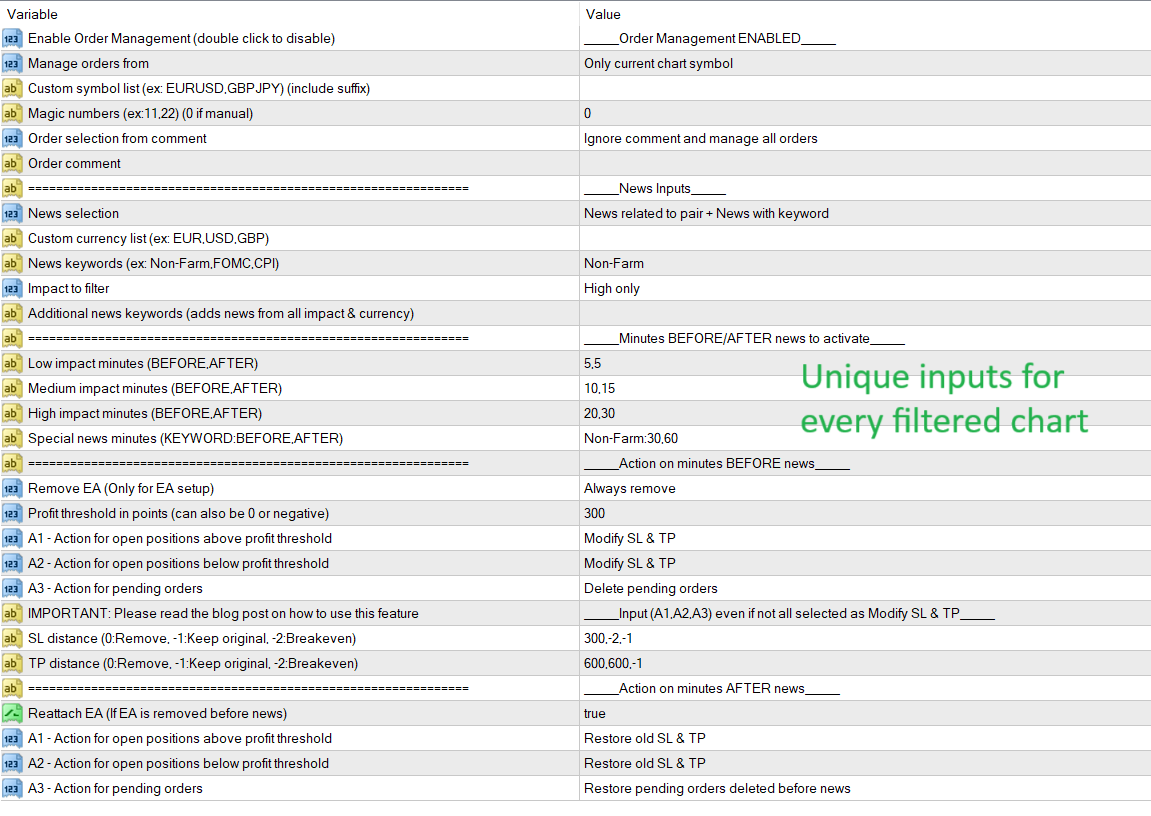
- Input minutes before and after news to filter.
Order management choices
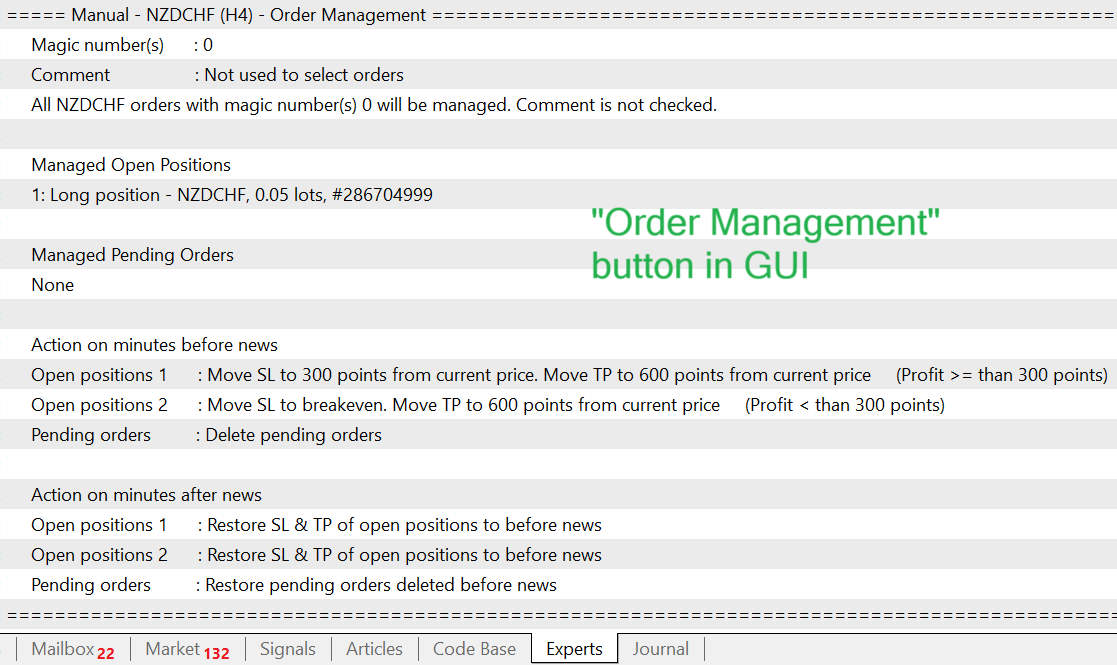
- Closing of open positions before news with the option to restore them afterwards.
- Deletion of pending orders before news with the option to restore them afterwards.
- Remove stop-loss and take-profit levels before news with the option to restore them afterwards.
- Move stop-loss and take-profit levels before news with the option to restore them afterwards.
- Easy selection of orders to manage based on chart symbol, magic numbers and comments.
Other features
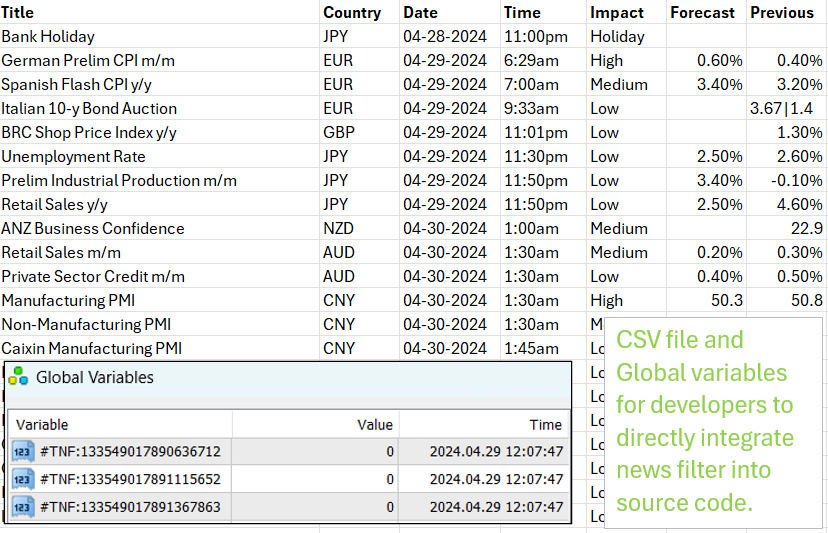
- Built-in API that developers can use to directly integrate news filter in source code.
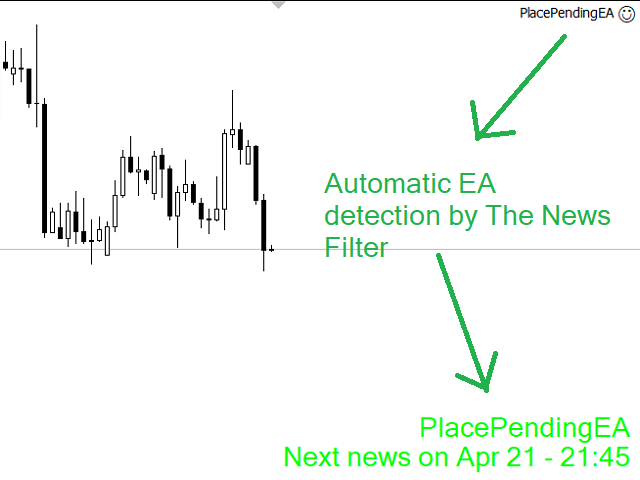
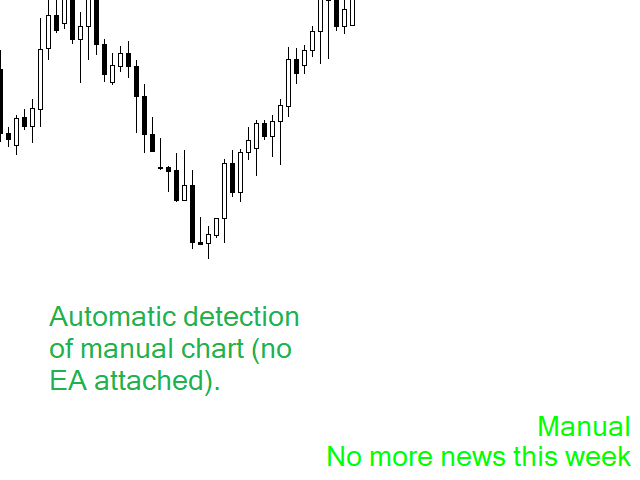
- Automatic detection of expert advisor and manual setup.
- Stops other expert advisors from opening new positions during news by removing them.
- Unique inputs for every filtered chart.
- Automatic GMT detection.
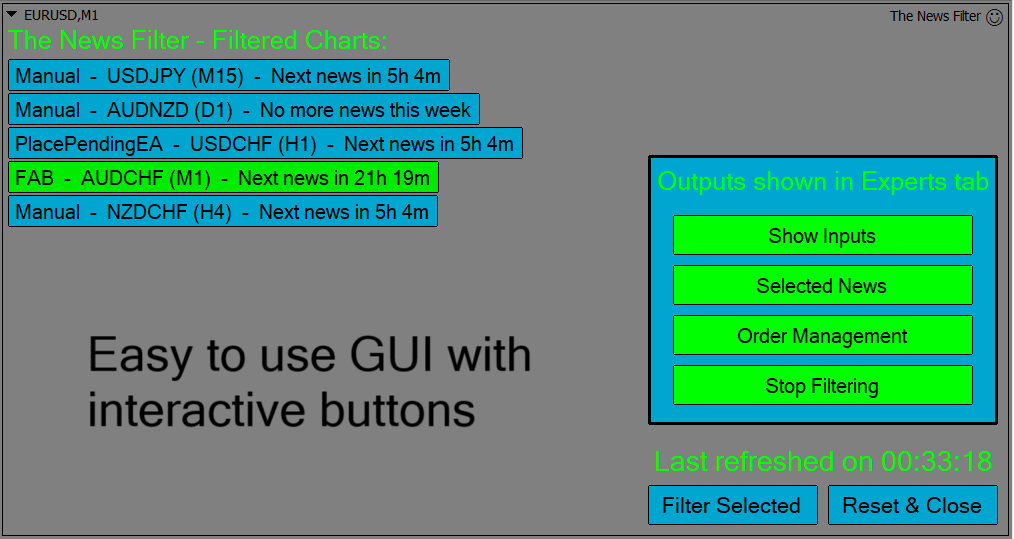
- Interactive news display.
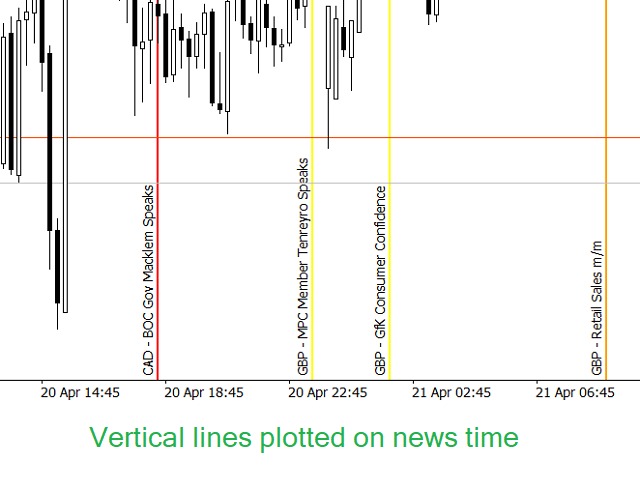
- Plot vertical lines during news time.
- Useful notification system to MT4 mobile.
Setup
- Attach The News Filter to any new, empty chart. This will be the main chart used to display all currently filtered charts.
- Attach "Filter This" to any chart you wish to filter. If attached to a chart without an expert advisor, it will automatically be filtered as a manual setup. If attached to a chart with an expert advisor, it will automatically detect the expert advisor.
- Click "Filter Selected" on the main chart.
That's all you need to do to filter news from any chart you want. For a more in-depth instruction and demonstration, please refer to the YouTube video provided. Purchase The News Filter today and as long as there is news in the market, you will use this product.






























































I've been on the MQL5 market since 2022 and have seen a lot, BUT what he has built here is incredible. I have a stupid prop firm and was desperate because I can't have any SL or TP while the news is running. In addition, I am not allowed to my EA close or open any positions during that time. Then I saw his bot that manages all of that, watched the YouTube video, and knew THIS GUY IS A GENIUS. It does everything it's supposed to, and I don't have any more problems. THANK YOU!