Sync Master
- Indicators
- Version: 9.1

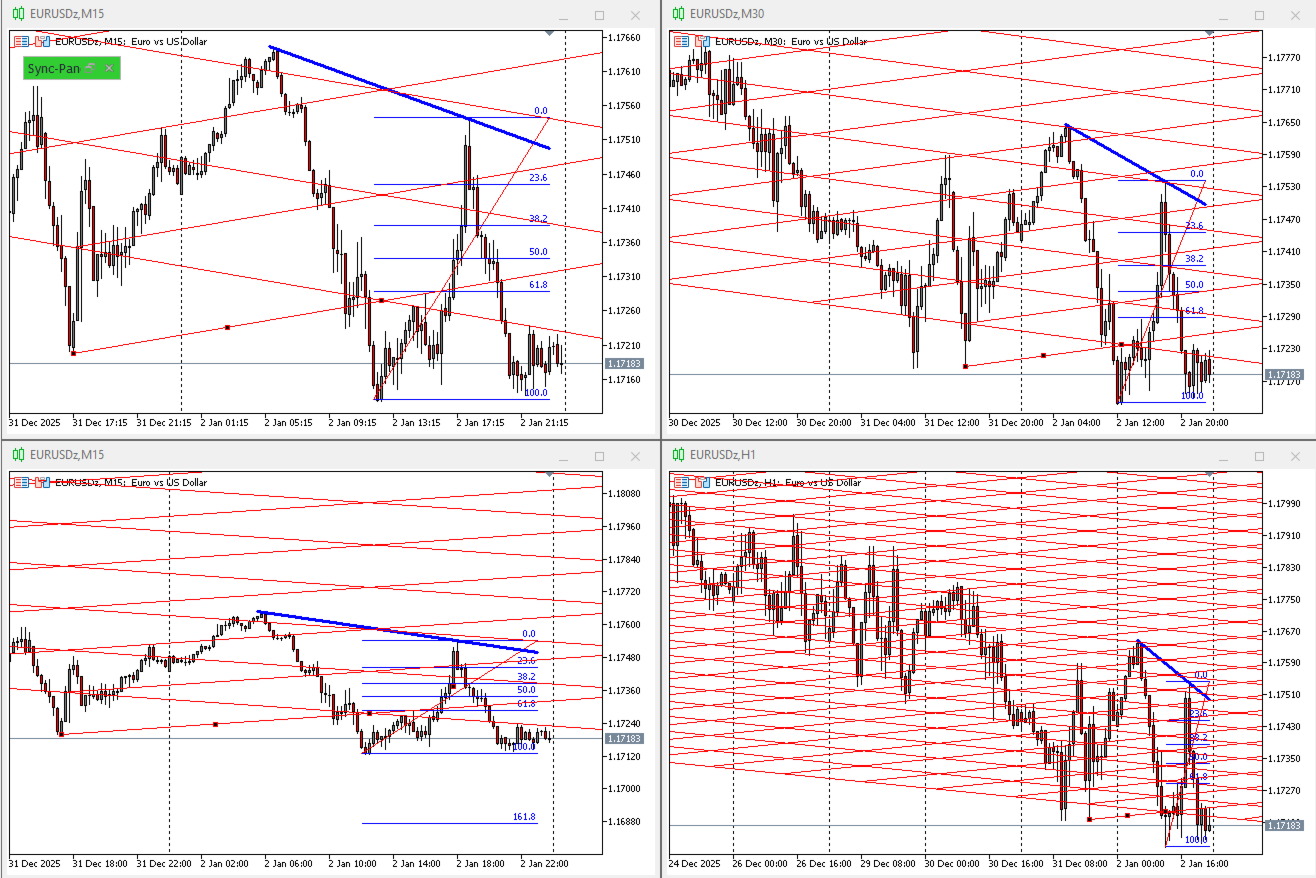
Sync Master objects synchronization
1. CHOOSE MODE:
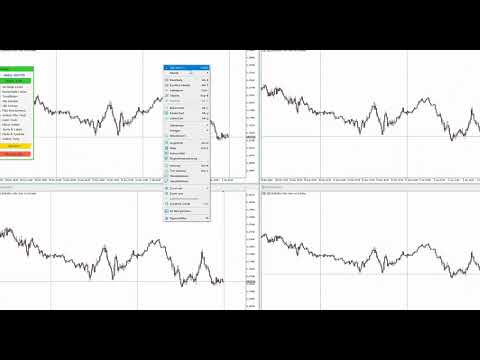
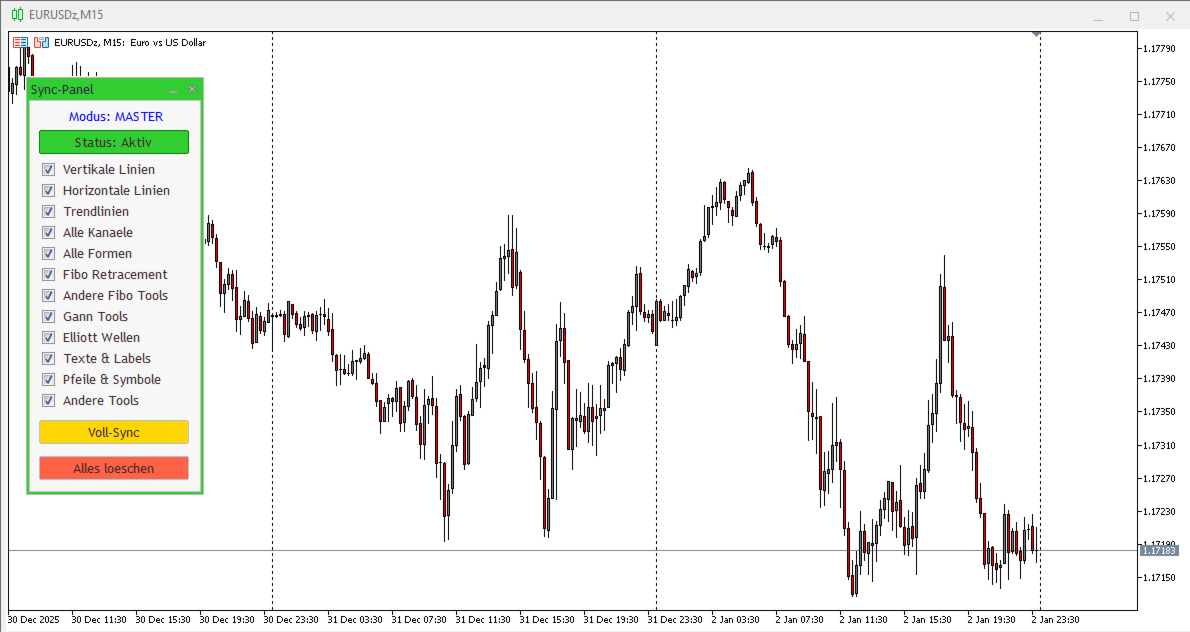
- SYNC_MASTER: Install on ONE chart only. It copies objects to ALL
other charts sharing the SAME symbol.
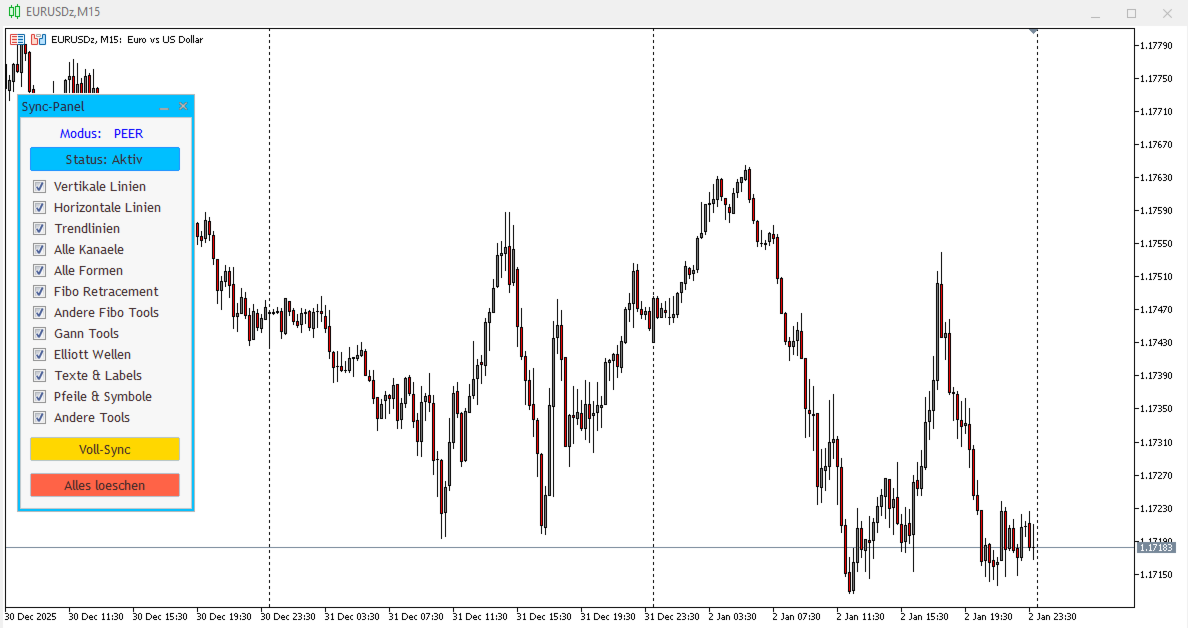
- SYNC_PEER: Install on EVERY chart you want to sync (must have same symbol).
2. FEATURES:
- Checkboxes: Select which object types to synchronize.
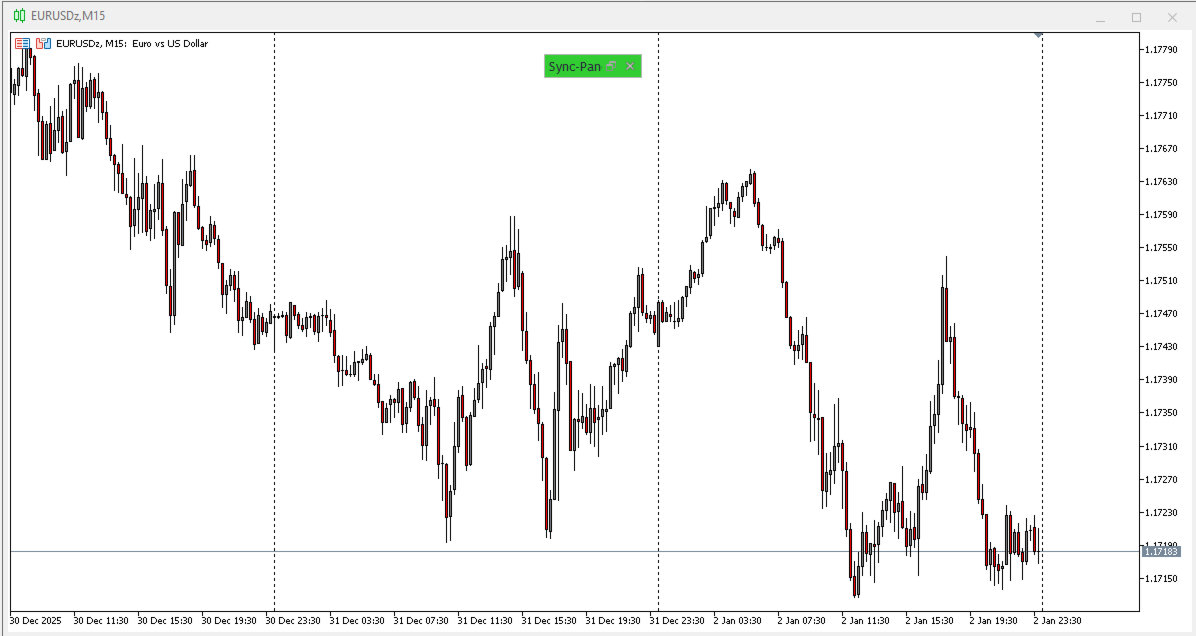
- Status (Active/Inactive): Toggles synchronization on/off without
removing the indicator.
- Full Sync: Forces immediate copying of all existing objects.
- Delete All: Deletes all drawn objects on target charts (keeps the panel).