Auto Close Trades at Percentage MT4
- Utilities
-
Prafull Manohar Nikam
 Hello! Traders, I hope you are doing great.
Most forex people search online for "How to make 10 pips or more profit per day?" They never search for "How to make only 10 pips loss per day?" Why?! - Version: 1.0
- Activations: 10
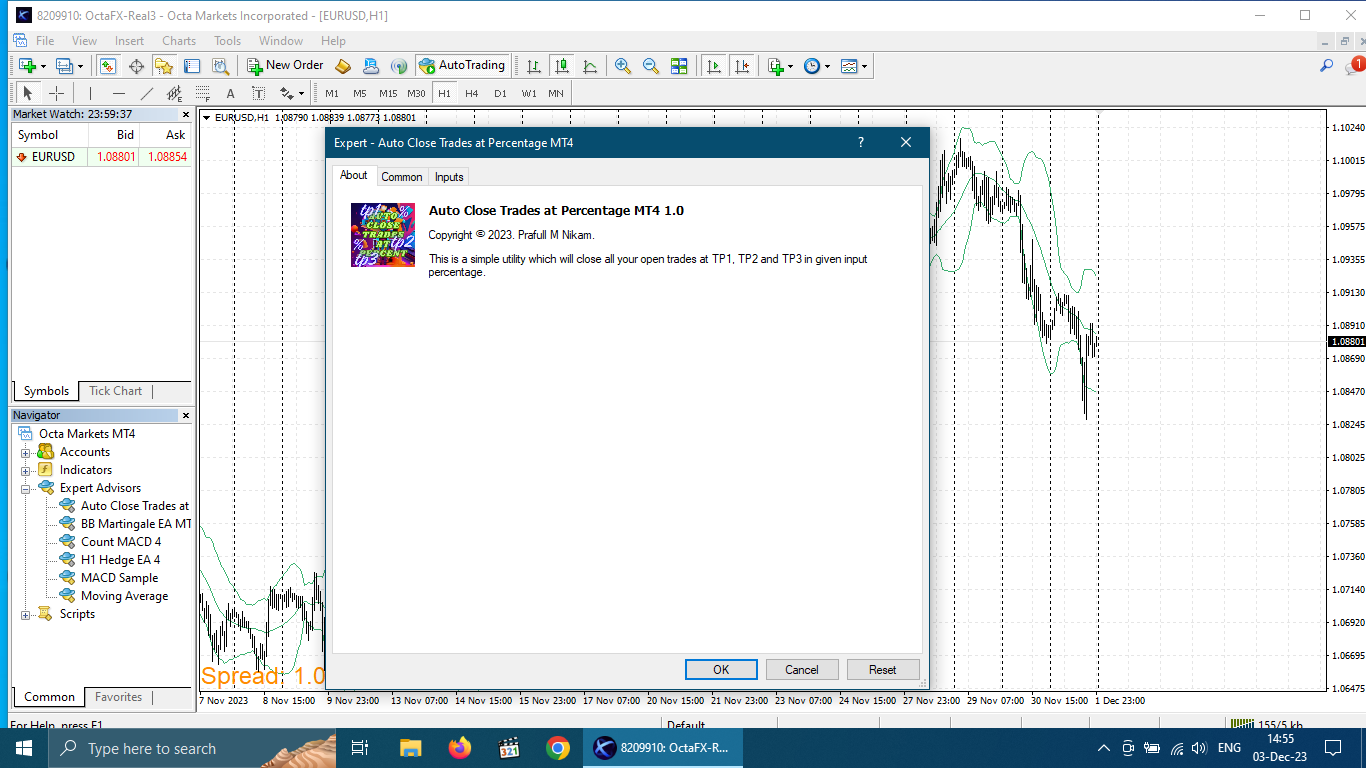
Automatically close portions of your open trades at up to three profit targets.
This utility is designed for manual traders who frequently open multiple positions and want to scale out of trades automatically as profit targets are reached.
Instead of manually closing positions one by one, the utility can partially close your total open position at predefined Take Profit levels, helping you lock in profits while allowing the remaining positions to continue running.
Key Features
✓ Up to 3 Take Profit targets
✓ Automatic partial position closing
✓ Designed for multiple open trades
✓ Flexible percentage-based scaling out
✓ Simple setup and operation
✓ Helps automate trade management
✓ Suitable for manual trading strategies
How It Works
The utility monitors your open trades and closes a specified percentage of the total position size when a profit target is reached.
Example:
You have 10 open trades.
Settings:
-
TP1 = 20 pips
-
Close 50%
When price reaches TP1:
-
5 trades are closed
-
5 trades remain open
At TP2:
-
Another percentage of the remaining trades is closed
At TP3:
-
The final remaining trades can be closed automatically.
This allows traders to lock in profits gradually while maintaining exposure to larger market moves.
Important
This utility is intended for traders who manage multiple positions.
It is most effective when several trades are open simultaneously.
For a single position, standard Take Profit functionality may be more suitable.
Input Parameters
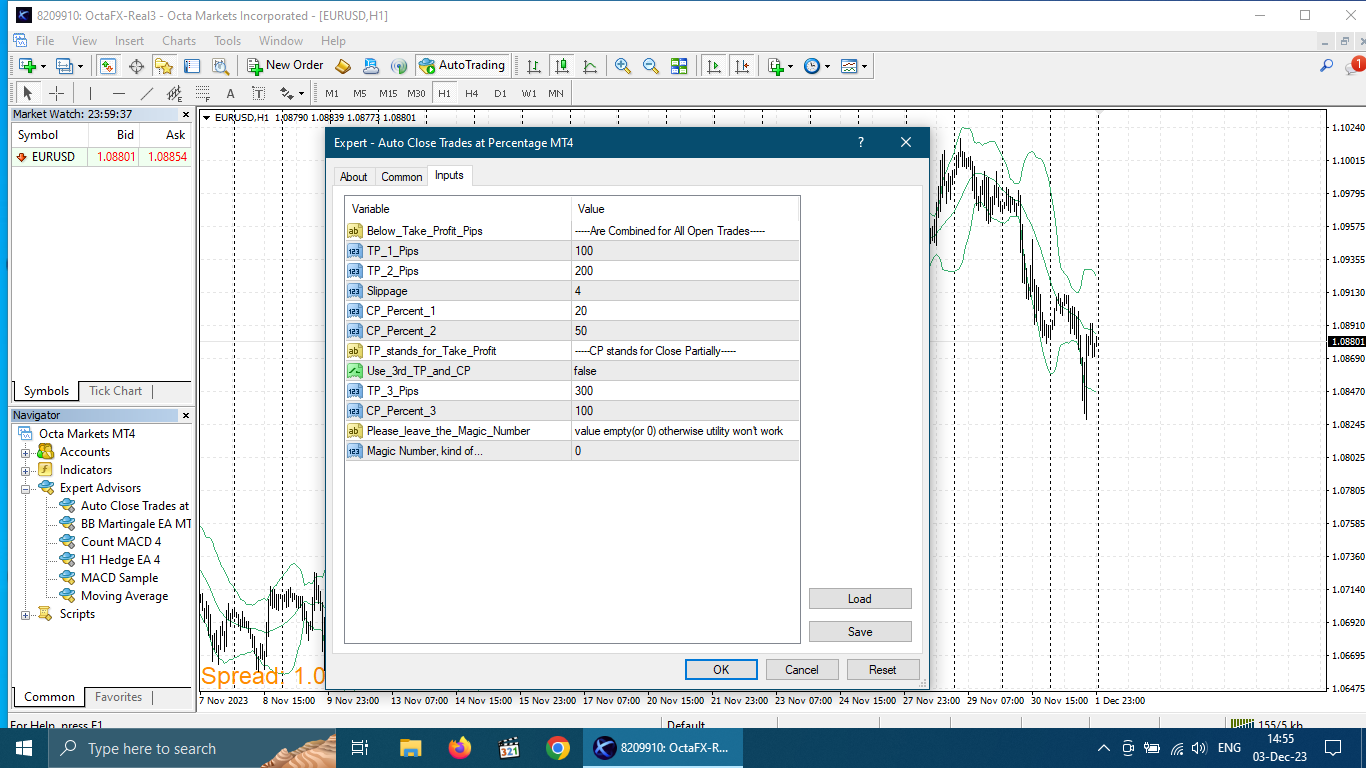
TP1 (Pips)
First profit target measured in pips.
When this level is reached, the utility closes the percentage specified by CP Percent 1.
TP2 (Pips)
Second profit target measured in pips.
When reached, the utility closes the percentage specified by CP Percent 2 from the remaining open positions.
Slippage
Maximum allowed difference between the requested execution price and the actual execution price.
Execution quality depends on broker conditions and market volatility.
CP Percent 1
Percentage of open positions to close when TP1 is reached.
Example:
-
10 open trades
-
CP Percent 1 = 50%
Result:
-
5 trades closed
-
5 trades remain open
CP Percent 2
Percentage of the remaining open positions to close when TP2 is reached.
Use 3rd TP and CP
Enable or disable the third Take Profit level.
Set to True if you want to use TP3 and CP Percent 3.
TP3 (Pips)
Third profit target measured in pips.
Applies only when the third target is enabled.
CP Percent 3
Percentage of the remaining positions to close when TP3 is reached.
For complete trade closure, set this value to 100%.
Magic Number
Leave empty or set to 0 when managing manually opened trades.
Using a different value may prevent the utility from managing your positions correctly.
Example Setup
-
TP1 = 20 pips
-
Close 50%
-
TP2 = 40 pips
-
Close 50% of remaining trades
-
TP3 = 60 pips
-
Close 100% of remaining trades
This creates a structured profit-taking approach where profits are secured progressively as the market moves in your favor.
Why Use Multi Take Profit Manager?
Many manual traders scale into positions using multiple entries. Managing those trades manually can become difficult during fast-moving markets.
This utility automates the profit-taking process by:
-
Reducing emotional decision-making
-
Locking in profits systematically
-
Eliminating repetitive manual trade management
-
Allowing traders to participate in larger trends while securing profits along the way
Perfect for traders who build positions gradually and prefer structured exits.