
MT5 To Notion
- Utilities
- Version: 2.0
- Updated: 25 December 2025
- Activations: 10

Export your MetaTrader trades directly into Notion using a simple, guided interface. Keep your trading journal clean, searchable, and easy to review without manual copy/paste.
Built for speed: connect once, choose what to export, and send your history in a few clicks. Optionally keep Notion updated automatically as new trades close.
Main features
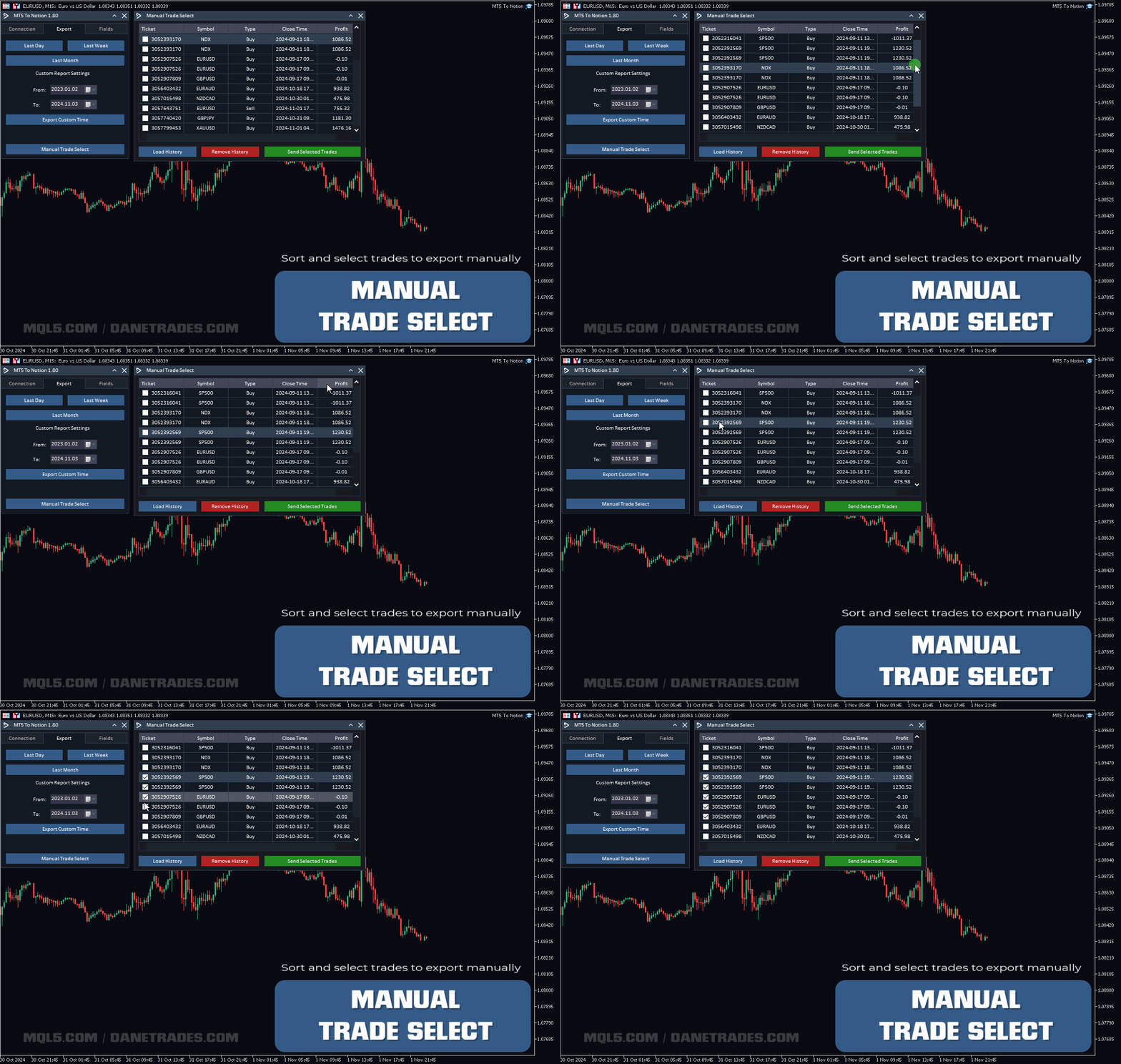
- Export all account history trades to Notion
- Export running trades and pending orders, with update support
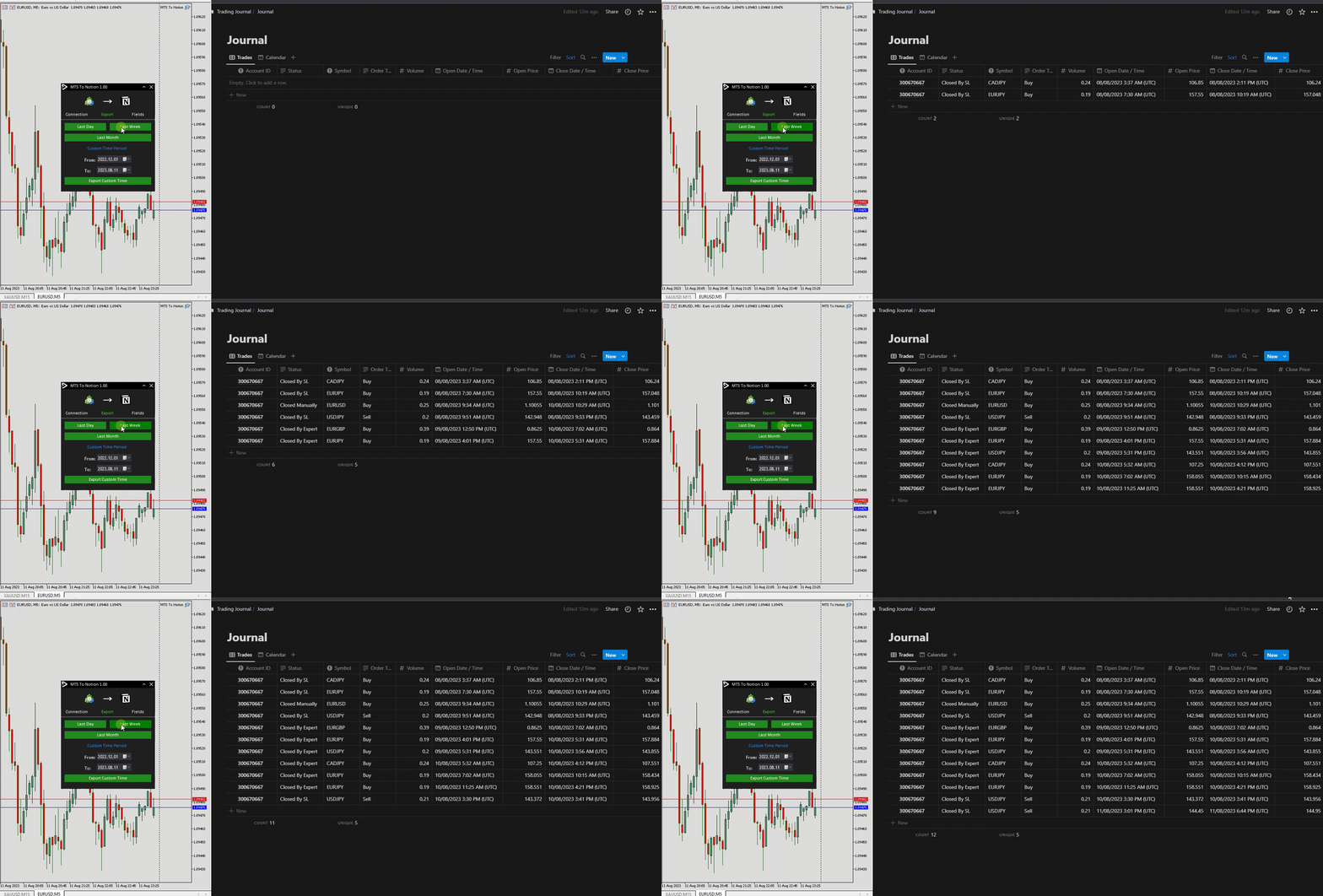
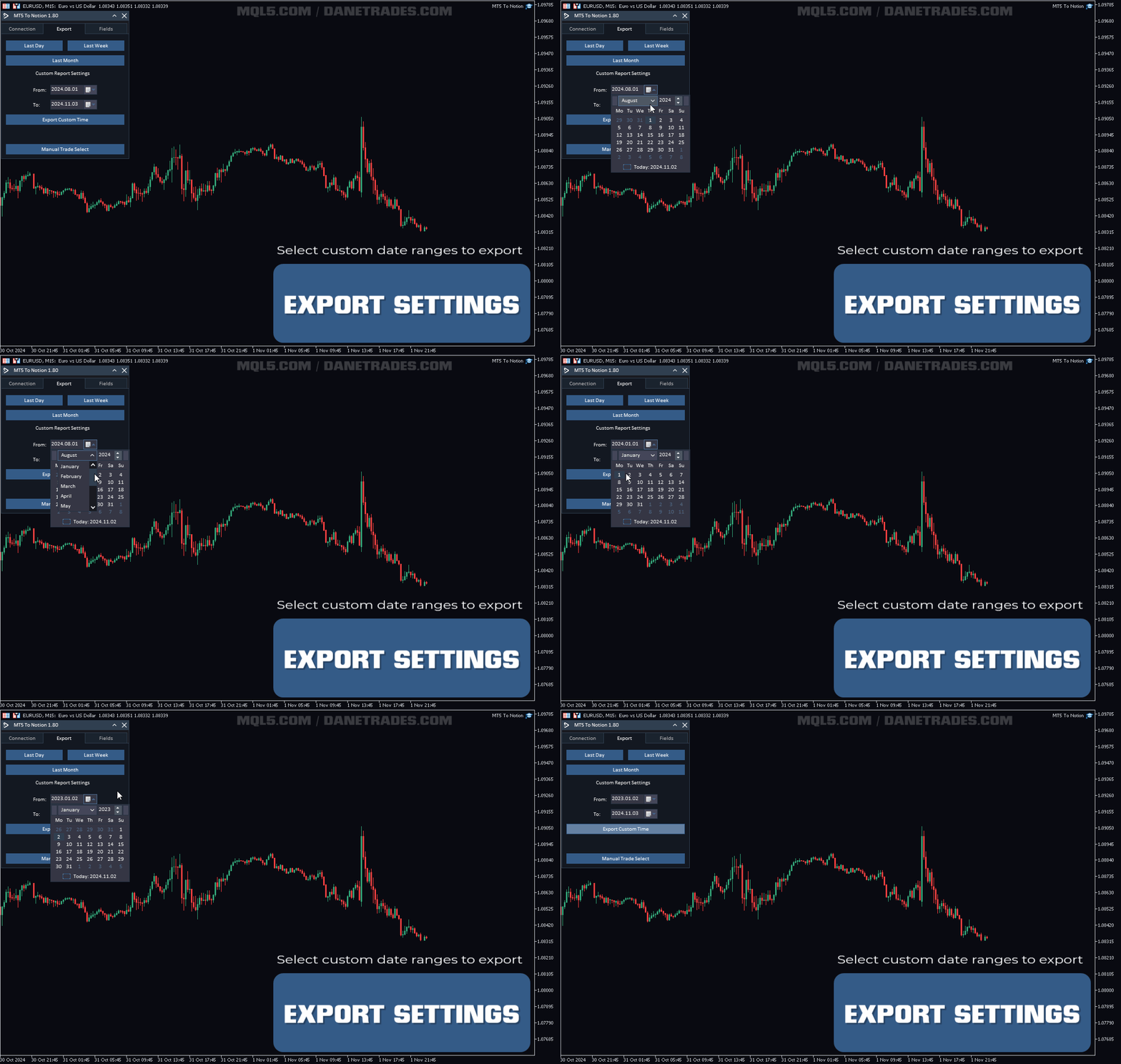
- Export by time period (last day, week, month, or custom range)
- Automatically send new closed trades to Notion
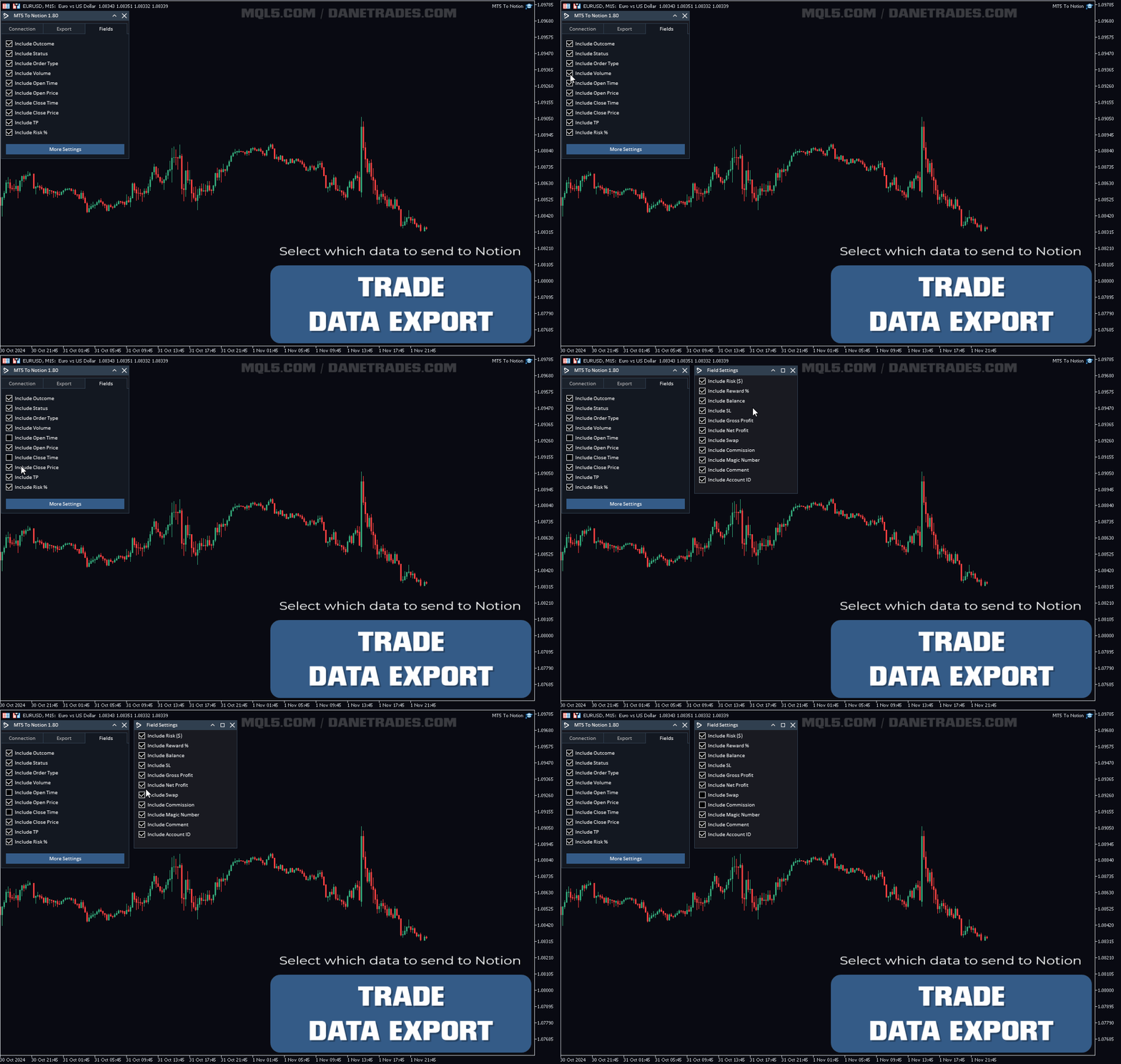
- Choose which fields to export (order type, volume, open/close time and more)
- Includes a Notion template (download from the User Guide)
How to get started
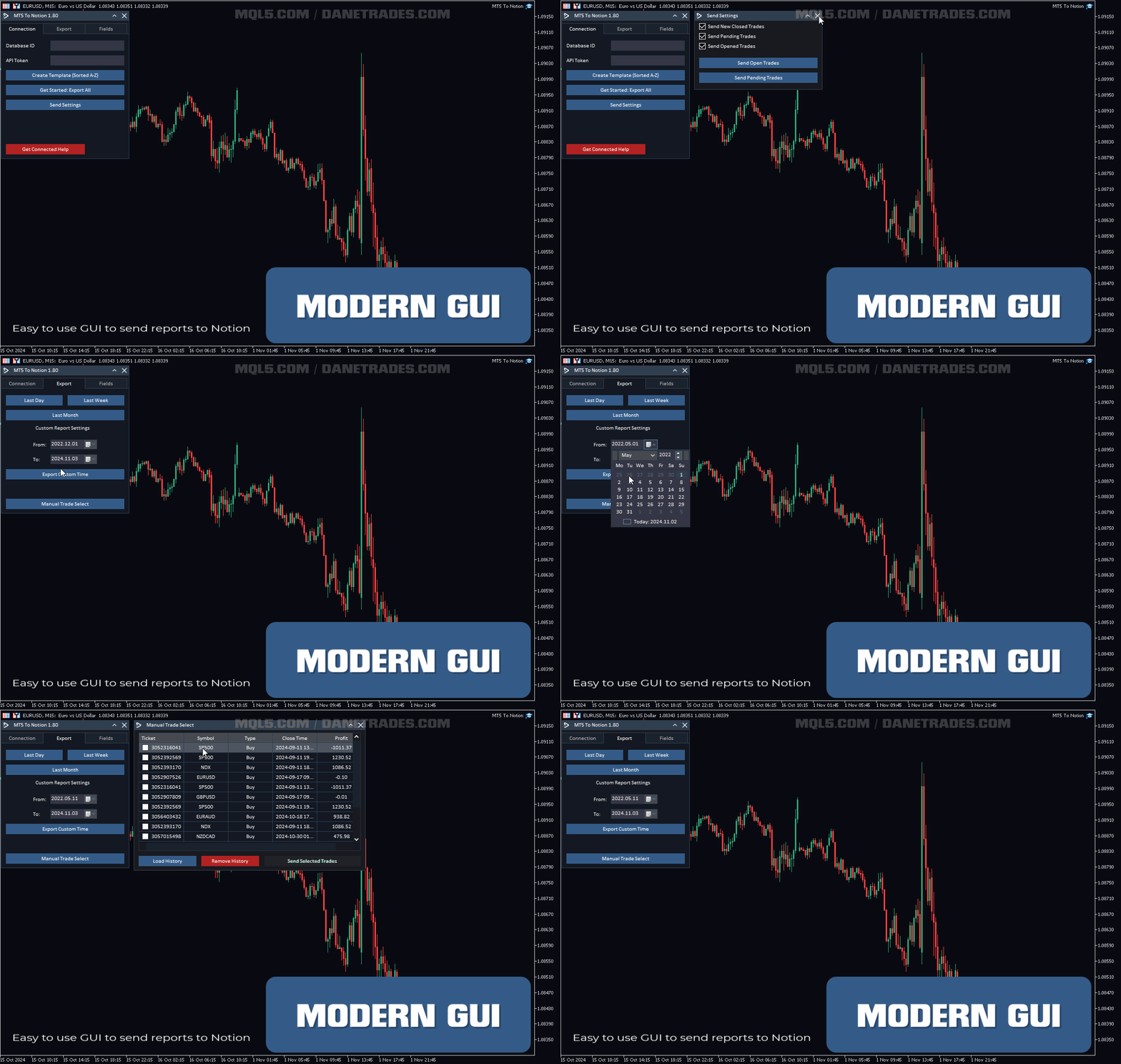
Open the User Guide + Demo above and download the Notion template. Then run the EA and follow the built-in connection helper.
- Click Get Connection Help (or follow the User Guide)
- After connecting, click Get Started: Export All to send your trade history
- Enable Update New Closed Trades to keep Notion updated automatically
Important notes
This product does not work in the Strategy Tester. Please use the User Guide + Demo link above to confirm setup and workflow before purchase.
Support & updates
If you have any issues, message me and I’ll help you get set up. I continue adding improvements and new features as the product develops.






























































Hilfreiches Tool wenn man mit Notion arbeitet. Einfach zu installieren. Funktioniert einwandfrei.