Trading Dashboard Toolkit
- Utilities
- Version: 1.0

Overview
The sidebar holds seven tools in three bands. Trade is what you do to a position right now. Plan builds the ticket; Manage runs the ones that are open. Study is what you take from it. Market reads the conditions, Playbook keeps your setups and how each has performed, Results measures whether you have an edge. Auto is what runs whether or not you are watching. Guard holds your loss limits and your own behaviour rules; Rules does the things you would otherwise sit and wait to do by hand.
What holds them together is that a trade is the same object on every screen. The setup you tag in Plan is the tag Results groups by. The risk percent you pick is the percent Guard budgets against. The stop you drag on the chart is the stop the trade manager later moves to break-even. Nothing is typed twice, and no two screens can disagree about a number.
Features
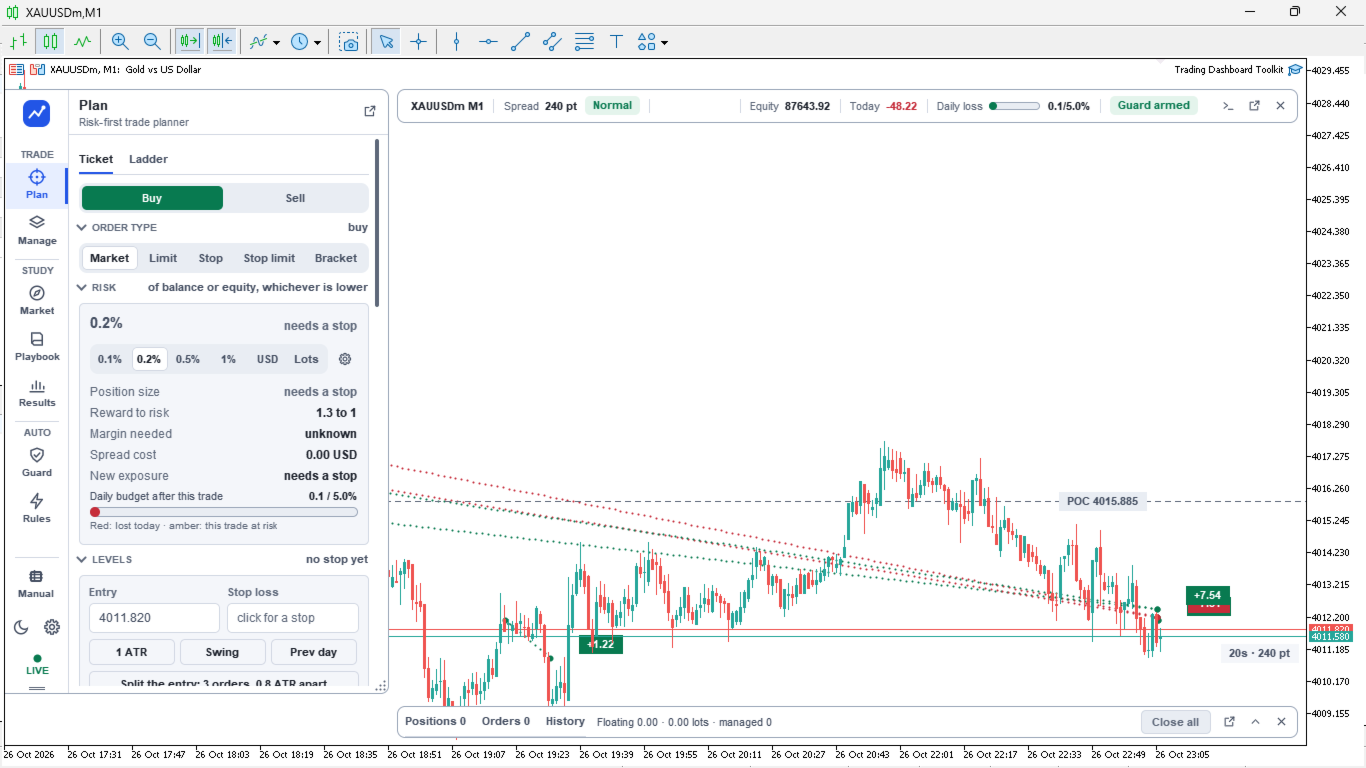
- Risk-first ticket. Set the risk in percent, in money or in lots, and the size follows from your stop rather than the other way round. Market, limit, stop, stop limit and a two-sided bracket.
- The workings shown. Reward to risk, margin needed, spread cost and the daily budget the trade would leave, all on the ticket before you press anything.
- Currency exposure. The ticket says what the account is left betting on once the trade is on, in the form "short US dollars at 4.1 times equity". Three small trades that all sell one currency are one large bet, and nothing else shows you that.
- Order check. Every order is tested against your limits, the spread, the news window and your own rules before it goes out, and names the reason when something blocks it.
- Trade score. A figure out of 100 built from your own closed trades and from the market as it stands, with each fact that moved it listed underneath.
- Position cards. One per open trade, showing the run from stop to target and where price sits on it, with partial closes at a quarter, a half or three quarters, break-even, trail, reverse, add and close.
- Trade manager. Break-even and trailing after the fill, with scalp, intraday and swing profiles, and a partial close at each target.
- Hidden stops and targets. Keep them in the toolkit instead of at the broker, handed over to the broker automatically if the terminal stops.
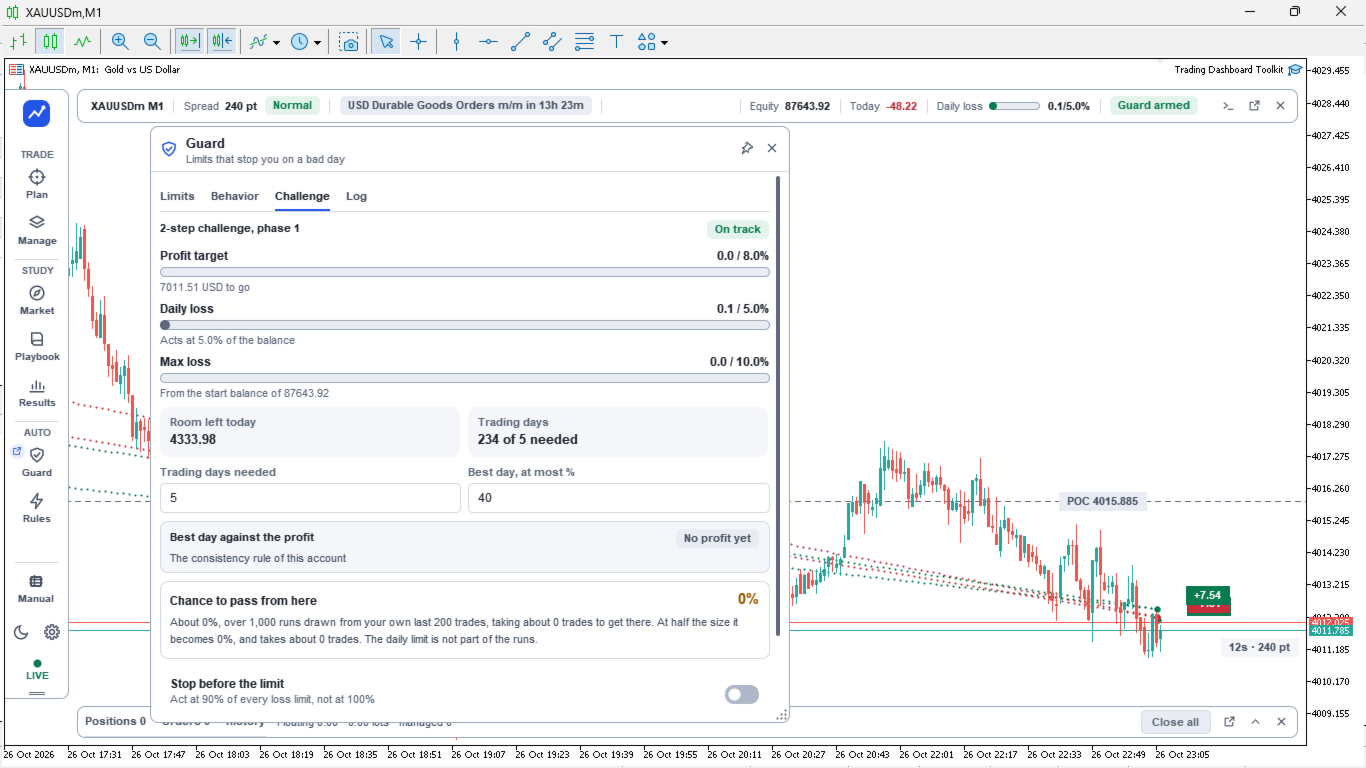
- Loss limits. Daily, weekly, monthly and maximum loss, a profit target, risk per trade, total open risk and a losing-streak limit, each with a meter showing how much is used and one headline for whichever is closest to being hit.
- Behaviour guards. Tilt lock, a cap on trades per day, a cool-down after two losses in a row, an exposure cap per symbol, a spread guard and a news window.
- Challenge tracker. For accounts traded under a set of rules: the phase, what is left to the target, what is left to the limit, and how your pace compares with the pace needed.
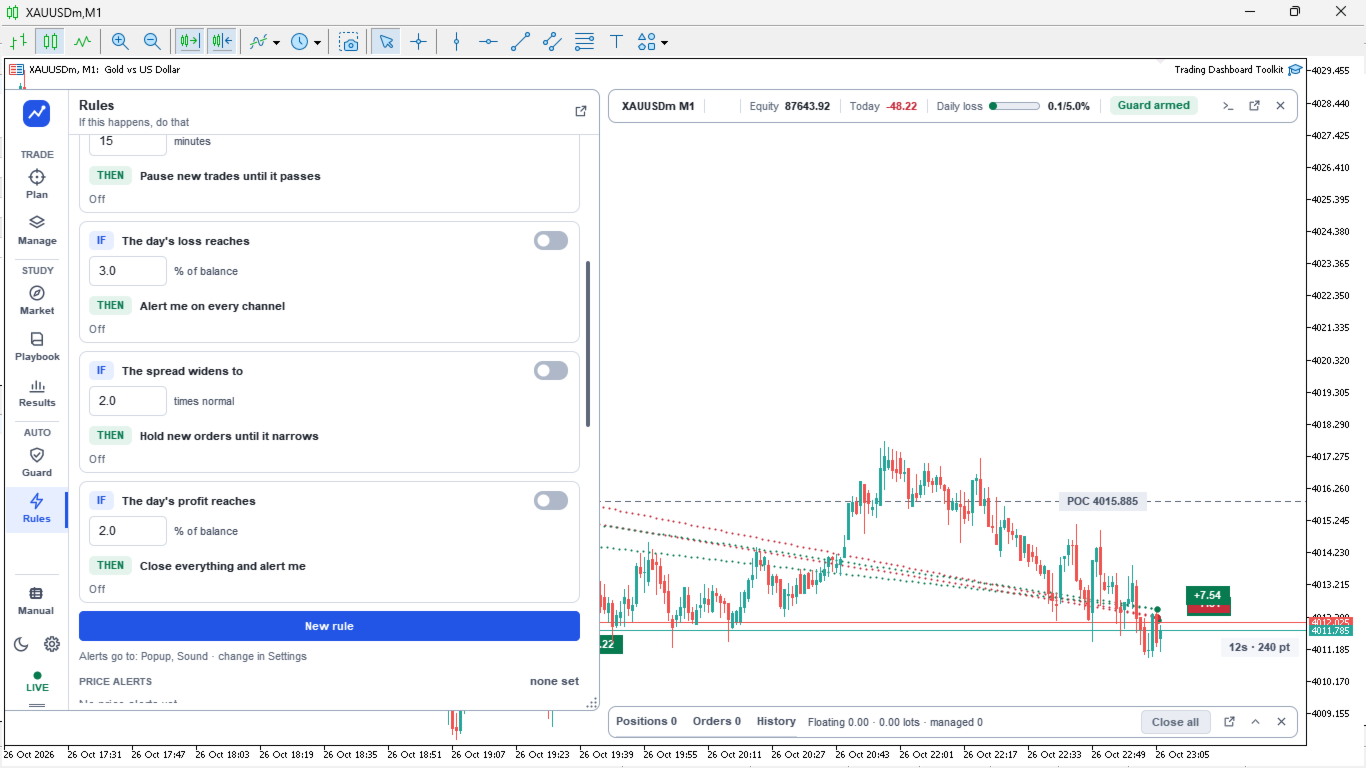
- Rules you write as a sentence. When this happens, then do that, and also this, and only there. Price alerts and the account events you want to be told about sit in the same list, because they are the same kind of thing.
- Playbook. Your setups, each with its own conditions, its own record and its own running total in multiples of the risk taken, plus a scanner that says where one is forming right now.
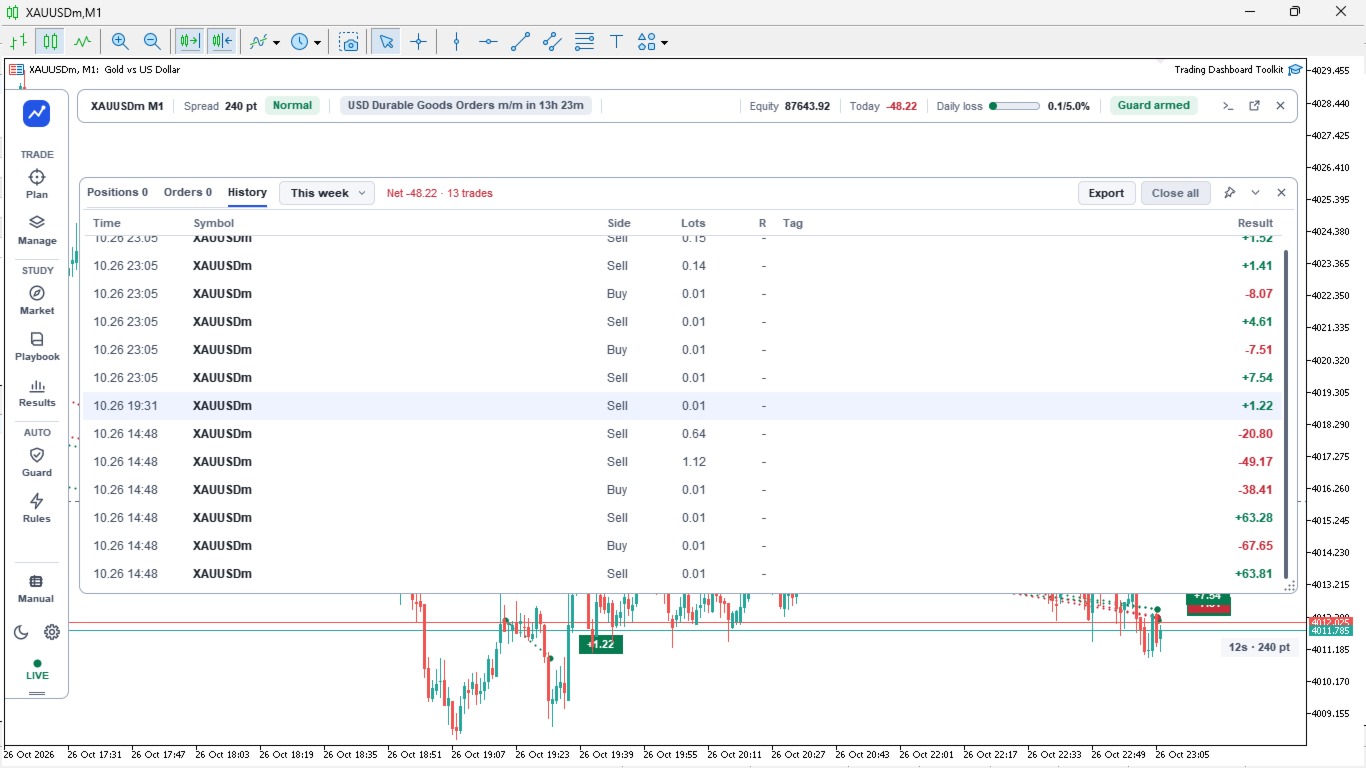
- Results. Today's grade and your state, the key figures, the equity curve, an edge-health read, a day-by-day calendar, grouping by symbol, weekday, hour, session or setup, and the trade list with notes, tags and a bar-by-bar replay.
- Journal and report. One note per day kept with the date, and a report of any range that opens in a browser to read or send on.
- Chart layer. The plan, the stops, the targets and the alerts drawn on the chart, and draggable there.
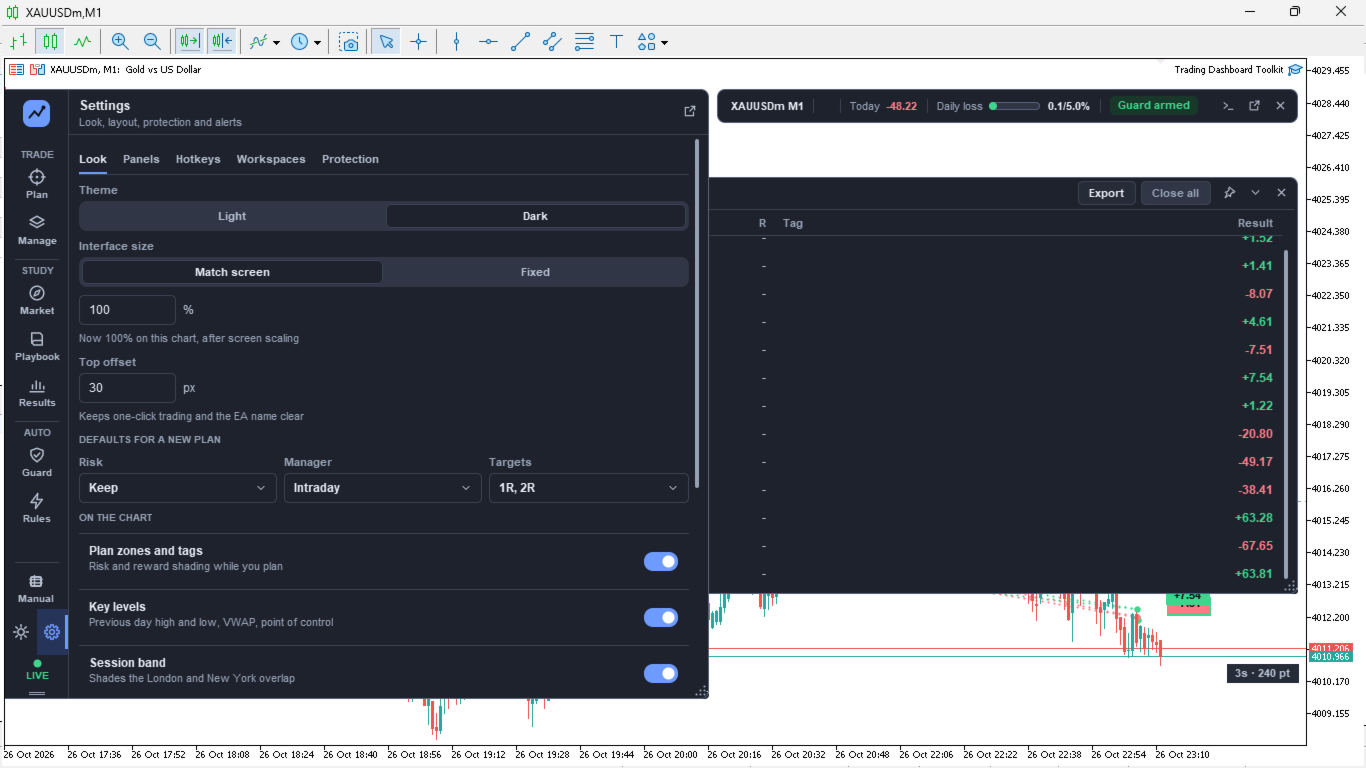
- Look and layout. Light and dark, interface scaling, docked or floating panels, pop-out windows, saved layouts, hotkeys, a command bar and a mini panel for when the sidebar is away.
- Works across charts. One chart runs the trade engine and the others talk to it, so the same positions, rules and alerts appear on all of them.
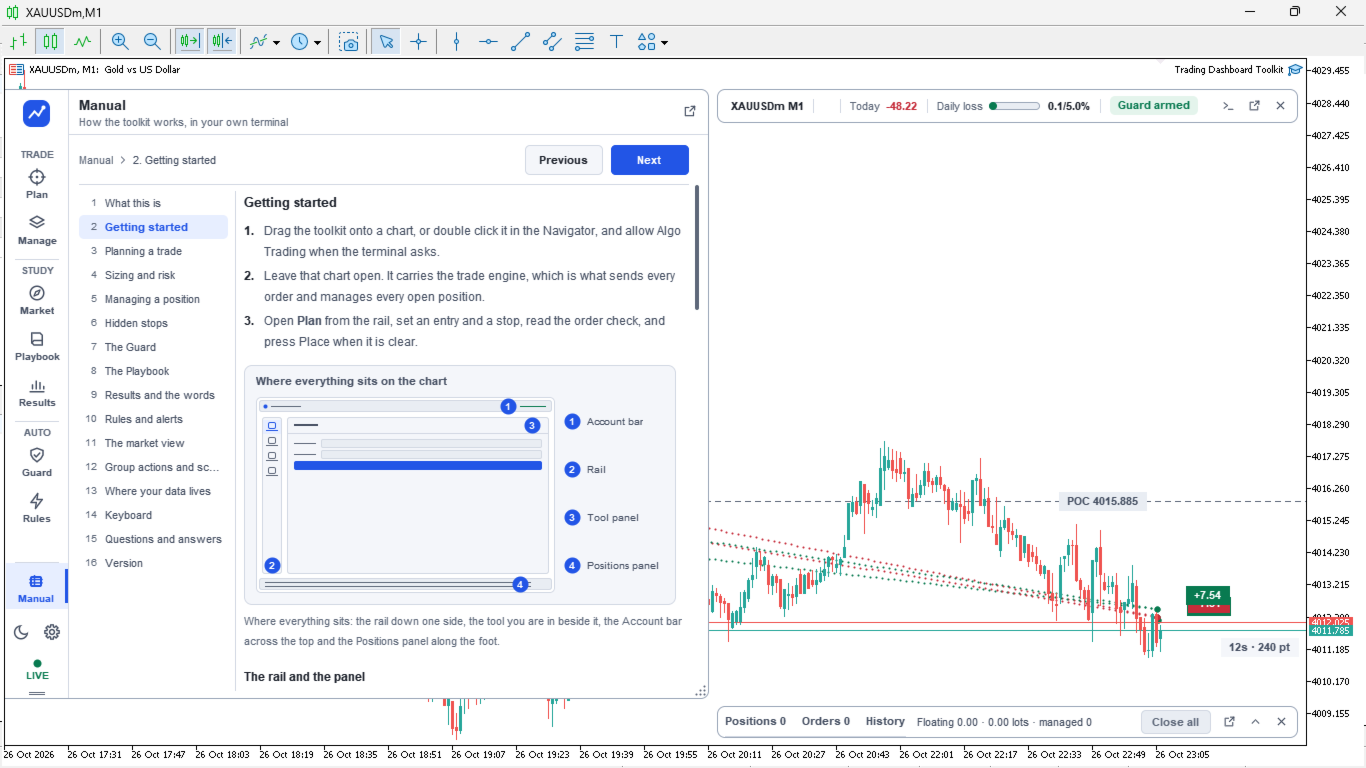
- Manual inside the panel. The whole toolkit documented where you are using it.
The tools
How to use
- Attach it to any chart and turn Algo Trading on.
- Open Guard first and set the limits you actually want to be held to.
- In Plan, pick the side, set the stop, choose your risk step. The size follows.
- Read the order check, then place it.
- Manage runs the trade after the fill. Rules handles the things you would otherwise have to wait around for.
- At the end of the day, Results and the journal.
Good to know
- It is an Expert Advisor, not an indicator. Algo Trading must be on, and the chart must allow trading, before it can place or change an order.
- It does not trade by itself, and it makes no claim about what you will earn. Every order is one you place, or one placed by a rule you wrote and switched on.
- Hidden stops and targets are held by the toolkit and only work while the terminal is running. They are handed to the broker when it closes, so a trade is never left without them.
- The statistics come from your own terminal's trade history. A fresh account has nothing to measure yet, and the Playbook and Results say so rather than showing you an empty record as a clean one.
- Run it on as many charts as you like. One of them runs the trade engine and the rest talk to it, so a rule or an alert is never acted on twice.
- The magic number, the slippage, whether group actions reach every trade on the account or only this toolkit's own, and whether a risk percent is a percent of balance, equity or the lower of the two, are all inputs you set.
- Everything it keeps lives in your terminal's own Files folder. Nothing is sent anywhere.