QQE Mod MTF
- Indicators
-
Evgenii Sutulov
 Premium components
1. https://www.mql5.com/en/market/product/201632 - Rotation Manager Console - Version: 1.3
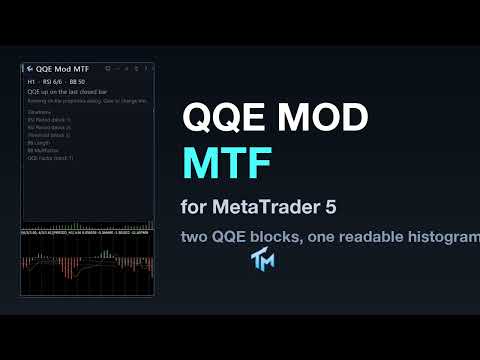
QQE Mod MTF is a momentum oscillator in its own sub-window. It runs two independent QQE blocks over RSI and turns them into one readable histogram.
QQE, which stands for Qualitative Quantitative Estimation, smooths RSI and then builds a trailing band around it from the smoothed average of the RSI's own absolute changes. The band does not move against the trend, which is what makes a QQE cross slower and less noisy than an RSI cross. This product runs two of those blocks at once and publishes what they agree on.
Two blocks, one state
Block one produces the trailing line, drawn relative to the 50 level, with a Bollinger filter around it. The line and its bands are what say whether momentum has broken out of its recent range or is still inside it.
Block two produces the histogram, which is the smoothed RSI of that block measured against 50 and gated by a threshold.
The state the product publishes is the combination of the two. The histogram is bright when block two is past its threshold in a direction and block one's line agrees by sitting outside its Bollinger band, and it is grey when there is no confirmation.
The decision this supports is a narrow one: is momentum currently confirmed in one direction, or are we in the grey zone where the two blocks do not agree.
What is on the chart
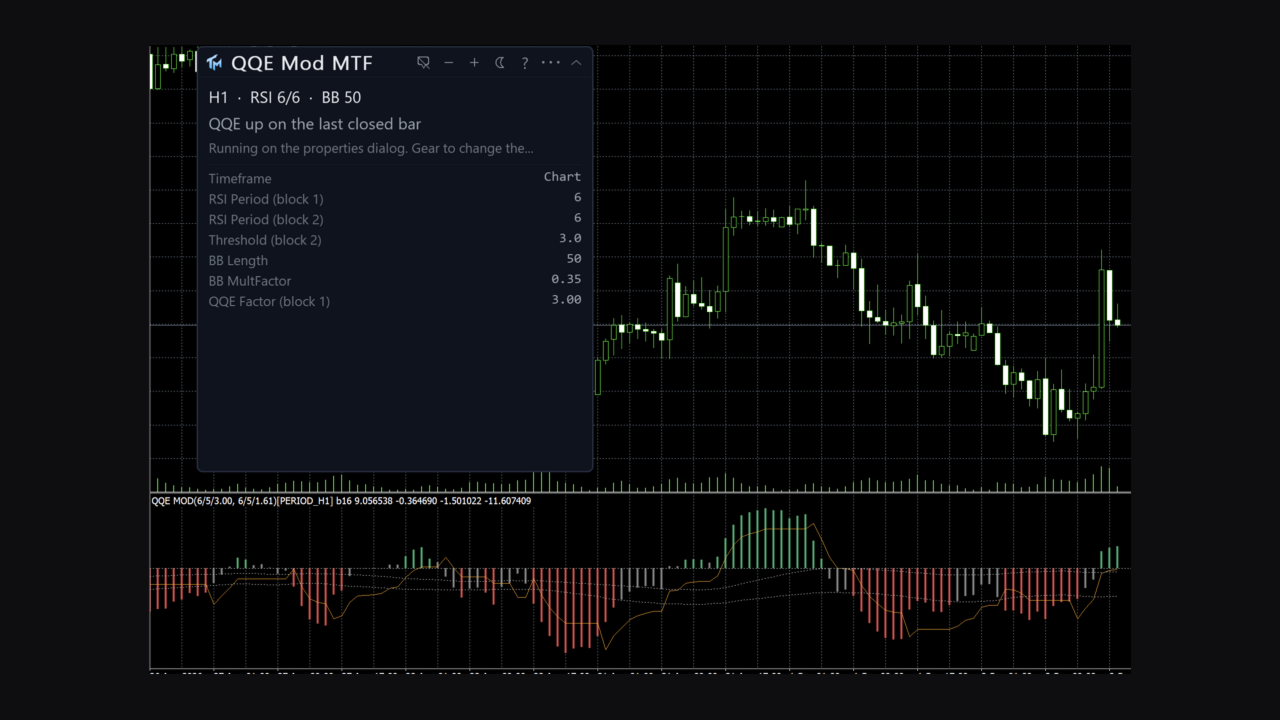
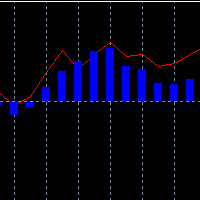
In its own sub-window, with a zero level marked: the histogram, coloured in three states, meaning no confirmation, up and down; the trailing line of block one, plotted around zero; and the upper and lower Bollinger bands of the filter, drawn dotted.
The panel
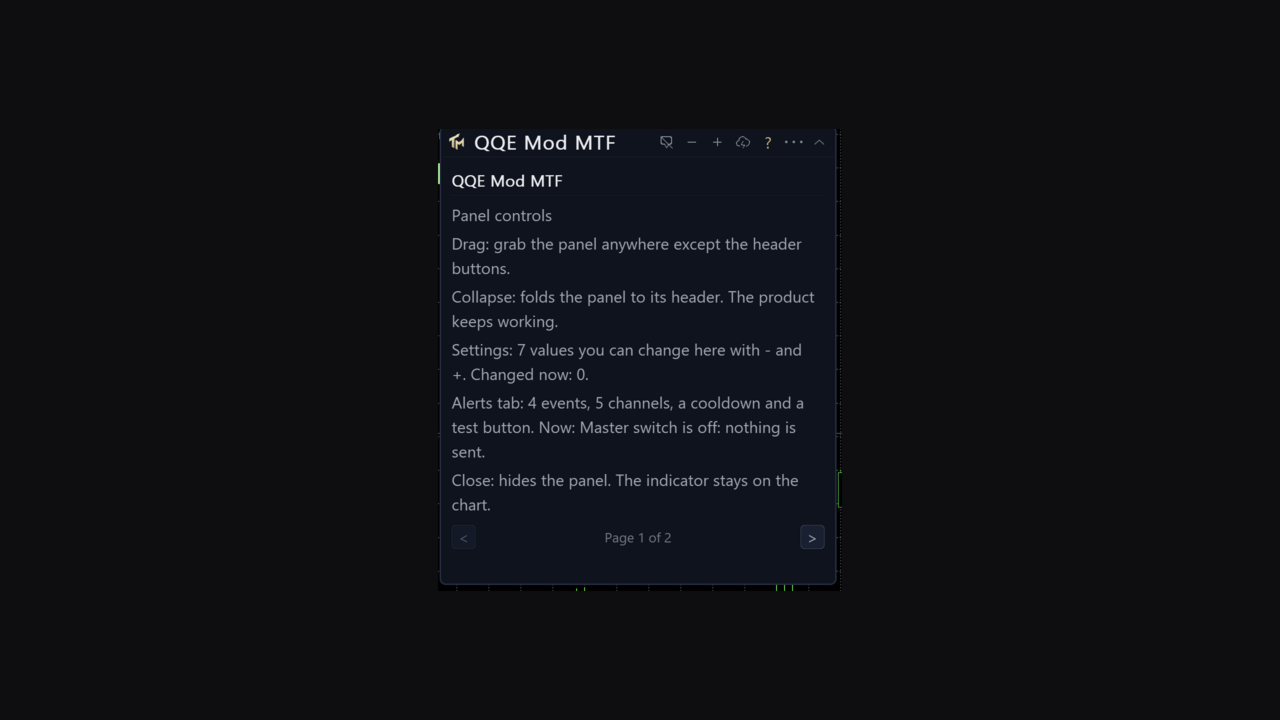
A canvas panel sits by default on the price chart rather than crammed into the oscillator pane, though it can be put in the oscillator pane instead. It is draggable, collapsible and closeable. It shows the timeframe in force, the two RSI periods and the Bollinger length; what the last closed bar is, meaning QQE up, QQE down or no confirmation; and whether the numbers come from the properties dialog or from the panel, and how many of them were changed. Below that sit the settings the panel can move, with their current values.
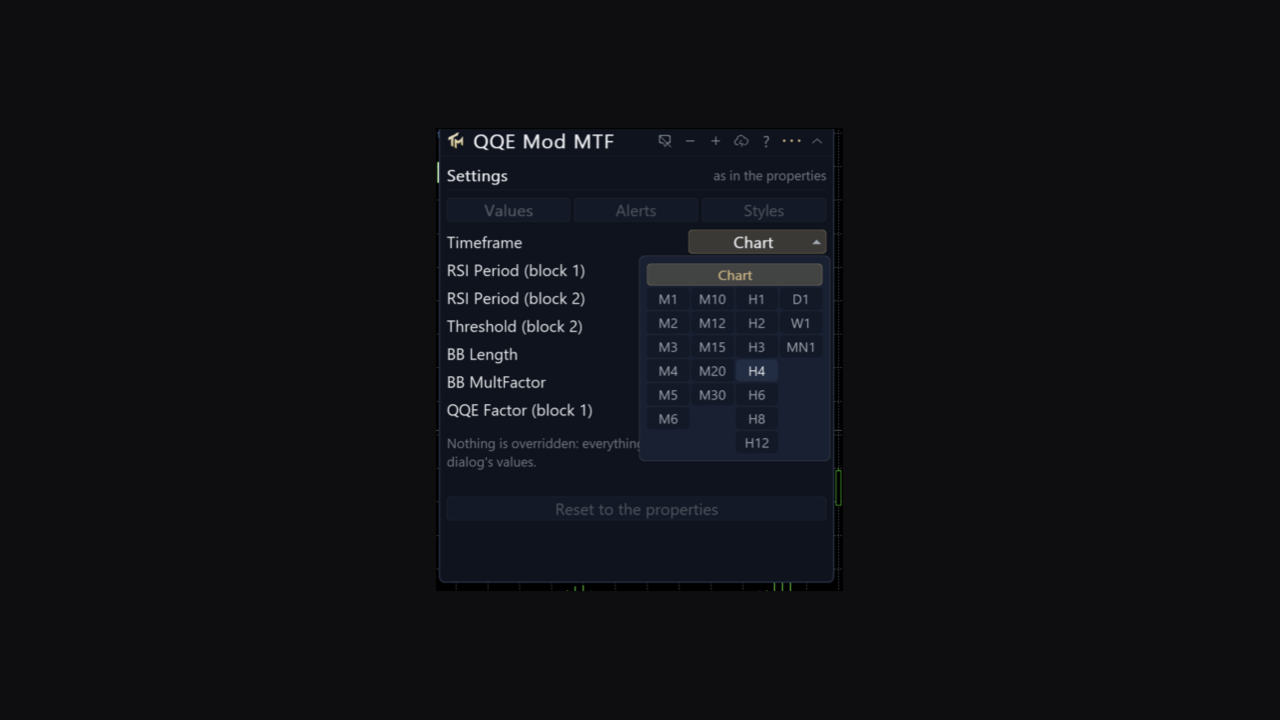
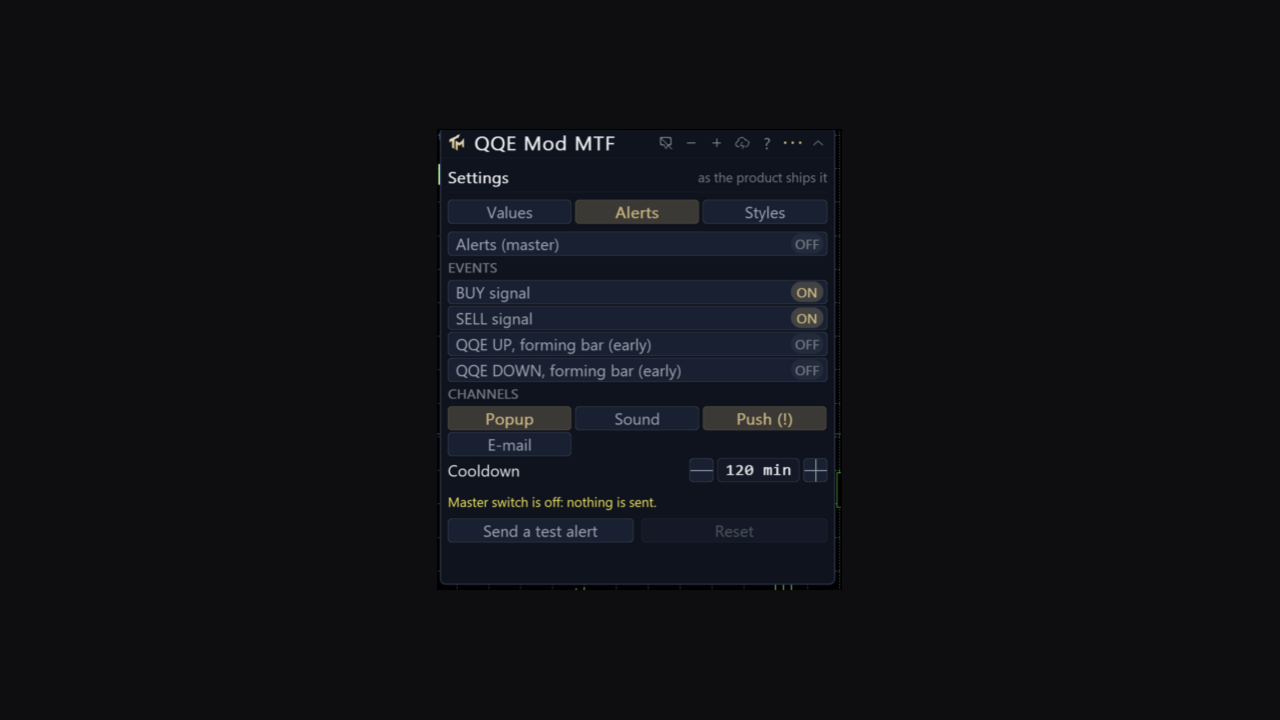
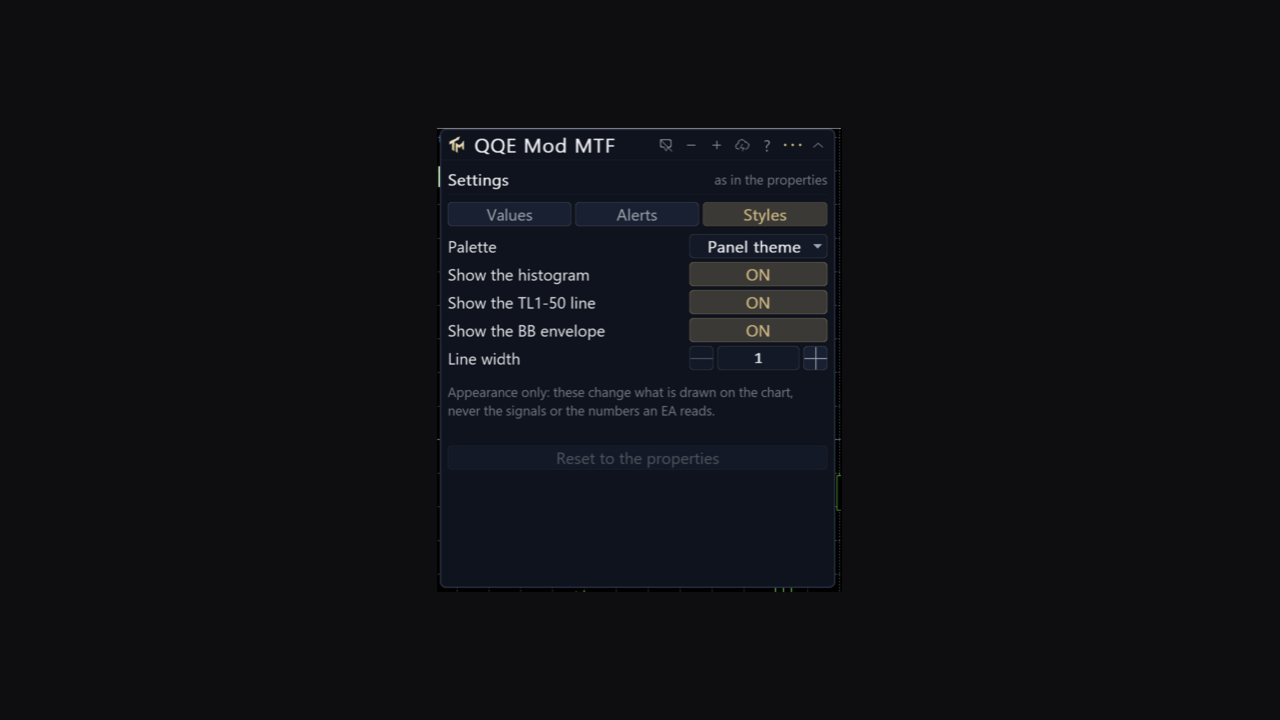
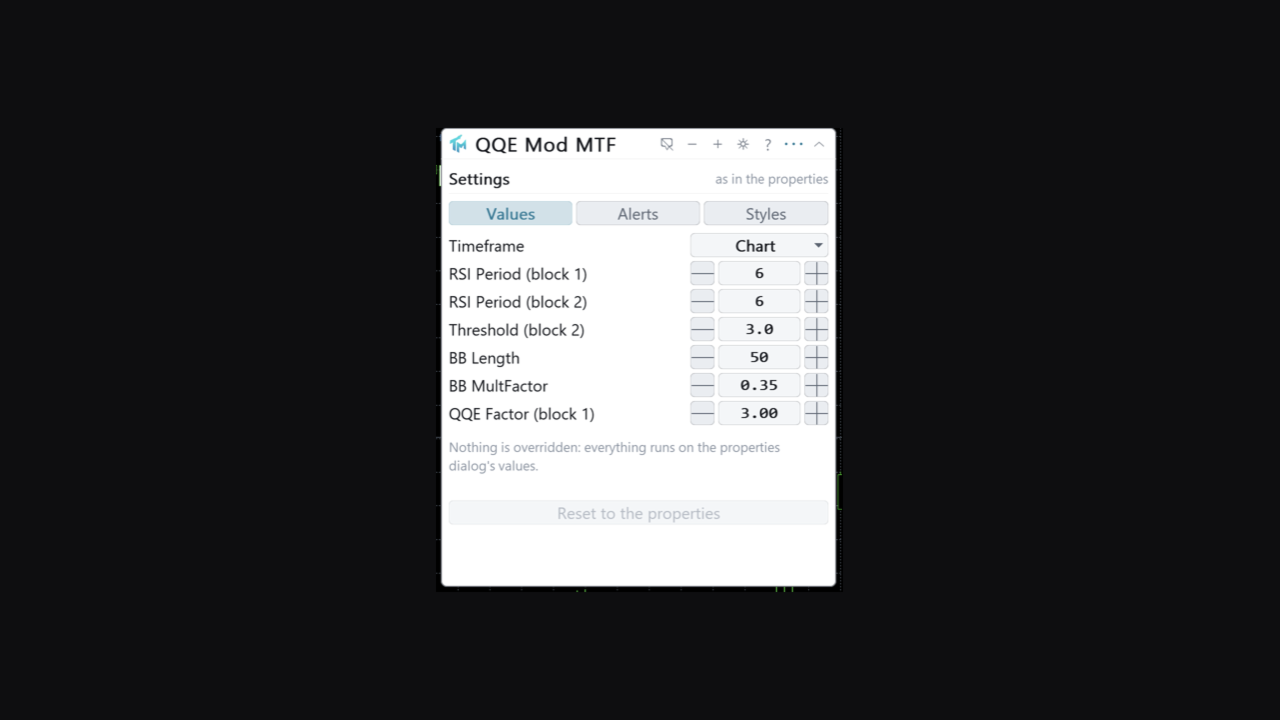
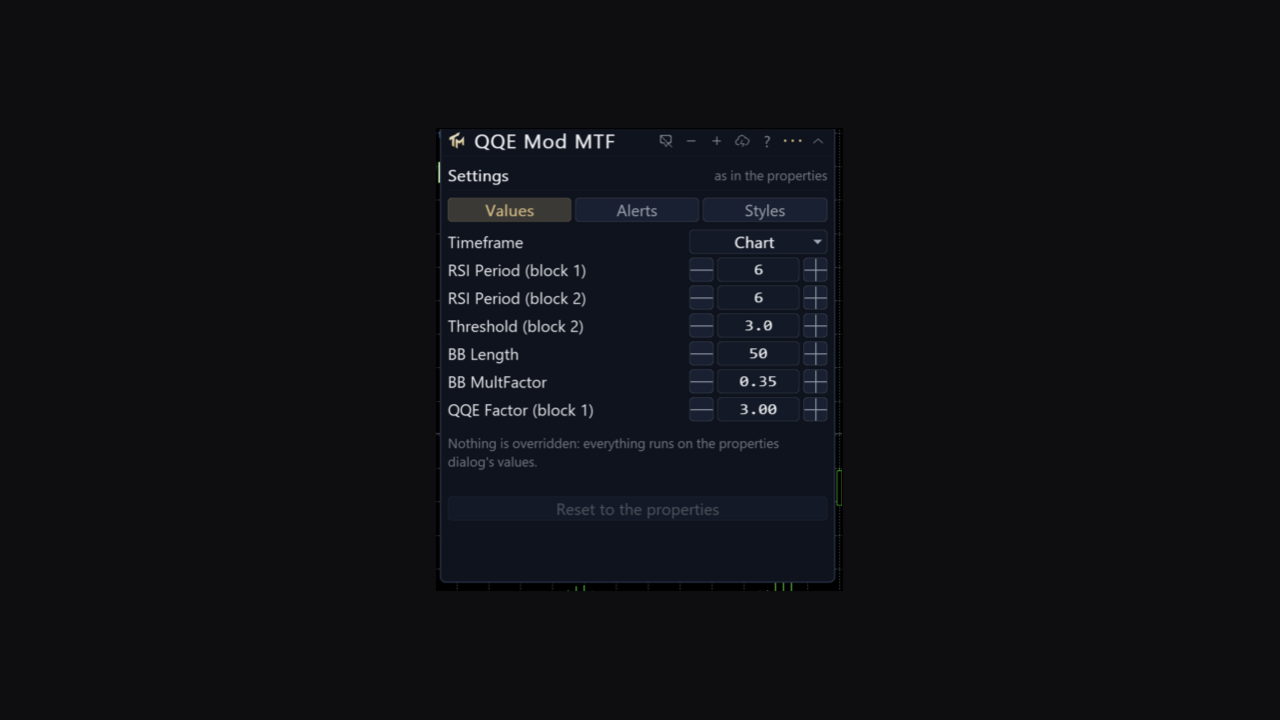
The gear opens a sheet of three tabs. Values holds the timeframe, the RSI period of block one, the RSI period of block two, block two's threshold, the Bollinger length, the Bollinger multiplier and the QQE factor of block one. Every row has steppers, a range and a sentence of help. Alerts holds the master switch, the per-event switches, four channels, the cooldown and a test alert. Styles holds the palette, whether the histogram, the line and the bands are drawn, and the line width; it is appearance only.
Three colour schemes are included, one of them colour-blind safe, built on blue and orange so that red is never set against green. Panel state and every change made on the sheet persist per chart across a timeframe change and a terminal restart. The interface is English.
Alerts
Alerts are off out of the box. The events are a BUY signal and a SELL signal, meaning the state turned up or turned down. Four channels carry them: popup window, sound, push to the mobile terminal, and e-mail. A cooldown is kept per event, two hours by default.
Alerts fire on the last closed bar, and only on a change of state, not on every bar the state holds. Two further alerts, off by default, speak on the forming bar within a chosen number of seconds of its close. They are labelled early because a turn that exists mid-bar can be gone by the close. Telegram is not part of this product.
Multi-timeframe
The Timeframe setting computes on a higher timeframe and draws the result here, using only closed senior bars: a chart bar shows the newest senior bar that had already closed by its own time.
The foreign series is built in the background. The first read of it can come back empty; the indicator retries, and the panel says whether it is waiting for a download or short of history. It never fails initialisation over missing bars.
Reading it from an EA
Every buffer is readable through iCustom and CopyBuffer. Buffer 0 is Histo, the histogram value, which is block two's RSI measured against 50. Buffer 1 is the colour index for that histogram: 0 grey, 1 up, 2 down. Buffer 2 is TL1-50, block one's trailing line shifted to sit around zero. Buffer 3 is UpperBB, the upper Bollinger band of the filter, and buffer 4 is LowerBB, the lower band. Buffer 5 is State: +1 for QQE up, -1 for QQE down, 0 for no confirmation. Buffer 6 is Override, the number of settings changed from the panel.
This product has no separate Buy and Sell price buffers. The direction is in buffer 5, and a signal is a bar where buffer 5 is not zero and differs from the previous bar's value.
The Styles tab hides a plot by taking its colour away, never by emptying a buffer. Every index listed above stays readable through iCustom and CopyBuffer, and stays visible in the Data Window, with the display switches off.
Buffer 6 lets a strategy tell that a chart instance is running on values changed by hand from the panel. An instance created by iCustom is read-only and always uses the parameters you passed.
Provenance
This is a port of "QQE MOD", published on TradingView by Mihkel00. The port was made from a specification and a partial reconstruction of that openly published script, not by translating it line by line.
The QQE algorithm itself is canonical and public, and is attributed to Roman Ignatov. The product carries the method's name because that is what it implements; it does not claim authorship of either the QQE method or the TradingView variant.
Honest limits
The oscillator is live on the forming bar. The histogram bar and the line for the bar that has not closed yet will change as it develops, and a state that shows up mid-bar can be a different state at the close. Closed bars do not change.
Alerts on closed bars therefore lag the picture on the screen by construction. The early alerts exist for people who accept that trade-off, and they say so in their names.
The QQE factor of block two is kept for parity with the original and does not move the histogram or the signals. It is exposed so that the input list matches what a user of the original expects, and the fact that it does nothing here is not hidden.
Momentum confirmation is not direction. The histogram can be bright and up while price makes a lower high; the product measures the oscillator, not the price structure.
No profit figure, win rate or backtest result is claimed here.