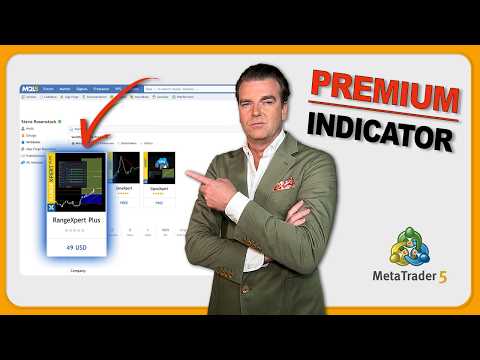
RangeXpert Plus
- Indicators
-
Steve Rosenstock
 Beyond trading, I have spent years as a software developer, translating market insights into custom algorithmic strategies and professional trading tools.
I am an experienced portfolio manager and passionate trader with over a decade of experience. - Version: 1.10
- Updated: 31 July 2026
- Activations: 20
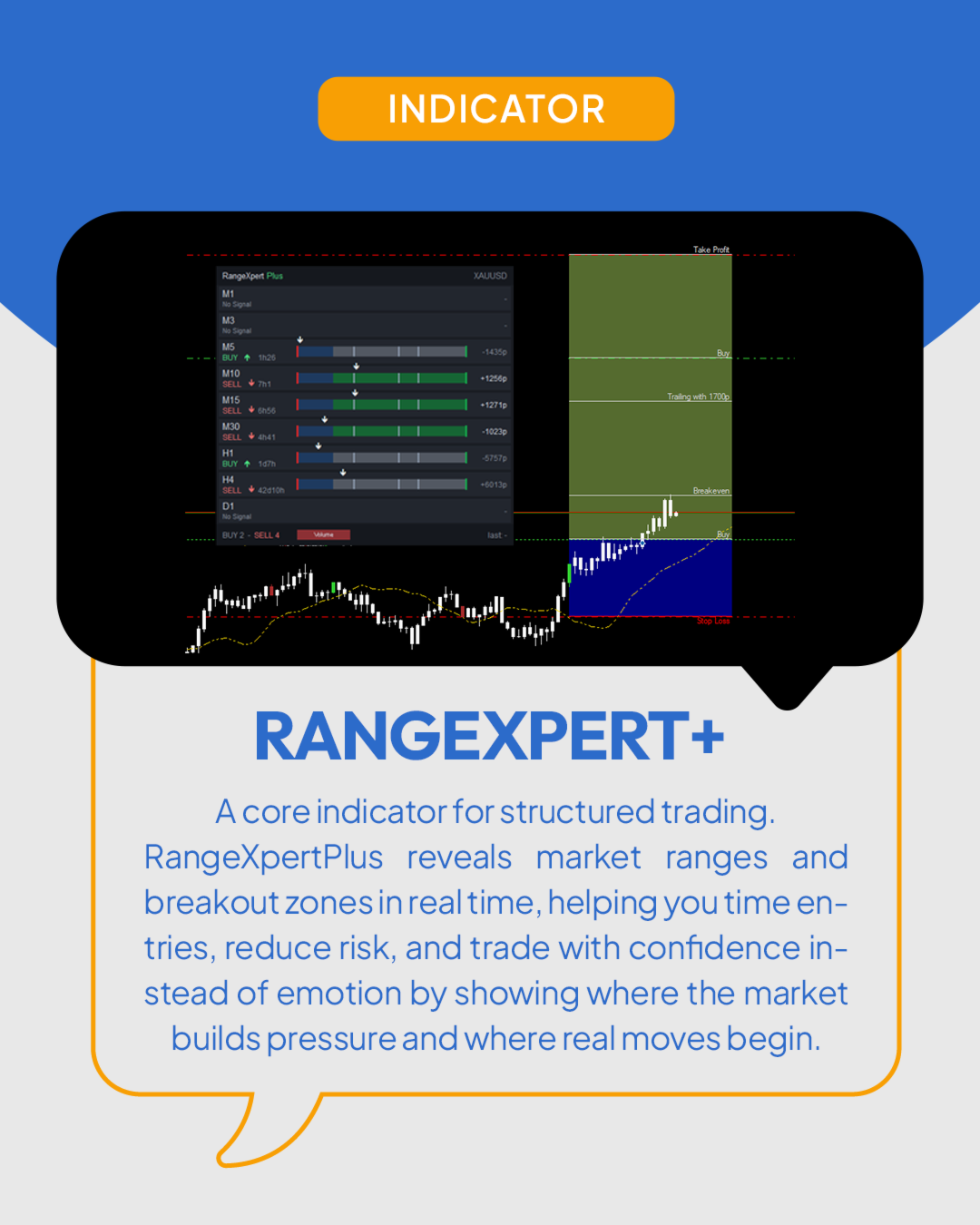
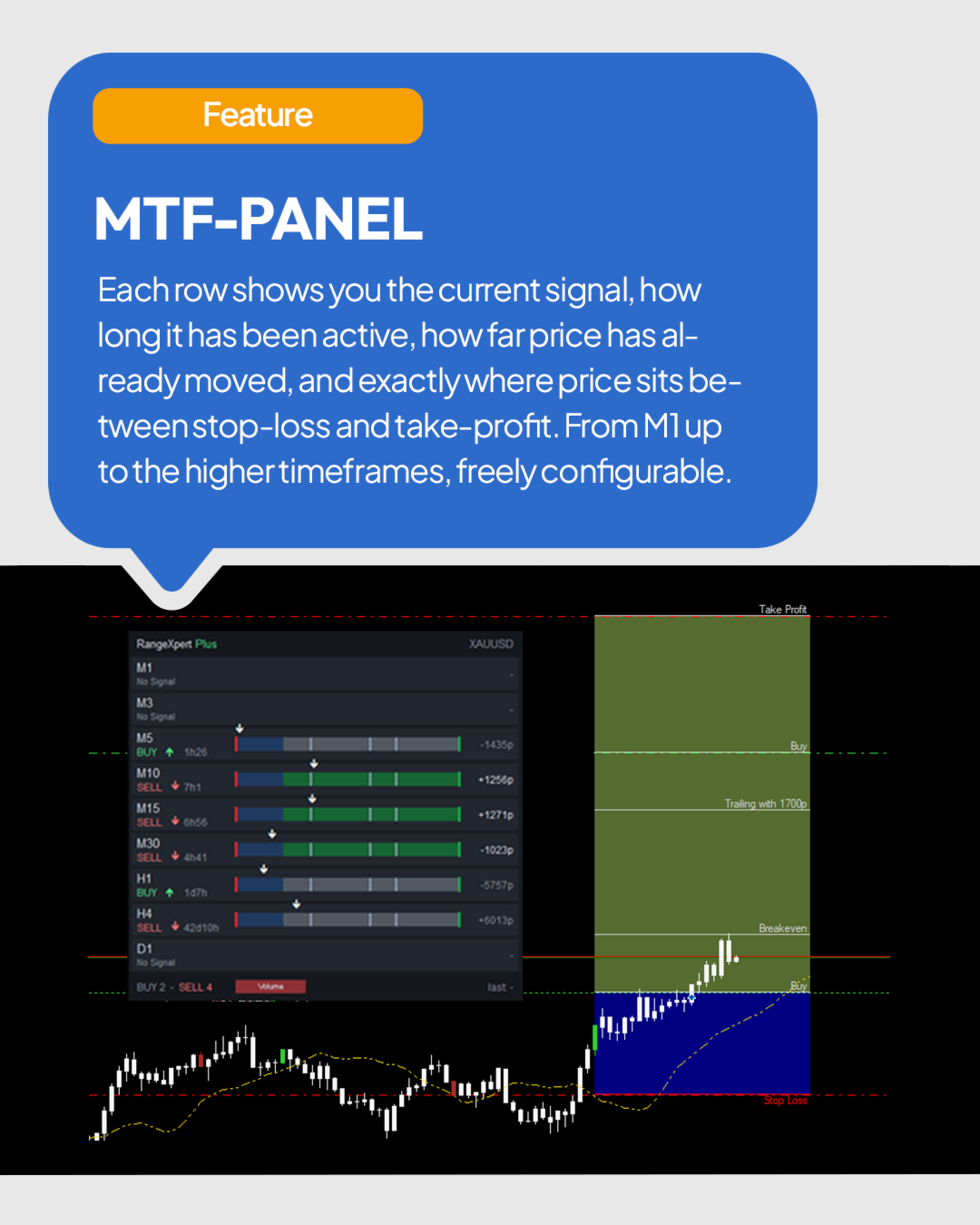
When one chart is not enough to judge a breakout — because the next timeframe up may already tell a different story — RangeXpert Plus shows you all your timeframes at once. Developed by me as the multi-timeframe extension of my free indicator RangeXpert, it draws the RangeXpert signal, levels and zones on your chart and adds a panel with one row per timeframe, each calculated independently on the closed bars of its own timeframe. Every row shows the direction, how long the signal has been running, where the price stands between Stop Loss and Take Profit and how far it has moved from the entry. That answers the two questions you ask before every trade: do the timeframes agree — and how much of the move is already gone?
Specifications
- Multi-timeframe panel — up to 21 timeframes from M1 to MN1, one row each, chosen freely in the settings
- Independent rows — every row runs its own RangeXpert calculation, so a short pullback on M1 does not grey out an H1 signal
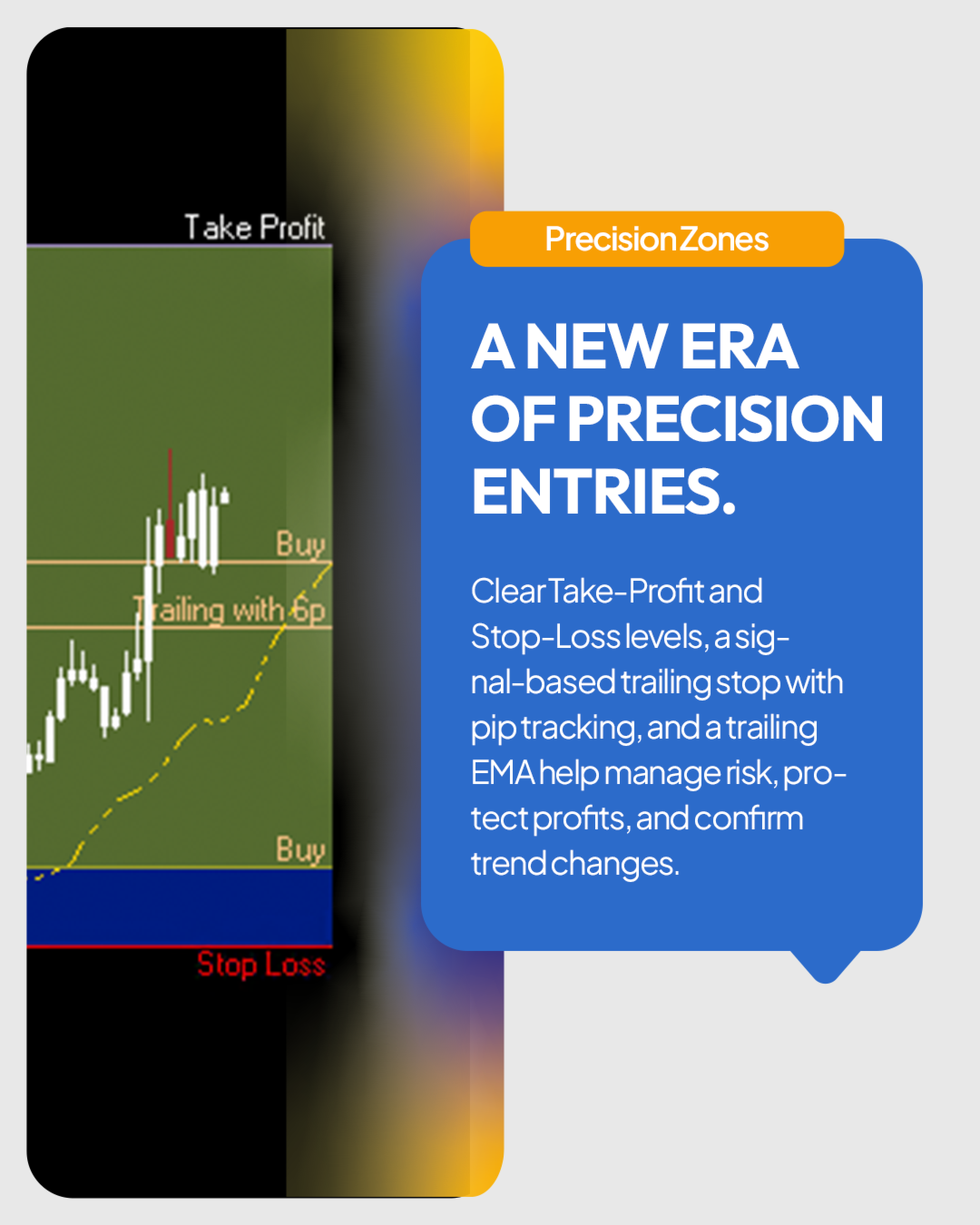
- Complete trade plan on the chart — two entries, Breakeven, trailing level, Take Profit and Stop Loss with a blue risk zone and a green signal zone
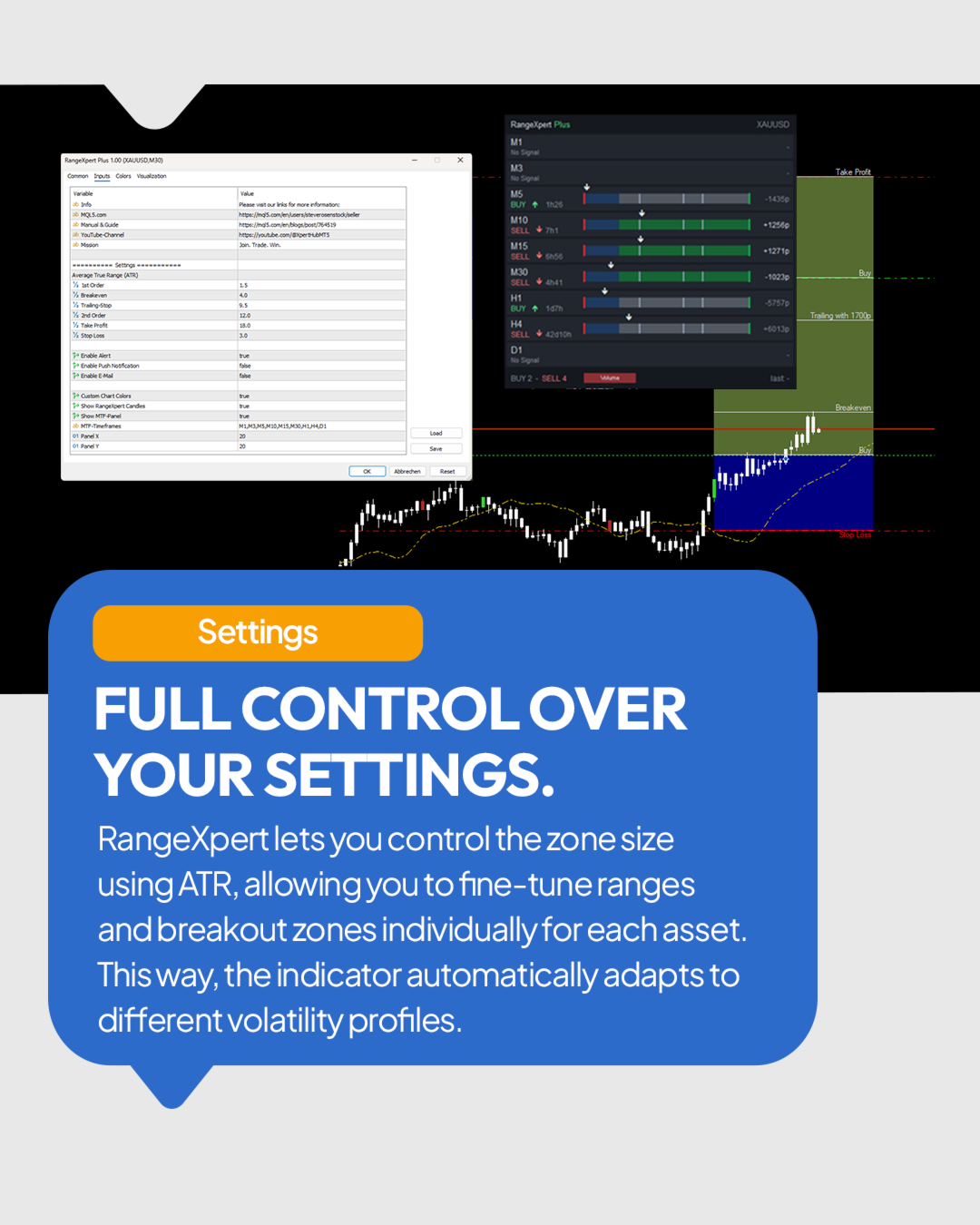
- Levels from volatility — every level is a multiple of the ATR at the signal bar and adapts to symbol and timeframe
- Filtered signals on closed bars — a flip of the range line on a closed bar, confirmed by the M30 Hull trend
- Ladder with live price arrow — Stop Loss on the left, Take Profit on the right, Breakeven, Trailing and the 2nd entry in between
- Signal age and distance — time since the signal bar closed and distance from the entry in pips
- Reversal warning — row and chart zone turn grey when the reference trend of that timeframe runs against the signal
- Honest "No Signal" — once price leaves a ladder through Take Profit or Stop Loss, the row shows No Signal until a new signal forms, even after a chart change or restart
- Levels on demand — hover over a row to see its levels in the chart, click to pin them, click the timeframe to switch your chart
- BUY/SELL count and Volume button — the footer counts the active rows; the button color shows the leading side and, by its strength, how many rows are not greyed out
- Alerts for every timeframe — popup, push notification and e-mail with both entries, Stop Loss, Take Profit and trailing distance; the last alert stays visible in the panel
- RangeXpert candles — candles that close at their high or low are colored
- Trailing EMA — a 10-period EMA drawn 10 bars ahead of the price
- Draggable panel — move it by its title bar; the position is remembered
- Strategy tester — works in the visual tester and starts empty, so every signal you see formed during the test
- Any symbol, any timeframe — Forex, metals, indices, cryptocurrencies, stocks and futures
The Premium Extension with Multi-Timeframe Trading Signals for Forex, Gold & Bitcoin.
Complete user guide with examples — every level, the panel and how to read higher against lower timeframes.
https://www.mql5.com/en/blogs/post/764519
https://mql5.com/en/channels/xperthub
Recommendations
- Scalp & intraday trading
- Panel timeframes: M3, M5, M10, M15, M30, H1, H4 — enter them in MTF-Timeframes
- Assets: Forex, futures, cryptocurrencies, metals, stocks and indices
- Brokers: all available
Watch the video about RangeXpert+ and read all feature descriptions here.
DON’T FORGET TO LEAVE A REVIEW. If you have questions or need help, join the discuss with us.
Requests? Write me – RangeXpert+ stays focused but adaptive.