One Click Core SL TP Batch
- Utilities
-
Masamitsu Takahashi
 Creating only what is truly necessary.
My mission is to develop high-quality, high-performance tools that eliminate complexity, allowing you to focus entirely on the market. - Version: 1.0
- Activations: 8
This product is a position management EA for discretionary traders, focused on the features you need to manage TP/SL across multiple positions. From batch TP/SL setup to checking the break-even (BE) price and estimated profit/loss, the operations needed for multi-position management are handled in a single EA.
It is not a product that automates trading decisions or entries. It helps you carry out the profit targets and risk management you have already decided, from checking conditions to setting values and closing.
What It Does
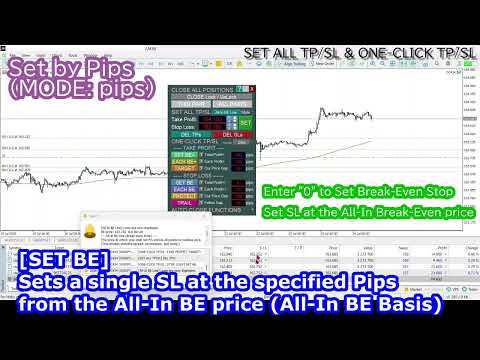
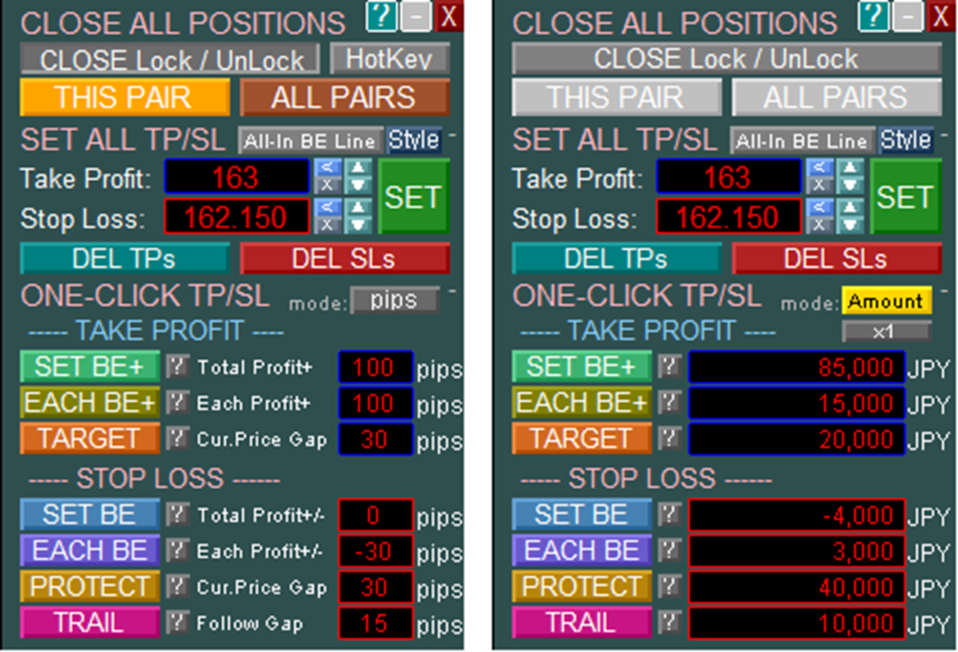
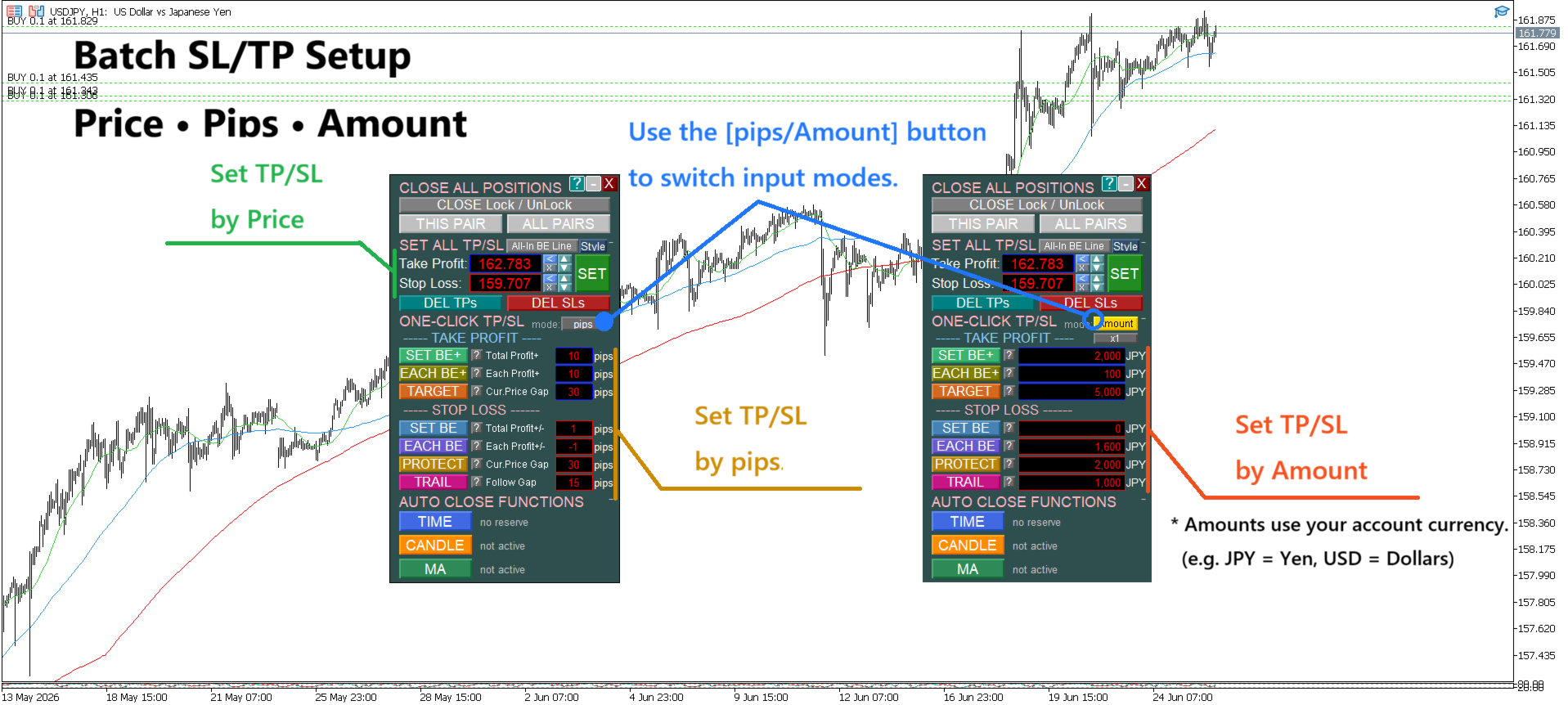
- Batch-set TP/SL for all positions with one button — quick and easy even with multiple positions (supports price, pips, and account-currency amount)
- Specify a target profit or acceptable loss in your account currency, and the TP/SL price is calculated and set automatically
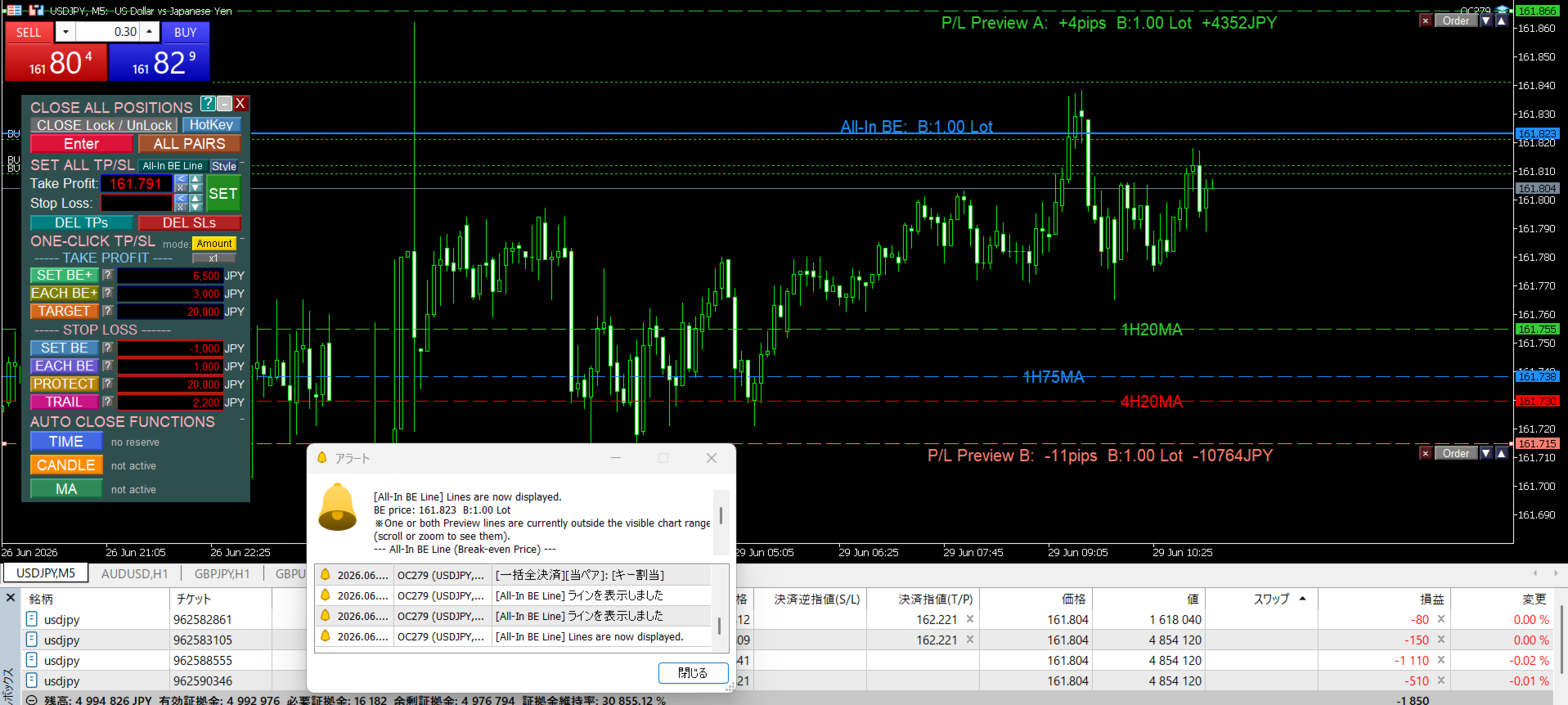
- See the break-even (BE) price for all positions at a glance, factoring in spread, commission, and swap (All-In BE line)
- Displays the estimated total profit/loss at any price, giving you a reference point for closing (P/L Preview Line)
- Drag the P/L Preview Line on the chart and batch-set TP/SL at the price you check
- Instantly close all positions with the Enter key
When This Product Helps
Holding multiple positions makes individual TP/SL setup more time-consuming, and calculating the break-even or target price becomes more complex. This product does not make decisions for you — it helps you keep this management simple.
Managing Multiple PositionsCovers situations such as not being able to change TP/SL for all positions at once, not knowing the break-even price, or not knowing the TP/SL price that corresponds to a target profit or loss amount.
- Batch-set TP/SL for all positions
- Display the break-even (BE) price and estimated total profit/loss for all positions
- Drag the P/L Preview Line to batch-set TP/SL
- Instantly close all positions with the Enter key (fewer mouse actions, allowing you to close at the moment you choose)
Product Comparison
| Product | SL/TP Batch | Line-Drag Order | Key Close | Break-even (BE) | Estimated P/L | MA Cross | Candle Confirm | Specified Time | MA Line Display | Price |
|---|---|---|---|---|---|---|---|---|---|---|
| One Click Pro SL TP Batch Auto Close | ✓ | ✓ | ✓ | ✓ | ✓ | ✓ | ✓ | ✓ | ✓ | $86 |
| One Click Plus SL TP Batch and MA Line | ✓ | ✓ | ✓ | ✓ | ✓ | ✓ | $55 | |||
| One Click Core SL TP Batch (this product) | ✓ | ✓ | ✓ | ✓ | ✓ | $46 | ||||
| One Click Auto Close Suite | ✓ | ✓ | ✓ | ✓ | $43 | |||||
| One Click MA Cross Auto Close | ✓ | ✓ | $30 |
Click a product name to open its product page.
Additional Features
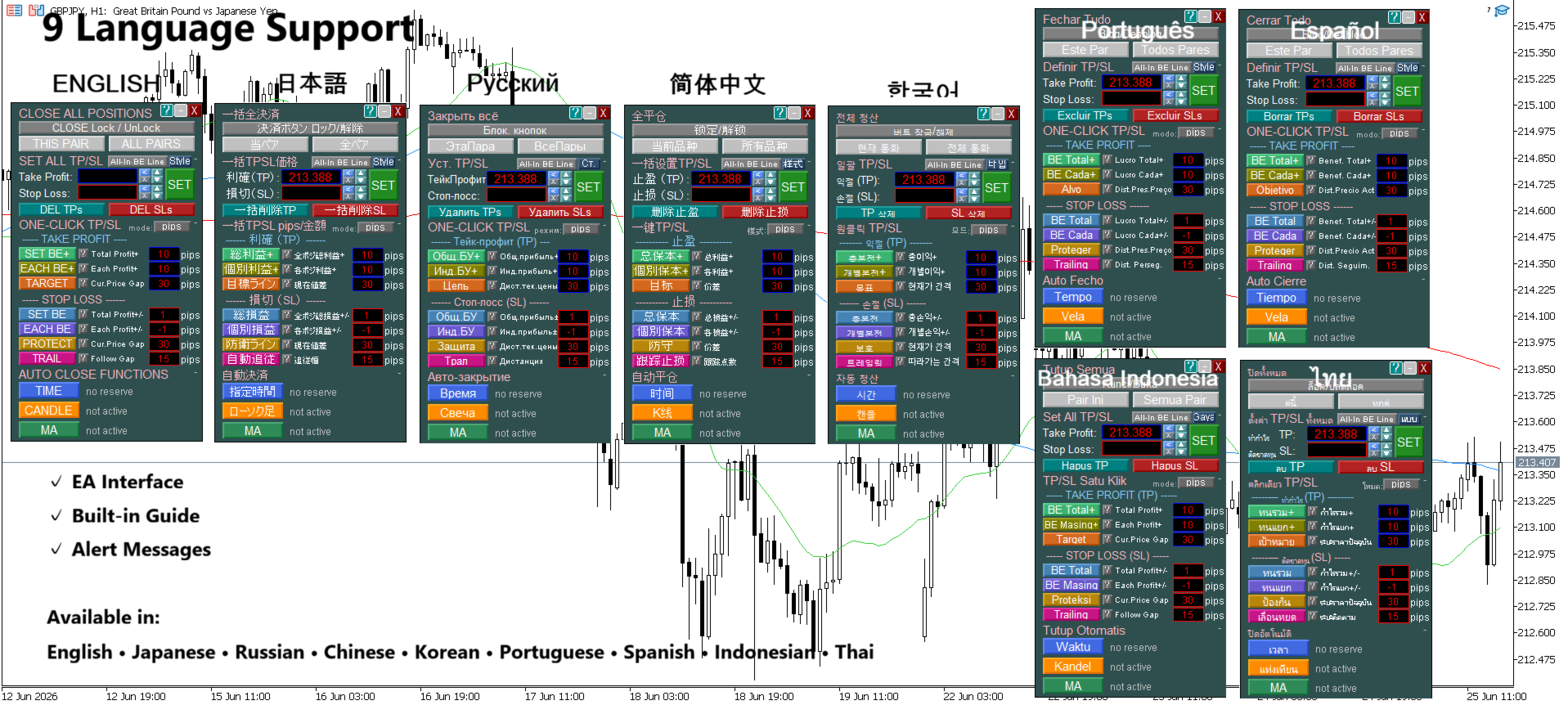
- Panel display, built-in guide, and alerts support 9 languages (English, Japanese, Russian, Chinese, Korean, Portuguese, Spanish, Indonesian, and Thai)
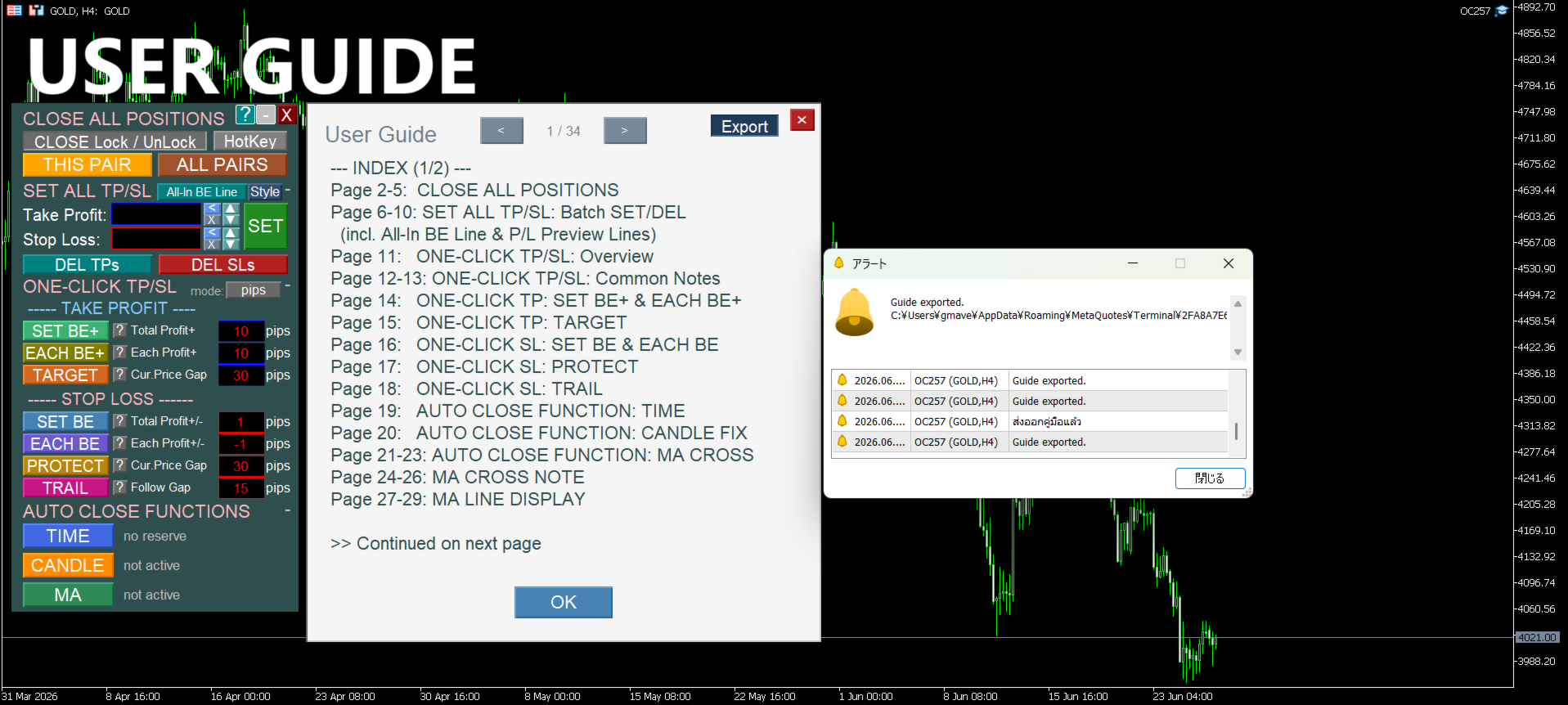
- Built-in user guide (can also be exported as a text file)
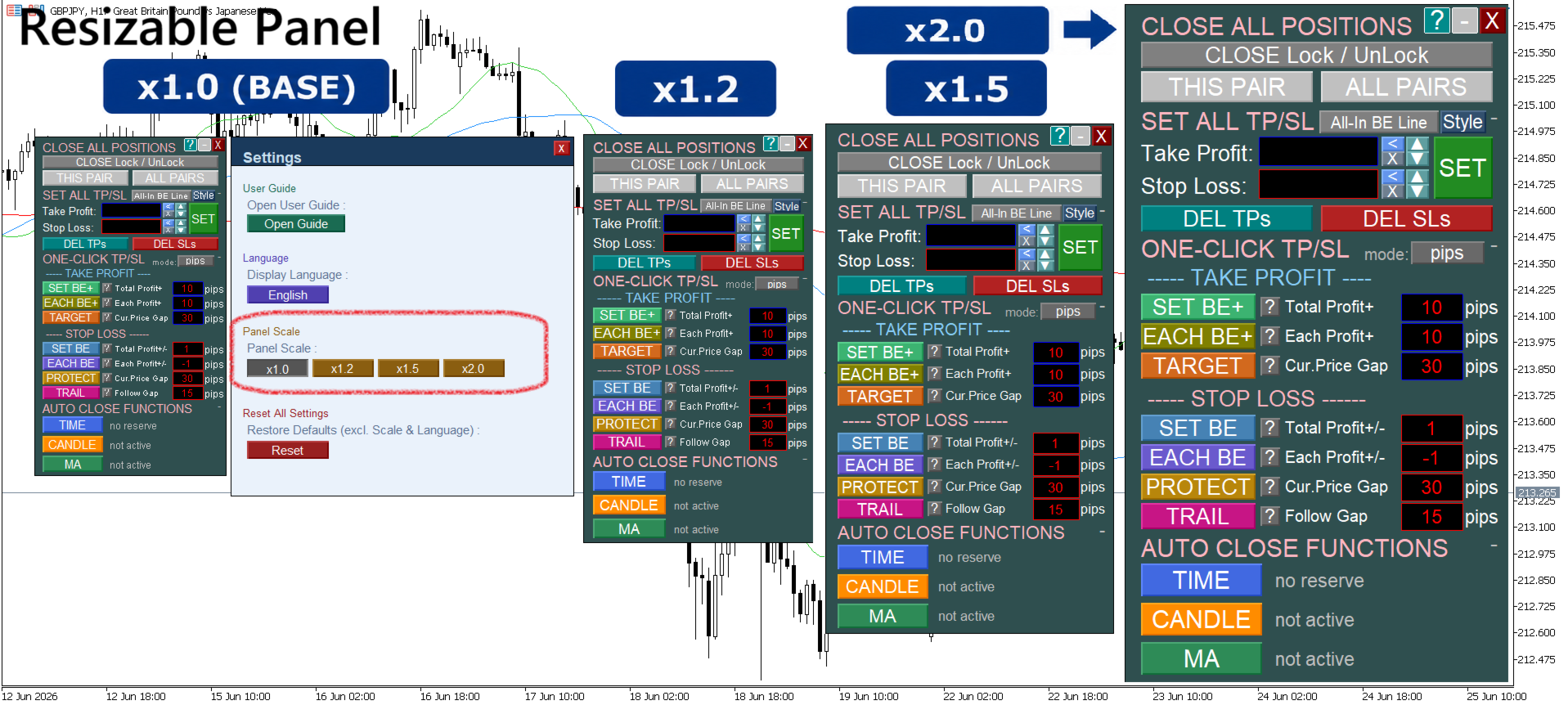
- Panel size adjustable (1.0x to 2.0x)
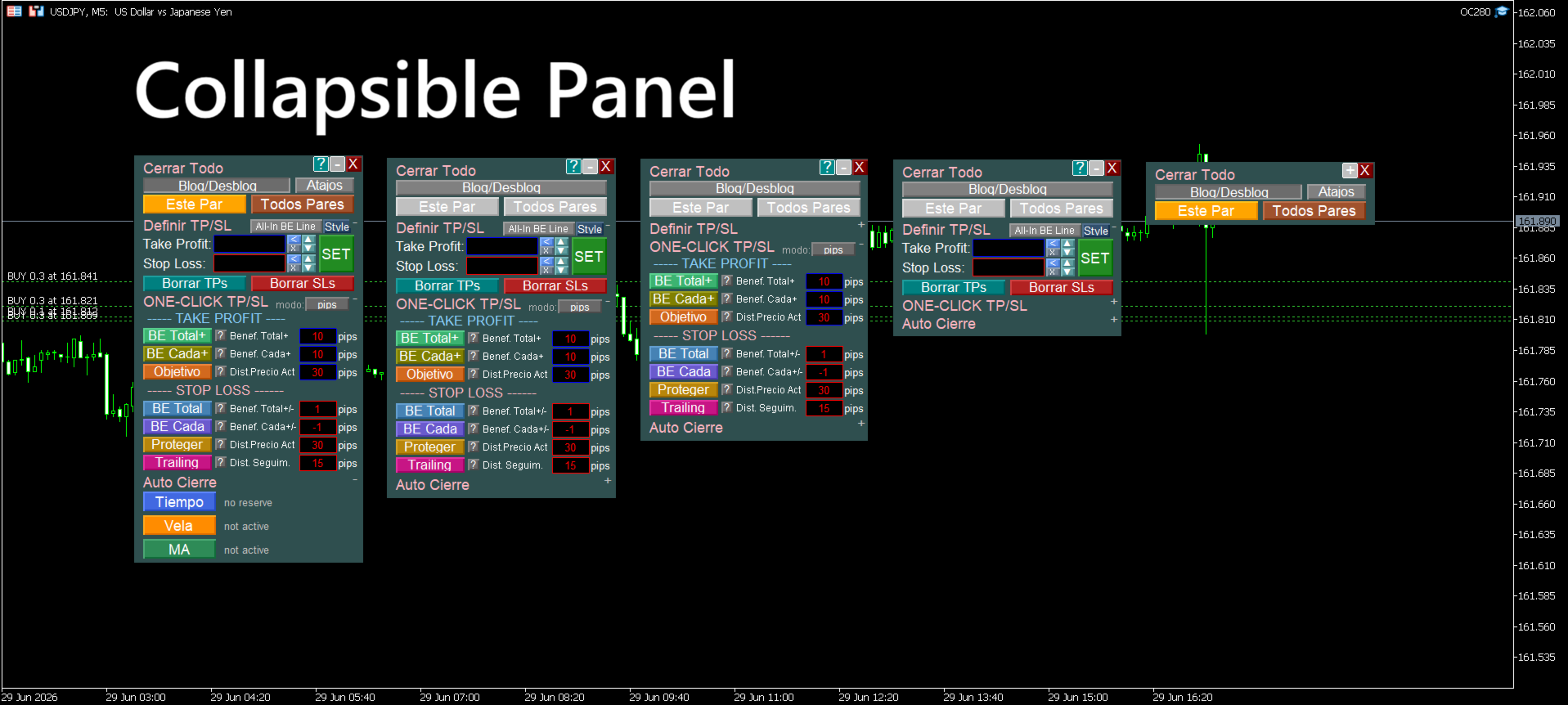
- Unneeded panel items can be collapsed for a compact display
- Settings are saved and automatically restored after restart
- Reset function to return to default settings
- Line color, style, and thickness, plus label font size and position, can all be customized (settings are saved)
This product does not guarantee the correctness of trading decisions or any profits. It is a support tool that helps you carry out the position-management and exit rules you have already decided.
For questions or requests, please contact us through MQL5's messaging feature.