Trade Assistant X Light
- Utilities
-
Adrian Lara Carrasco
 Hi, Im Adrian CEO and developer of Bot Pulse Trading, we are a company focuse in develop high quaity EAs and tools of trading, we want that our client research finanial liberty , doing real trading , and implementing a real bases of trading
 - Version: 1.51
- Updated: 7 September 2025
- Activations: 10
Trade Assistant X
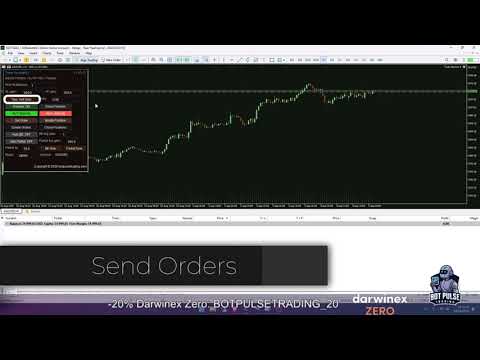
Trade Assistant X is a MetaTrader 5 tool for managing trades directly from an integrated panel on the chart.
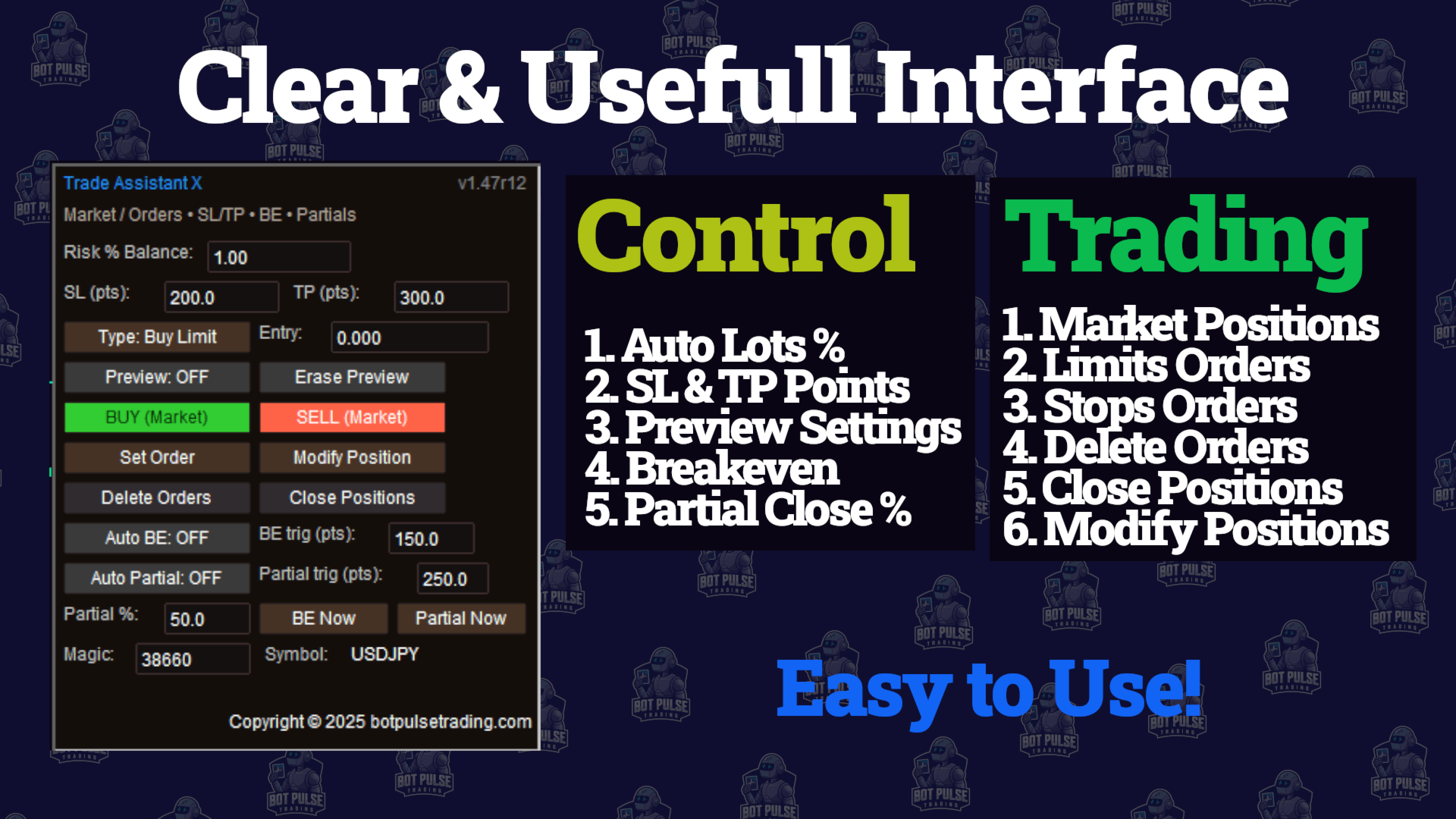
The panel allows you to place market and pending orders, set Stop Loss and Take Profit levels, modify open positions and manage partial closes.
Main Features
- Market order placement
- Stop and Limit pending orders
- Stop Loss and Take Profit configuration
- Manual volume configuration
- Volume calculation based on balance percentage and Stop Loss distance
- Modification of open positions
- Partial position closing
- Break Even configuration
- Cancellation of pending orders
- Visual display of entry, Stop Loss and Take Profit levels
- Symbol and Magic Number information
Position Management
Open positions can be managed directly from the panel. Stop Loss and Take Profit levels can be added or modified, partial closes can be performed, and Break Even conditions can be configured.
Pending orders can also be placed, modified and cancelled from the same interface.
Risk Configuration
The panel includes an option to calculate the trading volume using a percentage of the account balance and the defined Stop Loss distance.
The trading volume can also be entered manually when a percentage-based calculation is not required.
Interface
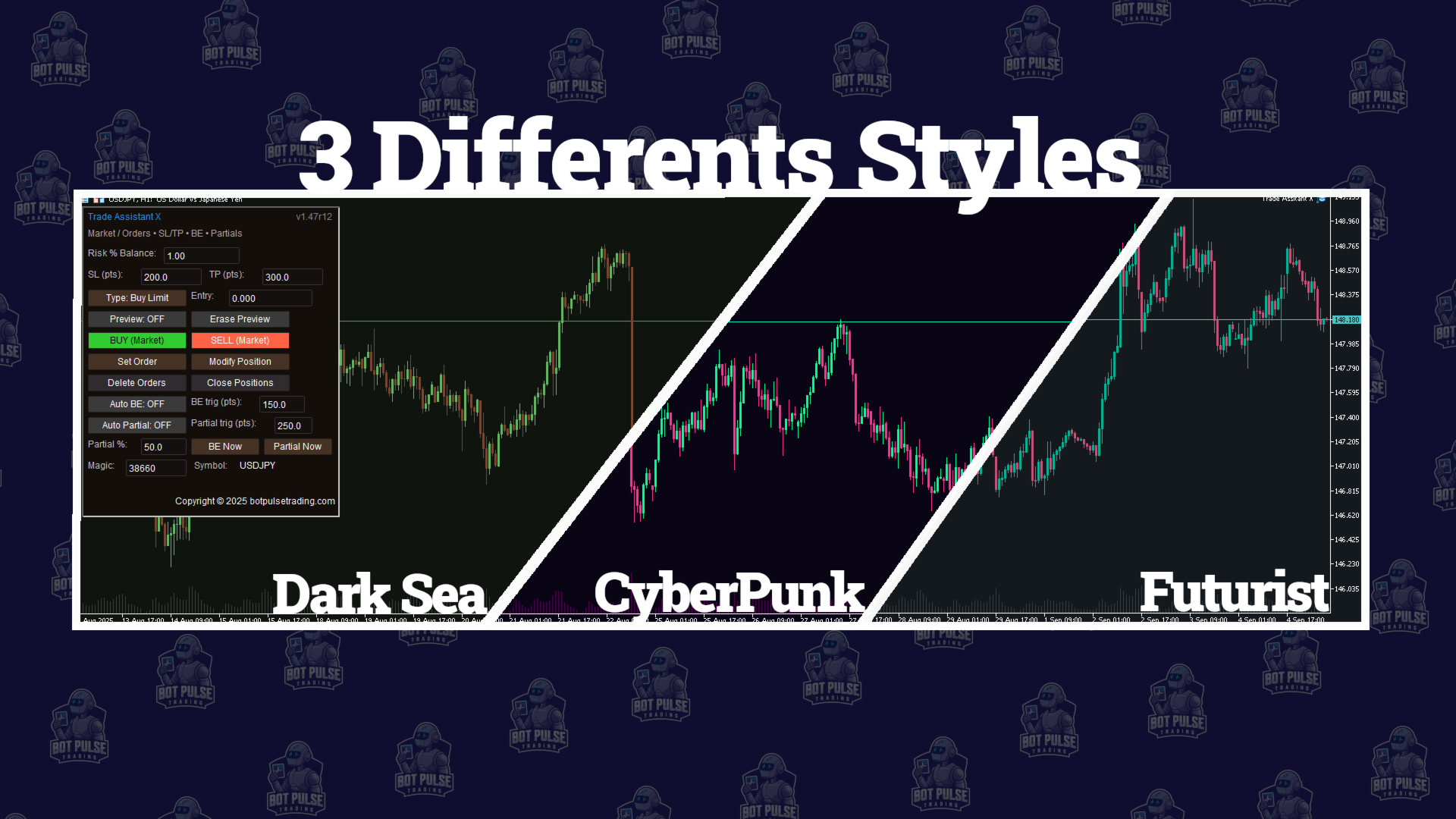
The interface groups trade execution and position management functions in a single panel. It includes display and configuration options for adapting the information shown on the chart.
Trading information is displayed directly on the chart, including entry, Stop Loss, Take Profit and the configured conditions for position management.
Additional Information
Trade Assistant X is a manual trade execution and management tool. It does not generate trading signals or automatically determine which trades should be opened.
Trading decisions and the configuration of each position remain under the user's control.