Partial Close Tracker
- Utilities
- Version: 1.10
- Updated: 16 September 2026
- Activations: 10

Partial Close Tracker reads this account's own closed-trade history and counts how often positions were closed in more than one step - as a plain count, a rate, and how many steps those partial closes typically took. It does not predict, judge or advise, and it never looks at trade results; it only counts.
WHY THIS EXISTS
Closing half a position to lock something in, then managing the rest, is a habit many traders intend to follow but rarely check against. The account's history tab lists trades one by one; it never flags which ones were actually closed in steps, how many steps that took, or how often a position was simply closed all at once instead. "196 of 250 closed positions used a partial close - a 78% rate" is a fact this account's own history already contains - it is just never counted.
SETUP
1. Drag the EA onto any chart. The symbol and timeframe do not matter - it reads the account's whole closed-trade history, not the chart it is running on.
2. A panel appears in the top-left corner and fills in from this account's own history.
3. It recalculates only when the number of closed deals changes, checked every 60 seconds. Nothing needs to be started or configured.
4. Nothing else is required. There are no numeric settings to tune.
INPUTS (four, in this order)
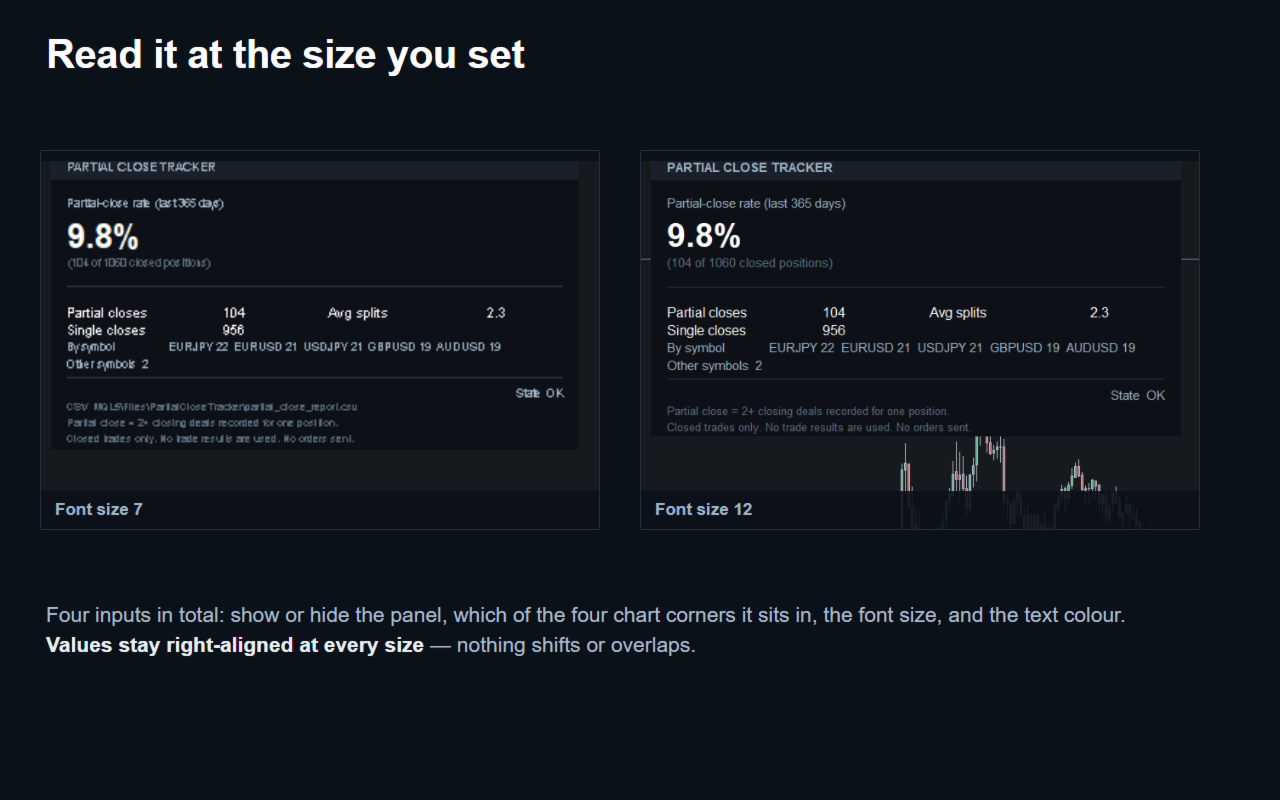
- InpShowPanel (true) - show or hide the panel.
- InpPanelCorner (top-left) - which of the four chart corners the panel sits in.
- InpPanelFontSize (9) - panel text size. Display only.
- InpColorText (white) - panel text colour.
There is no numeric threshold anywhere. The 365-day window and the definition of a partial close are fixed and cannot be changed.
WHAT COUNTS AS A PARTIAL CLOSE
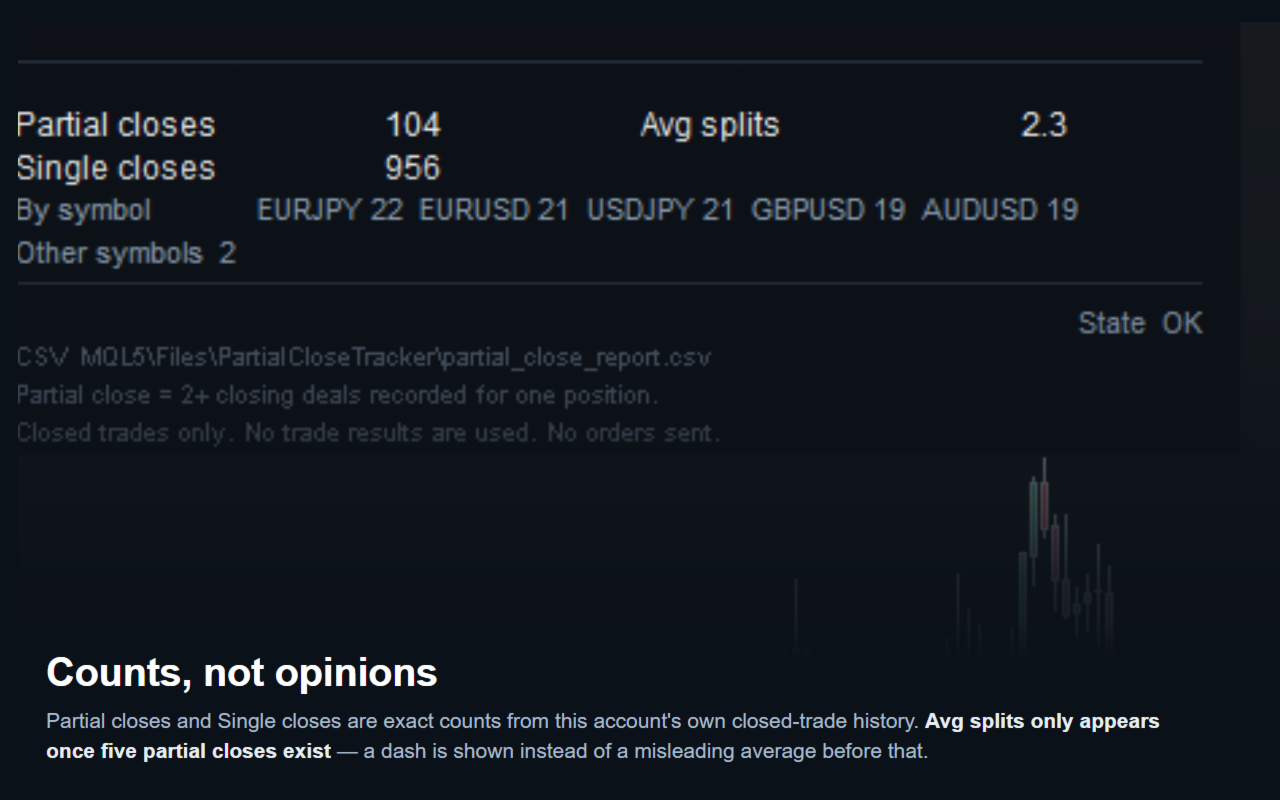
A closed position counts as a partial close if two or more closing deals were recorded against it. A position closed with a single closing deal counts as a single close instead. This is a plain count of closing deals, not a guess - if a position was closed in three steps, its split count is three.
WHAT THE PANEL SHOWS
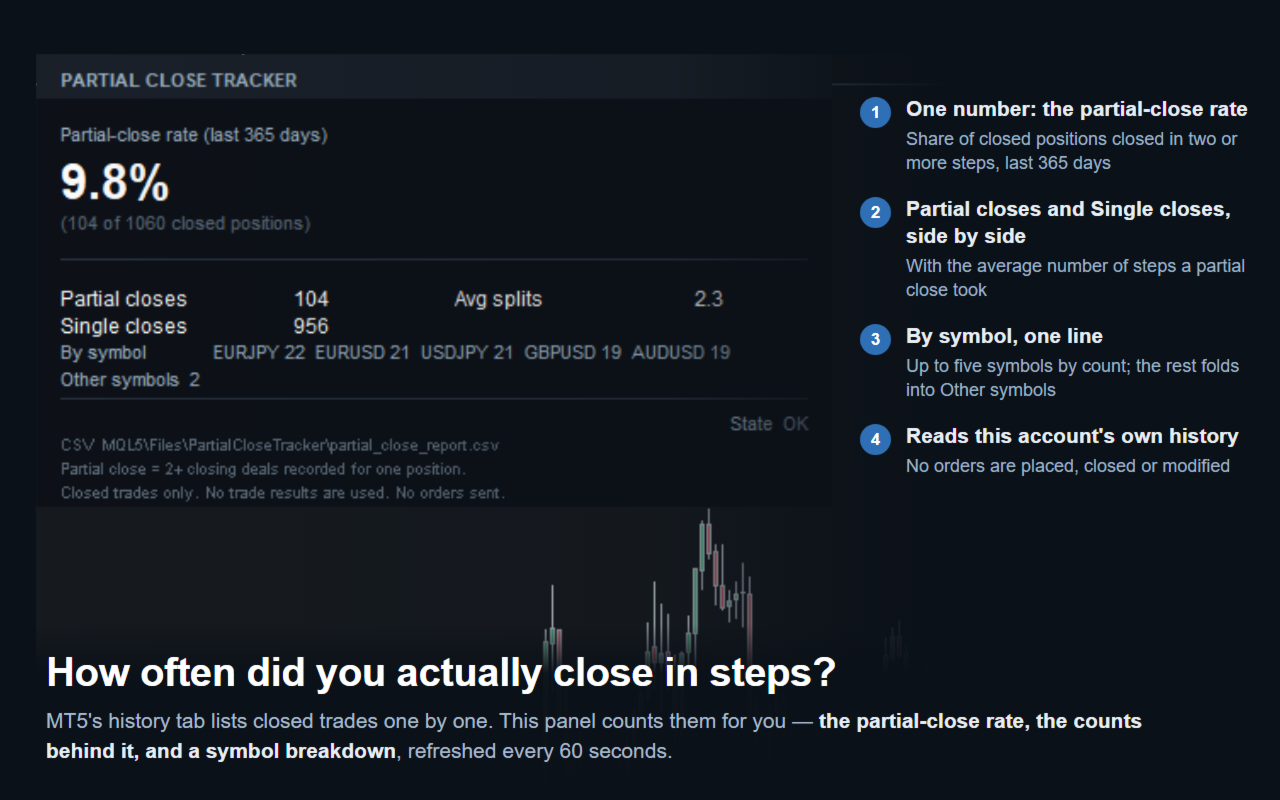
The panel shows the partial-close rate for the last 365 days: the share of closed positions that were closed in two or more steps, with the raw count behind it on the line underneath. Below that, Partial closes and Single closes sit on two lines, one above the other, and Avg splits shares the first of those lines - the average number of steps a partially-closed position took (a dash appears instead of a number when fewer than five partial closes exist to average). By symbol lists the partial-close count for up to five symbols, by count, with anything beyond that folded into an Other symbols line. When there are no partial closes in range, the panel says so in one line instead of leaving the section blank.
THE REPORT FILE
A CSV file is written to MQL5\Files\PartialCloseTracker\partial_close_report.csv, broken down by month with columns: Month, Symbol, ClosedCount, PartialCount, AvgSplits. A blank Symbol marks the overall row for that month. It is rewritten in full each time, not appended, so it never contains duplicates. Its full path is printed on the panel.
BEFORE YOU TEST IT
The Strategy Tester only has the closed-trade history from that one test run, so what you see there reflects the test period, not this account's real trading history. It is useful for confirming the EA runs without errors, not for reading its numbers as if they were real account data.
WHAT IT DOES NOT DO
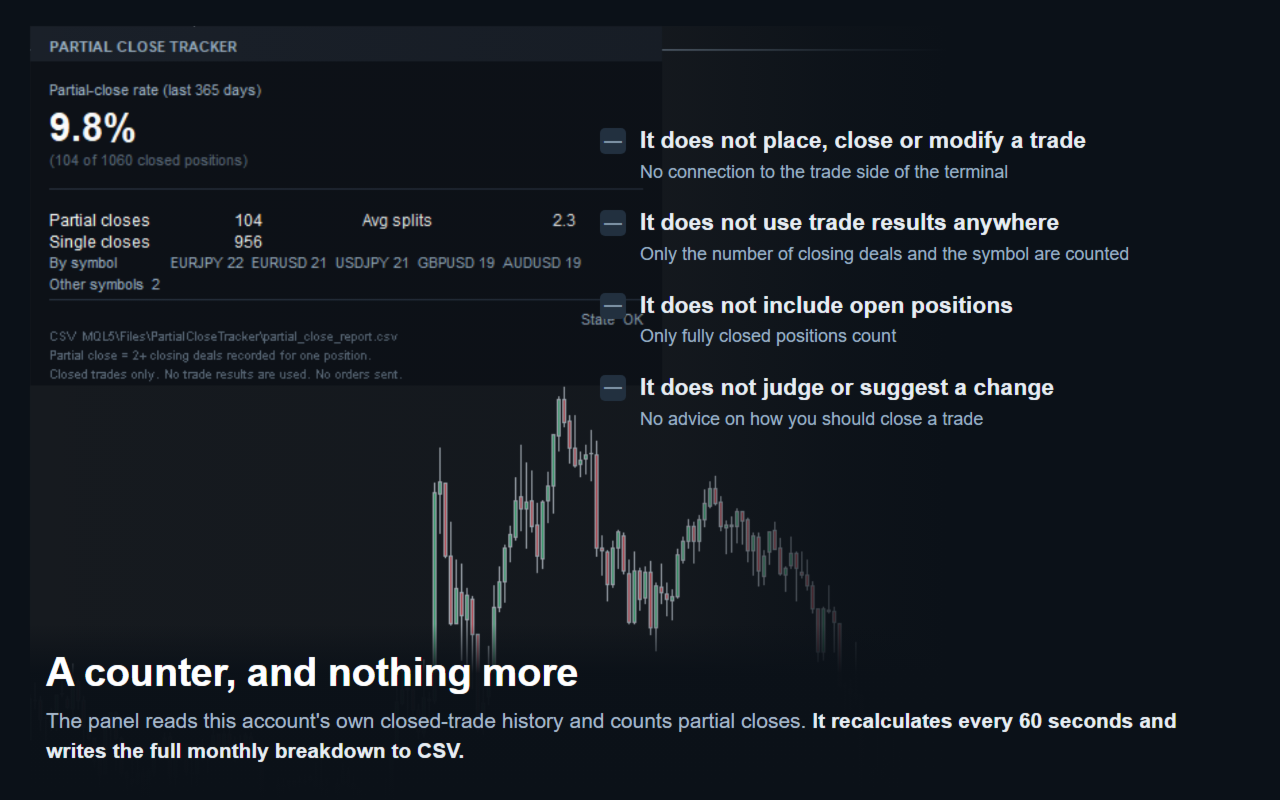
It never places, closes or modifies a trade - it has no connection to the trade side of the terminal at all; it only counts what already happened. It does not use trade results anywhere - only how many closing deals a position had, and its symbol. It does not include open positions - only fully closed ones count. It does not judge whether closing a position in steps was a good or bad choice, and it does not suggest changing how you close a trade. It reads one account on one terminal, going back only as far as this account's own trade history reaches.