Contract Change Watch
- Utilities
- Version: 1.11
- Updated: 5 September 2026
- Activations: 10

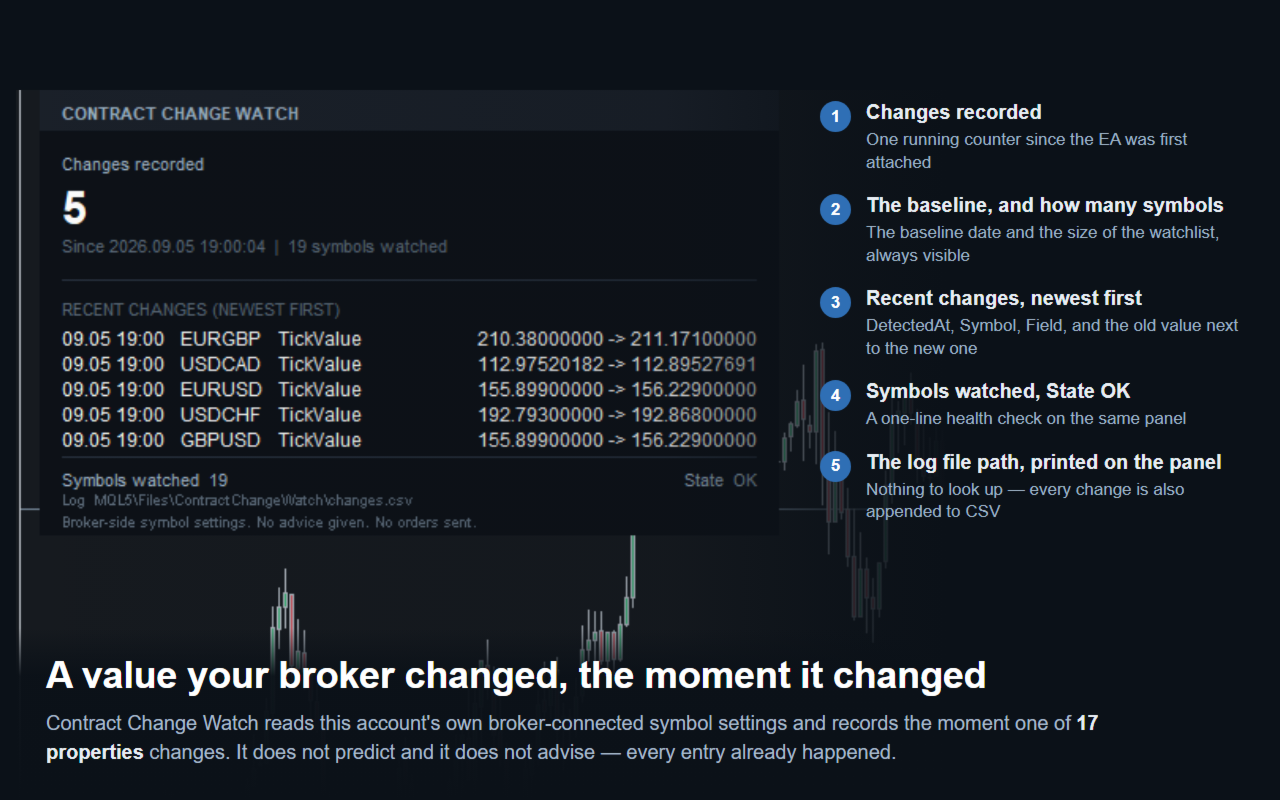
Contract Change Watch reads this account's own broker-connected symbol settings and records them the moment they change. It does not predict and it does not advise. Every entry in its log already happened - a value this account's broker actually set was different a moment ago.
WHY THIS EXISTS
A broker can change a symbol's swap rate, stop level, volume step, margin requirement or six other settings at any time, without a notice you will see in the terminal. The specification dialog always shows only the current value. There is no way to know a value has changed - or by how much - unless something was recording it before the change happened.
SETUP
1. Drag the EA onto any chart. The symbol and timeframe do not matter - it reads every symbol in Market Watch, not the chart it is running on.
2. A panel appears in the top-left corner. On first run it saves a baseline for every watched symbol and shows Changes recorded 0.
3. From then on, every 60 seconds it compares the current values to the baseline. A change is recorded the moment it is detected.
4. Nothing else is required. There are no numeric settings to tune.
INPUTS (seven, in this order)
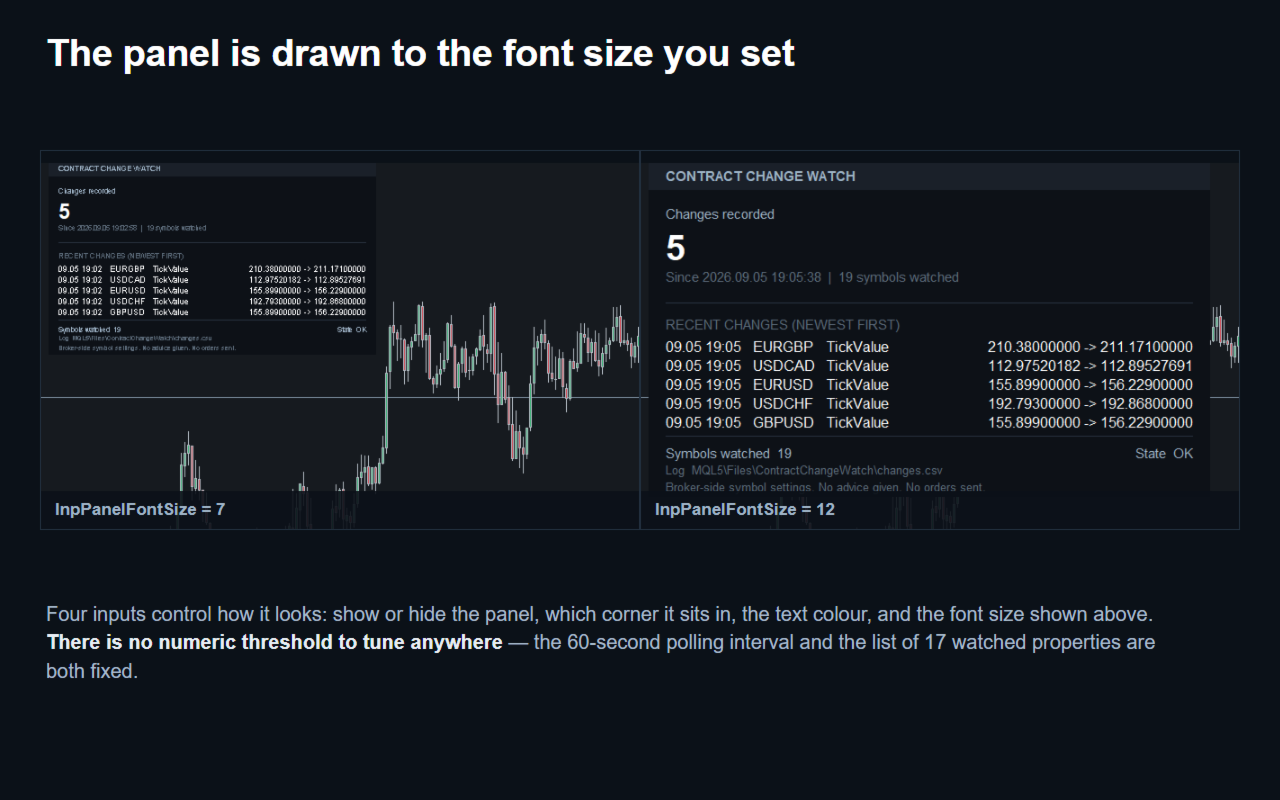
- InpShowPanel (true) - show or hide the panel.
- InpPanelCorner (top-left) - which of the four chart corners the panel sits in.
- InpPanelFontSize (9) - panel text size. Display only.
- InpColorText (white) - panel text colour.
- InpAlertScreen (false) - screen alert.
- InpAlertPush (false) - push notification.
- InpAlertEmail (false) - email notification.
There is no numeric threshold anywhere. The 60-second polling interval and the list of 17 watched properties are both fixed and cannot be changed.
WHAT IT WATCHES (17 properties, read only - never calculated)
Swap: long rate, short rate, swap mode, triple-swap weekday.
Trading limits: stop level, freeze level, minimum volume, maximum volume, volume step.
Contract: contract size, initial margin, tick value, tick size, digits.
Mode: trading mode, floating spread flag, execution mode.
Every one of these comes directly from the symbol's own properties on this account - none of it is estimated.
THE LOG
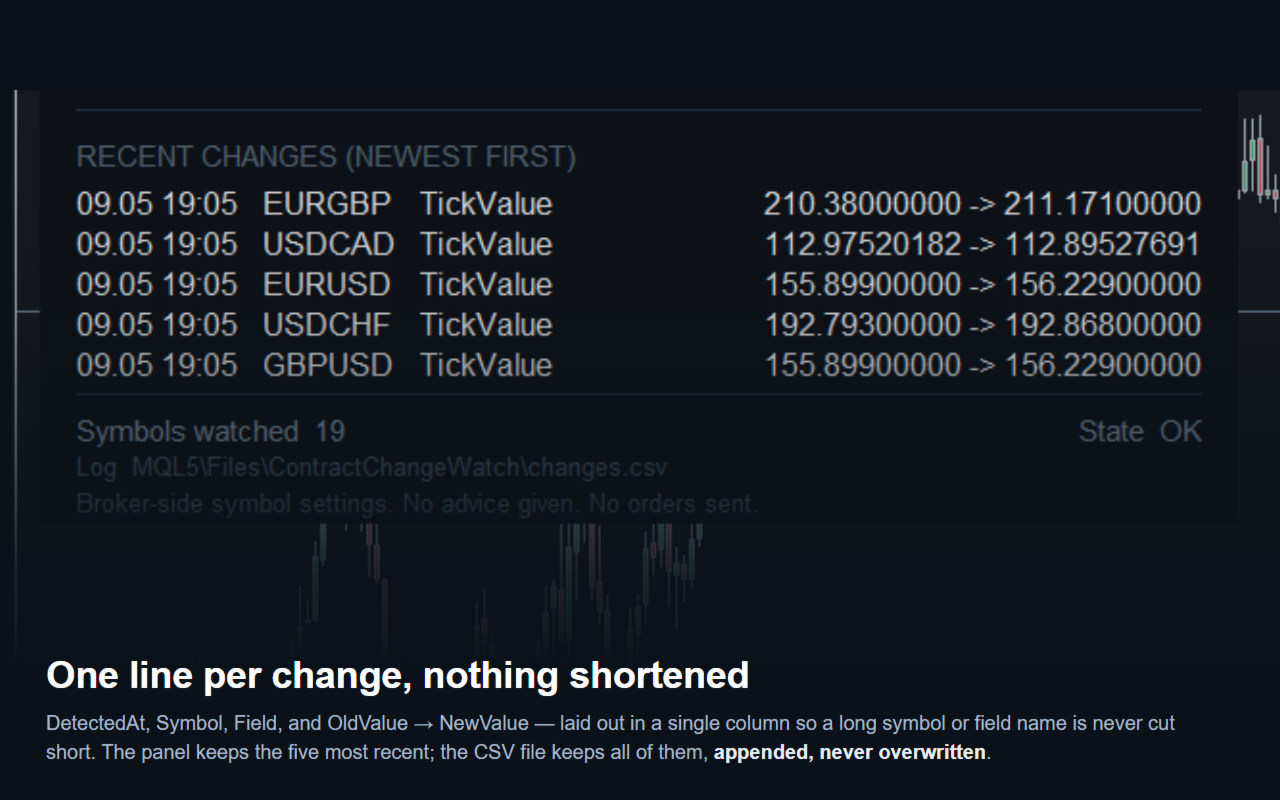
Every detected change is written to a CSV file with the columns: DetectedAt, Symbol, Field, OldValue, NewValue, Kind. Kind is CHANGED for a value that moved, or NEW_SYMBOL the first time a symbol is seen. The file is appended to, never overwritten, so the full history stays even after the terminal restarts. Its full path is printed on the panel, so there is nothing to look up. The panel itself shows the ten most recent changes; the file keeps all of them.
A NOTE ON TICK VALUE
One of the 17 properties, tick value, is set by the broker but also moves with the market price whenever a symbol's settlement currency differs from the account currency - for example, a JPY-account trader watching a USD- or EUR-denominated cross pair. On this kind of symbol, Contract Change Watch will log a tick value change on nearly every polling cycle, because the market itself is moving the number the broker publishes. This is not a bug and not a broker-side setting change; it is how MetaTrader computes tick value for those symbols. The other 16 properties do not behave this way - on a typical account most of them will show no changes at all for long stretches, which is the expected, quiet state.
BEFORE YOU TEST IT
The Strategy Tester runs on one symbol only, so it cannot show cross-account monitoring the way a live or demo chart does. Loaded there, the EA still saves a baseline and polls on schedule - useful for confirming it runs without errors - but it will not show broker-side changes on other symbols, because the Tester does not simulate a live broker connection to them.
WHAT IT DOES NOT DO
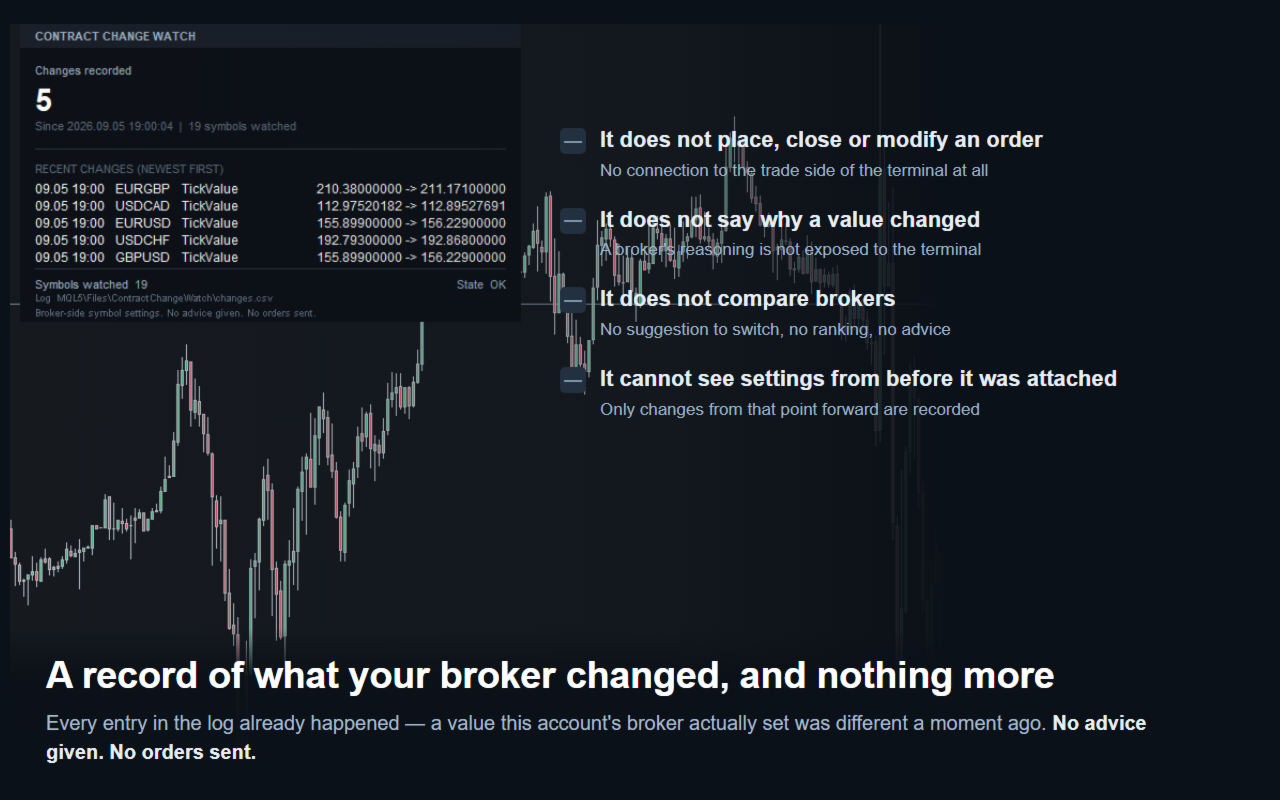
It never places, closes or modifies an order - it has no connection to the trade side of the terminal at all. It does not tell you why a value changed - a broker's reasoning is not exposed to the terminal. It does not compare brokers, and it does not suggest switching one. It cannot see settings from before it was first attached - only changes from that point forward are recorded. If the terminal is closed when a change happens, the change is detected and logged the next time the terminal runs, with the detection time, not the moment the change actually took effect.