Engulfing Pattern Dashboard MT4
- Utilities
- Version: 1.2
- Updated: 2 February 2026
- Activations: 10

The reduced price is valid for early buyers! After that, the price will be $100.
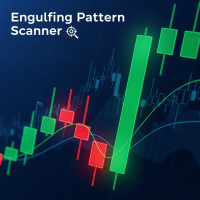
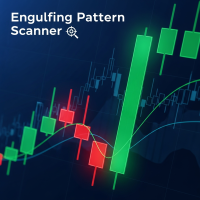
Engulfing Pattern Dashboard — Multi-symbol Engulfing Pattern Scanner with Confirmation on Lower Timeframes
Product Description
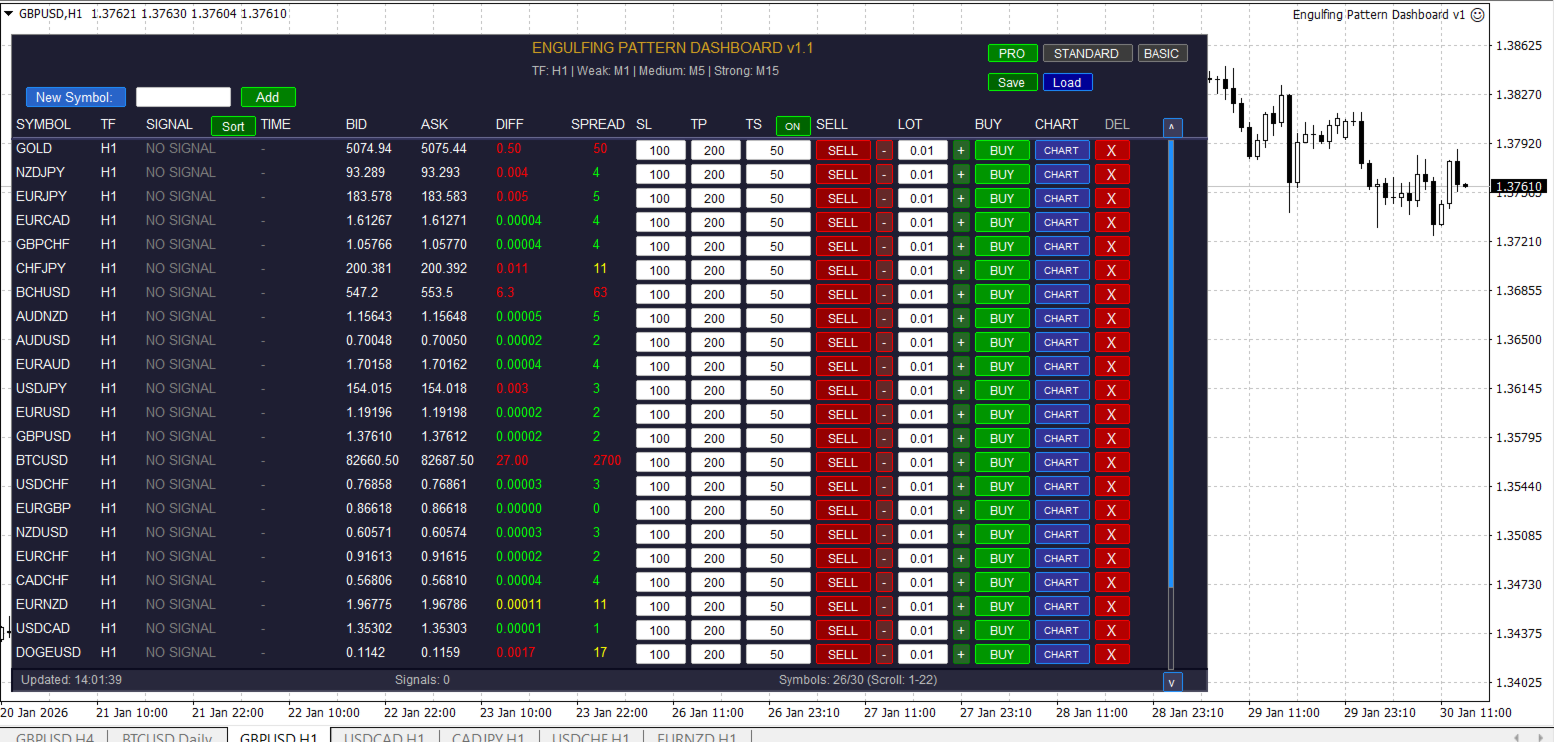
Engulfing Pattern Dashboard is a powerful and convenient tool for traders based on the classic Japanese candlestick pattern, the Bullish/Bearish Engulfing. The indicator automatically scans up to 30 trading instruments simultaneously, identifying new signals in real time and displaying them in a clear tabular format directly on your chart.
A key feature is its multi-level signal confirmation system:
Weak signal — confirmation on one lower timeframe
Moderate signal — confirmation on two lower timeframes
Strong signal — confirmation on three lower timeframes simultaneously
This allows you to filter out false signals and increase the reliability of your entries.
The indicator operates completely autonomously: simply add the required symbols once, and it will update the data every second, highlighting new signals with color indicators and even flashing for the first 60 seconds after they appear.
Main Features
Support for up to 30 symbols in a single window
Three signal strength levels with customizable colors
Flexible timeframe settings: main and three confirmation timeframes (Weak, Medium, Strong)
Visual and audio alerts when a new signal appears
Three display modes:
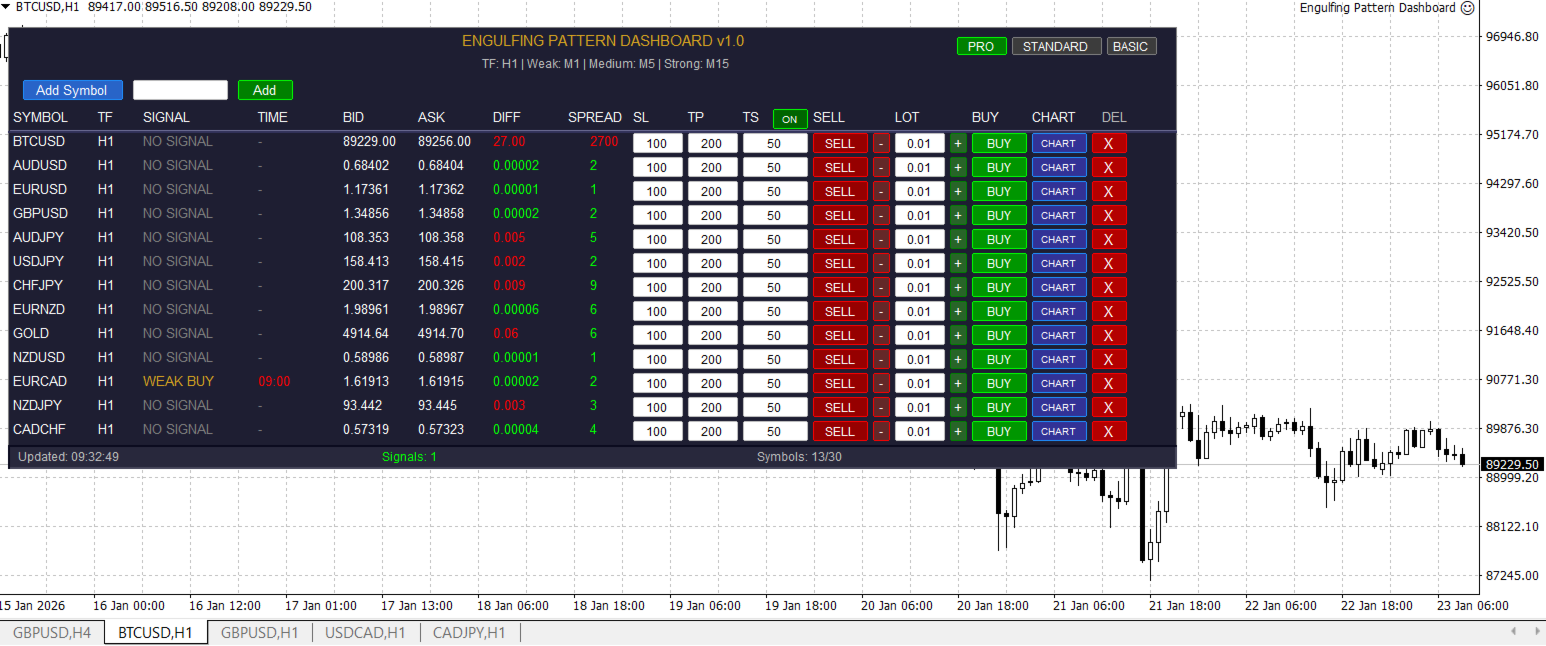
PRO — full functionality: trading, SL/TP/TS, spread, Bid/Ask difference
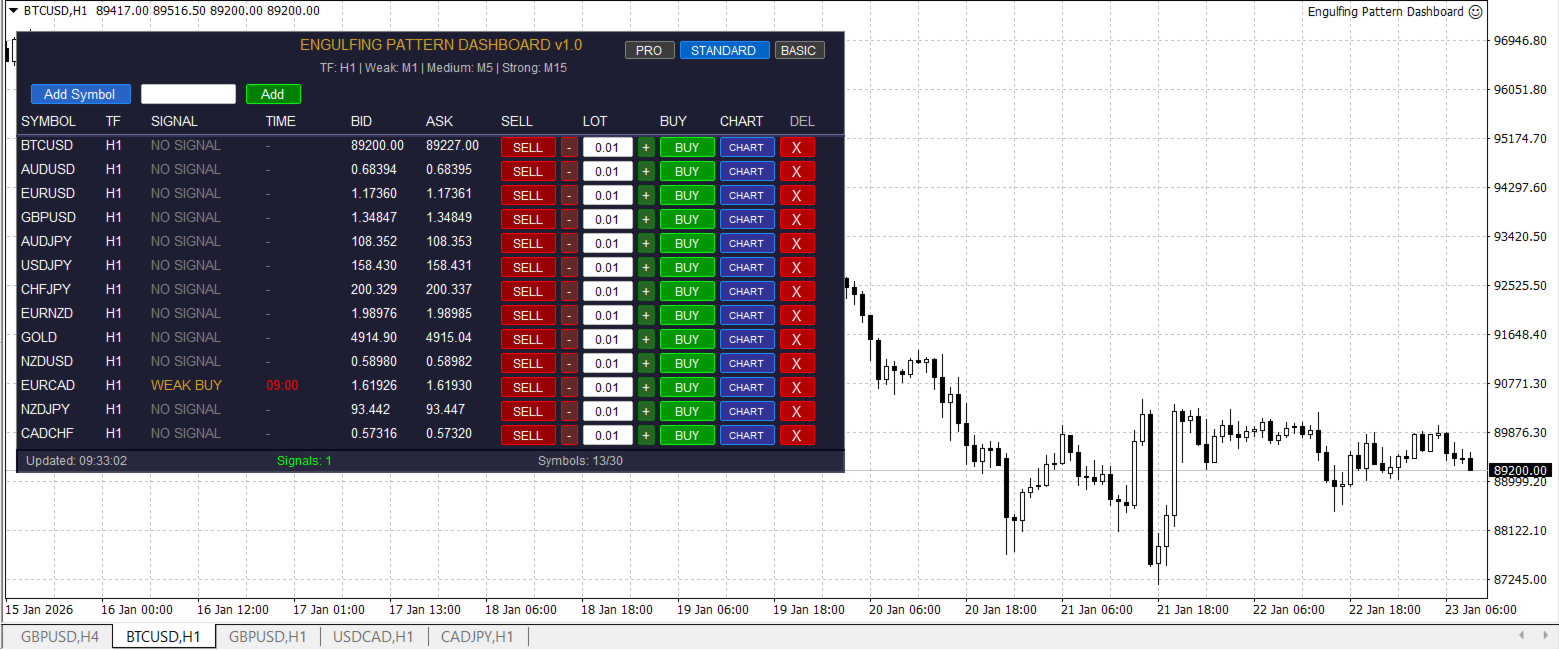
STANDARD — trading buttons only (Buy/Sell/Lot), no order settings
BASIC — signal monitoring only (no trading functions)
Built-in trading buttons (in PRO and STANDARD modes):
Open Buy/Sell orders at the current market price
Lot volume settings with +/- buttons or manual entry
Stop Loss, Take Profit, and Trailing Stop settings (PRO only)
Interface management: add/remove symbols, open charts with one click
Instructions for use:
1. Connect to a chart
Open any chart (e.g., EURUSD).
Go to the "Navigator" → "Experts" tab.
Drag the Engulfing Pattern Dashboard onto the chart.
In the settings window that opens, make sure "Enable automated trading" is checked (if you plan to use trading buttons).
By default, the indicator will start tracking the current chart symbol (e.g., EURUSD) on the H1 timeframe.
2. Adding other symbols
At the top of the panel, find the input field next to the "Add Symbol" button.
Enter the name of any trading instrument (e.g., GBPUSD, XAUUSD, US500).
Click the "Add" button.
The symbol will appear in the list, and the indicator will immediately begin scanning it.
Make sure the symbol is added to the "Market Watch" by right-clicking → "Show All" or manually.
3. Reading signals
NO SIGNAL — no pattern detected.
WEAK BUY / WEAK SELL — a signal with confirmation on one lower timeframe.
MED BUY / MED SELL — confirmation on two timeframes.
STRONG BUY / STRONG SELL — confirmation on three timeframes (the most reliable signal).
New signals flash for 60 seconds to attract attention.
Colors correspond to the settings: green — buy, red — sell, with shades based on strength.
4. Trading (PRO and STANDARD modes only)
Click BUY or SELL next to the desired symbol to open a market order.
Change the lot size using the +/- buttons or manually in the LOT field. In PRO mode, you can set:
SL — Stop Loss in points
TP — Take Profit in points
TS — Trailing Stop (enabled globally for all symbols)
5. Switching display modes
Click one of the buttons at the top of the panel:
PRO — full functionality
STANDARD — trading only, no SL/TP/TS
BASIC — monitoring only (recommended for analysis)
Settings (Inputs)
During the first launch, you can specify:
Timeframe — the main scanning timeframe (e.g., 60 = H1)
WeakTF, MediumTF, StrongTF — timeframes for confirmation (default: M1, M5, M15)
EnableAlerts / SoundAlerts — enable alerts
ShowWeakSignals / ShowMediumSignals / ShowStrongSignals — whether to show signals of a certain strength
Colors, fonts, and sizes — to personalize the appearance
Important!
The signal is valid only while the same bar on which the pattern was detected is forming. As soon as a new bar appears, the signal disappears.
Trading is only possible in PRO and STANDARD modes and requires automated trading to be enabled in the terminal.
The indicator is not an expert advisor—it does not open trades automatically, only when you click.
The Engulfing Pattern Dashboard is the perfect assistant for those who use candlestick analysis and want to see signals for multiple instruments in one place, filtered by reliability, and able to instantly enter the market.