ExportCSV
- Utilities
- Version: 1.13

Overview
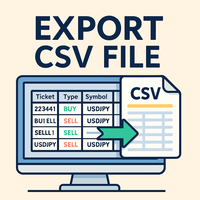
ExportCSVFile is a MetaTrader 4 script that exports your account history within a specified period into a CSV file.
It is useful for analyzing trade performance, creating Excel reports, or organizing manual trade records.
The script does not execute trades and is safe for use on any chart.
Main Features
-
Export account history for a user-defined period
-
Save as CSV (comma-separated) that opens directly in Excel
-
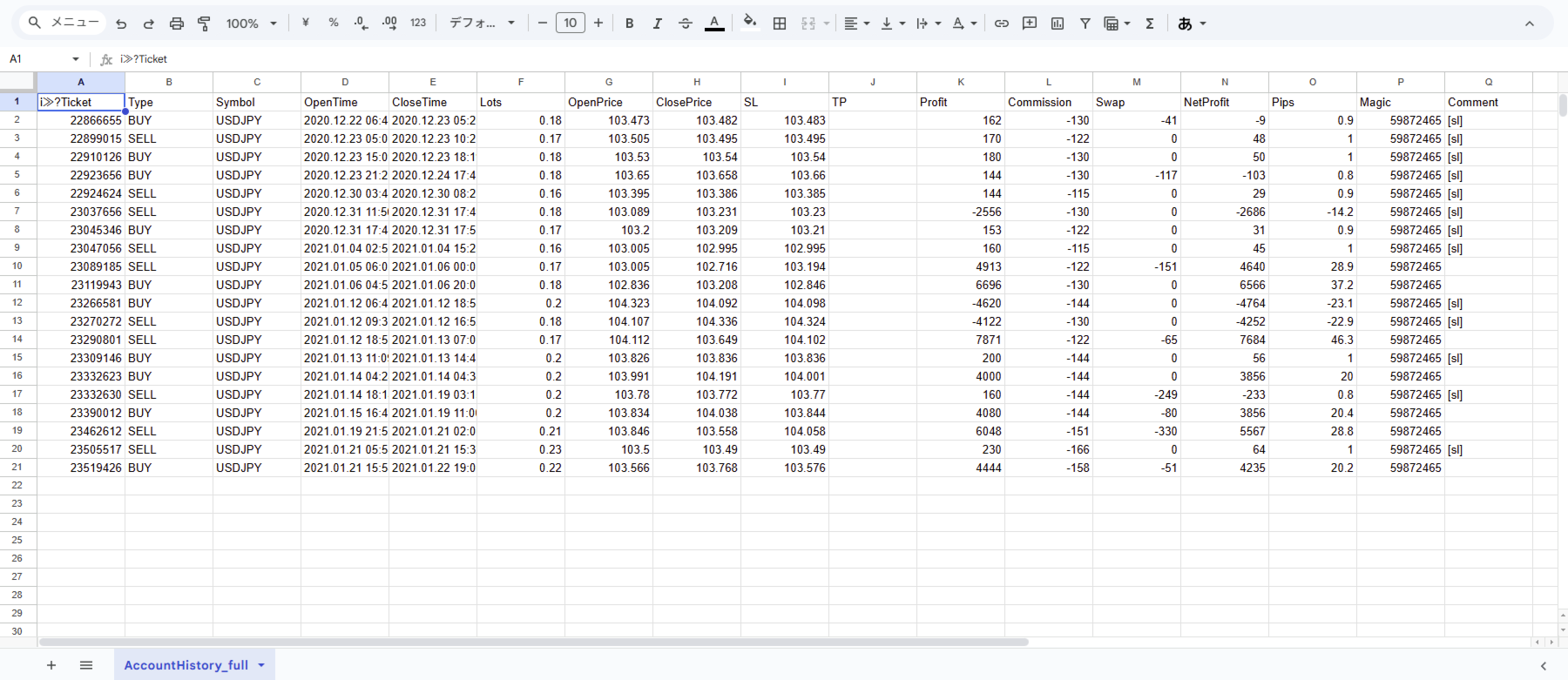
Output includes major fields: Ticket, Type, Symbol, OpenTime, CloseTime, Lots, Prices, Profit, Swap, Commission, Magic, Comment
-
Uses UTF-8 (with BOM) encoding to prevent text corruption in non-ASCII environments
-
Displays a confirmation dialog before exporting
Output Fields
The CSV file contains the following columns:
Ticket, Type, Symbol, OpenTime, CloseTime, Lots, OpenPrice, ClosePrice, SL, TP,
Profit, Commission, Swap, NetProfit, Pips, Magic, Comment
How to Use
-
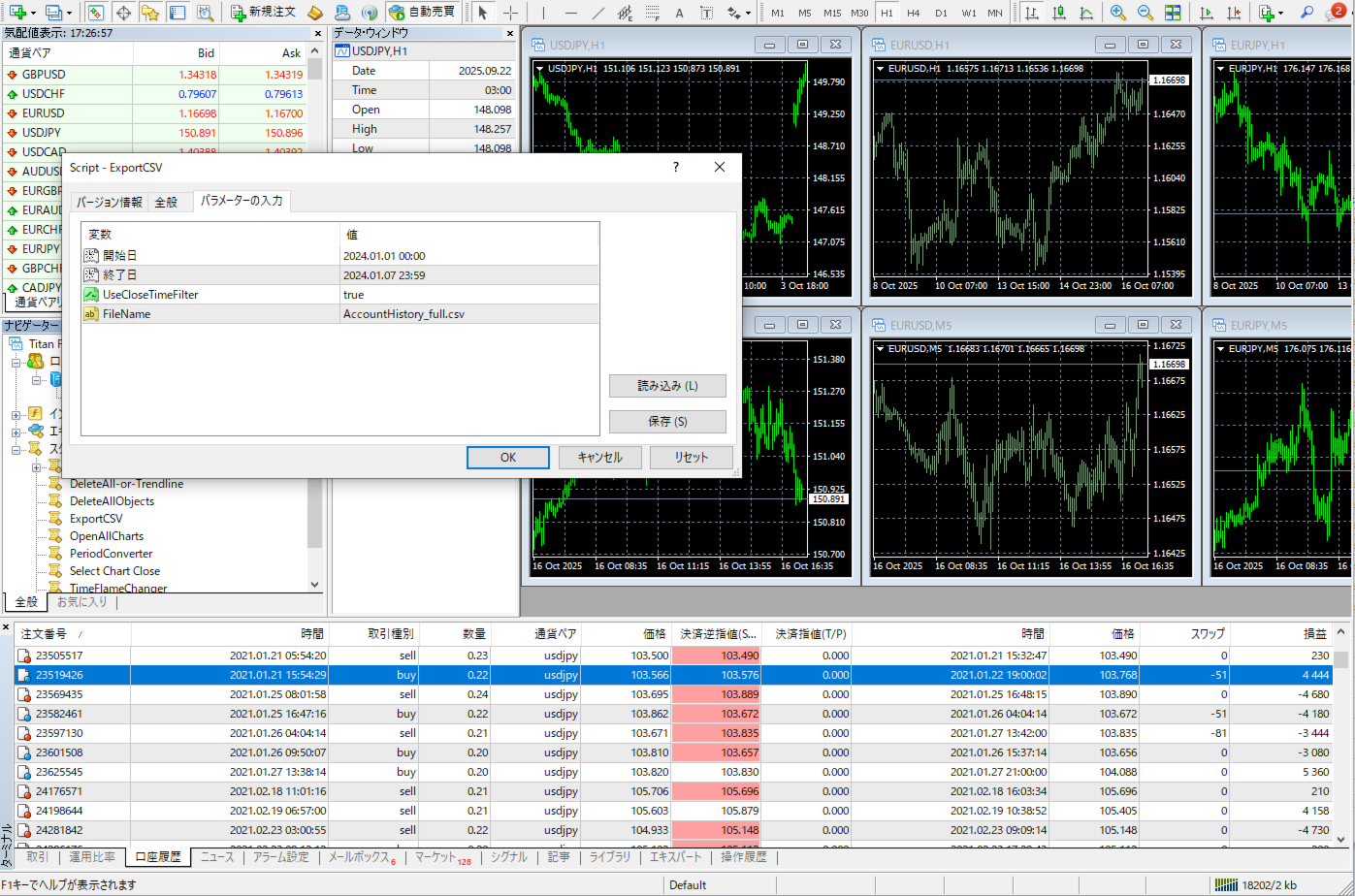
Drag and drop the script from the Navigator window onto any chart.
-
Specify the export period using the input parameters (FromDate / ToDate).
-
Confirm the dialog box that appears by selecting Yes.
-
The CSV file is saved in the following folder:
MQL4/Files/AccountHistory_full.csv -
Open the file in Excel or any spreadsheet software to review the results.
Input Parameters
-
fromDate – Start date and time of history export
-
toDate – End date and time of history export
-
UseCloseTimeFilter – Use CloseTime for filtering (true) or OpenTime (false)
-
FileName – Output file name or absolute path
Notes
-
The script does not place, modify, or delete any orders.
-
It only reads historical trade data and does not affect trading operations.
-
Ensure that the target history period is loaded in the MT4 “Account History” tab.
-
Output data may vary depending on the broker’s server and account configuration.
Compatibility
-
Platform: MetaTrader 4
-
Environment: Windows version of MT4
-
Languages: English / Japanese / Russian
-
Developer: TOKYO-EA