IQ Chart Cleaner
- Utilities
-
INTRAQUOTES
 ➡️Important Links:
🔸All Indicator & Script List: https://www.mql5.com/en/users/somfx/seller - Version: 1.1
- Updated: 4 July 2025
- Activations: 5
IQ Chart Cleaner – Get a Fresh Chart in Seconds.
A cluttered chart can make trading stressful and confusing. Between dozens of old indicators, leftover lines, arrows, shapes, and notes, it’s easy to lose focus on what really matters—your trades. That’s where IQ Chart Cleaner comes in.
With a single click, IQ Chart Cleaner gives you a fresh, distraction-free chart so you can analyze the markets with clarity and confidence.
Get the MT5 Version here.
Key Benefits
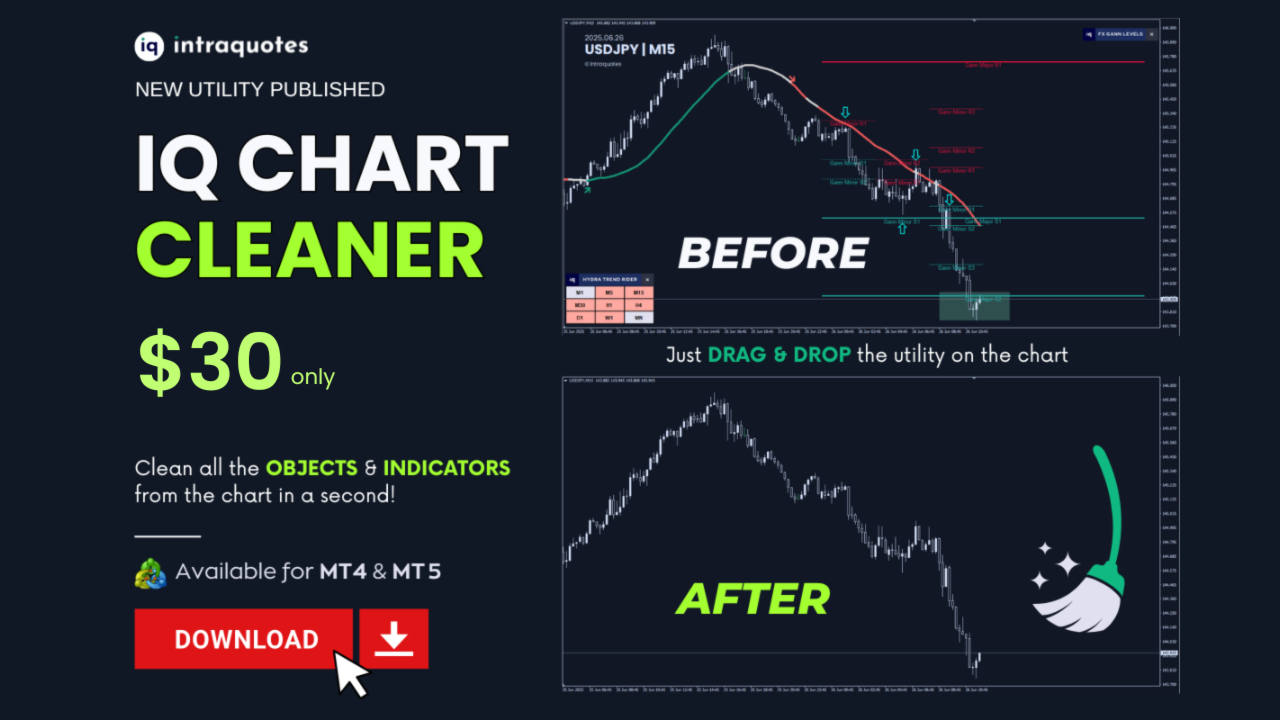
- Total Cleaning Power – Instantly remove all graphical objects (trendlines, arrows, shapes, text, etc.) and all indicators from both the main chart and subwindows.
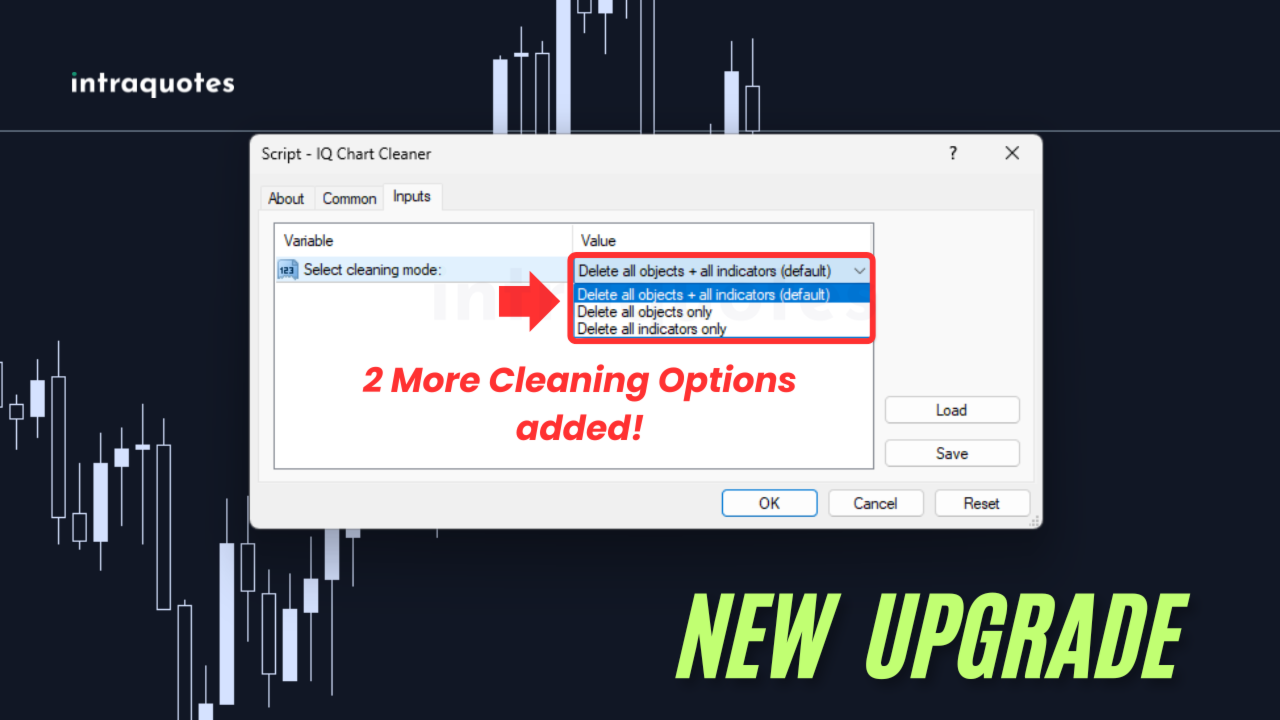
- Flexible Options – Don’t need a full reset? Choose to delete only objects or only indicators, depending on your needs.
- Saves Time & Effort – No more right-clicking and deleting items one by one. Clean your entire chart in seconds.
- Error-Free Trading – Old indicators or forgotten lines can cause analysis mistakes. A clean chart ensures you always start fresh.
Smart Features:
- Confirmation Dialog – Prevents accidental deletions by asking before cleaning.
- Chart Refresh – Automatically refreshes the chart so you see changes instantly.
- Activity Logging – Detailed information is printed in the Experts tab, so you know exactly what was removed.
Whether you’re switching strategies, testing new setups, or simply want a tidy workspace, IQ Chart Cleaner helps you stay focused, efficient, and in control.
Don’t let clutter slow you down. Clear your charts instantly and trade with a sharper edge using IQ Chart Cleaner.
Read the product description carefully before purchasing the product.
Disclaimer:
- Due to regulatory and compliance restrictions, our service, including personalized technical support and one-on-one troubleshooting, is unavailable in India, Pakistan, and Bangladesh. Products purchased from these regions are ineligible for these services after purchase.
- Our products are available only on mql5.com.
- We never contact anyone or sell our products privately.
- We do not provide any personal trading advice.
- We do not sell any of the Intraquotes products on Telegram or any other platform, or website.
Product Disclaimer (Please Read Carefully):
- This product operates only on standard MetaTrader 4 / MetaTrader 5 platforms. Third-party or modified environments are not supported.
- Not compatible with offline charts or custom/synthetic symbols.
- Does not provide Data Window values or buffers for EA integration.
- Intended strictly for manual trading; automated or algorithmic usage is not supported.