Strategy Advisor Speedometer
- Experts
- Version: 3.7
- Updated: 15 February 2025
- Activations: 5

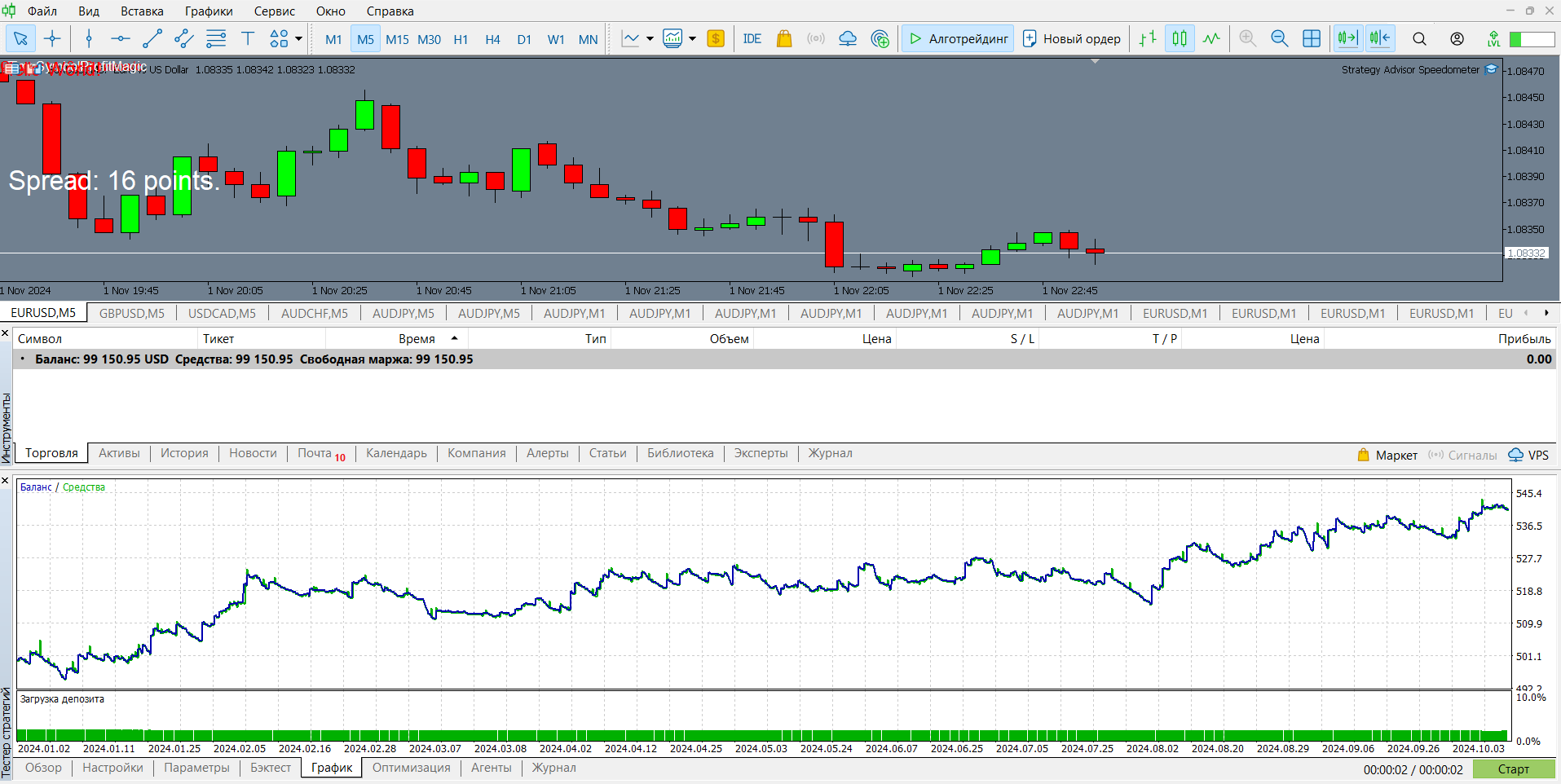
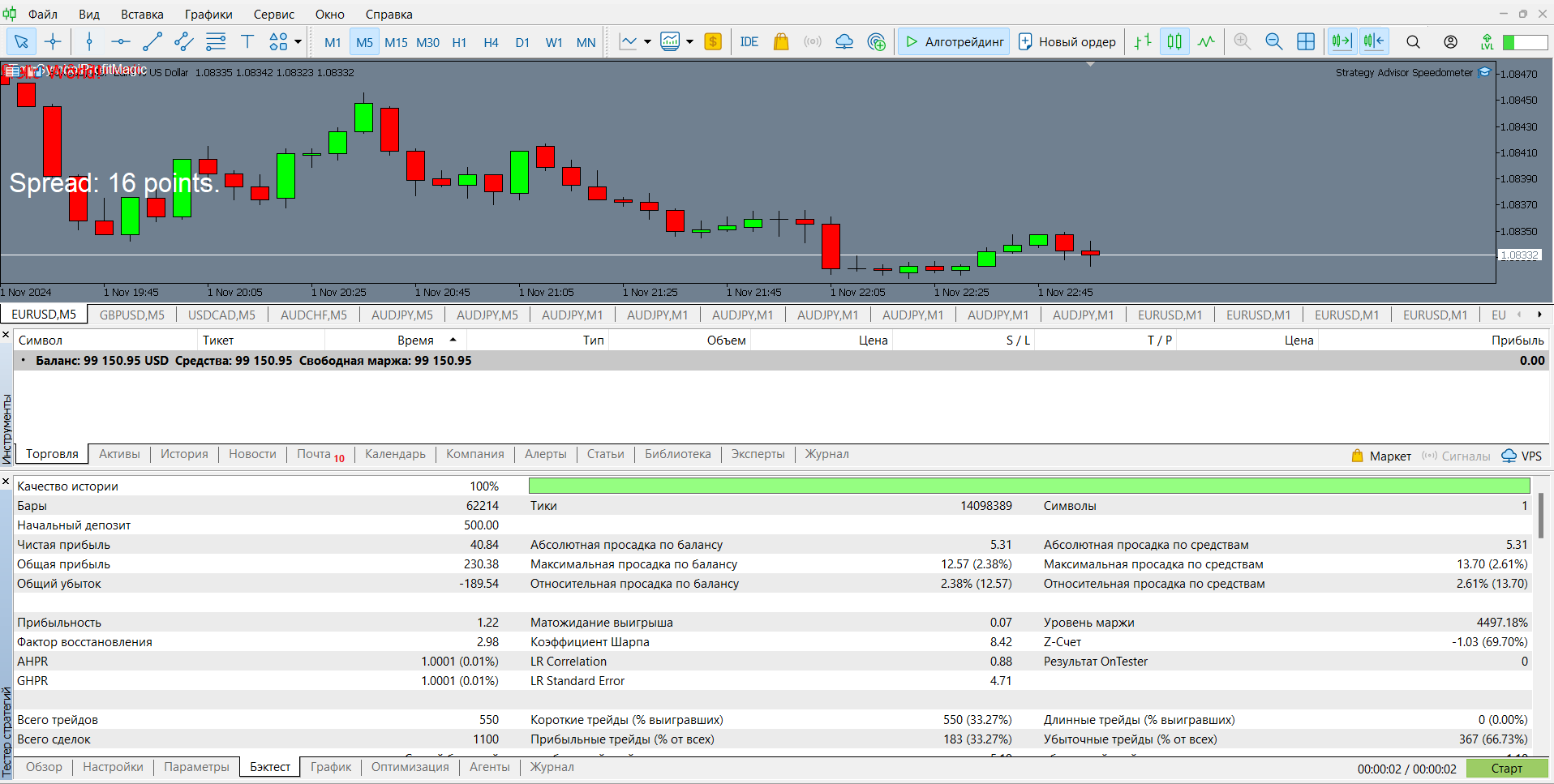
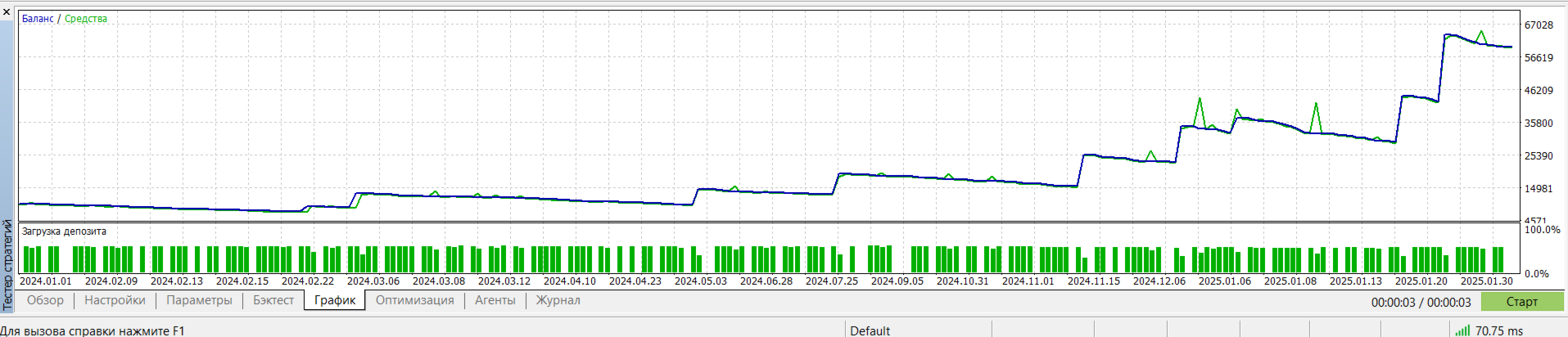
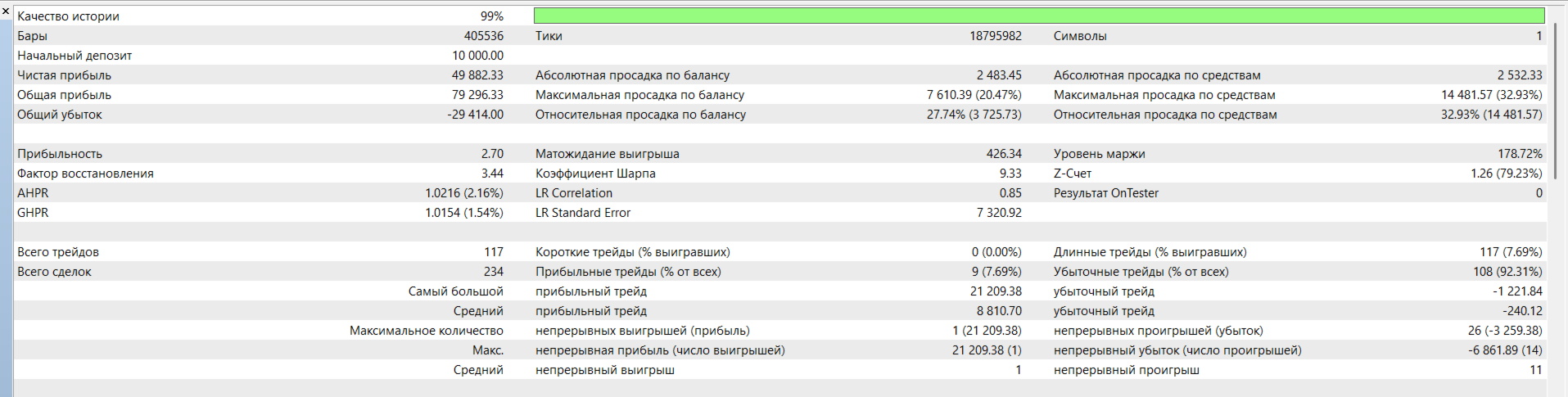
The "Speedometer" Expert Advisor is based on a tick speed analysis strategy that identifies entry and exit points based on changes in the tick data rate. The Expert Advisor monitors tick dynamics and opens positions when a specified tick speed threshold is reached, allowing timely market entries during high activity and avoiding trades during low volatility.
The Expert Advisor supports the following settings and parameters:
Main Strategy Parameters:
- FixedLot: Fixed lot size for each trade. Recommended value: 0.01 for testing.
- TickCalculationPeriod: Tick speed calculation period in seconds (e.g., 11 seconds).
- EntrySpeed: Minimum tick speed for entry (e.g., 3 ticks per second).
- ExitSpeed: Tick speed for trade exit (e.g., 1 tick per second).
- ConfirmExitTicks: Number of ticks at low speed after which an exit is confirmed.
- ReverseTrades: Trade direction switch. If true, trade directions are reversed.
Trading Time Filter:
- StartHour and EndHour: Trading start and end hours, allowing you to exclude night sessions and trade during active times.
Risk and Spread Management Parameters:
- StopLossPips and TakeProfitPips: Stop loss and take profit settings in points for currency pairs (e.g., 50 and 500 pips).
- MaxSpread: Maximum allowable spread in points for currency pairs (e.g., 30 pips).
Separate Settings for XAUUSD (Gold):
- GoldStopLossPips and GoldTakeProfitPips: Stop loss and take profit for XAUUSD (e.g., 100 and 1000 pips).
- GoldMaxSpread: Maximum allowable spread for XAUUSD (e.g., 300 pips).
Additional Parameters:
- MagicNumber: Unique identifier for the Expert Advisor's trades (e.g., 111).
Optimization Recommendations: For best results, optimize the Expert Advisor using real ticks and the genetic algorithm method with settings tailored to specific currency pairs. This version is optimized for EUR/USD; for other pairs, it is recommended to adjust the EntrySpeed and ExitSpeed parameters.