
ReverseGear
- Experts
- Version: 2.5
- Updated: 19 June 2024

Advanced trading features of the ReverseGear EA include the Step Up and Step Down features. These features respond to market fluctuations by automatically placing additional orders in response to market price movements.
Step Up feature
This feature automatically executes additional buy orders as the price rises. It gradually increases your position, especially when the trend is sustained. For example, a new buy order is triggered every time a set point is crossed, taking advantage of market momentum.
Step Down feature
Conversely, in a sell position, it places an additional sell order every time the market falls by a certain number of pips. This takes advantage of a downtrend. It further expands your position when the market moves in the expected direction.
Flexible Money Management Options
Traders can set a fixed lot or a certain percentage of their account balance as risk. This customizable money management setting allows trades to be made according to each trader's risk tolerance.
Visualization of Trade Results
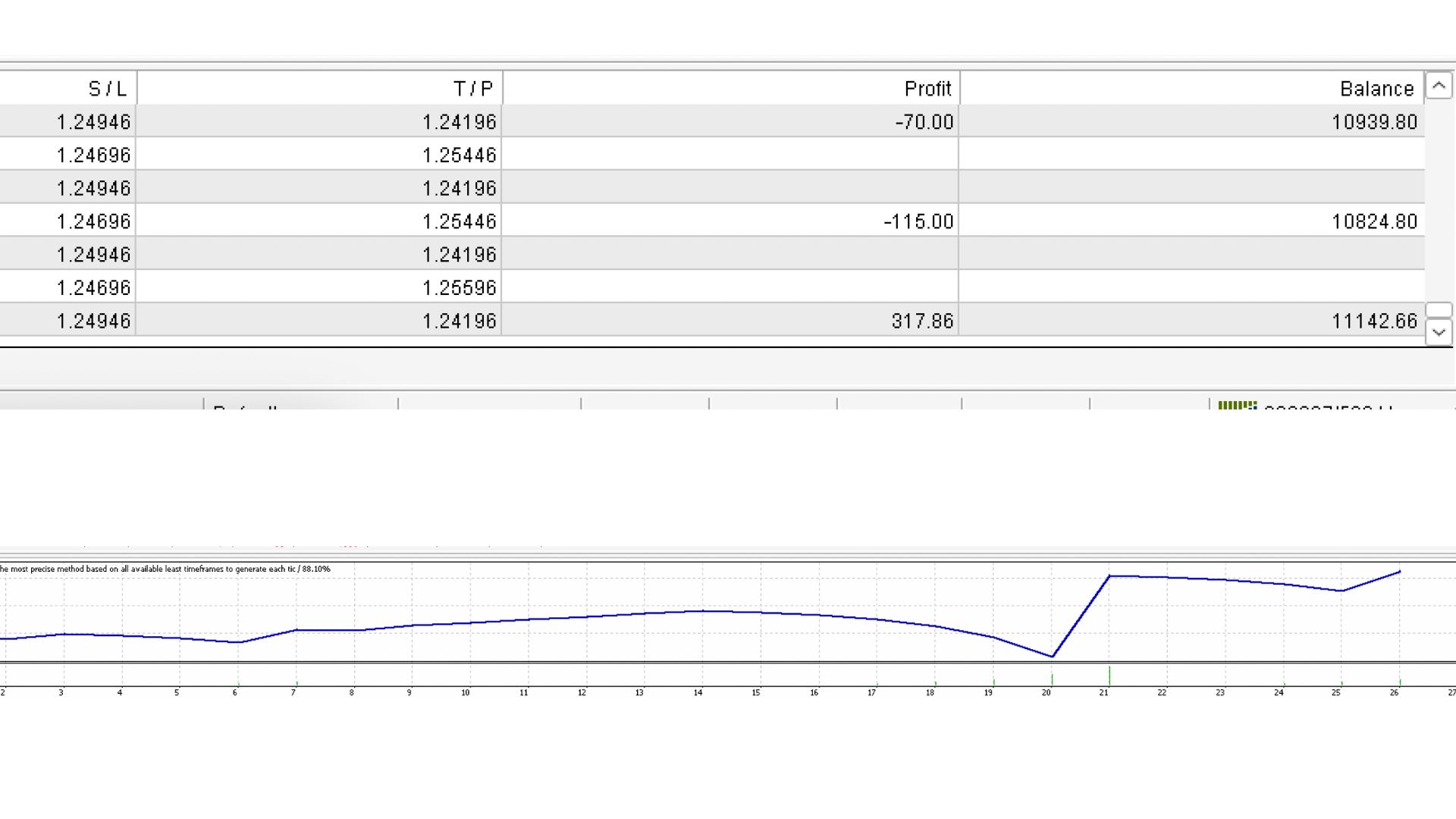
The EA displays the results of trades directly on the chart, helping traders instantly see their performance and adjust their strategy if necessary.
Loss recovery function (Turn)
If a loss occurred in the previous trade, this function will automatically increase the lot size in the next entry, aiming to recover the loss.
The recommended currency pairs are EUR/USD, GBP/USD, and USD/JPY. For time frames, we recommend daily or 4-hour charts, which can capture medium- to long-term trends.


















































User didn't leave any comment to the rating