
Advanced Price Movement Predictor Pro Edition MT4
- Indicators
-
Boris Armenteros
 Trading dreams into real trading.
Take a look at our products here: https://www.mql5.com/en/users/barmenteros/seller - Version: 3.8
- Updated: 29 October 2026
- Activations: 20
It estimates the most likely short-term price movement based on advanced mathematical calculations.
Features
- Estimation of the immediate price movement on the chart's timeframe and every higher one;
- Calculation of the real market trend;
- Calculation of the most important support and resistance levels;
- Alerts for congestion zones, level crossings and trend changes;
- Light on system resources: lines and panel are only updated when a value changes;
- Self-adjusting: works on any symbol and any timeframe, with no parameters to tune;
- Works alongside other indicators, EAs and scripts on the same chart.
Introduction
Most of the classic indicators that make up the common trading strategies are based on simple math, not because when these indicators were created there were no outstanding mathematicians, but because computers did not exist or they simply had a low processing power to perform complex mathematical operations consistently. Nowadays, any smartphone overwhelmingly surpasses the most powerful computer of just a few decades ago.
The Advanced Price Movement Predictor (APMP) indicator takes advantage of current processing capacity to capture the essence of price swings through advanced mathematical, statistical and probabilistic concepts.
APMP does not provide a prediction itself, since the price movement is a non-stationary stochastic process and therefore it is not predictable. However, it makes a dynamic estimation of the immediate price movement.
Based on the same analysis, APMP displays the current real trend of the market. So far the trend is almost always obtained from classic indicators like Moving Averages, Bollinger Bands or Parabolic SAR, or by manually drawing a line (or two parallel lines) between two or more significant points. Those methods are still valid. APMP adds a different calculation that you can use to strengthen your current trading method, or to confirm the levels and trend you already work with.
How to Use It
The use of APMP is not different from how you regularly use trends, and support and resistance levels. The difference is in the way those values are calculated by this indicator.
For trading strategies based on the trend, traders buy in areas near the support levels while the trend is up, and sell in areas close to the resistance levels while the trend is down.
For trading strategies based on trend corrections (counter trend), traders buy in areas near the support levels while the trend is down, and sell in areas near the resistance levels while the trend is up.
Significant levels can act either as supports or resistances, so pay special attention to the price behavior whenever it is close to those levels.
The Stop Loss could be placed at a distance from the open price equal to the separation between the support and the resistance levels, and the Take Profit at twice that separation. A Trailing Stop can move the Stop Loss when the support and resistance levels move in favor of the position.
This is only a basic suggestion: APMP provides enough information to build a variety of trading strategies or to refine existing ones.
How It Works
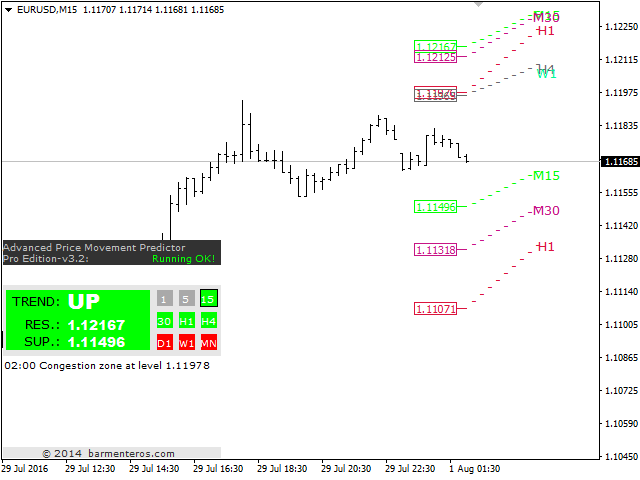
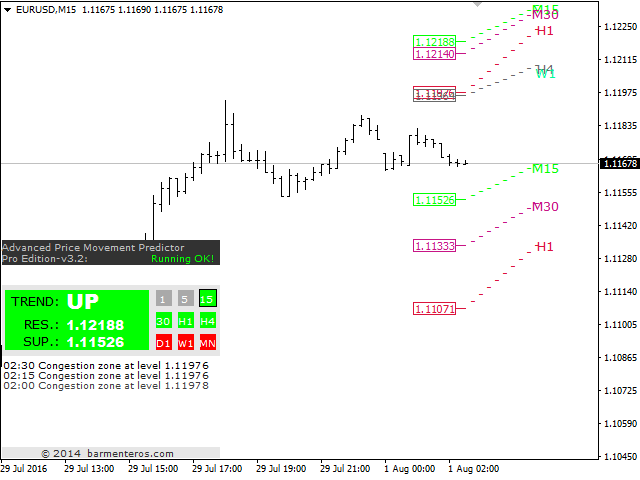
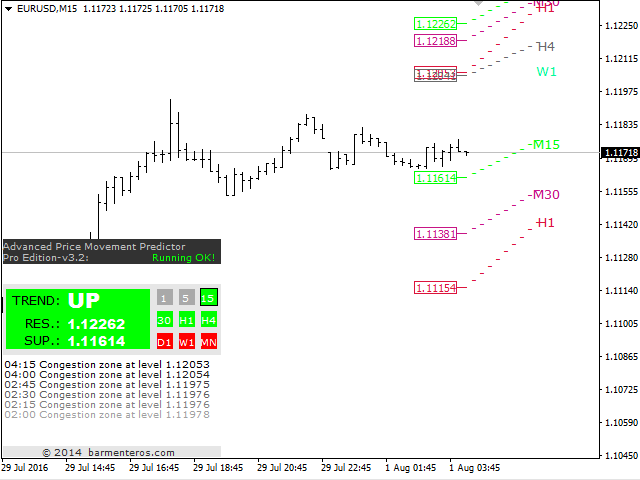
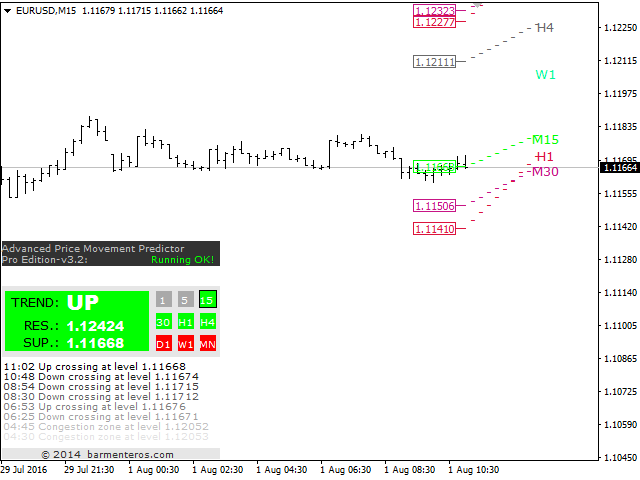
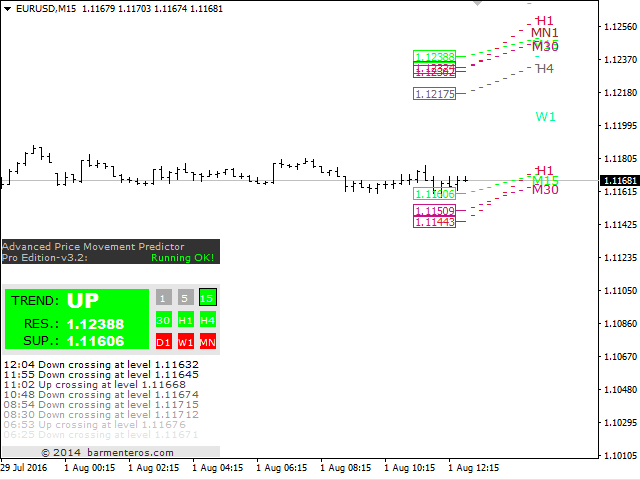
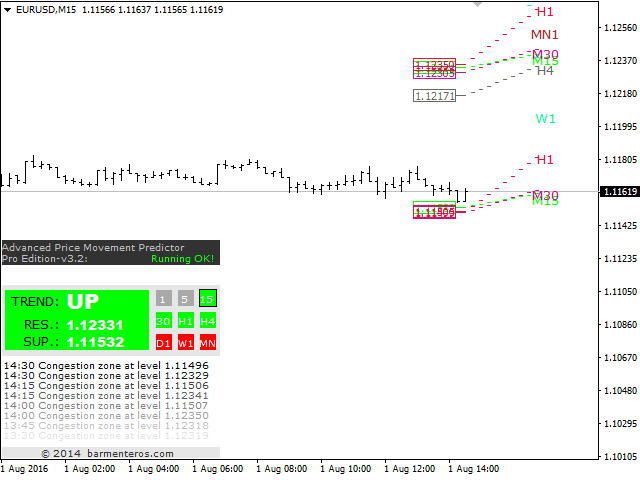
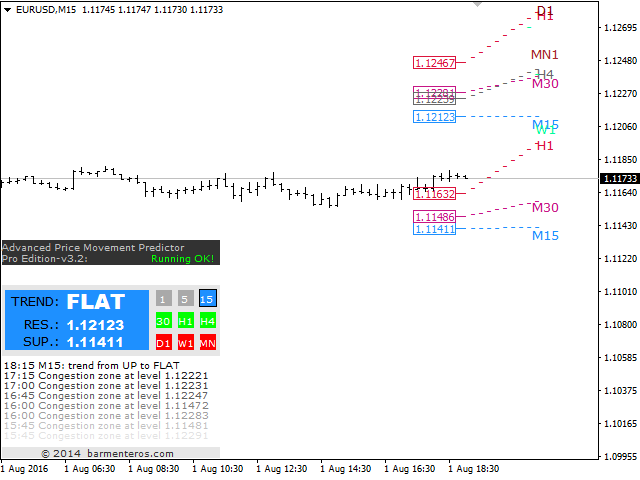
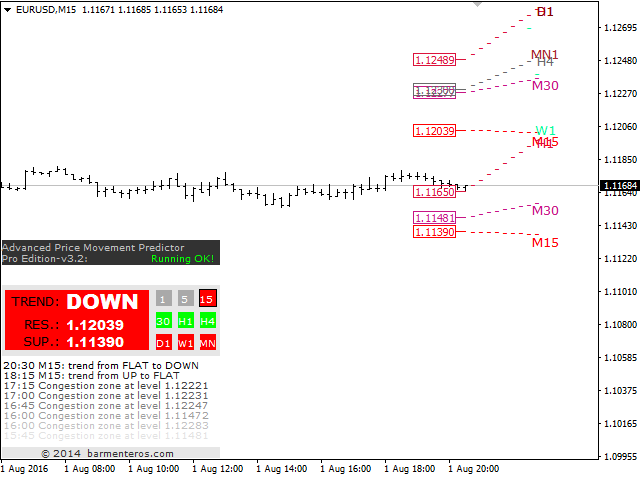
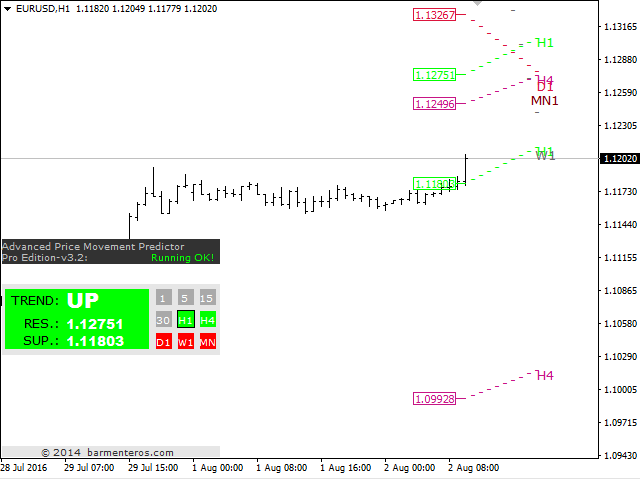
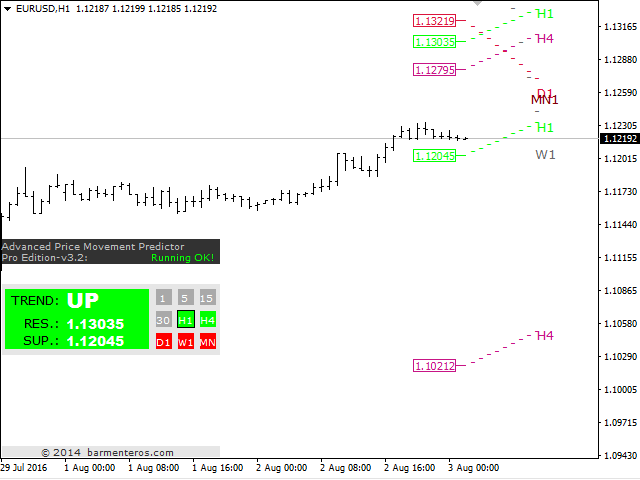
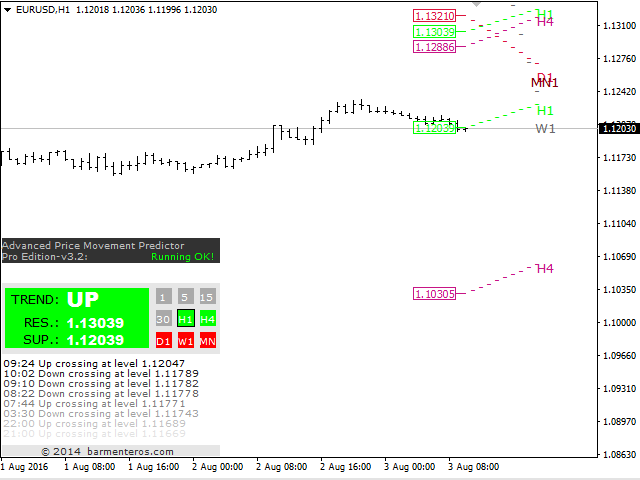
APMP shows the support and resistance levels closest to the market price, the real trend and the most probable short-term price movement, on the chart's timeframe and on every higher one.
It alerts when congestion zones appear (areas where 2 or more levels coincide), when the price crosses any of the important levels, and when the trend of any timeframe shown changes (for example "H1: trend from UP to DOWN"). Every alert is written on the panel's message lines and on the Experts tab for later reference. You can also have it shown in a dialog box, played as a sound, sent as a push notification and, for level crossings and trend changes, sent by email.
Information Panel
The information panel is a small window: drag it by its title bar to any place on the chart, or minimize it with the button in its corner. The levels and alerts keep working while it is minimized.
Input Parameters
- Higher Timeframes Enabled – shows the levels of the timeframes above the chart's own.
- Dialog Box Alert Enabled – shows a MetaTrader alert window for every alert.
- Email Alert Enabled – sends an email for level crossings and trend changes (configure email in Tools > Options > Email).
- SMS Alert Enabled – sends a push notification to the MetaTrader mobile app (set your MetaQuotes ID in Tools > Options > Notifications).
- Sound Alert Enabled – plays a sound for each alert when the dialog box alert is off.
- Remove HUD (information panel) – hides the panel; levels and alerts keep working.
- Diagnostic log (for support) – writes history and timing details to the Experts log. Leave it off unless our support asks for it.
About Us
We are a small team of coders and traders developing for MetaTrader since 2011. We have developed Scripts, Indicators and Expert Advisors for many clients around the world and for our own use, as is the case of the Advanced Price Movement Predictor (APMP) indicator. For questions and support, use the Comments tab of this product or send us a private message on MQL5.




























































Useful indeed.