Chart Navigator MT4
- Indicators
-
Ivan Butko
 Greetings, friends!
I write in mql4 and mql5. In my market you will find a variety of products, every day I develop something new, I research something. New indicators and advisors will appear in the near future. - Version: 1.1
- Updated: 7 June 2026
- Activations: 20
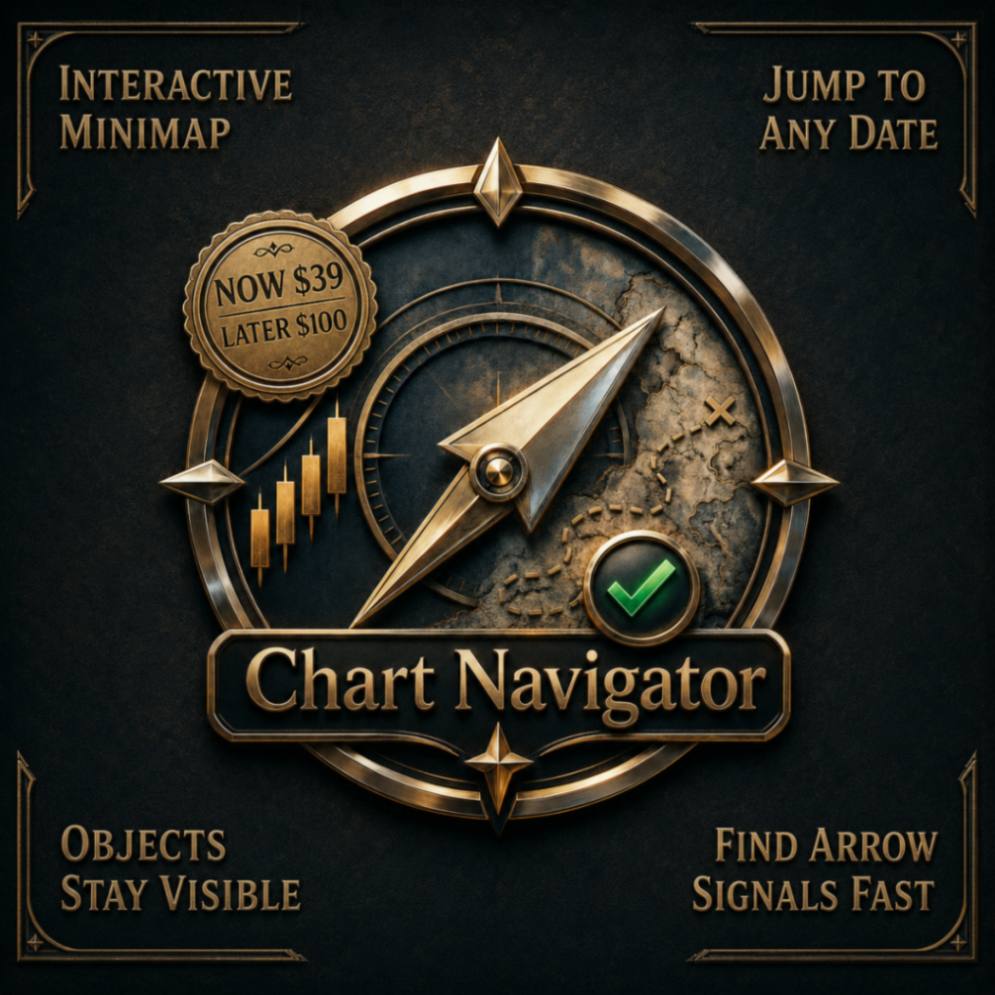
Chart Navigator MT4 is an interactive minimap for MetaTrader 4 charts. It helps you see the whole chart, understand where the current visible area is located, and move through long historical periods without endless scrolling.
The indicator is designed for traders, analysts and developers who work with long chart history, graphical objects, arrow-based indicators, historical trade markers or manually marked setups. Chart Navigator adds a visual navigation layer to the chart without occupying the Expert Advisor slot.
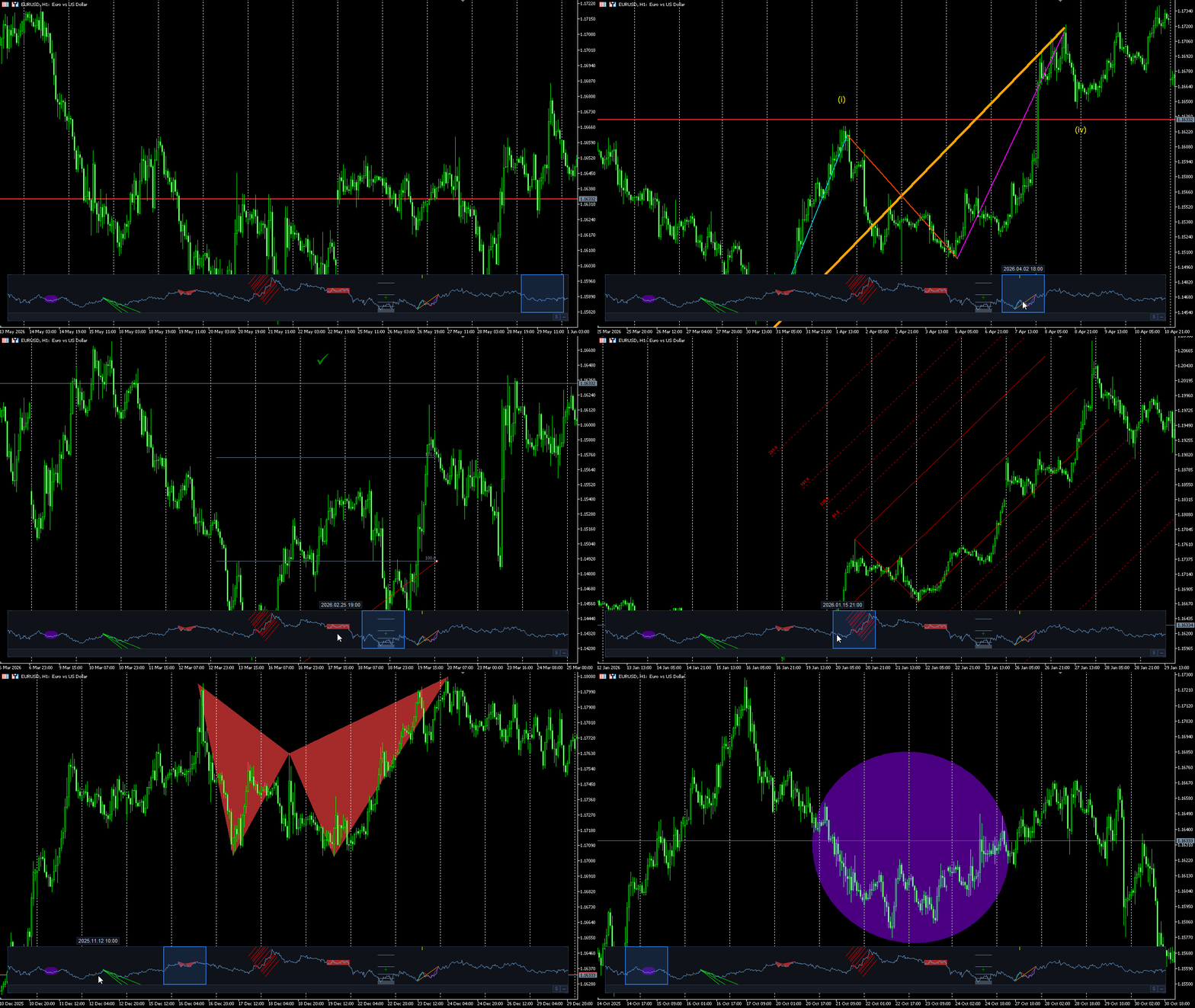
Interactive chart minimap
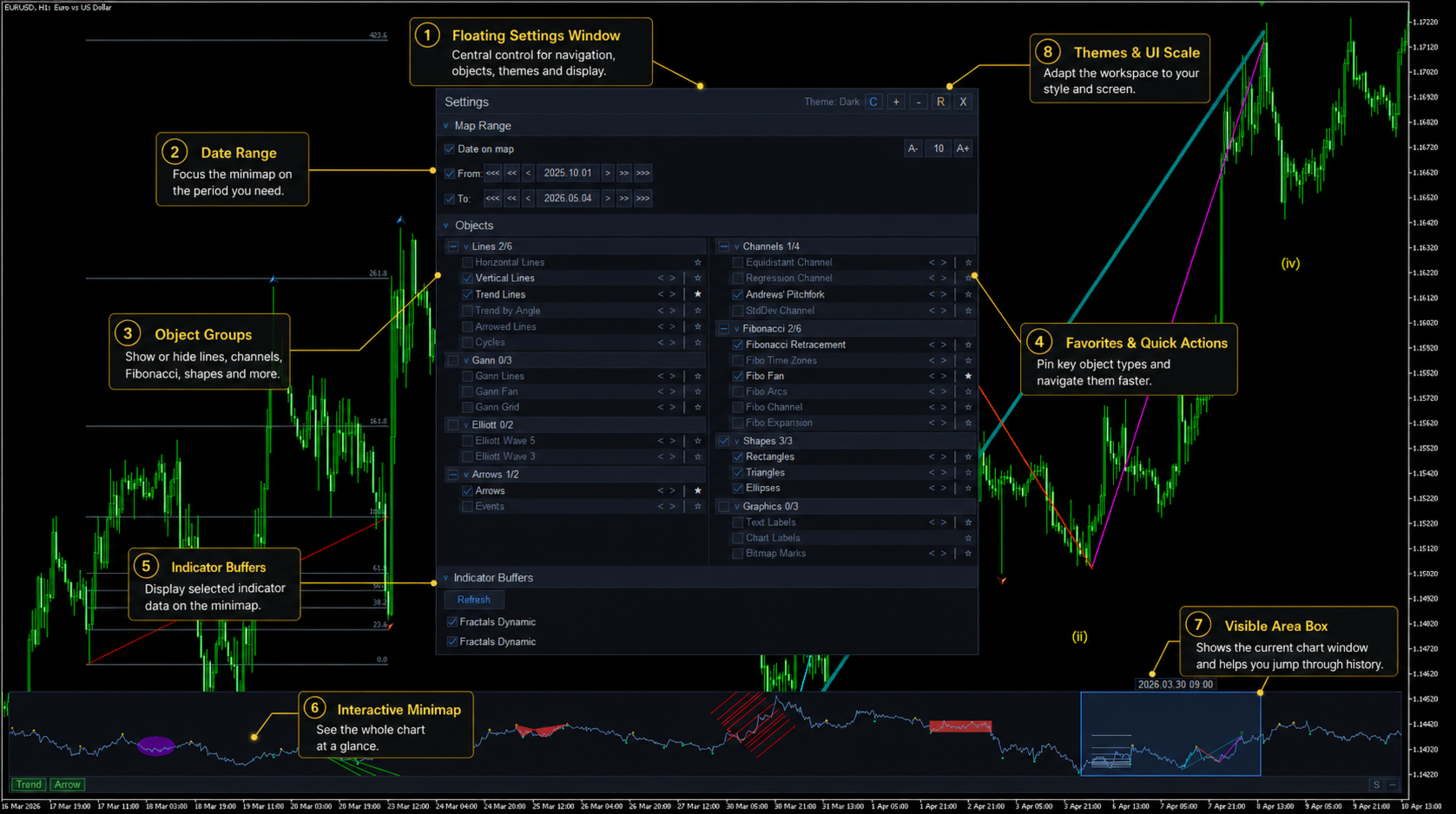
Chart Navigator displays the available chart history or selected date range in a compact minimap. The visible area box shows which part of the chart is currently displayed in the main chart window.
- See the whole chart in a compact visual form.
- Click on the minimap to move the main chart to a selected time area.
- Drag the visible area box to scroll through history visually.
- Use the hover date tooltip to understand where you are pointing before jumping.
- Resize, move or collapse the minimap according to your workspace.
Graphical objects in context
When a chart contains many graphical objects, it can be difficult to understand where they are located outside the current visible area. Chart Navigator can project selected object types onto the minimap, so your chart markup remains visible in the global context.
- Display selected object groups: lines, channels, Fibonacci tools, Gann tools, shapes, arrows and more.
- Show or hide object types directly from the floating settings window.
- Pin frequently used object types to favorites for faster access.
- Enable optional guide lines to mark object positions by time.
- Use < > controls to jump to the previous or next object of the selected type.
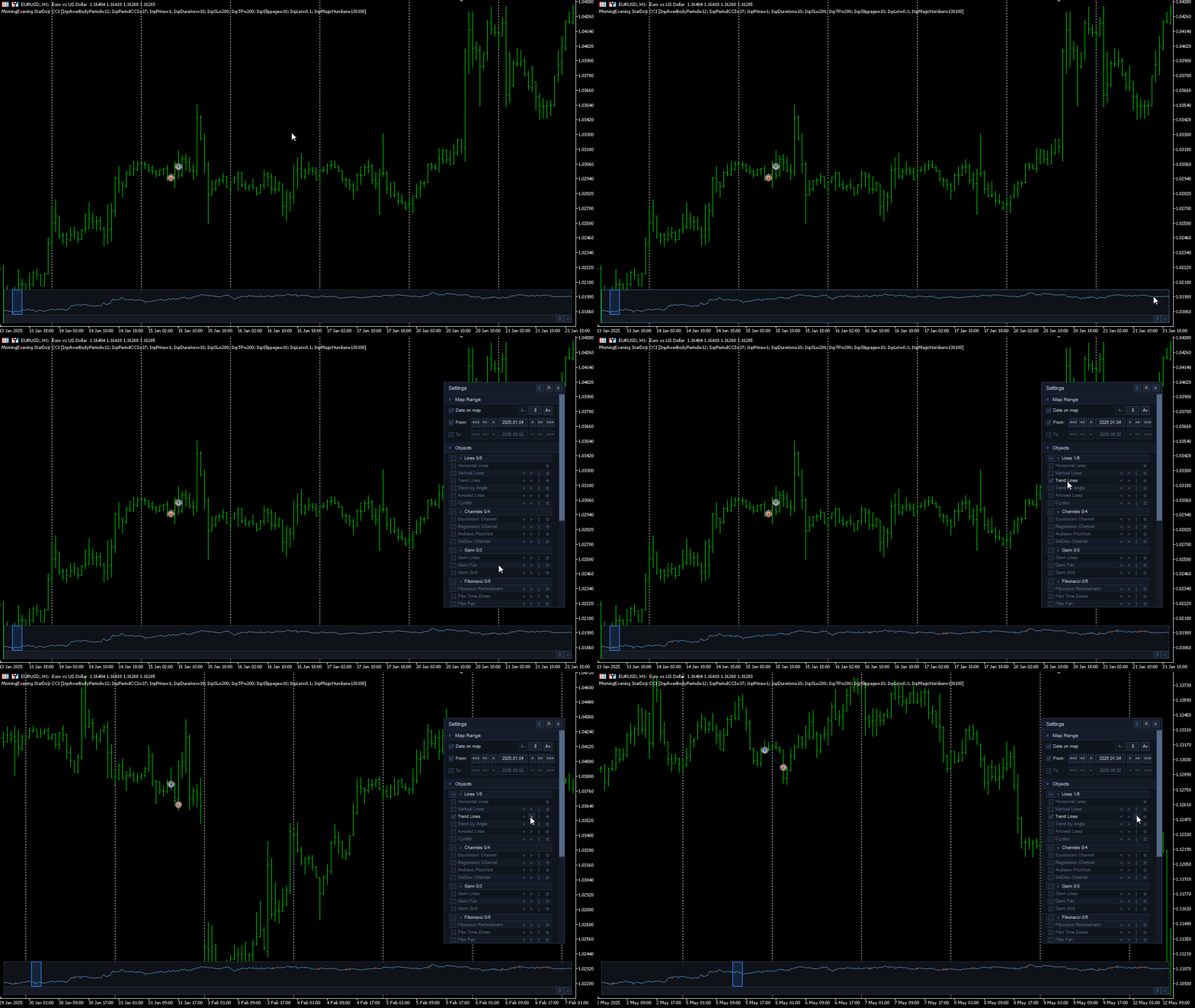
Find arrow signals, trade markers and rare events faster
Chart Navigator is useful when important marks are rare and spread across a long period of history. This is especially helpful for arrow-based indicators: when arrows appear only occasionally, the minimap gives you a faster way to locate them without scrolling through the chart manually.
If your indicator draws arrows, signal marks, trade-related markers or setup labels on the chart, Chart Navigator can help you find these areas faster and move the main chart directly to the relevant time period.
The same approach can be useful for reviewing historical trade markers, entries, exits or manually marked events that are already visible on the chart. Instead of scrolling through months or years manually, you can use the minimap as a visual orientation tool.
- Find rare arrow signals from your indicators faster.
- Locate sparse trade markers, entries and exits across historical data.
- Navigate to manually marked setups or important chart areas.
- Review rare chart events without endless manual scrolling.
Optional indicator data on the minimap
Chart Navigator can display selected indicator data from indicators attached to the chart. This allows you to view additional indicator context together with the compact price overview.
Indicator data overlays are optional and can be enabled only when needed.
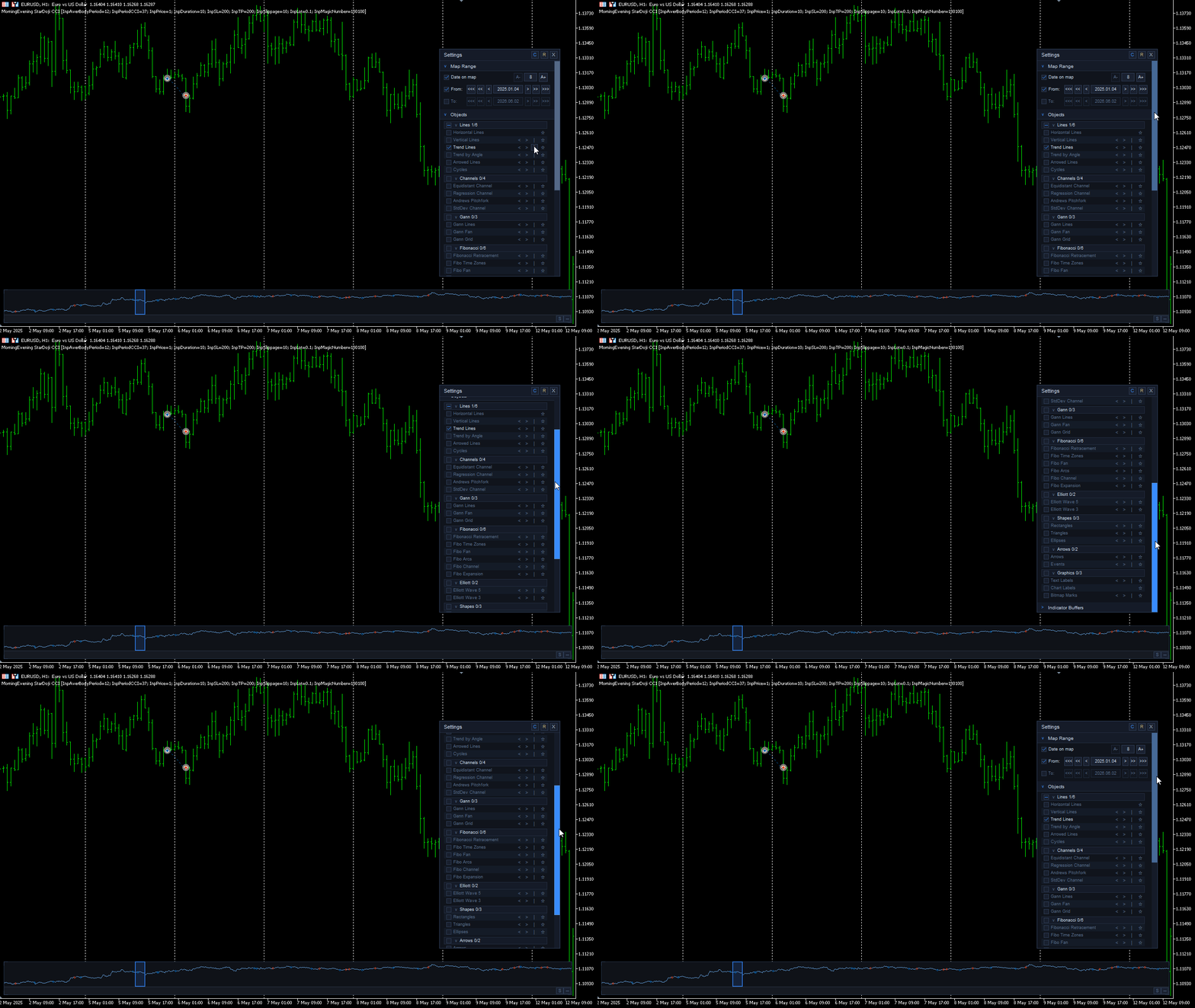
Floating settings window
The settings window is floating, movable and resizable. It gives direct control over map range, object groups, favorites, guide lines, object navigation, indicator data, themes and interface scale.
- Set the map date range using From and To controls.
- Control object groups and individual object types.
- Use favorites and quick object actions for faster workflow.
- Switch between visual themes at runtime.
- Adjust interface scale for different screens and workspaces.
- Use automatic refresh for normal work or manual refresh with the R button for heavier charts.
- Save layout and settings according to the selected save mode.
Workspace customization
Chart Navigator includes multiple visual themes, a custom theme option and UI scaling controls. You can adapt the minimap and settings panel to different chart backgrounds, monitor sizes and personal workspace preferences.
Typical use cases
- Navigate long historical periods faster.
- Keep the current chart view in global context.
- Find graphical objects placed far outside the visible area.
- Move between selected object types using previous/next controls.
- Find rare arrows from arrow-based indicators, trade markers or manually marked events on chart history.
- Review marked setups and historical trade areas without constant manual scrolling.
Important notes
Chart Navigator MT4 is a visual chart navigation indicator. It does not open trades, does not generate buy or sell signals, does not predict market direction and does not change your trading logic.
The indicator works as a navigation and workspace utility. It helps you see, locate and move through chart information that is already present on your chart.
Chart Navigator is intended for normal chart work rather than Strategy Tester visual mode. The MetaTrader Strategy Tester visual mode can have history-loading limitations, so it should not be used as the main environment for evaluating this indicator.