
Gold M1 Pro
- Experts
-
Janet Abu Khalil
 Professional software engineer and trader with 5 years of experience in the financial markets. I am part of the AtlasLabs.uk Engineering Division, where I develop trading solutions, software tools, and technical systems. My background includes networking, system support, and troubleshooting, helping
 - Version: 3.11
- Updated: 16 October 2026
- Activations: 10
Gold M1 Pro
Gold M1 Pro is an automated Expert Advisor developed for trading XAUUSD on the M1 timeframe. It includes a standard Gold strategy, an independent AI trading engine, and a hybrid mode that allows both systems to operate together.
LIVE SIGNALS
Standard Strategy
https://www.mql5.com/en/signals/2381033
TRADING MODES
Standard Mode
Uses the main Gold M1 Pro strategy and analyzes short-term Gold movements through multiple internal trading conditions before opening positions.
AI Mode
Uses the separate AI trading engine with independent lot size, risk level, loss protection, profit management, and exit settings.
Hybrid Mode
Allows the standard strategy and the AI engine to operate independently at the same time.
MAIN FUNCTIONS
• Standard and AI strategies can be enabled separately
• Fixed lot and automatic lot-management options
• Balance-based compounding
• Maximum lot protection
• Fixed Take Profit or trailing exit
• Configurable trailing activation, distance, and step
• Basket floating-profit protection
• Daily drawdown protection
• Maximum loss protection for the current EA instance
• Optional 24-hour protection lock
• Automatic and manual broker-time adjustment
• Independent AI lot and risk settings
• AI loss protection in account currency or pips
• AI position closing at a selected target
• Independent AI profit-protection settings
• Automatic management of supported positions
RECOMMENDED SETUP
Platform: MetaTrader 5
Symbol: XAUUSD or the broker’s equivalent Gold symbol
Timeframe: M1
Account type: Low-spread or ECN account
Starting lot: Minimum lot size supported by the broker
INSTALLATION
Install Gold M1 Pro through MetaTrader 5, open an XAUUSD chart, select the M1 timeframe, attach the Expert Advisor, enable Algo Trading, and choose the required trading mode.


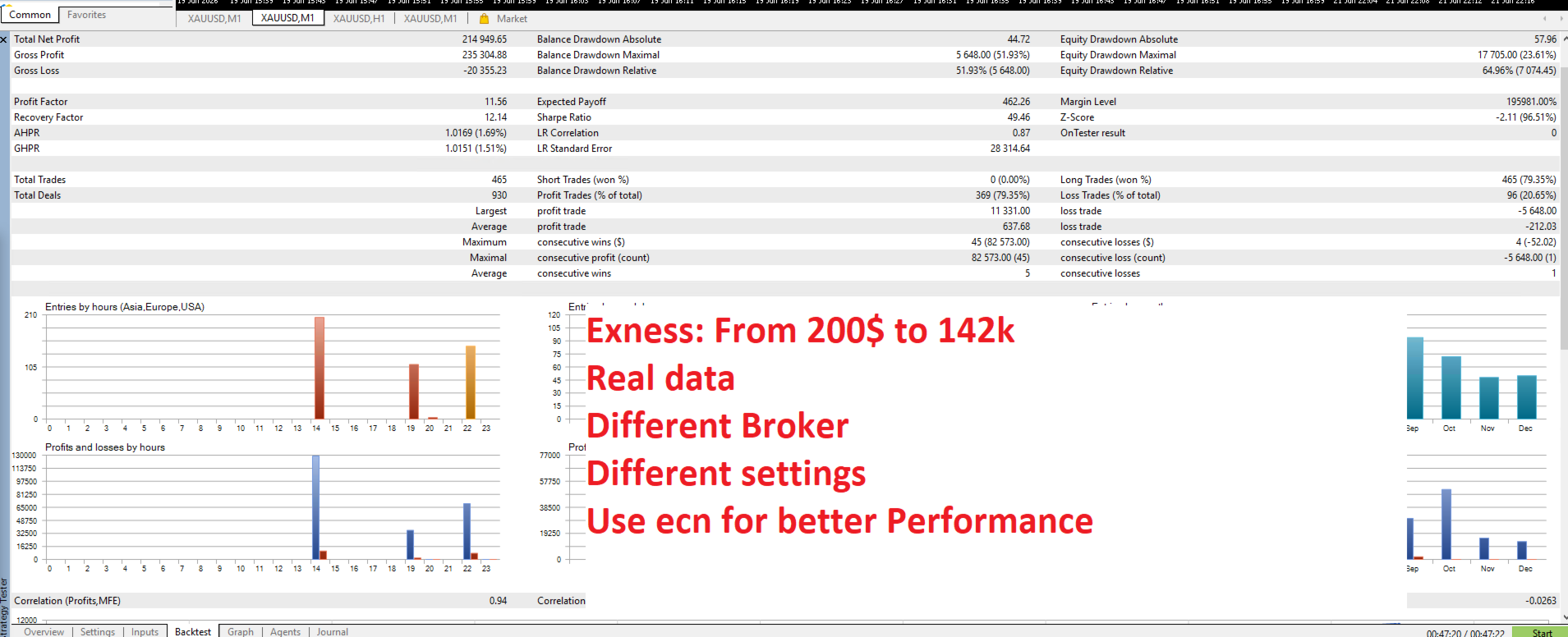































Running gold m1 pro for some time now, the ea trades smoothly without aggressive behavior, and the author is friendly, professional, and supportive.