Nirvana AI Trade Assistant
- Utilities
-
Aiireza Arjmandi Nezhad
 I have been active in financial markets since 2015.
Over the years I have failed and won.
I have a channel on the TradingView site and I recently started my activity on the site - Version: 1.9
- Updated: 3 September 2025
- Activations: 5
Scalping speed; systematic discipline Decide with Nirvana; calculations and safety brake by us. Don’t be surprised; you’re facing the most advanced and intelligent capital management tool, offering maximum flexibility in financial markets.
A winning trade isn’t just “good analysis”; “frictionless execution” and “discipline” are key. Nirvana is your execution assistant: real-time risk/volume calculator, one-click R:R setup, live risk and profit preview, and “daily risk lock” acts as a safety key. Result? Your mind is freed from repetitive calculations, focusing on decision quality.
Tool’s psychology
- Reduces mental noise: automatic lot size calculation based on % risk, no hesitation before clicking.
- Focus on process, not outcome: see R:R before entry, adjust per plan, not emotion.
- Auto-brake on bad days: daily risk lock shuts everything down near loss limit, blocking trading until set time.
- Prevents costly small errors: 800ms order click debouncing avoids accidental double clicks.
How does it speed up decisions?
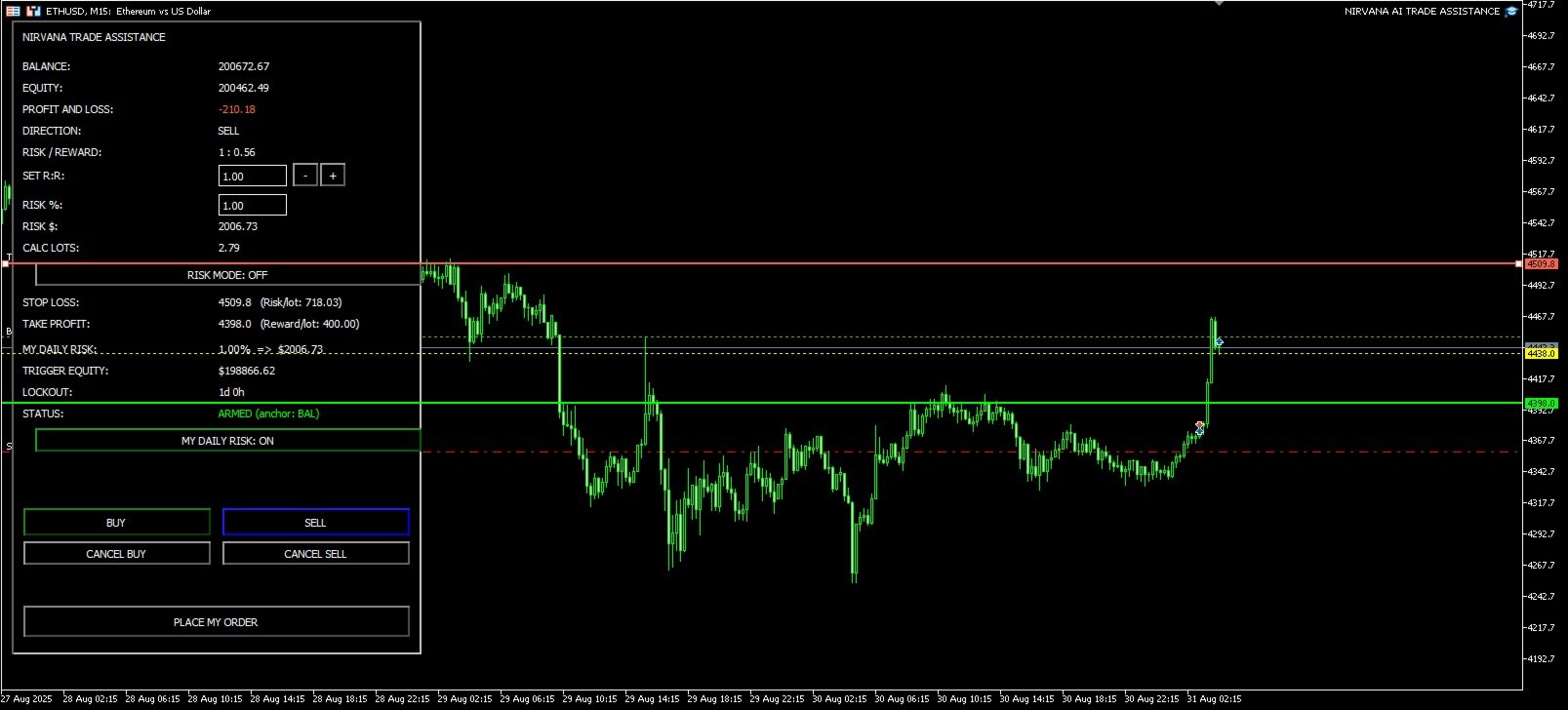
- Position size based on % risk: safely calculates lot from entry and SL, showing real-time Risk/Lot and Reward/Lot.
- One-click R:R setup: R:R field with +/– or inputs like “1:2” or “2.5”; TP adjusts smartly to broker’s minimum distance.
- Live preview while dragging: metrics update in real-time when moving SL/TP for clear risk view.
- Account-safe security: checks minimum order distances, supports Netting/Hedging, safely closes all positions/orders on daily risk trigger.
Key technical features
- Isolated panel with unique prefix per chart; zero object conflicts.
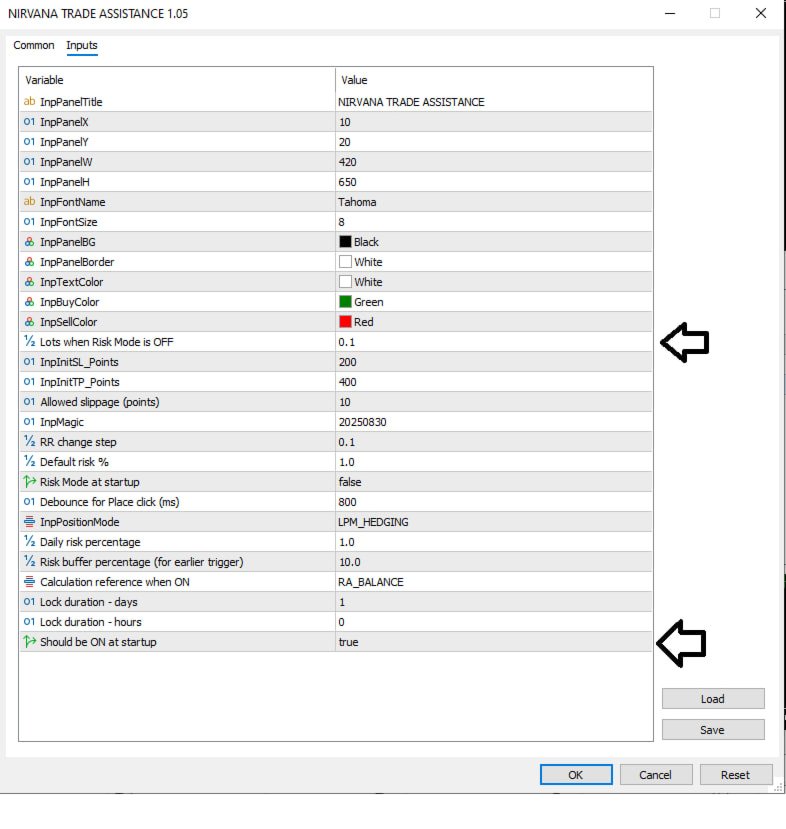
- Risk Mode with % input and lot calculation; rounds down to avoid excess risk.
- Manual R:R with parsing of “1:2” or “2.0” inputs and adjustable step; complies with broker’s StopLevel/FreezeLevel.
- 800ms order click debouncing.
- Daily risk based on Balance or Equity with trigger buffer; auto-lock and instant closure of all positions/orders.
- Human error control: Netting accounts block new orders if positions are open.
User guide
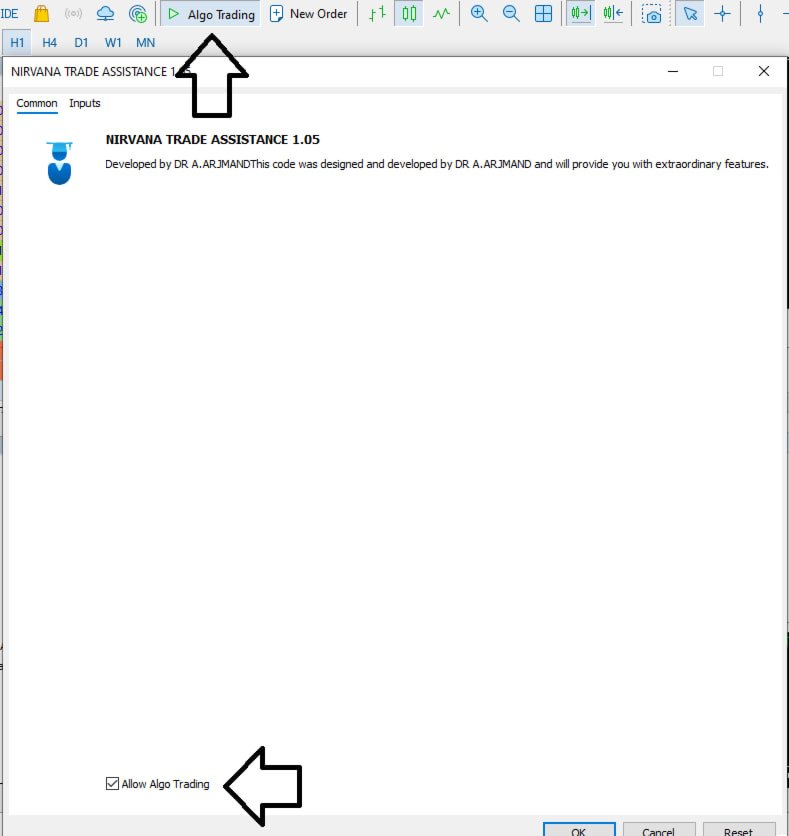
- After installing the tool on the chart, Buy/Sell buttons show entry, SL, and TP lines. No trade opens until “Confirm position” is clicked.
- Don’t like the trading zone? Use “Cancel Buy/Sell” to remove lines.
- Move lines (entry: green, SL: orange, TP: blue) with double-click; risk per lot shown on panel.
- No position opens until lines are double-click confirmed.
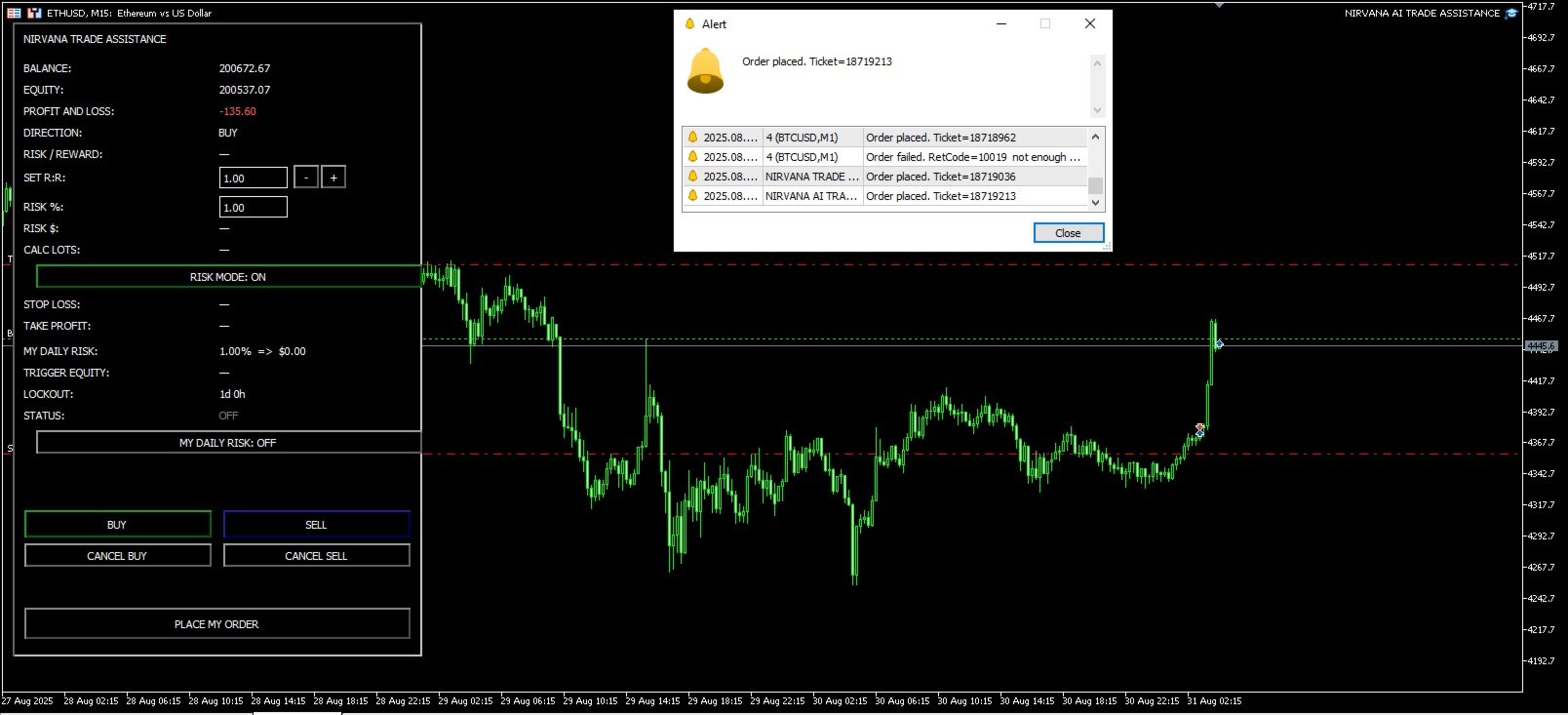
- Balance, equity, and profit/loss displayed live on panel per tick.
Risk Mode
- Risk Mode button on panel toggles on/off with one click.
- When on, shows dollar value of SL/TP based on % risk and R:R.
- When off, default expert settings apply.
Daily risk lock
- Enable daily risk in expert inputs, set daily loss ceiling, visible on chart.
- Near loss limit, positions close, and trading is blocked until lockout period ends.
- Helps analyze calmly in the next session, returning to the market with discipline.