
Leopard Scalper EA
- Experts
-
Clement Bongola
 Hello, I'm a Programmer focussing on algo trading for life. The new unbeatable Leopard Scalper AI is online for you @ leopardscalper.pro !!!
 - Version: 3.2
- Updated: 5 February 2025
- Activations: 20
Leopard Scalper EA v3.0 - Update Description
Optimized for EURUSD Trading on any Chart
Overview:
Leopard Scalper EA has undergone significant improvements in this version, with careful adjustments made to enhance performance and stability. Originally designed for GOLD (XAUUSD) on the M5 timeframe, it has shown better results on EURUSD as it is now capable of being used on other instruments such as BTC, ETH, XRP, GAS, OIL (XTI), US30, and US100, although users are advised to proceed with caution and back test thoroughly when using it on assets other than EURUSD. This version is designed to take full advantage of market volatility, with new features to support more robust risk management and trade execution.
Key Features:
- Timeframe Optimization for EURUSD: The EA is specifically optimized for trading EURUSD shows best results on M1 – M5 timeframes. Performance on other instruments is not guaranteed and requires back testing to adjust parameters effectively.
- Counter-Loss Feature: To maintain consistent equity growth and a near 100% win rate, a counter-loss mechanism has been added to the EA, mitigating risks of unexpected losses.
- Telegram Integration: The EA now supports sending real-time Telegram messages for both opened and closed positions. You can choose to send notifications on either, or both, with trade details such as pair, price, and profit.
- Manual Trading Control: Users now have the option to disable automatic buy or sell positions, providing full manual control over trading activity.
- Simulation Feature: A simulation function helps users visualize potential daily withdrawals based on their defined equity percentage, giving insights into possible profits.
- Free Margin Status Monitoring: The EA now displays the current status of free margin, including the percentage of used thresholds as set by the user. When the margin reaches critical levels, the color changes from green to red, and the EA enters in recovery mode, placing counter trades as needed.
- Critical Margin Alert: A sound alarm alerts users when the free margin threshold is reached, especially useful when the user is not actively monitoring the chart.
Additional Functions & Improvements:
- Enhanced Trade Management: The EA includes robust stop-loss and trailing stop features, ensuring capital protection through dynamic adjustments.
- Multi-Period Performance Tracking: Track and view trade statistics across different timeframes (daily, weekly, monthly, and yearly) to assess performance and make data-driven decisions.
- Trading Hours Flexibility: Users can define up to five different trading time periods in local time, offering greater flexibility for different trading strategies. Users can also define on which days of the week the EA should trade.
- Improved Margin Management: The EA includes margin protection features, with automatic halts to trading when the margin level is too low, safeguarding the account from excessive risk exposure.
- Counter Losses: When enabled, the EA enters in recovery mode and opens counter positions as needed, helping to recover from potential losses more effectively while keeping the equity growth constant.
Parameters Overview:
- Risk in % of Free Margin: Define the percentage of free margin to risk per trade.
- Max Buy Orders & Max Sell Orders: Set limits on the number of open buy and sell orders.
- Stop Loss in Points & Trailing Stop Settings: Customize stop loss levels and trailing stop distances.
- Reversal Adjustment: Automatically adjusts for trend reversals based on defined pip values.
- News Time Filter: Allows for automatic trading adjustments around major news events.
- Simulation Parameters: Set parameters for visualizing potential daily withdrawals and margin usage.
- Manual Trade Control: Disables automatic buy/sell functionality for full manual control.
- Free Margin Threshold Alerts: Set acceptable margin levels and receive alerts when thresholds are breached.
Testing & Risk Management:
While the Leopard Scalper EA demonstrates high performance in back testing and live trading, including a robust win rate and advanced risk management features, users should always begin with a demo account to become familiar with the tool and the EA’s behavior. Regular monitoring of open positions and equity growth is recommended to ensure optimal results and minimize risk.
We recommend that users practice solid risk management techniques, such as transferring profits to a separate account and only trading with a portion of their capital, particularly in live accounts. Minimum recommended start capital is $1000 or $10 on a cent account. Constant supervision is advised. Over-interfering with the EA’s automated functions may impact its effectiveness.
Important Notes:
- Broker Requirements: The EA is optimized for trading on EURUSD on any timeframe. A minimum starting balance of $1000, and $10 on cent accounts, is recommended for optimal performance.
- Risk Warning: As with all trading, losses are possible. Always trade responsibly and ensure you have proper risk management strategies in place.
- Compatibility: Compatible with the MetaTrader 4 software. Ensure that your broker supports the necessary margin and lot size requirements.
Disclaimer: Trading involves risk, and while Leopard Scalper EA has shown strong performance in back testing, past results do not guarantee future profits. Users should monitor their trades and exercise proper risk management.
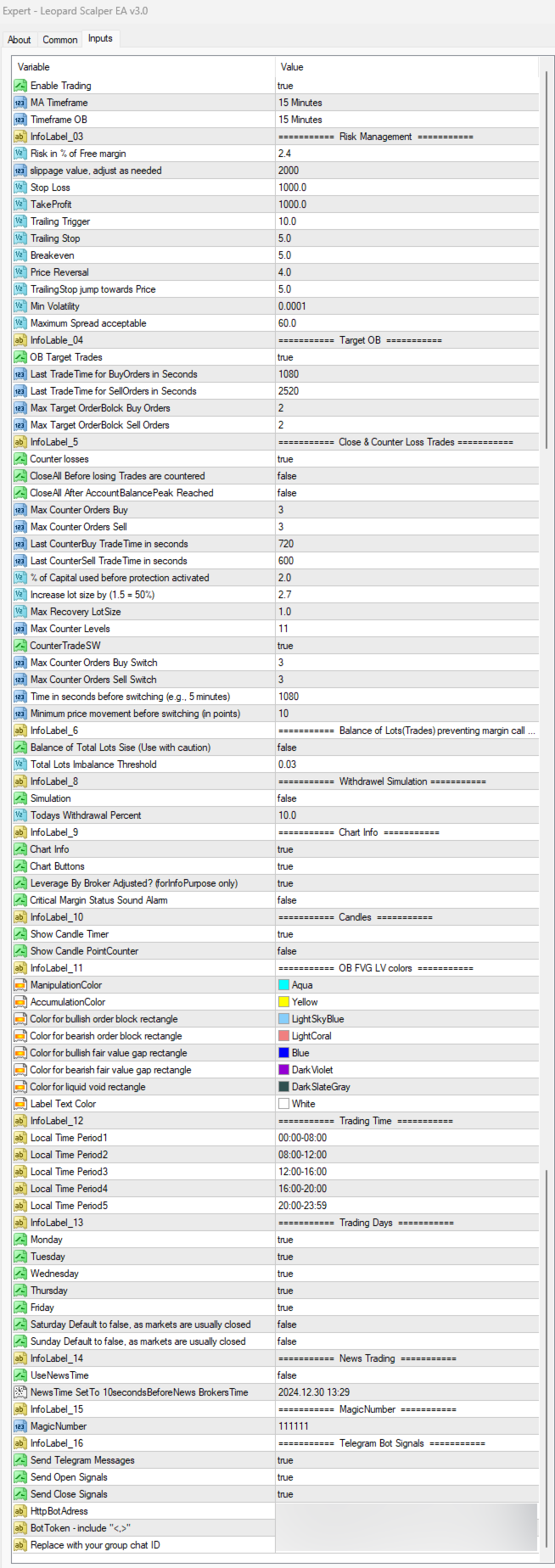
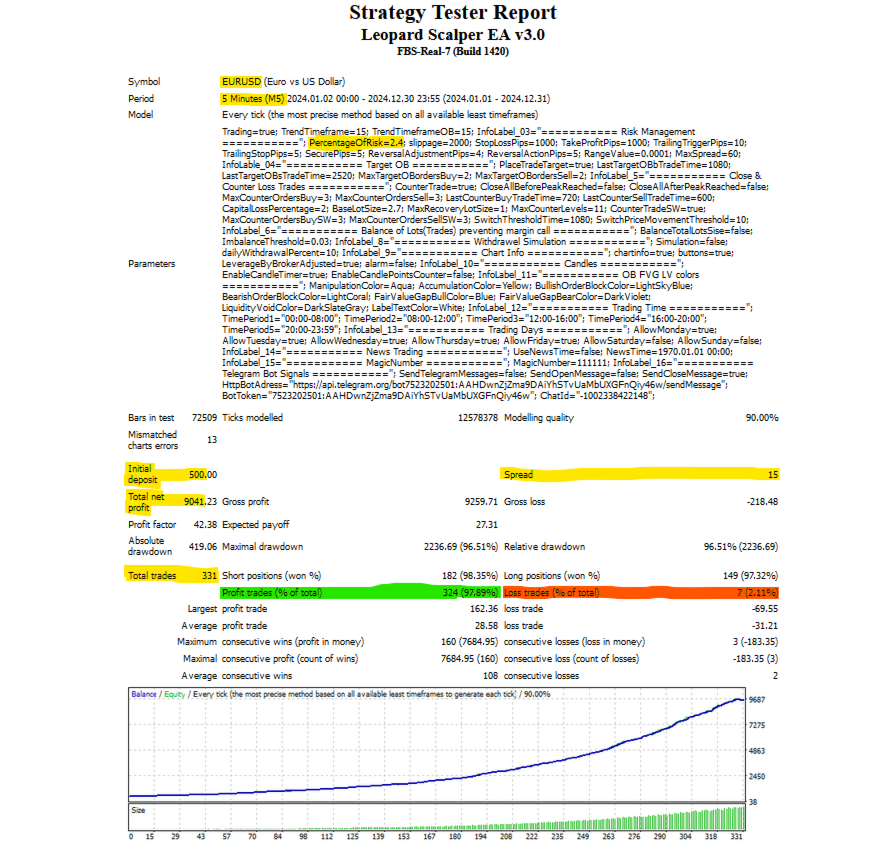
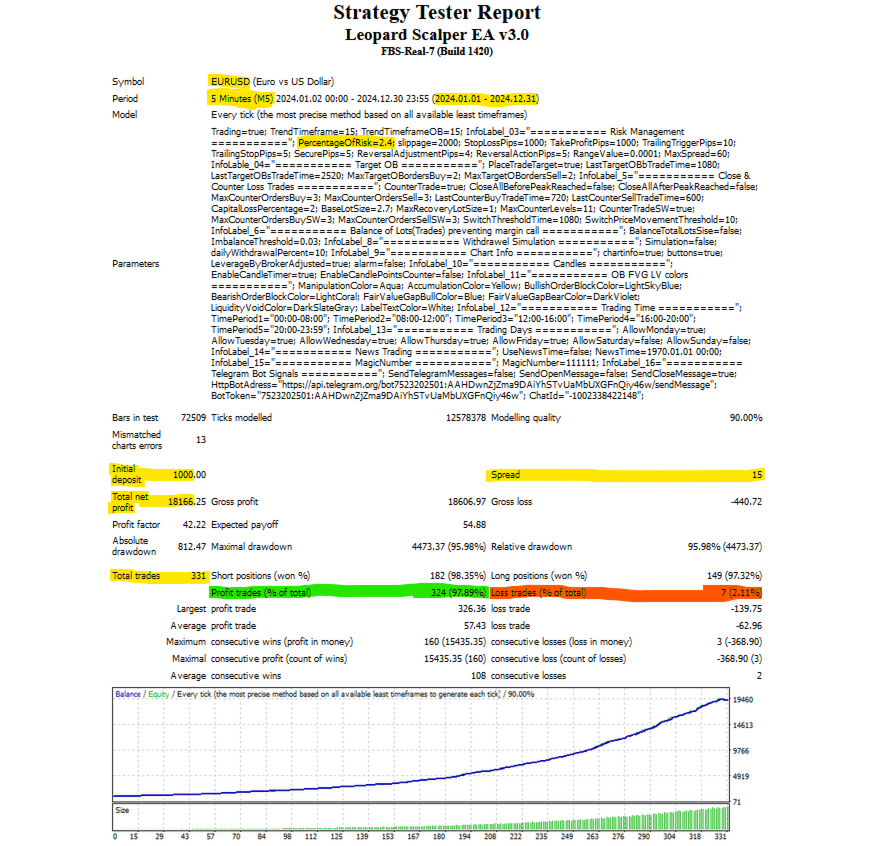
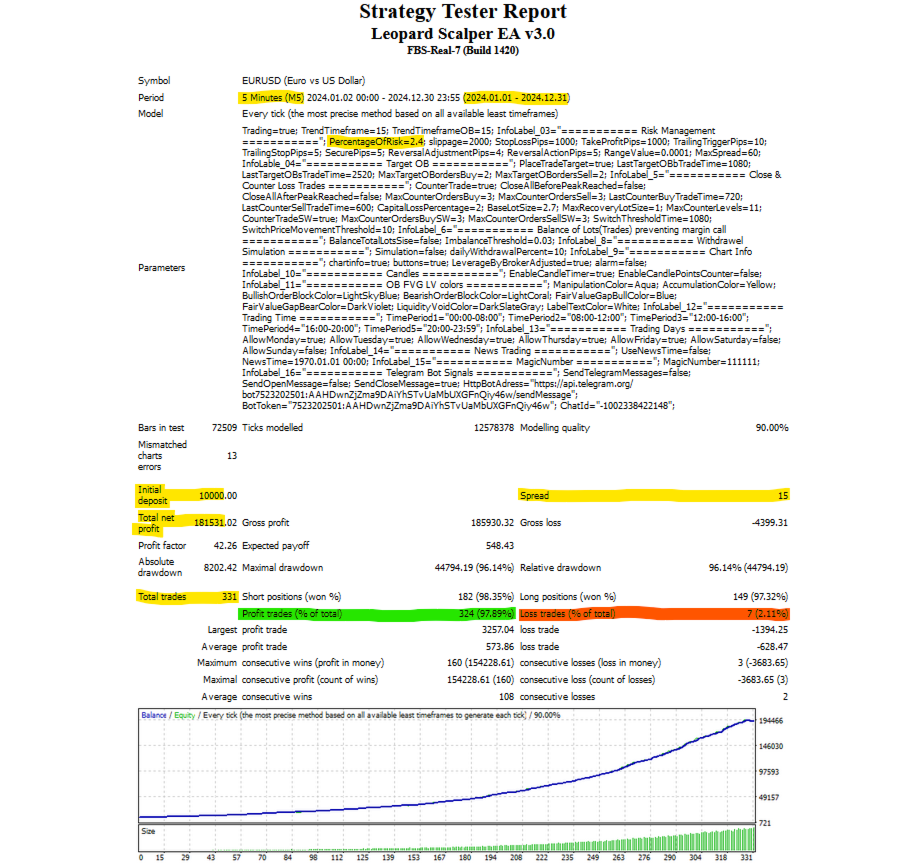
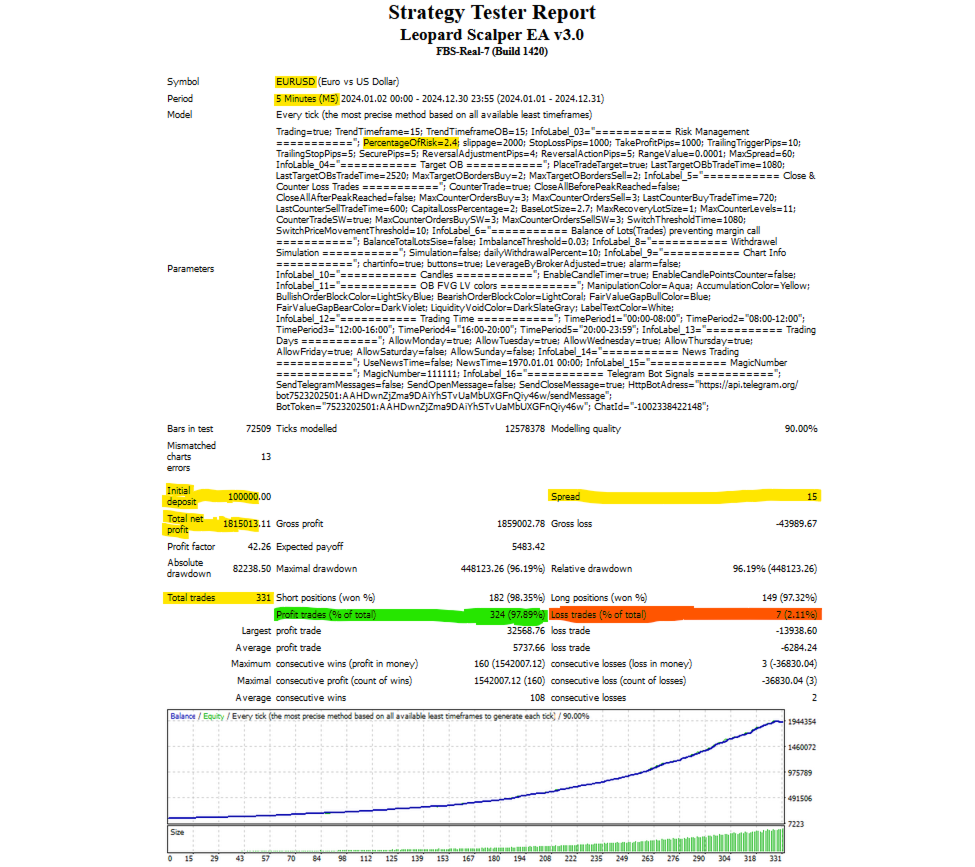
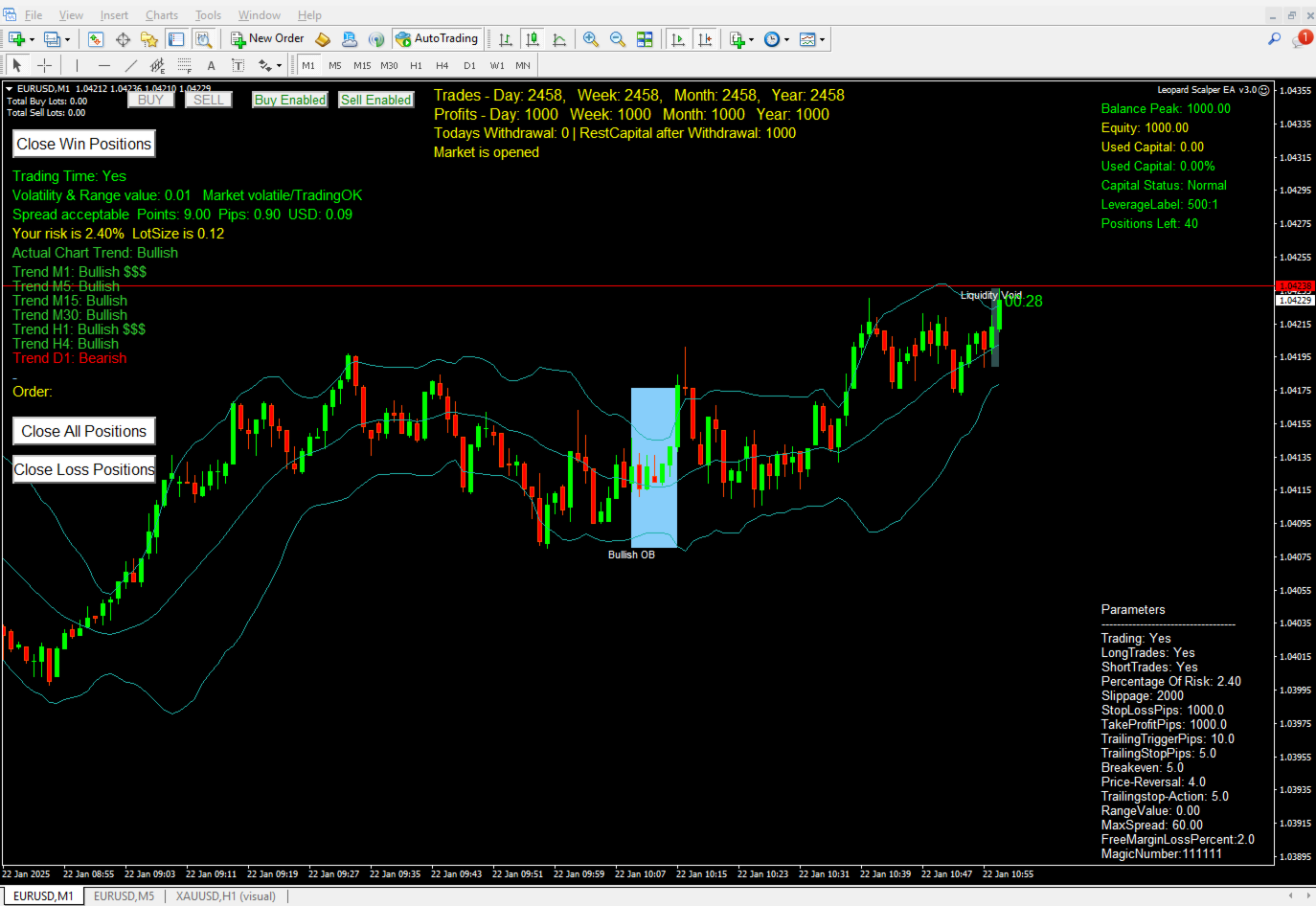
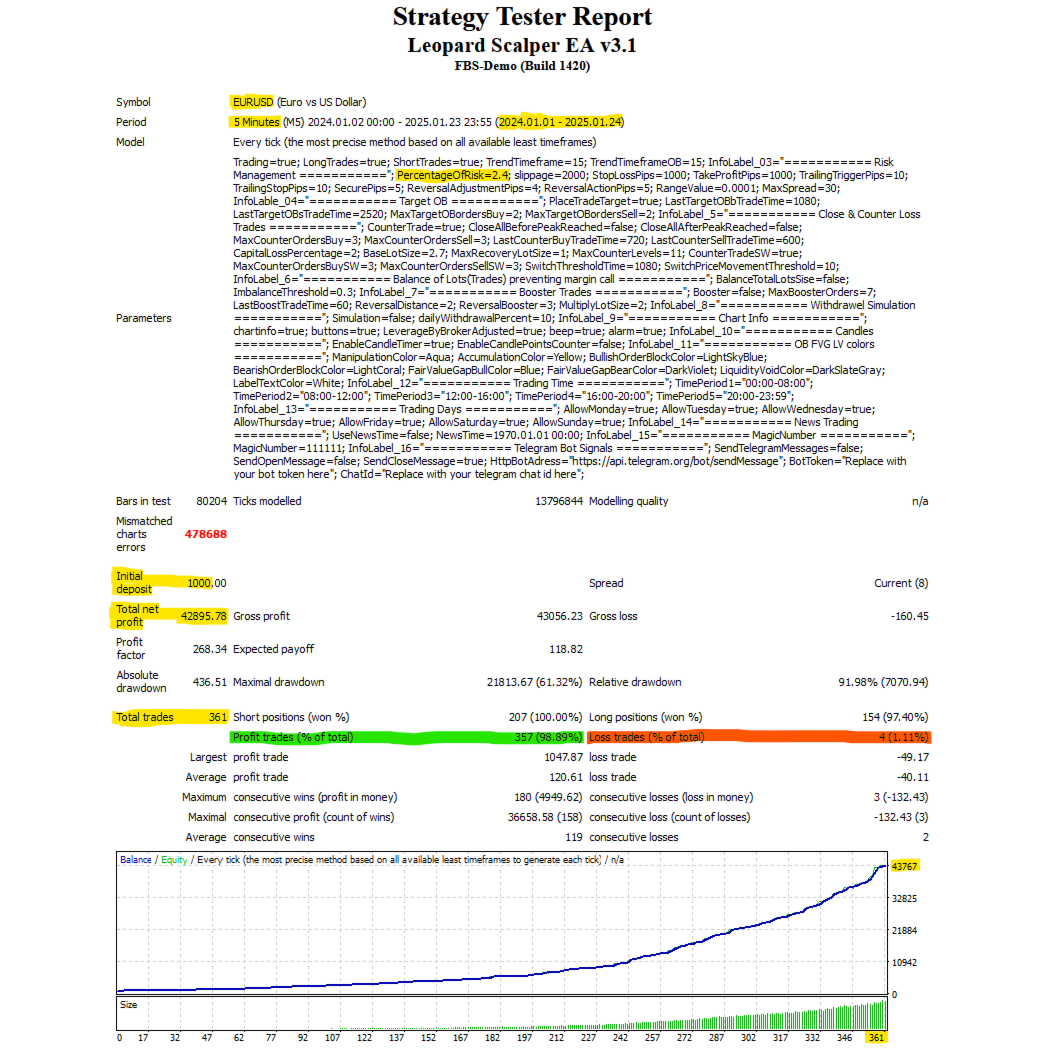
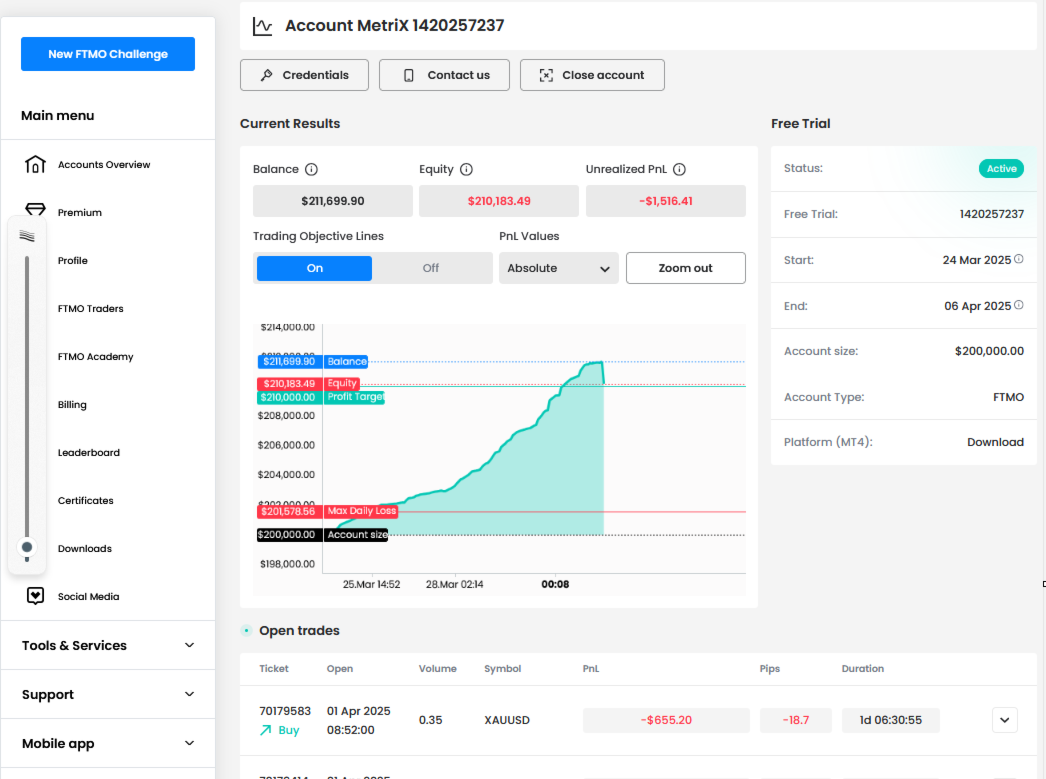
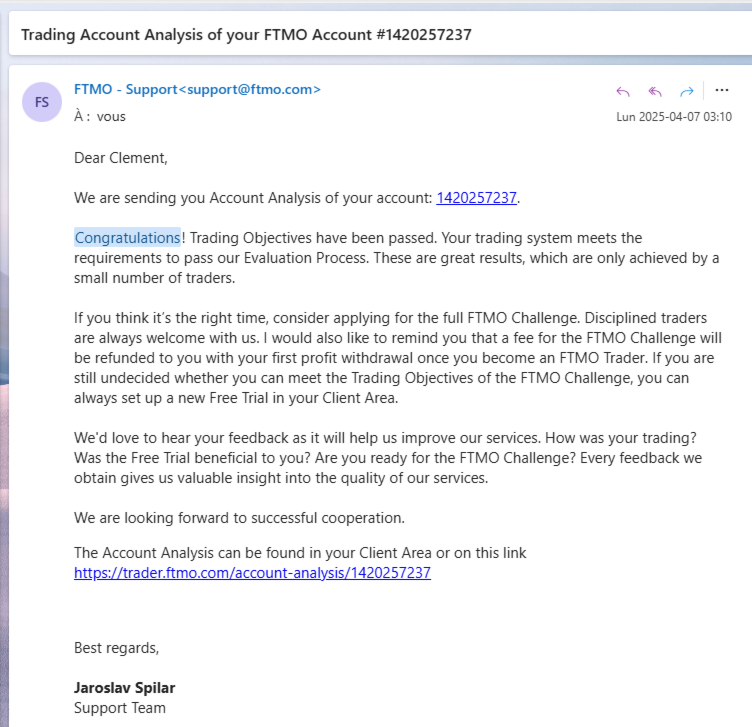







































Scam I have 4 days start it 2 different accs one Real one on Demo and after one day acc blowing
Kind Regards. Me again:
As discussed with you earlier, start on a demo account and get to learn to use the tool and its parameters. Start with 0.01% risk. This is less than 0.01 lots, but since 0.01 is mostly the minimum you can trade, the lot size won't change until your capital becomes important. Then the 0.01% risk will also start growing your lot size, but the risk will stay 0.01% of your capital. Diversify in terms of brokers and instruments. For this, you would have to test the EA and optimize its parameters based on each broker requirements. No one parameters (setup file) works the same for all brokers. This is why testing when using on different brokers is crucial. I built the EA testing it on the broker FBS. If you need any help, contact me on my WhatsApp or telegram. You have the number. Let's get the Leopard Scalper give you the results you want. Thank you. HI, me again,
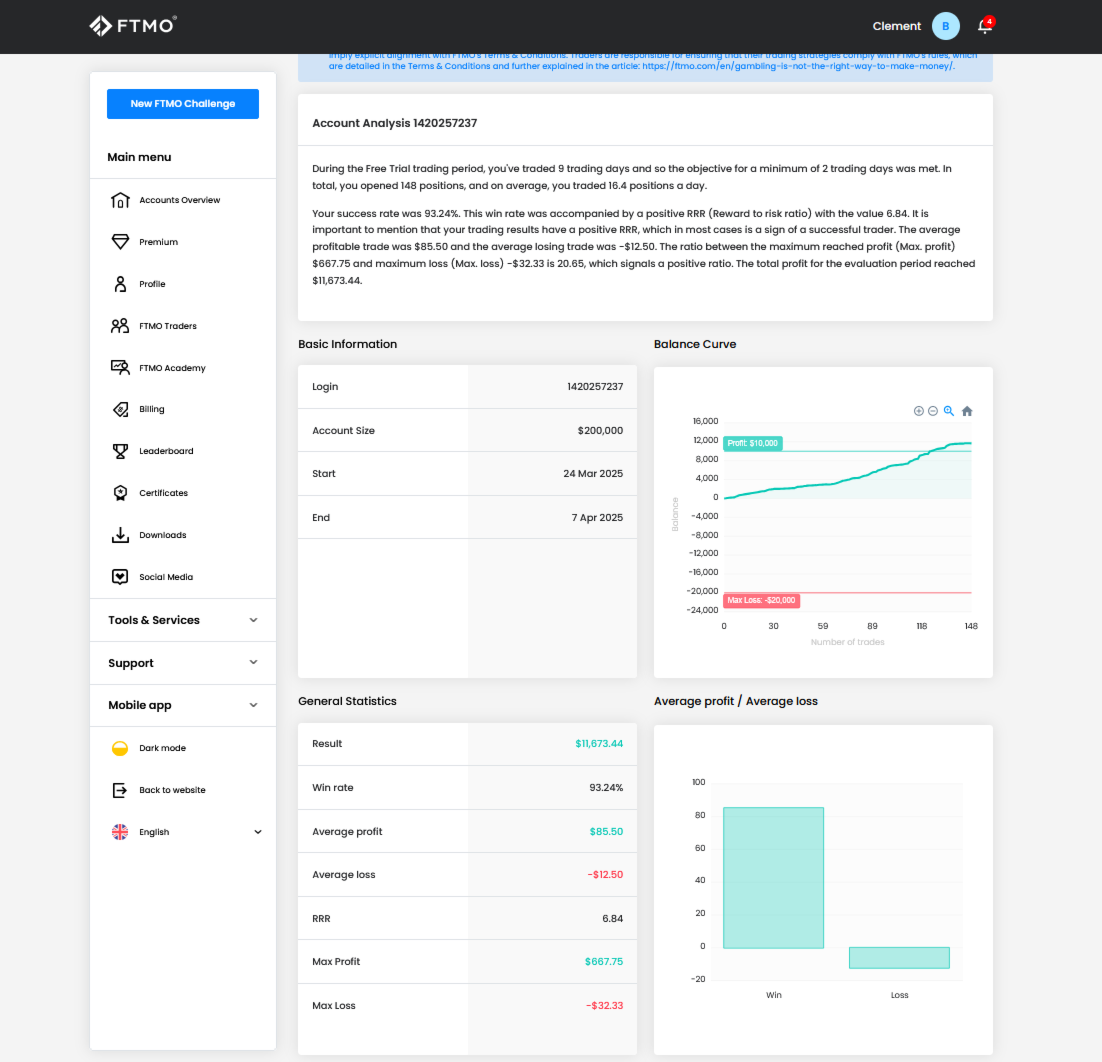
I told you, you have to find the right parameters for your broker. In your screen shots you are trading with 2.3 to 2.6 lots. I don't think I should respond to this here. Please do your research and try acquiring some trading knowledge. Again, to qualify my EA as a scam, just shows what kind of a trader you are. Just for info, He passed the FTMO challenge, if you know what that means. Kind Regards.