Pro Trader MTF Order Block
- Indicators
- Version: 1.0
- Activations: 5

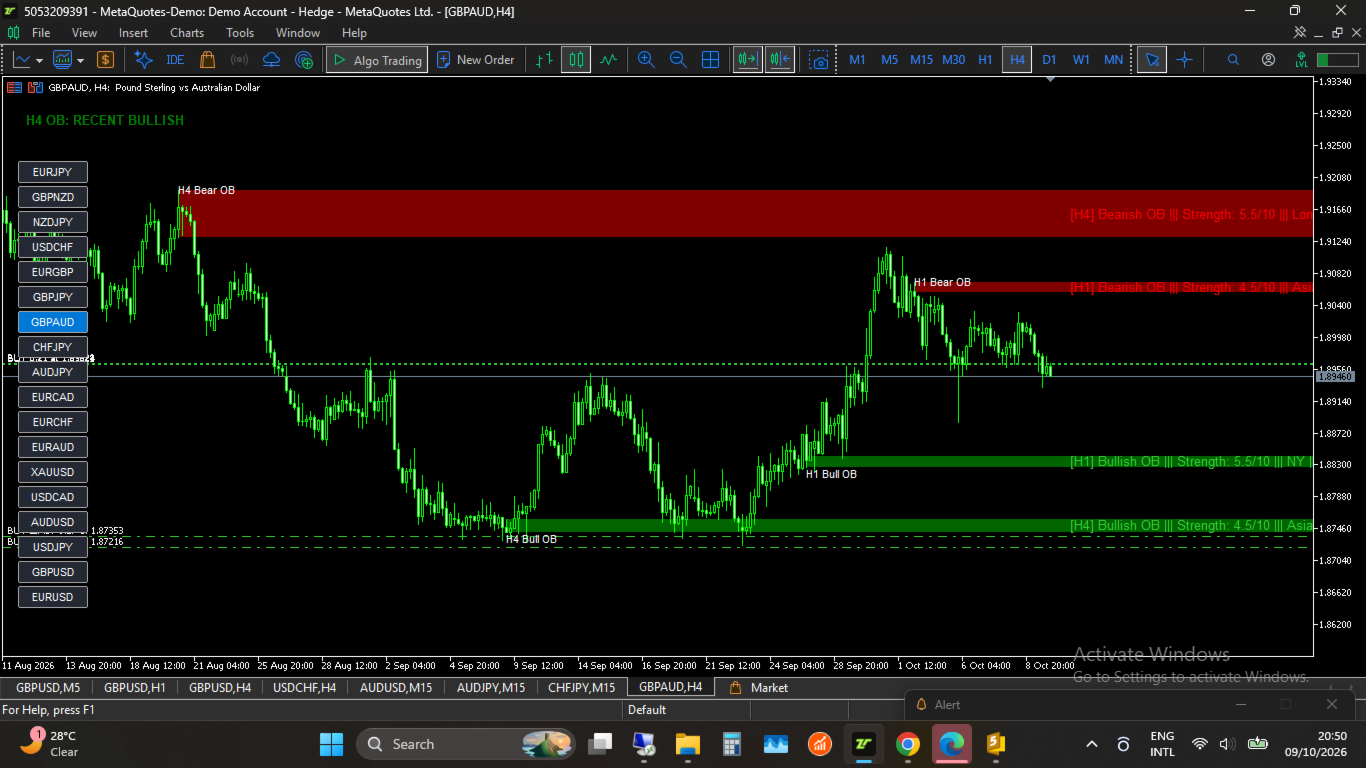
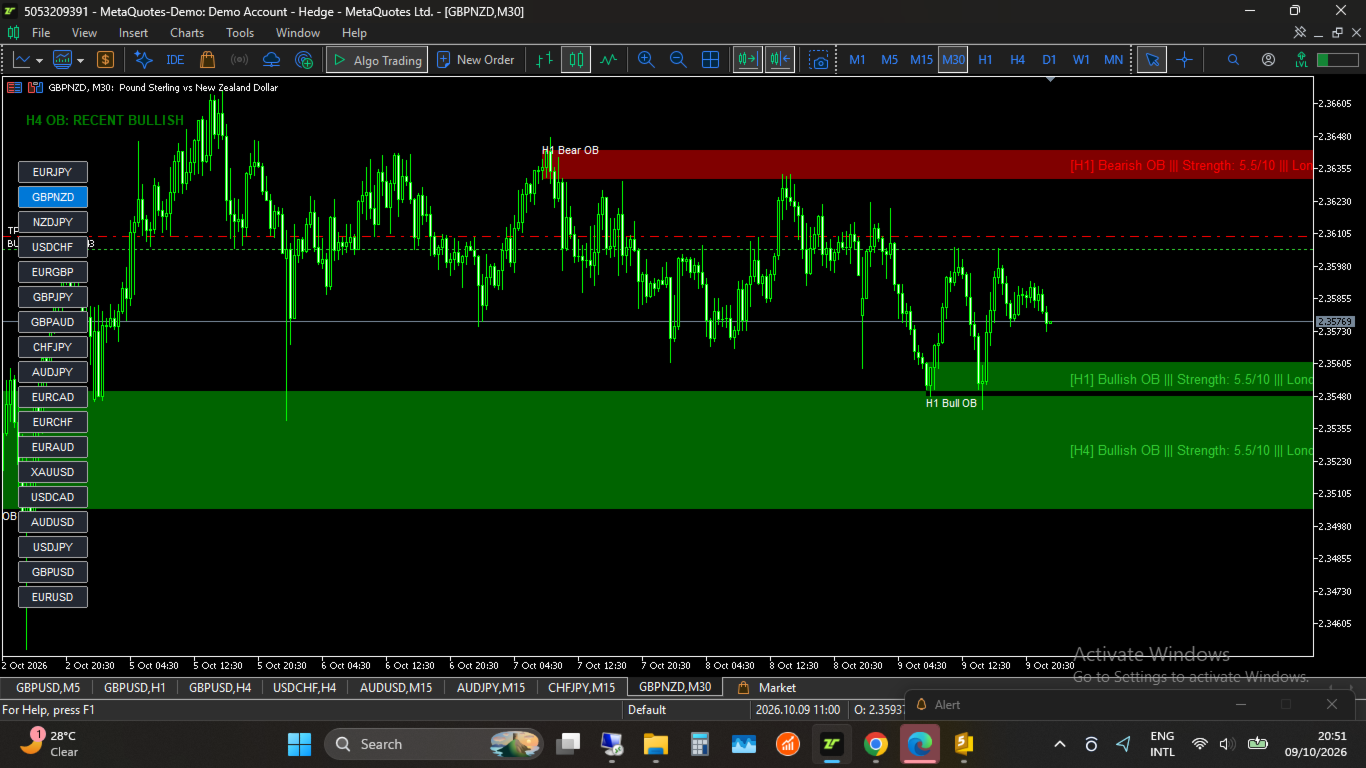
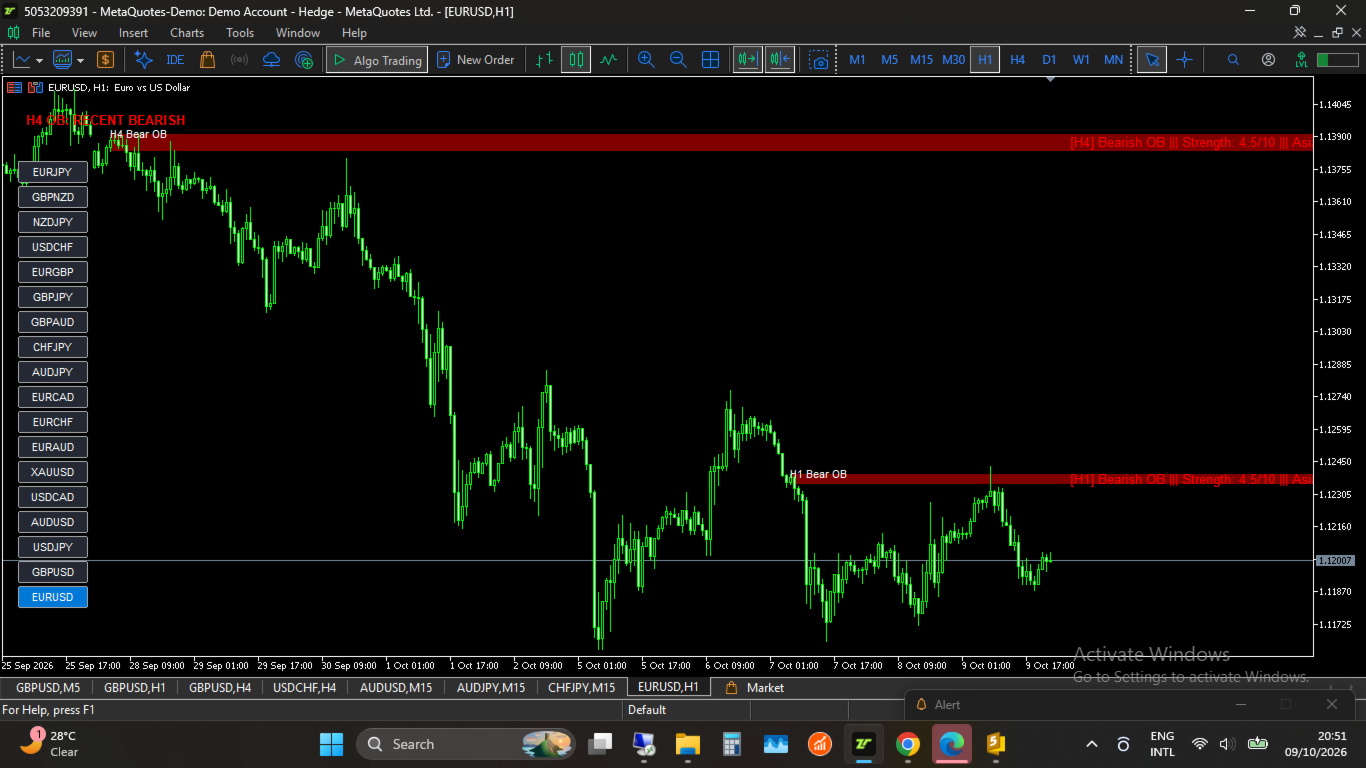
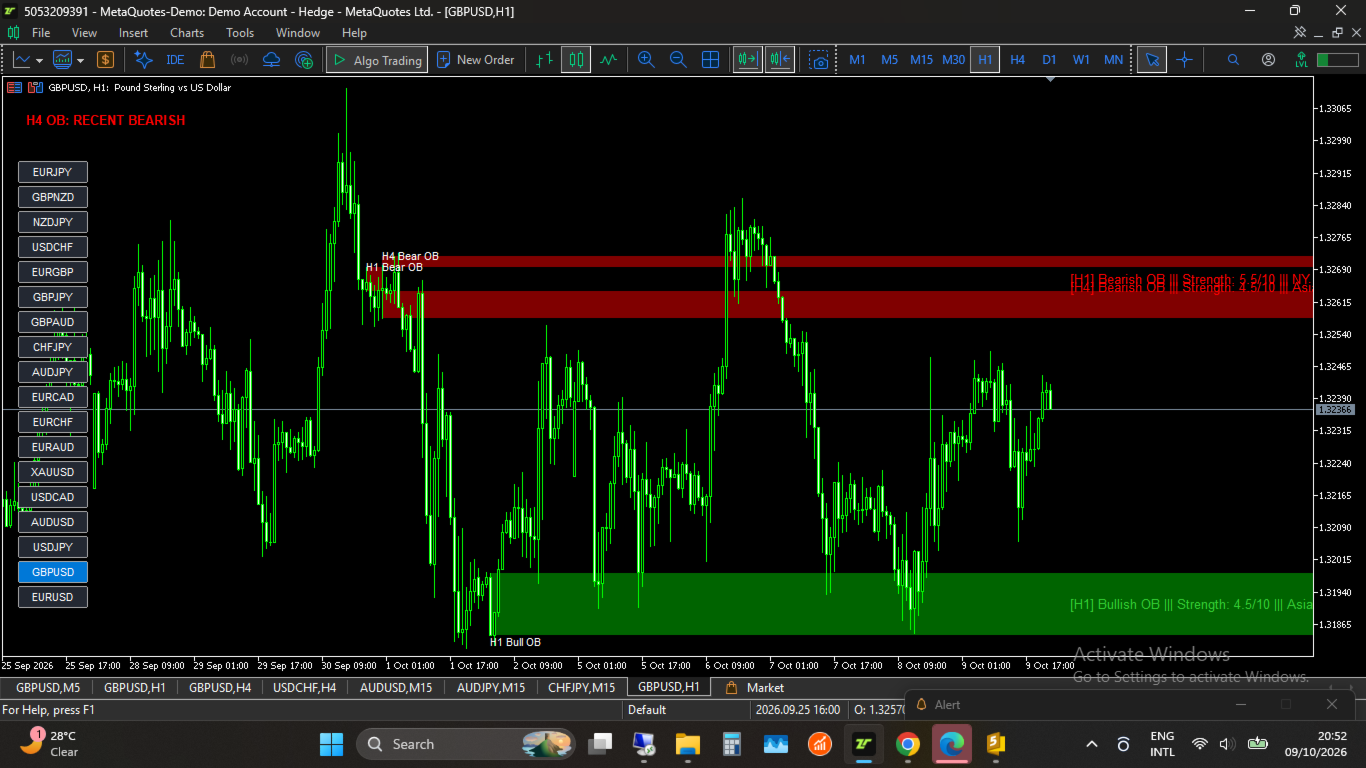
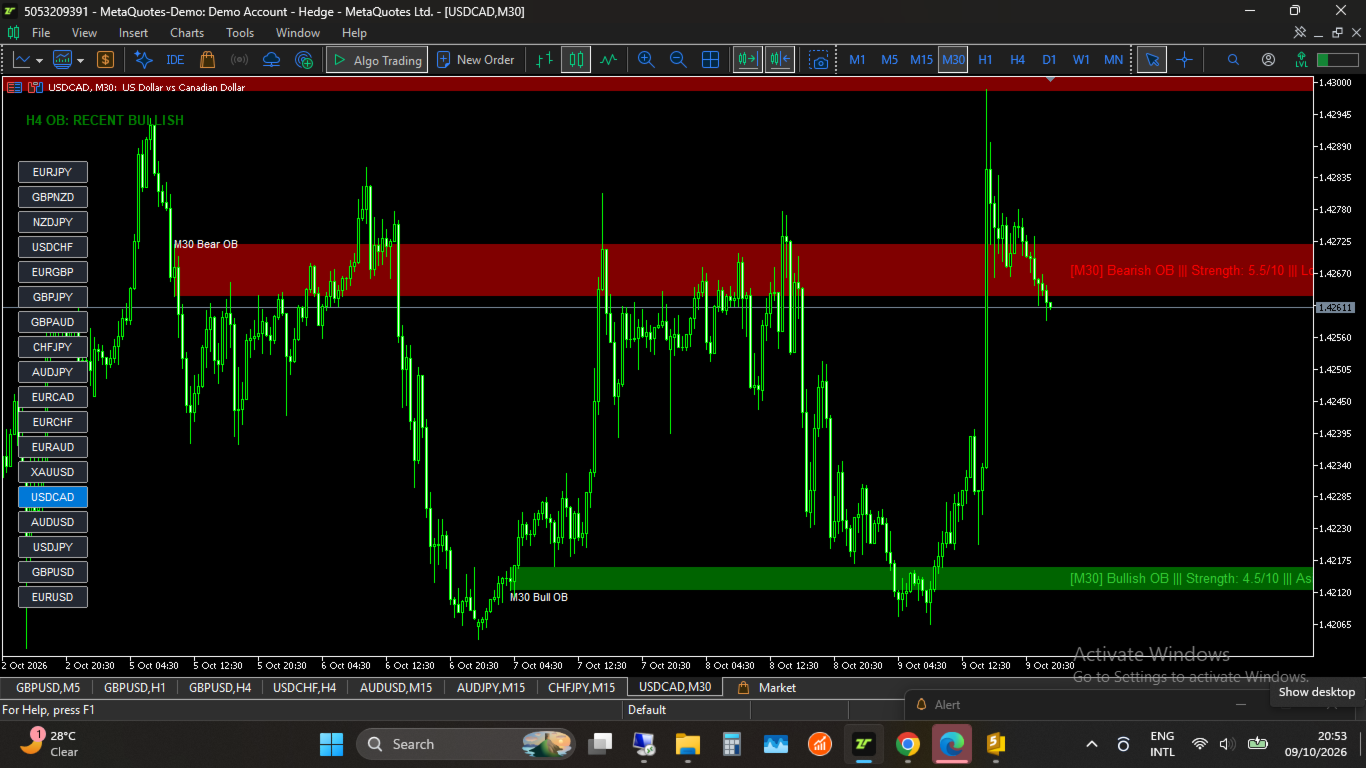
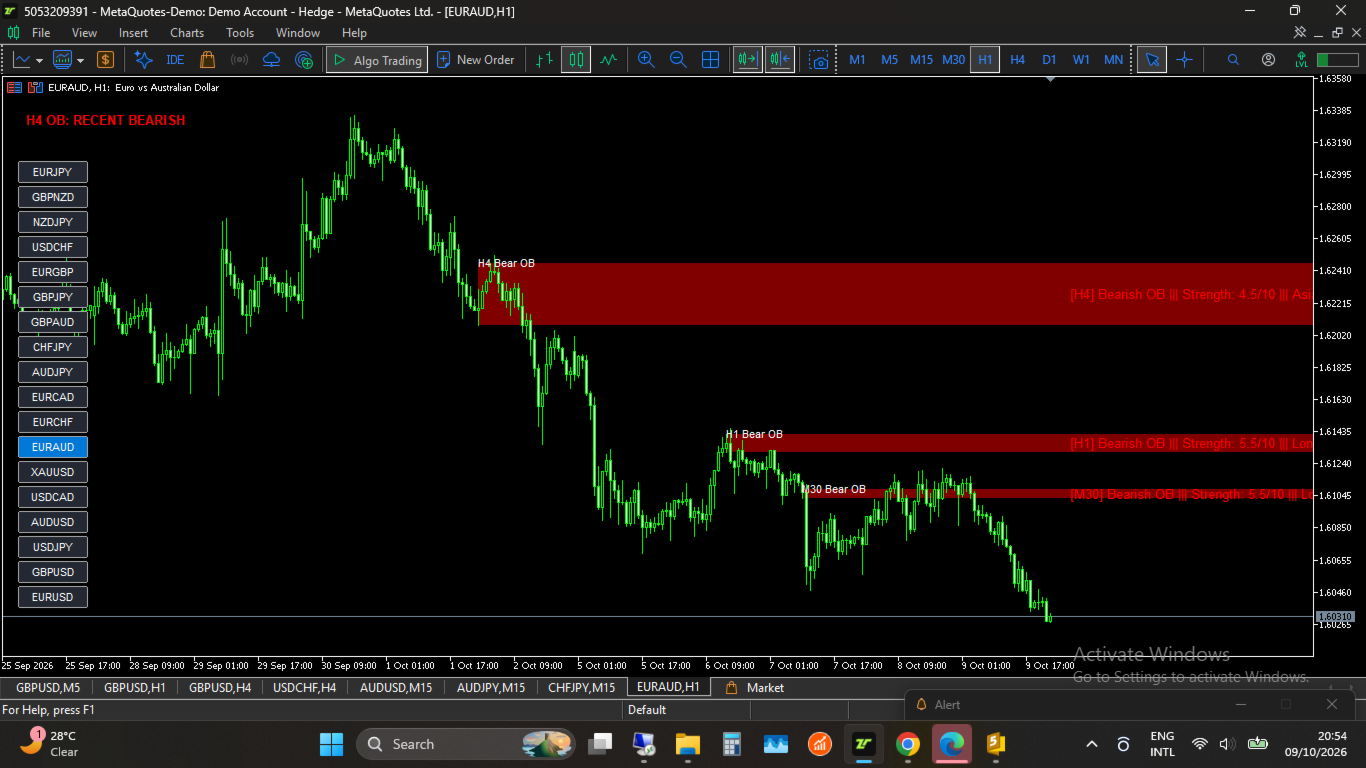
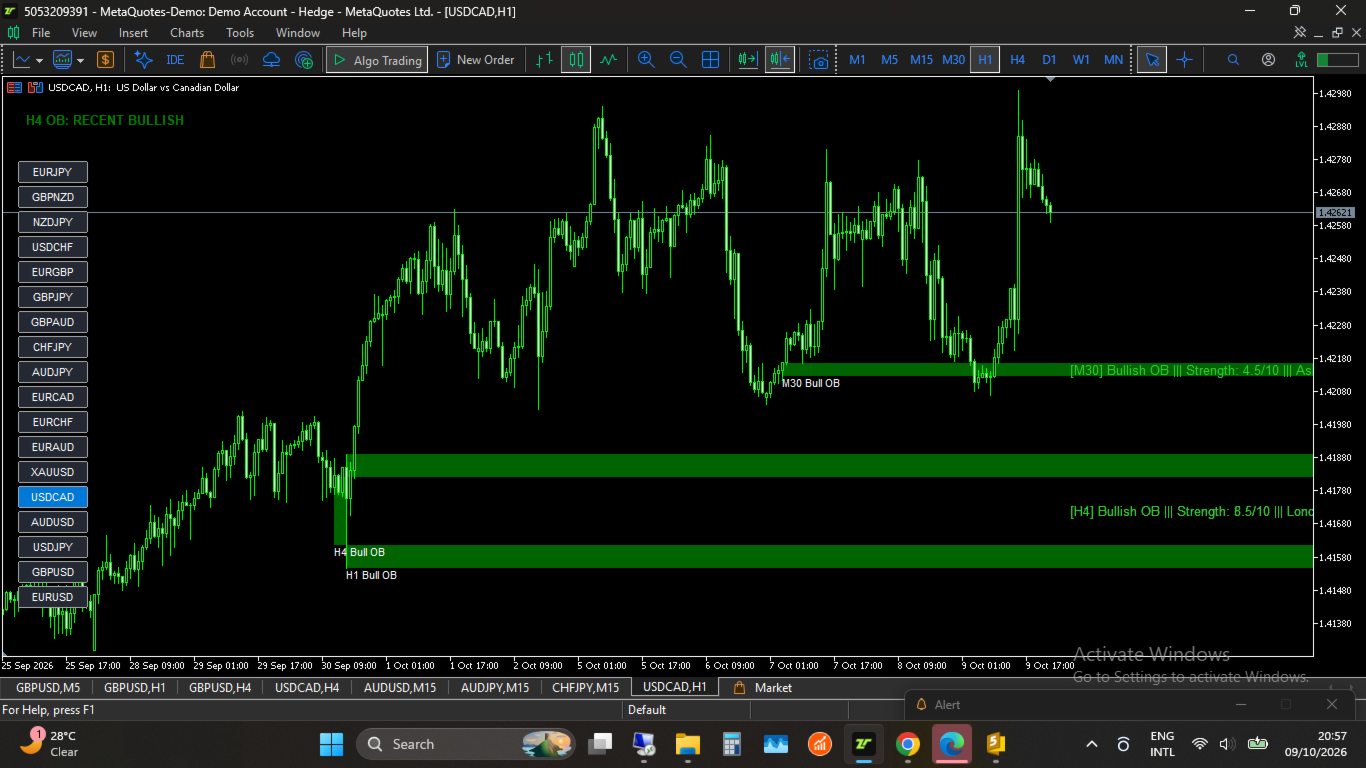
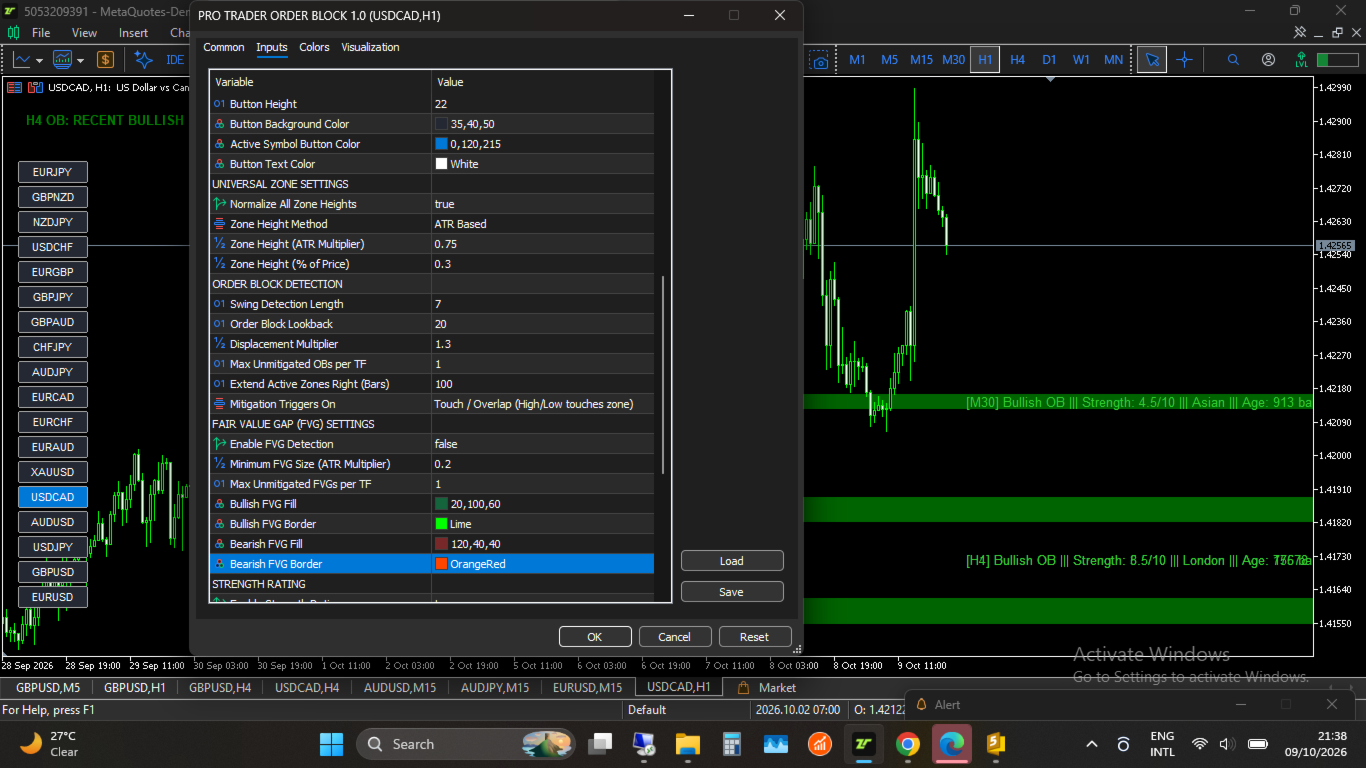
Pro Trader MTF Order Block is a high-performance SMC indicator developed for MetaTrader 5 traders seeking precise top-down market execution. It automatically tracks unmitigated Order Blocks (OB) and Fair Value Gaps (FVG) across multiple timeframes simultaneously—including H4, H1, M30, M15, and M5—and displays them clearly on your active chart window.
Step-by-Step Entry Rules
Follow this systematic top-down framework to execute high-probability trades with the indicator:
-
Identify the Higher-Timeframe Bias: Look at the H4 OB Dashboard on your chart to confirm the direction of the most recent H4 Order Block (Bullish or Bearish).
-
Align Lower-Timeframe Order Flow: Wait for a lower-timeframe (LTF) Order Block on either the H1 or M30 timeframe to form in the same direction as your recent H4 Order Block.
-
Execute on Retest: Wait for price to return and touch the H1 or M30 Order Block zone, then execute your trade entry.
Key Features
-
Multi-Timeframe Zone Plotting: View Order Blocks from higher timeframes (H4, H1) on lower-timeframe entry charts (M5, M15) without changing charts.
-
Instant H4 Directional Bias Panel: Visual header displaying whether the most recent unmitigated H4 Order Block is Bullish or Bearish.
-
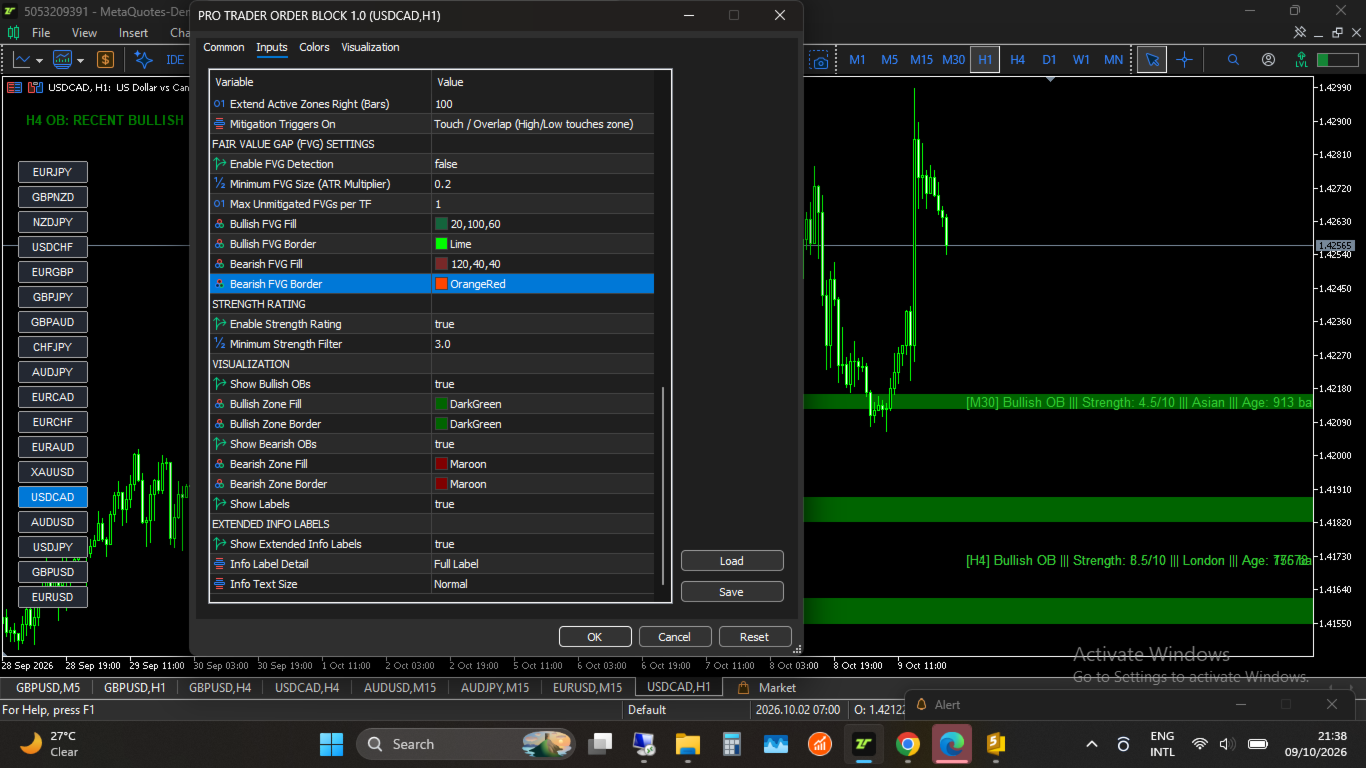
Proprietary Strength Rating (0–10 Scale): Scores every Order Block based on displacement volume, session origin (London/NY), age, and zone height.
-
Normalized Zone Heights: Keep charts clean using ATR-based or Percentage-based zone normalization.
-
Non-Repainting & Optimized Code: Optimized bar-opening calculations ensure zero repainting and smooth chart rendering without lag or visual flickering.
-
Comprehensive Alert Suite: Receive instant notifications via On-Screen Pop-ups, Mobile Push Notifications, and Email when new H4 zones form or when price enters/mitigates active Order Blocks across any timeframe.
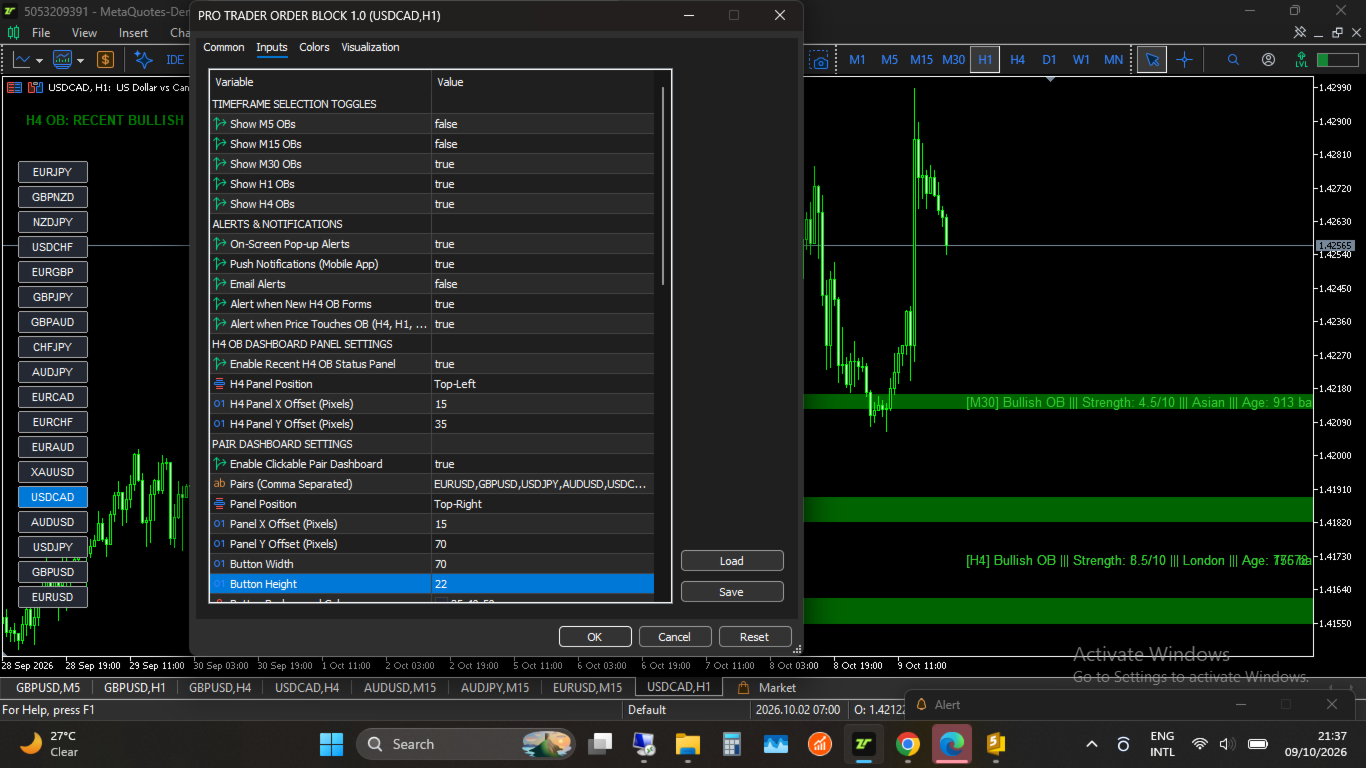
Inputs & Settings
1. Timeframe Selection Toggles
-
Show M5 / M15 / M30 / H1 / H4 OBs ( true/false ): Enable or disable Order Block detection for each timeframe.
2. Alerts & Notifications
-
On-Screen Pop-up Alerts ( true/false ): MT5 terminal alerts.
-
Push Notifications ( true/false ): Sends alerts directly to your mobile app.
-
Email Alerts ( true/false ): Sends notifications to your email.
-
Alert on New H4 OB Formed ( true/false ): Triggers when a fresh H4 zone is detected.
-
Alert on OB Touched ( true/false ): Triggers when price enters an active zone on any timeframe.
3. H4 Dashboard Settings
-
Enable H4 Status Panel ( true/false ): Displays recent H4 Order Block status header.
-
Panel Position & Offsets: Adjust corner placement and pixel offsets.
4. Detection & Filtering Parameters
-
Swing Length: Adjusts sensitivity for swing high/low detection.
-
Displacement Multiplier: Sets the expansion threshold required to validate institutional Order Blocks.
-
Max Unmitigated Zones per TF: Controls the number of active zones per timeframe.
-
Mitigation Triggers: Choose between Touch/Overlap or Candle Close beyond the zone boundary.
Technical Specifications
-
Platform: MetaTrader 5 (MQL5)
-
Chart Type: Any currency pair, Crypto, Stock Index, or Commodity
-
Timeframes: M1 through D1 charts